
1. Pwodwi souview
The Magcubic Smart Projector HY350GT is a portable projector designed for versatile entertainment and presentation needs. It features 4K support, native 1080P resolution, and a built-in 4K TV stick for direct access to streaming applications. Key functionalities include automatic focus, keystone correction, obstacle avoidance, and screen alignment, ensuring a clear and properly framed image with minimal manual adjustment. Dual-band Wi-Fi and Bluetooth 5.1 provide robust connectivity options for various devices and audio accessories.
2. Ki sa ki nan bwat la
- Magcubic Smart Projector HY350GT
- Adaptè pouvwa
- Kontwòl Remote
- Manyèl Itilizatè (dokiman sa a)
3. Enstriksyon Enstalasyon
3.1 Premye plasman ak koneksyon kouran an
Place the projector on a stable, flat surface. The flexible rotating stand allows for projection onto walls or ceilings. Connect the power adapter to the projector's power input port and then to a power outlet.

Image: The Magcubic HY350GT projector demonstrating its flexible rotating stand for various projection angles, including walls and ceilings.
3.2 Automatic Image Correction
Upon powering on, the projector will automatically perform several corrections:
- Konsantre Auto: The image will automatically sharpen.
- Koreksyon Keystone Auto: The image will adjust to be rectangular, even if the projector is at an angle.
- Evite obstak oto: The projector detects walls and barriers, adjusting the image to avoid interference.
- Aliyman ekran otomatik: The image will align itself to the projection surface.
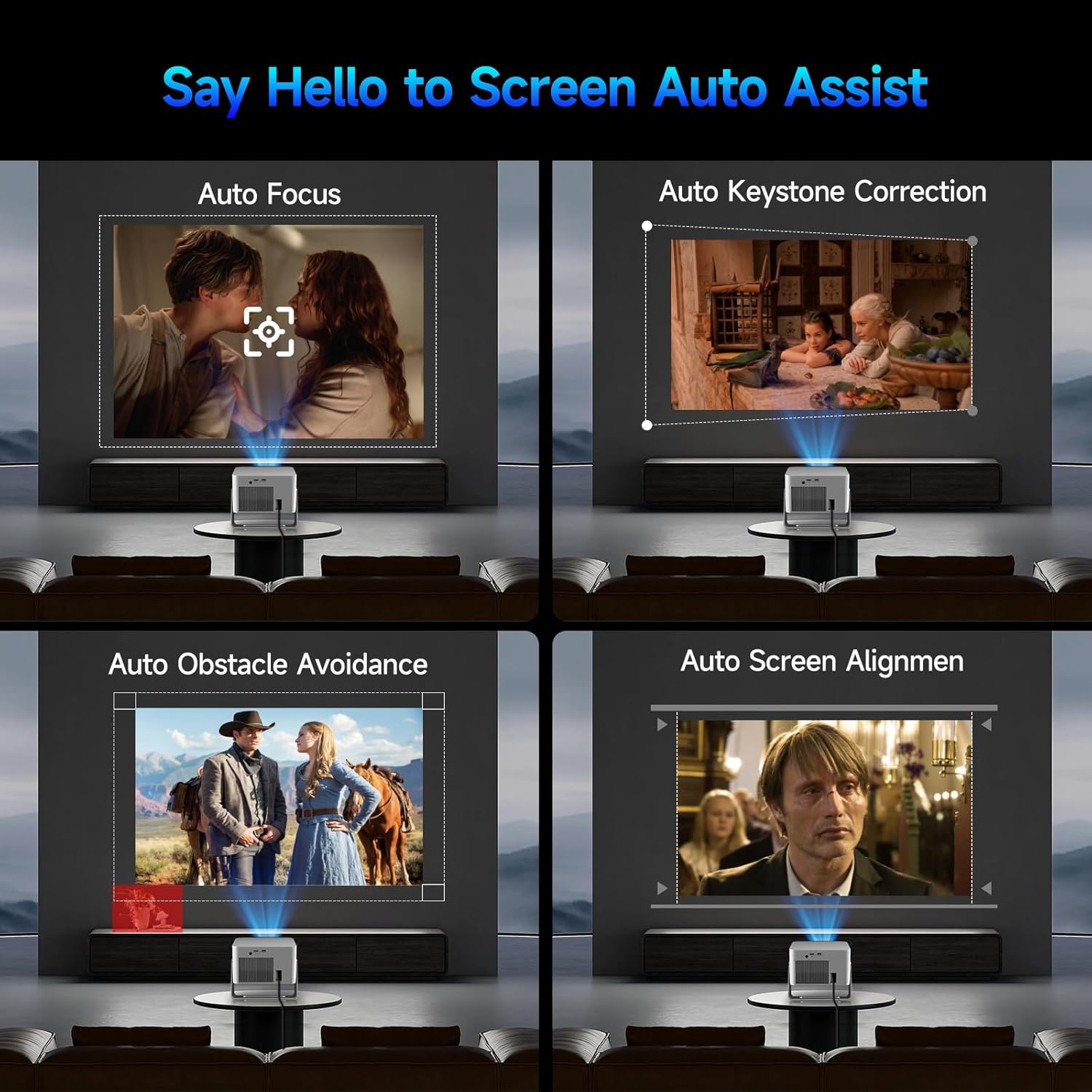
Image: Visual representation of the projector's automatic screen assist features, including auto focus, keystone correction, obstacle avoidance, and screen alignment.
3.3 Rezo Koneksyon
Navigate to the 'Settings' menu using the remote control. Select 'Network settings' to connect to your Wi-Fi network (2.4G or 5G). This enables access to built-in streaming apps and online content.
4. Operasyon Enstriksyon
4.1 Remote Control and Voice Assistant
The included remote controls both the projector and the built-in streaming stick. Utilize the Voice Assistant feature by pressing the voice command button to quickly open apps, play movies, adjust volume, or check information.
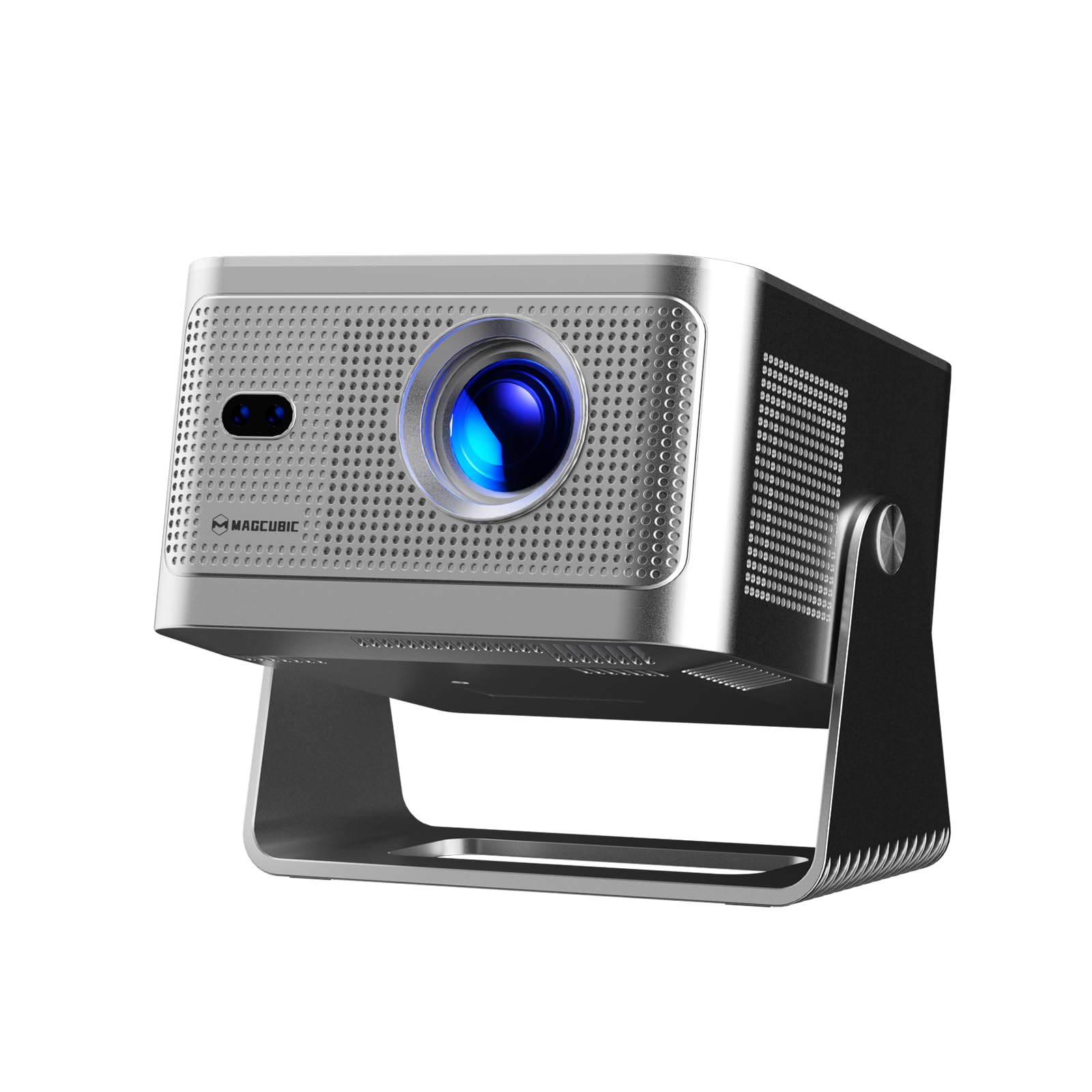
Image: The projector's main screen showing various streaming apps and the remote control, highlighting its voice assistant capabilities.
4.2 Aksè Aplikasyon yo
The projector comes with a built-in 4K TV stick, providing access to a wide range of applications. Navigate to 'My Apps' or the 'Store' to browse and download additional streaming services and utilities.

Image: The projector's interface showing pre-installed and downloadable streaming applications.
4.3 Projection Settings
In the 'Settings' menu, select 'Projection settings' to fine-tune your display:
- Mòd Aparèy: Switch between Standard and Energy Saving modes.
- Mode Enstalasyon: Adjust for front projection, rear projection, or ceiling mounting.
- Digital Scaling: Adjust image size from 80% to 100%.
- Konsantre Auto: Toggle automatic focus on/off.
- Auto Four Corner Correction: Enable automatic trapezoidal correction.
- Evite Obstak Entelijan: Enable automatic image adjustment around obstacles.
- Screen Recognition: Enable automatic screen detection and alignment.
4.4 Sòti odyo
The projector features a built-in 15W high-fidelity stereo speaker. For external audio, connect Bluetooth 5.1 compatible speakers or headphones via the 'Bluetooth' setting in the main menu.
4.5 Koneksyon ekstèn
The rear panel of the projector includes:
- HDMI Port: Connect external devices such as laptops, gaming consoles (Switch, PS5), TV sticks, tablets, or smartphones.
- Pò USB: Connect USB storage devices or a mouse for navigation.

Imaj: Detaye view of the projector's rear ports for HDMI, USB, and power connections.
4.6 Miroir ekran
The projector supports screen mirroring from both Android and iOS devices. Access this feature through the main menu to cast content directly from your phone or tablet.

Image: A smartphone wirelessly casting its screen to the projector, demonstrating the screen mirroring capability.
5. Antretyen
- Netwayaj lantiy: Siye lantiy pwojektè a dousman avèk yon twal mou ki pa gen pousyè. Evite materyèl abrazif oswa pwodui chimik ki agresif.
- Vantilasyon: Ensure the projector's ventilation ports are clear of obstructions to prevent overheating. Do not block the air vents during operation.
- Depo: Lè w pa ap itilize pwojektè a, sere l nan yon kote ki fre epi sèk, lwen limyè solèy dirèk ak tanperati ekstrèm.
NAN. Depanaj
- Pa gen imaj: Ensure the projector is powered on and the correct input source (HDMI, USB, or internal apps) is selected. Check all cable connections.
- Imaj flou: Allow the auto-focus feature to complete. If needed, manually adjust focus via the projection settings. Ensure the projection surface is flat.
- Pa gen son: Check the volume level on both the projector and any connected external audio devices. Verify Bluetooth connection if using external speakers.
- Pwoblèm Koneksyon: For Wi-Fi, ensure the network password is correct and the projector is within range. For Bluetooth, ensure the external device is in pairing mode.
- Distòsyon imaj: Allow auto keystone correction to complete. If necessary, manually adjust keystone settings in the projection menu.
7. Espesifikasyon
| Karakteristik | Spesifikasyon |
|---|---|
| Non mak | Magcubic |
| Modèl | HY350GT |
| Pwa atik | 3.08 liv |
| Dimansyon pake | 9.61 x 8.27 x 5.39 pous |
| Rezolisyon ekspozisyon | 1920 x 1080 (Native 1080P, 4K Support) |
| Klète | 650 ANSI lumèn |
| Pwopòsyon kontras | 10,000:1 |
| Gamut koulè | 120% |
| Koneksyon Teknoloji | Bluetooth 5.1, Dual-Band Wi-Fi (2.4G&5G) |
| Karakteristik espesyal | 15W Speaker, Auto Focus, Auto Keystone Correction, Auto Obstacle Avoidance, Auto Screen Alignment |
| Itilizasyon Rekòmande | Biznis, Edikasyon, Jwèt Videyo, Sinema Lakay |
8. Garanti ak sipò
Magcubic offers a 30-day return guarantee for this product. Additionally, 24-hour live customer support and lifetime technical support are included to assist with any inquiries or issues.