
Entwodiksyon
This manual provides essential instructions for setting up, operating, and maintaining your SGIN-T12S Android Tablet. Please read this guide thoroughly to ensure proper use and to maximize your tablet's performance and longevity.

Image: The SGIN-T12S Android Tablet, showcasing its 12-inch screen with the Android 13 operating system and a protective blue case.
Enstalasyon
1. Aparèy souview ak Pò yo

Image: A detailed diagram illustrating the various components and ports of the SGIN-T12S tablet, including cameras, power button, volume controls, speakers, Type-C port, and TF mount.
- Kamera devan: Pou apèl videyo ak selfie.
- Kamera dèyè: Pou pran foto ak videyo.
- Pouvwa ON / OFF bouton: Peze epi kenbe sou pouvwa sou oswa sou.
- Increase Volume Button: Ajiste nivo pwodiksyon odyo a.
- Reduce Volume Button: Ajiste nivo pwodiksyon odyo a.
- Oratè Stereo: Bay pwodiksyon odyo.
- TF Mount: Slot for inserting a Micro TF (microSD) card.
- Kalite-C Port: Pou chaje ak transfè done.
2. Chaje tablèt la
Before first use, fully charge your tablet. Use the included Type-C fast charger.
- Connect the Type-C cable to the tablet's Type-C port.
- Ploge plato a nan yon priz kouran.
- Endikatè batri a sou ekran an ap montre eta chaj la.
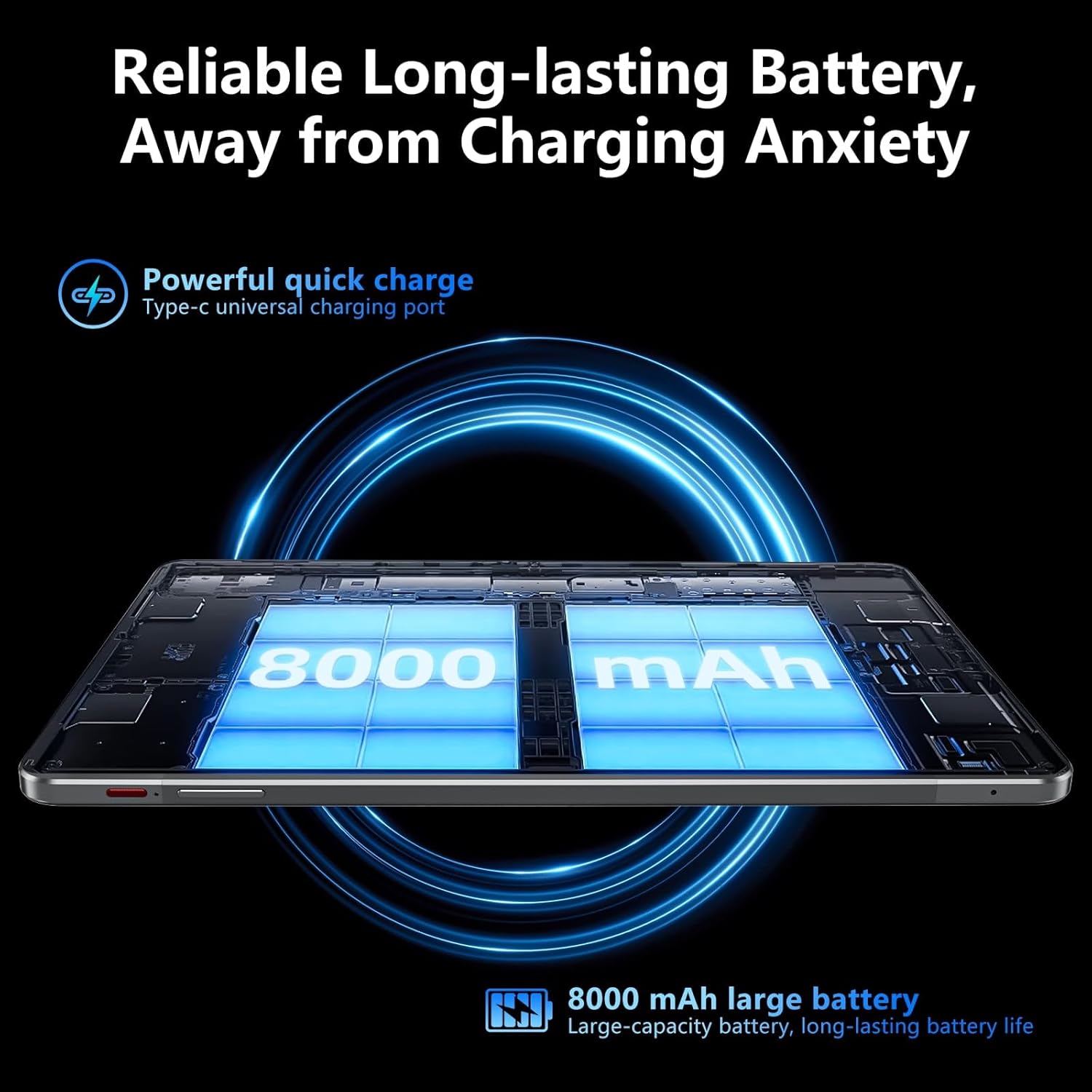
Image: Visual representation of the tablet's 8000mAh battery capacity and the Type-C universal charging port, emphasizing long battery life.
3. Powering On / Off
- Pou limen: Press and hold the Power ON/OFF button until the SGIN logo appears.
- Pou etenn: Press and hold the Power ON/OFF button, then select 'Power off' from the options on the screen.
- Pou rekòmanse: Press and hold the Power ON/OFF button, then select 'Restart' from the options.
4. Inisyal Enstalasyon
Upon first power-on, the tablet will guide you through the initial setup process for Android 13. This includes:
- Chwazi lang ou.
- Konekte nan yon rezo Wi-Fi.
- Setting up your Google account (required for Google Mobile Services and app downloads).
- Setting up screen lock (PIN, pattern, or password).
5. Mete yon Kat Mikwo TF
To expand storage, insert a Micro TF (microSD) card into the TF mount.
- Locate the TF mount on the side of the tablet (refer to the Device Overview imaj).
- Gently insert the Micro TF card into the slot until it clicks into place.
- The tablet supports up to 256GB TF card expansion.
Enstriksyon Operasyon
1. Display and Touch Screen
The tablet features an 11.97-inch Full HD IPS touch screen with a resolution of 1920x1200 pixels.
- Jès manyen: Use standard Android touch gestures such as tap, swipe, pinch-to-zoom, and long-press.
- Wotasyon ekran: The display automatically adjusts orientation based on how you hold the tablet. This can be locked or unlocked in the Quick Settings panel.
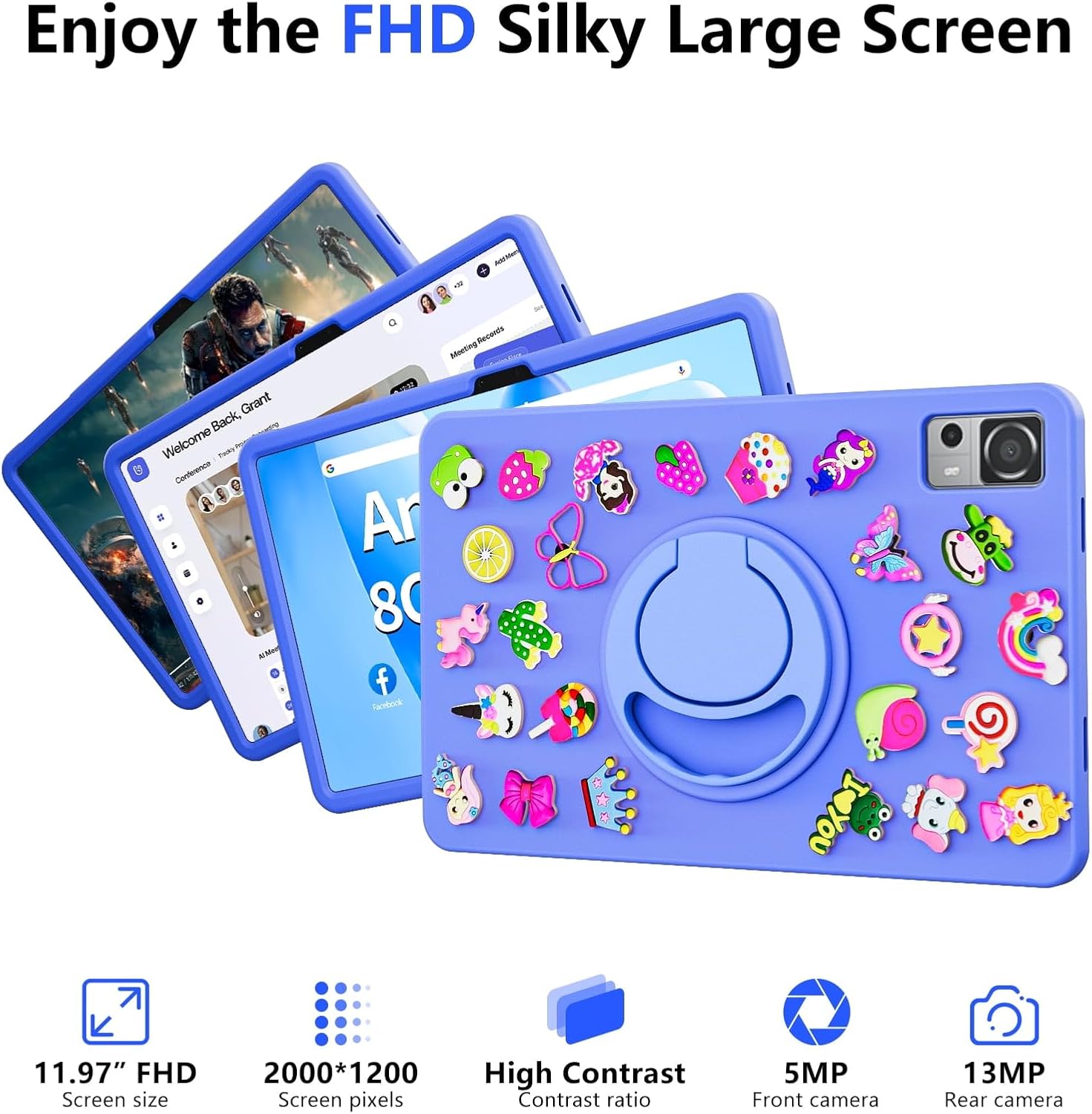
Image: The SGIN-T12S tablet highlighting its 11.97-inch FHD screen, 2000x1200 pixel resolution, 5MP front camera, and 13MP rear camera.
2. Kamera
Tablèt la ekipe ak yon kamera devan 5MP ak yon kamera dèyè 13MP.
- Louvri aplikasyon Kamera a nan ekran prensipal la oswa nan tiwa aplikasyon an.
- Chanje ant kamera devan ak dèyè a lè l sèvi avèk ikòn ki sou ekran an.
- Tap to focus and press the shutter button to capture photos or start/stop video recording.
3. Odyo
Experience immersive sound with the tablet's quad speakers and 3.5mm headphone jack.
- Kat Oratè: Located on the sides of the tablet, providing stereo sound.
- Kas ekoutè Jack: Konekte kas ekoutè 3.5mm estanda pou koute mizik an prive.
- Adjust volume using the physical volume buttons or the on-screen controls.

Image: The SGIN-T12S tablet illustrating its surround four-speaker stereo system, designed for an immersive audio experience.
4. Koneksyon
- Wi-Fi: Supports dual-band Wi-Fi (2.4G/5G). Go to Anviwònman > Rezo ak entènèt > Wi-Fi pou konekte ak rezo ki disponib yo.
- Bluetooth 5.0: For connecting wireless accessories like headphones, keyboards, or mice. Go to Anviwònman> Aparèy Konekte> Preferans Koneksyon> Bluetooth pou konekte aparèy yo.
5. Depo ak Pèfòmans
The tablet comes with 8GB RAM and 256GB internal storage, expandable via Micro TF card.
- RAM: 8GB LPDDR4 RAM ensures smooth multitasking and app performance.
- Depo Entèn: 256GB ROM for apps, photos, videos, and documents.
- Depo dilatabl: Supports Micro TF cards up to 256GB for additional storage.
- Processeur: Powered by an ARM high-performance 8-core CPU with a frequency up to 2GHz for efficient operation.
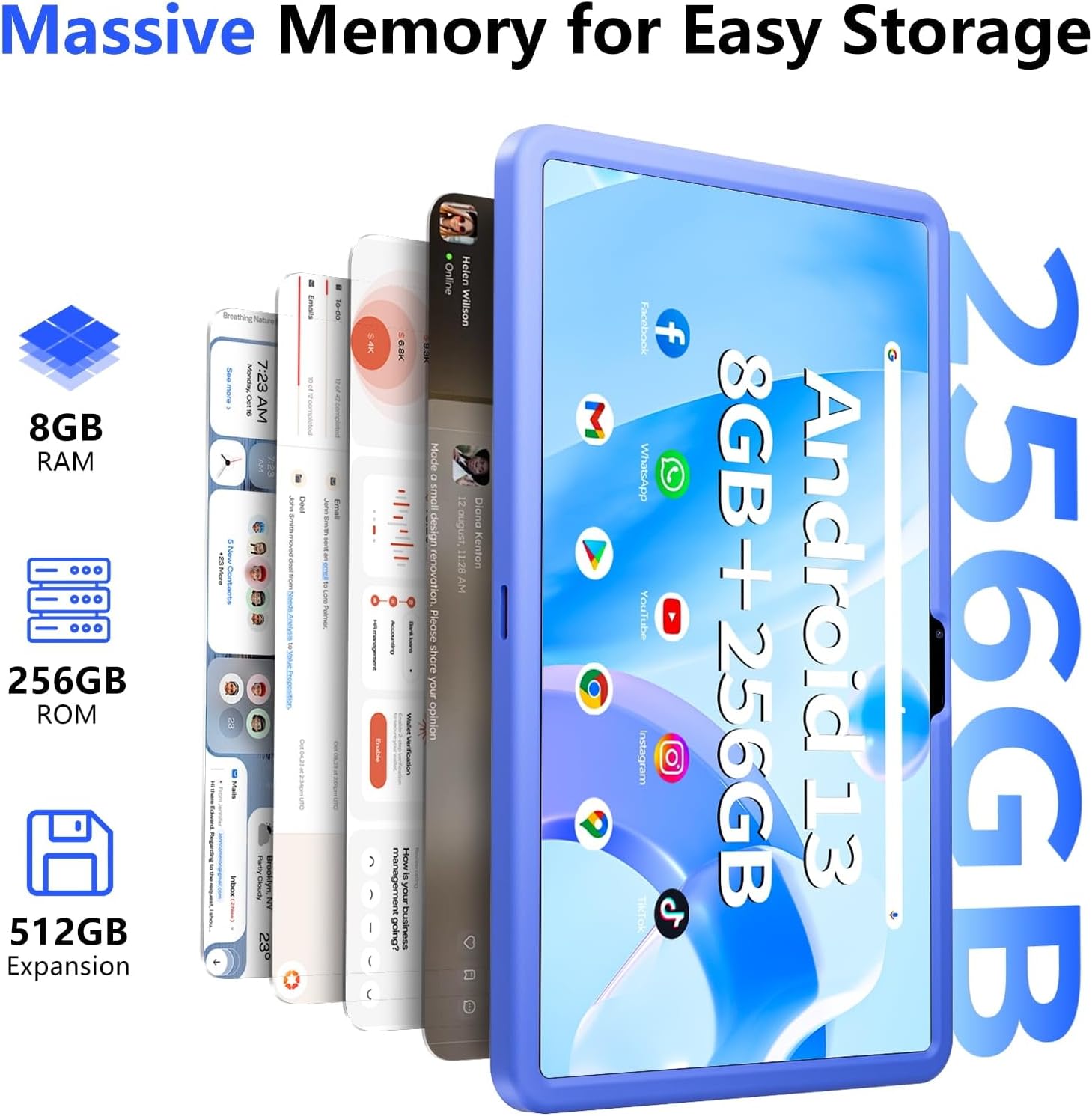
Image: The SGIN-T12S tablet emphasizing its large memory capacity, including 8GB RAM, 256GB ROM, and the potential for 512GB expansion.
6. Sistèm operasyon Android 13
The tablet runs on Android 13, offering enhanced security and personalization features.
- Sekirite: Android 13 provides improved privacy controls and system security.
- Pèsonalizasyon: Customize your tablet's interface, themes, and widgets to suit your preferences.
- Google Mobile Services: Access to Google Play Store for apps, Gmail, Google Maps, and other Google services.

Image: The SGIN-T12S tablet highlighting the benefits of Android 13, such as enhanced security and personalization, alongside its matte metal body and silicone shell options.
Antretyen
1. Netwayaj
- Sèvi ak yon twal mou ki pa gen pousyè pou netwaye ekran an ak kò tablèt la.
- Pou tach ki difisil pou retire, yon ti kras dampRense twal la avèk dlo oswa yon solisyon pou netwaye ekran.
- Evite itilize pwodui chimik ki agresif, materyèl abrazif, oswa imidite twòp.
2. Swen batri
- Evite tanperati ekstrèm, paske yo ka diminye lavi batri a.
- For optimal battery health, avoid frequently discharging the battery completely or keeping it at 100% charge for extended periods.
- The 8000mAh battery provides approximately 7-9 hours of usage depending on activity.
3. Mizajou lojisyèl
- Regularly check for and install system updates to ensure your tablet has the latest features, security patches, and performance improvements.
- Ale nan Anviwònman > Sistèm > Mizajou sistèm pou tcheke pou mizajou.
Depanaj
- Tablèt la pa limen: Ensure the tablet is charged. Connect it to the charger and wait a few minutes before attempting to power on again. If it still doesn't turn on, try holding the power button for 10-15 seconds.
- Ekran an pa reponn: Try restarting the tablet. If the issue persists, ensure the screen is clean and free of debris.
- Pwoblèm koneksyon Wi-Fi: Check if Wi-Fi is enabled in settings. Restart your router and the tablet. Ensure you are within range of the Wi-Fi signal and have entered the correct password.
- Aplikasyon yo ap plante oswa bloke: Close and reopen the app. Clear the app's cache (Settings > Apps > [App Name] > Storage & cache > Clear cache). If the problem continues, uninstall and reinstall the app.
- Pèfòmans ralanti: Close unnecessary background apps. Clear cached data. Consider removing unused apps or large files pou libere espas depo.
Espesifikasyon
| Karakteristik | Spesifikasyon |
|---|---|
| Non modèl | SGIN-T12S |
| Sistèm operasyon | Android 13 |
| Gwosè ekran | 11.97 pous |
| Rezolisyon ekran maksimòm | 2000*1200 Pixels (FHD IPS) |
| Processeur | ARM Octa-Core 2.0 GHz (ARM_Cortex_A5) |
| RAM | 8 GB DDR4 SDRAM |
| Hard Drive (ROM) | 256 GB |
| Depo dilatabl | Supports Micro TF card up to 256 GB |
| Kamera devan | 5 MP |
| Kamera dèyè | 13 MP |
| Kalite san fil | 802.11bgn (Dual-band 2.4G/5G Wi-Fi) |
| Bluetooth | Bluetooth 5.0 |
| Batri | 8000 mAh Lithium Ion (Average 6-9 hours) |
| Pò | Type-C, Micro TF slot, 3.5mm Headphone Jack |
| Odyo | Quad Speakers |
| Pwa atik | 2.2 liv (apeprè 500 gram) |
| Dimansyon pwodwi | 11.97 x 6.85 x 0.3 pous |
Garanti ak sipò
Information regarding specific warranty terms and direct support contact details for the SGIN-T12S tablet is not provided in the available product data. Please refer to the product packaging or the official SGIN website for the most current warranty information and customer support options.