
XIAOMI L32MB-APIN
Manyèl Itilizatè Xiaomi 32-pous G QLED Smart TV L32MB-APIN
Model: L32MB-APIN
1. Entwodiksyon
Welcome to your new Xiaomi 32-inch G QLED Smart TV. This manual provides essential information for setting up, operating, and maintaining your television. Please read it thoroughly before use and retain it for future reference.
Enfòmasyon sou Sekirite
- Asire bon vantilasyon alantou televizyon an.
- Pa ekspoze televizyon an ak lapli oswa imidite.
- Evite mete televizyon an toupre sous chalè oswa anba limyè solèy dirèk.
- Sèvi ak sèlman kòd kouran ki vini ak televizyon an.
- Refere tout sèvis yo bay pèsonèl sèvis kalifye.

Figi 1.1: Devan view of the Xiaomi 32-inch G QLED Smart TV.
2. Ki sa ki nan bwat la
Verifye ke tout konpozan yo prezan nan anbalaj la:
- 1 x Xiaomi 32-inch G QLED Smart TV
- 1 x kontwòl remote
- 1 x Manyèl Itilizatè (dokiman sa a)
- 2 x Sipò Televizyon
- 4 x Vis pou televizyon kanpe
- 2 pil AAA (pou kontwòl remote)
- 1 x pouvwa kòd

Figure 2.1: Illustration of included items in the product packaging.
3. Enstalasyon
3.1 Fikse Sipò Televizyon yo
- Mete televizyon an fas anba sou yon sifas ki plat e mou pou evite domaje ekran an.
- Aliyen chak sipò ak twou vis ki koresponn yo anba televizyon an.
- Fèmen chak sipò a avèk vis yo bay yo.
- Lift the TV upright and place it on a stable, level surface.
3.2 Montaj sou miray (opsyonèl)
If you choose to wall mount your TV, ensure you use a compatible VESA mount (not included) and follow the instructions provided with the wall mount kit. Professional installation is recommended.
3.3 Konekte periferik
Refer to the port diagram below for connecting external devices.
Figi 3.1: Dèyè view nan televizyon an ki montre plizyè pò antre/soti.
- Pò HDMI (x2): Connect Blu-ray players, gaming consoles, set-top boxes.
- Pò USB (x2): Konekte aparèy depo USB pou lekti medya.
- Rezo (Etènèt): Connect to your home network via a wired connection.
- Antre Antre: Konekte yon antèn pou emisyon sou lè a.
- Antre AV: Konekte ansyen aparèy yo lè l sèvi avèk kab videyo konpoze ak kab odyo stereo.
- 3.5mm Audio Jack: Konekte kas ekoutè oswa oratè ekstèn yo.
3.4 Koneksyon pouvwa
Connect the power cord to the TV's power input and then to a wall outlet. The TV will enter standby mode.
4. Opere televizyon ou
4.1 Kontwòl Remote
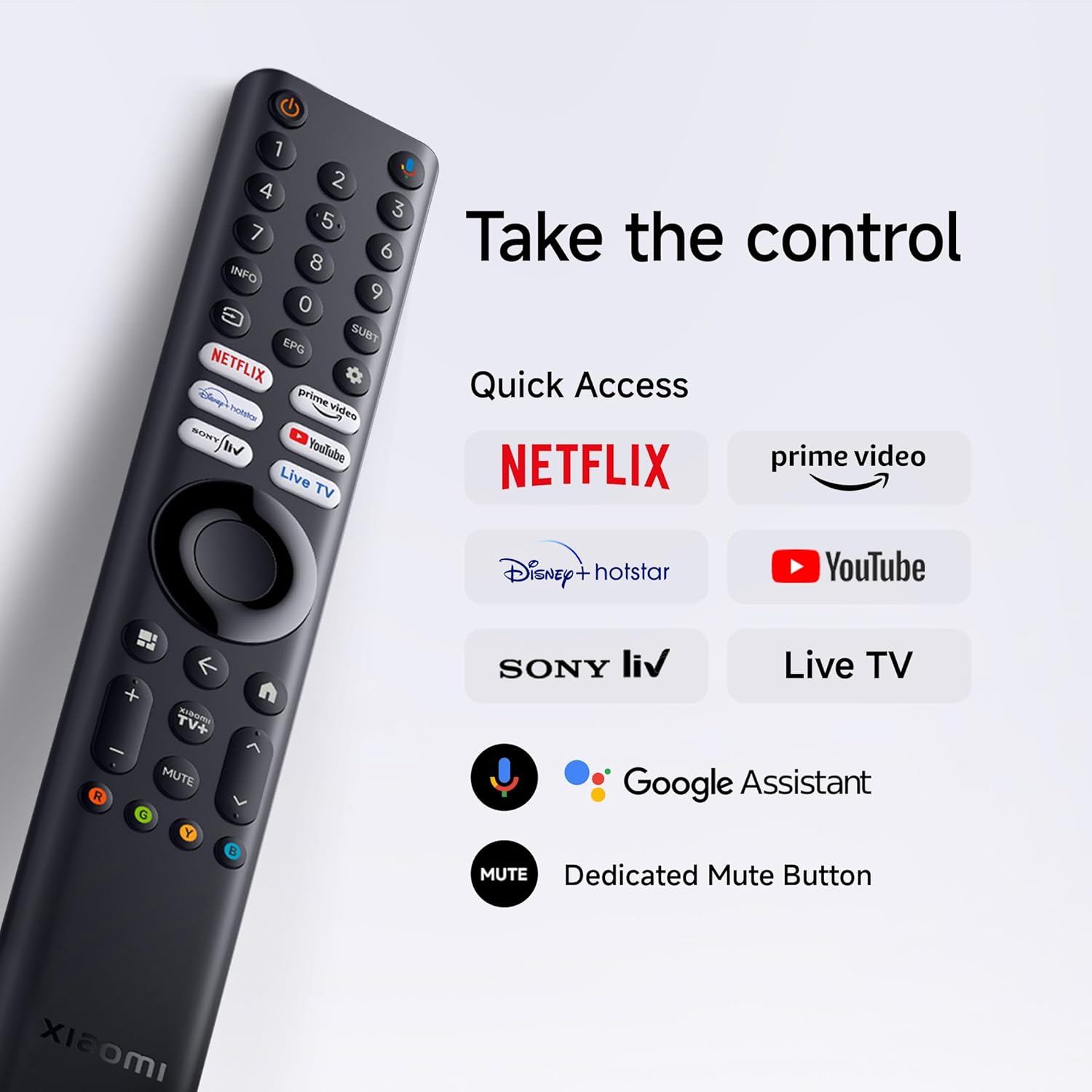
Insert the two AAA batteries into the remote control, observing polarity. The remote allows navigation, volume control, channel selection, and quick access to streaming services and Google Assistant.
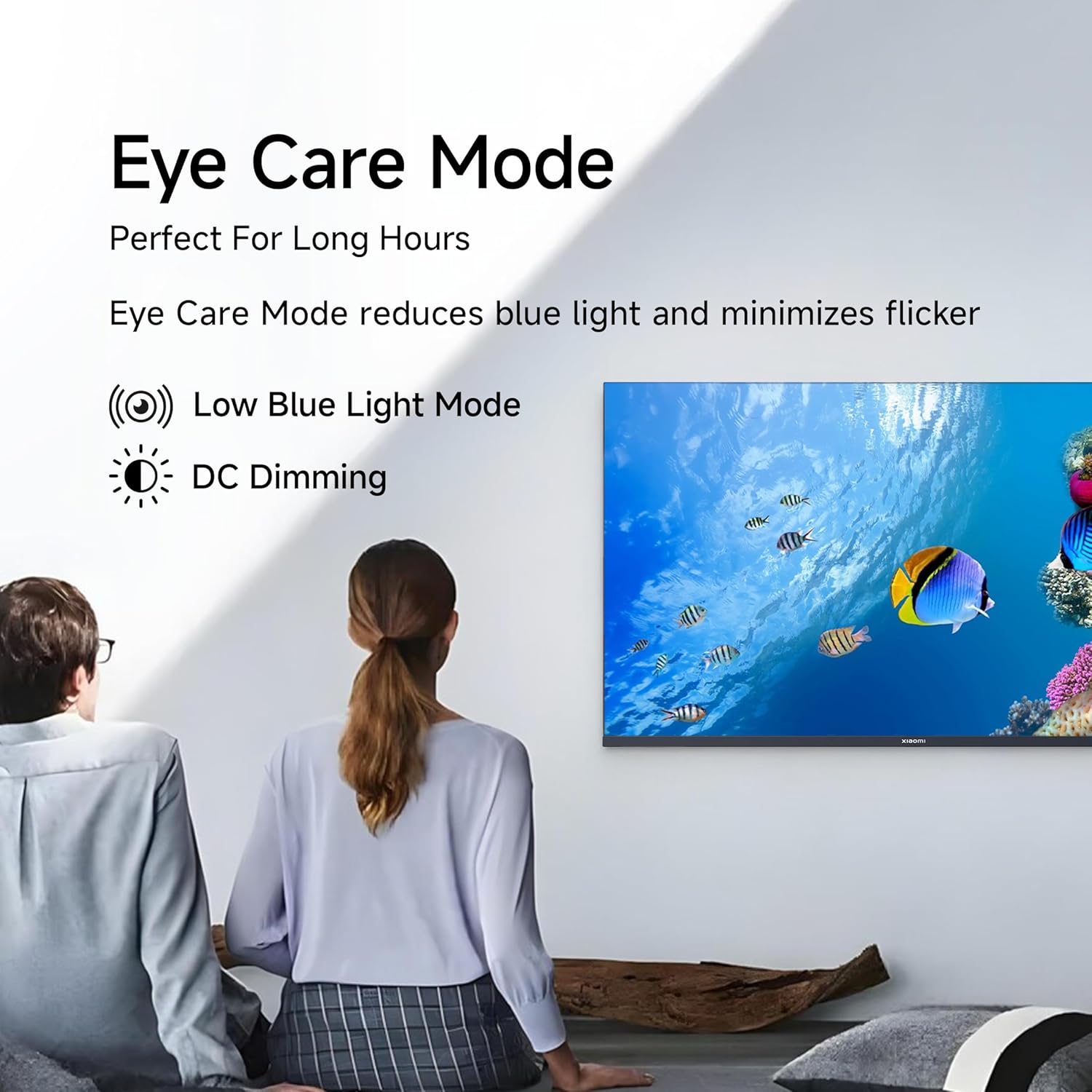
Figure 4.1: Xiaomi Smart TV remote control layout.
- Bouton pouvwa: Limen/etenn televizyon an oubyen li mete l nan mòd veille.
- Navigasyon Pad: Pou navigasyon meni.
- OK bouton: Konfime seleksyon yo.
- Bouton tounen: Retounen nan ekran anvan an.
- Bouton Kay: Aksè ekran prensipal Google TV a.
- Volim +/-: Ajiste volim.
- Bouton bèbè: Pèdi/retire odyo.
- Bouton Asistan Google la: Aktive kontwòl vokal.
- Bouton Aksè Rapid: Dedicated buttons for Netflix, Prime Video, YouTube, and other streaming services.
4.2 Karakteristik Smart TV (Google TV)
Your TV runs on Android 14 OS with Google TV, offering a personalized entertainment experience.

Figi 4.2: Plis paseview of Google TV features.
- Kontni an premye koòdone itilizatè a: Prioritizes content discovery.
- Pèsonèl Profiles: Kreye pro endividyèlfiles for tailored recommendations.
- Google Asistan: Sèvi ak kòmandman vokal pou rechèch, kontwòl ak enfòmasyon.
- Chromecast entegre: Cast content from compatible mobile devices.
- Lis siveyans: Keep track of movies and shows you want to watch.
- Mòd anbyen: Montre foto oswa enfòmasyon itil lè televizyon an pa limen.
- Kids Profile: Curated content and parental controls for children.
- Rekòmandasyon: Personalized suggestions based on your viewabitid yo.
4.3 Aplikasyon ki sipòte yo
The TV comes with pre-installed applications and supports downloads from the Google Play Store. Popular supported apps include Netflix, Prime Video, YouTube, JioCinema, JioHotstar, SonyLiv, and Zee5.

Figi 4.3: Egzamples of supported streaming applications.
5. Karakteristik ekspozisyon
Experience enhanced visuals with the following display technologies:
- Ekspozisyon QLED: Quantum Dot technology delivers vivid, vibrant, and sharp picture quality.
- HD Ready (1366 x 768) Resolution: Bay imaj klè ak detaye.
- HDR 10 & HLG Support: Enhances contrast and color accuracy for compatible content.
- Motè Imaj Viv 2: Proprietary technology that fine-tunes every frame for improved clarity and realism.
- Wide Colour Gamut: Offers a broad spectrum of colors (up to 16.7 million) for rich and vivid visuals.
- Mode Konfò Je: Reduces blue light and minimizes flicker for comfortable long-term viewing.
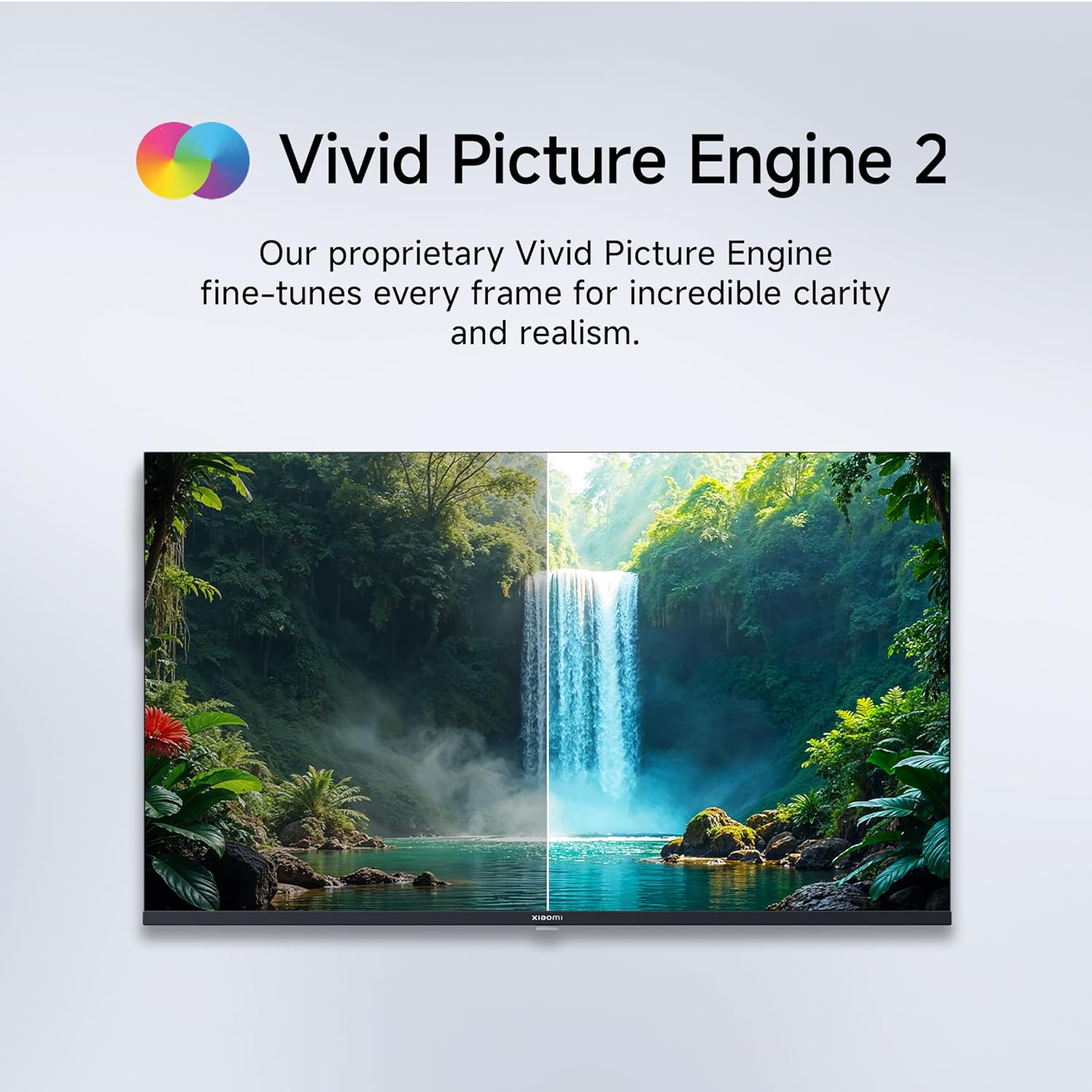
Figure 5.1: Quantum Clarity for exceptional contrast and color.
Figure 5.2: Vivid Picture Engine 2 for enhanced realism.
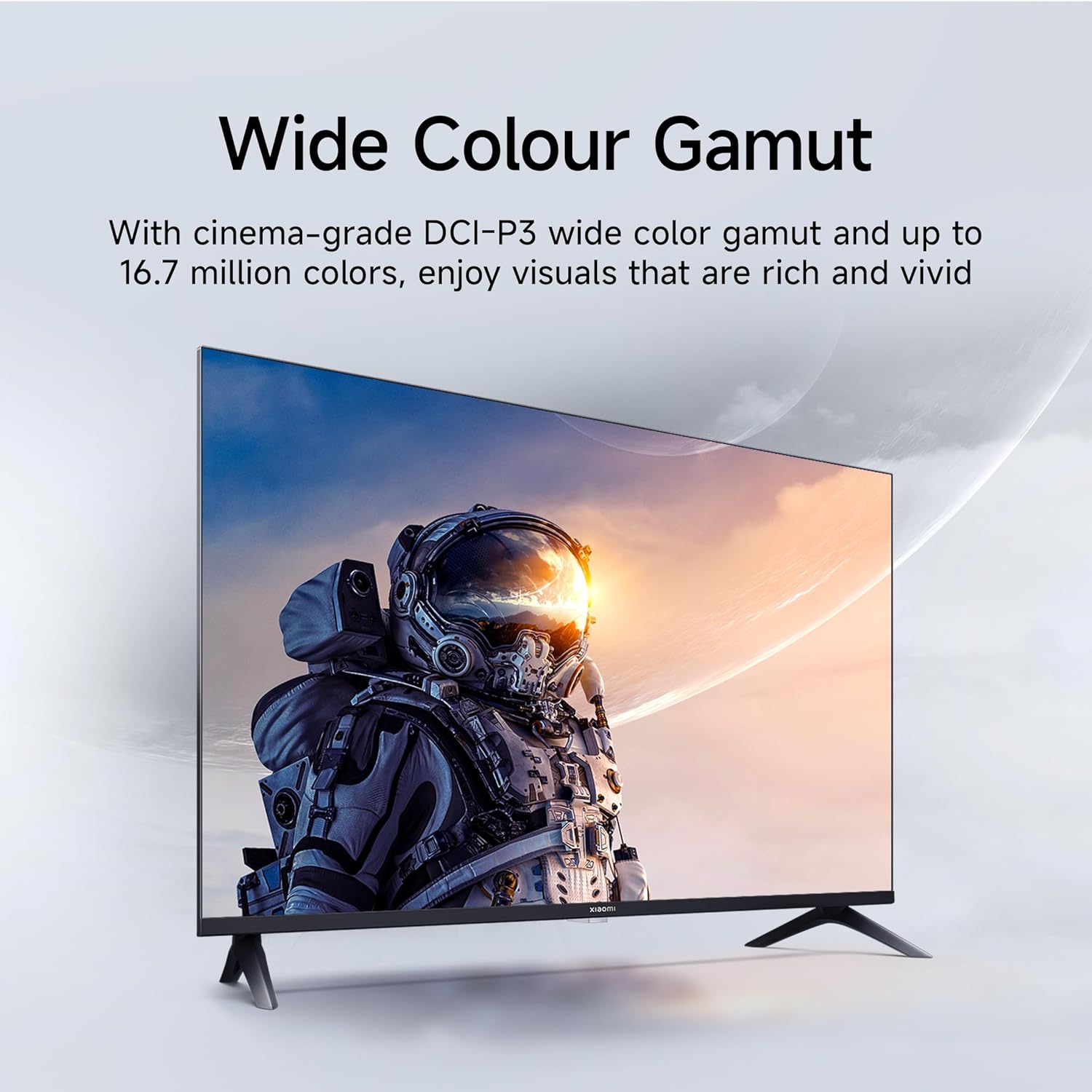
Figure 5.3: Eye Care Mode for reduced eye strain.
6. Karakteristik Odyo
Your TV is equipped with advanced audio technologies for an immersive sound experience:
- 20 Watt Sòti: Powerful stereo speakers deliver clear and dynamic sound.
- Dolby Audio: Provides rich, clear, and powerful sound for movies, shows, and games.
- DTS-X ak DTS Virtual:X: Creates a multi-dimensional audio experience, simulating surround sound without additional speakers.
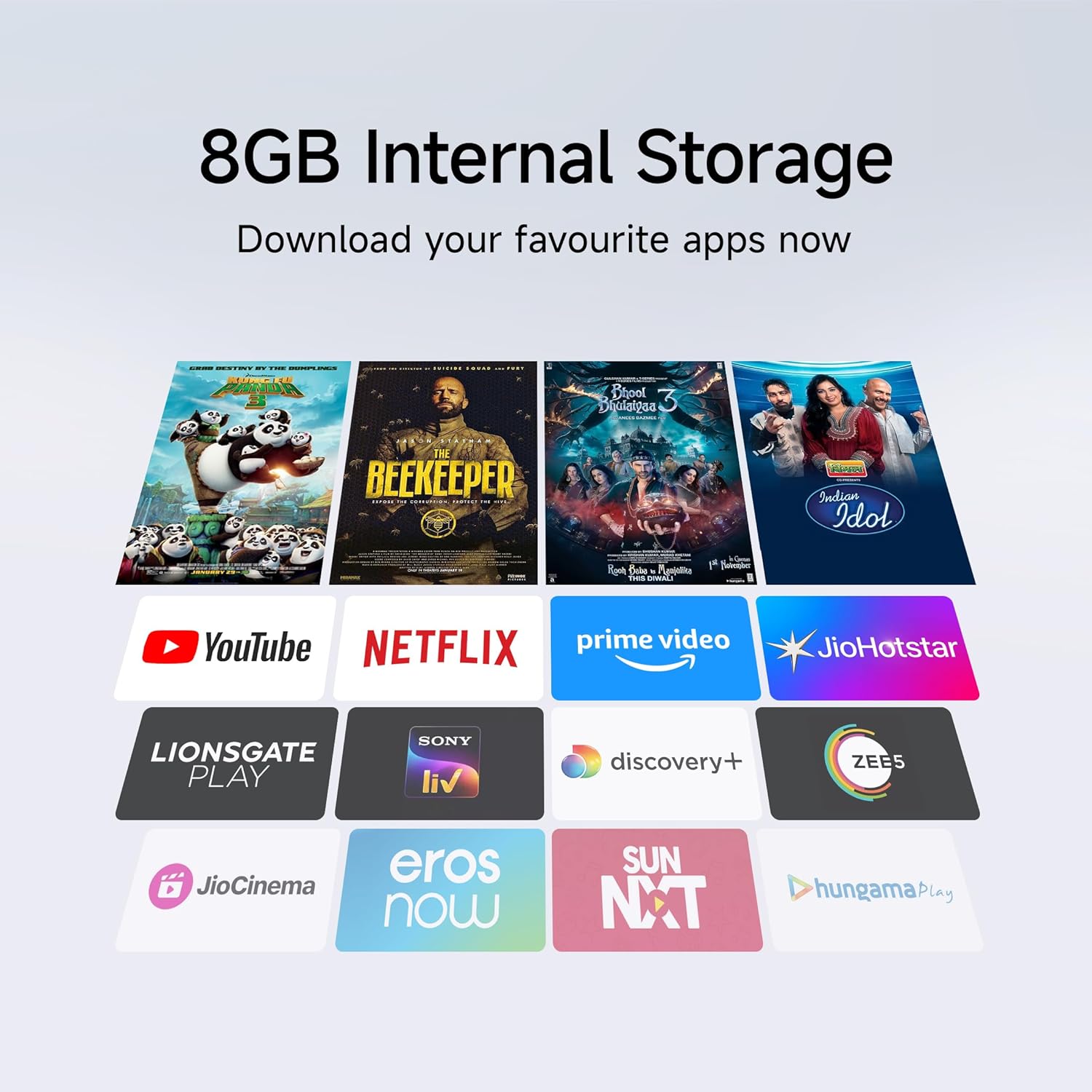
Figure 6.1: Enhanced audio experience with 20W speakers and Dolby/DTS technologies.
7. Koneksyon
The TV offers various options for connecting to networks and other devices:
- Wi-Fi Doub Band: Connect wirelessly to your home network (2.4GHz and 5GHz).
- Ethernet: Pou yon koneksyon entènèt filaire ki estab.
- Bluetooth: Connect wireless headphones, speakers, or other Bluetooth-enabled accessories.
- HDMI (x2) with ARC: Audio Return Channel (ARC) allows audio to be sent from the TV to a compatible sound system via a single HDMI cable.
- USB (x2): For connecting external storage.
8. Antretyen
8.1 Netwaye televizyon an
- Toujou debranche televizyon an anvan ou netwaye li.
- Sèvi ak yon twal mou, sèk, ki pa gen pousyè pou siye ekran an ak kabinè a.
- Pou mak ki difisil pou retire, pase yon ti krasampRense twal la avèk dlo oswa yon pwodui netwayaj ekran espesyalize (evite pwodui chimik ki fò).
- Do not spray liquid directly onto the TV.
8.2 Swen Jeneral
- Evite mete objè lou sou televizyon an.
- Pwoteje televizyon an kont tanperati ak imidite ekstrèm.
- If moving the TV, ensure it is properly supported and handled to prevent damage.
NAN. Depanaj
Before contacting customer support, try these common solutions:
| Pwoblèm | Kòz posib | Solisyon |
|---|---|---|
| Pa gen pouvwa | Kòd kouran an dekonekte; Pwoblèm priz kouran | Tcheke koneksyon kòd kouran an; Teste priz la ak yon lòt aparèy. |
| Pa gen imaj, men gen son | Sous antre ki pa kòrèk; Kab HDMI/AV ki lach | Press the "Input" button on the remote to select the correct source; Reconnect cables securely. |
| Pa gen son, men imaj la la | Volume muted or too low; External audio device issue | Unmute or increase volume; Check connections to external audio systems. |
| Remote kontwòl pa travay | Pil mouri; Gen yon obstak ant telekòmand lan ak televizyon an | Ranplase pil yo; Retire tout obstak. |
| Pa ka konekte ak Wi-Fi | Modpas ki pa kòrèk; Pwoblèm routeur; Televizyon an twò lwen routeur la | Verify Wi-Fi password; Restart router; Move TV closer or use Ethernet. |
10. Espesifikasyon
| Karakteristik | Detay |
|---|---|
| Mak | XIAOMI |
| Modèl | L32MB-APIN |
| Gwosè ekran | 32 pous (80 cm) |
| Teknoloji ekspozisyon | QLED |
| Rezolisyon | HD Ready (1366 x 768 Piksèl) |
| Rafrechisman pousantaj | 60 Hz |
| Sistèm operasyon | Android 14 OS, Google TV |
| Memwa RAM | 1 GB |
| Depo Entèn | 8 GB |
| Processeur | A53 Quad Core Processor |
| Sòti odyo | 20 Watts |
| Teknoloji Odyo | Dolby Audio, DTS-X, DTS Virtual:X |
| Koneksyon | Dual Band Wi-Fi, Bluetooth, 2 x HDMI (ARC), 2 x USB, Ethernet, 3.5mm Audio, AV Input |
| Viewing Ang | 178 Degre |
| Dimansyon pwodwi (LxWxH) | 19.8 x 71.6 x 46.9 cm (ak sipò a) |
| Pwa atik | 3.2 kg |
| Ane ki gen konpòtman egzanplè | 2025 |

Figi 10.1: Dimansyon ak pwa pwodwi a.

Figure 10.2: A53 Quad Core Processor for optimal performance.

Figi 10.3: Etikèt efikasite enèji.
11. Garanti ak sipò
11.1 Enfòmasyon sou Garanti
Televizyon Xiaomi ou a vini ak yon 1-ane garanti konplè sou pwodwi a ak yon garanti 1 an anplis sou panèl la, provided by the brand from the date of purchase. Please retain your purchase receipt for warranty claims.
11.2 Sipò pou Kliyan
For technical assistance, service requests, or warranty claims, please contact Xiaomi customer support. Refer to the official Xiaomi websit entènèt la oswa dokiman acha ou a pou jwenn enfòmasyon kontak ki pi resan yo.
Ask a question about this manual
Ask about setup, troubleshooting, compatibility, parts, safety, or missing instructions. Manuals+ will review the question and use this page’s manual context to help answer it.