
1. Entwodiksyon
The H96 MAX S905L3 Android 14.0 TV Box is a high-definition streaming device designed to enhance your home entertainment experience. It operates on the Android 14 system, offering a user-friendly interface and robust functionality. Powered by an Amlogic S905L3 Quad Core ARM Cortex A53 processor, 2GB DDR3 RAM, and 16GB ROM, this device ensures smooth navigation and efficient application performance.
Key features include Dual-WiFi 6 for superior wireless connectivity, a 100M Ethernet port for stable wired networking, and advanced video engine support for 4K UHD, HDR 10+, AV1, and H.265 decoding. Bluetooth 5.0 and a voice remote control provide convenient operation and peripheral connectivity. Integrated Chromecast and support for popular applications make this Android TV box a comprehensive solution for your viewing and sharing needs.
2. Pake kontni
Tanpri verifye ke tout atik yo prezan nan pakè a:
- 1 x H96 MAX S905L3 Android 14.0 TV Box
- 1 x pouvwa adaptè
- 1 x kontwòl remote
- 1 x HDMI kab
- 1 x manyèl itilizatè

Image: The H96 MAX S905L3 Android 14.0 TV Box, remote control, power adapter, HDMI cable, and user manual as included in the package.
3. Pwodwi souview
The H96 MAX S905L3 TV Box offers a compact design with essential ports for connectivity and a user-friendly remote control.
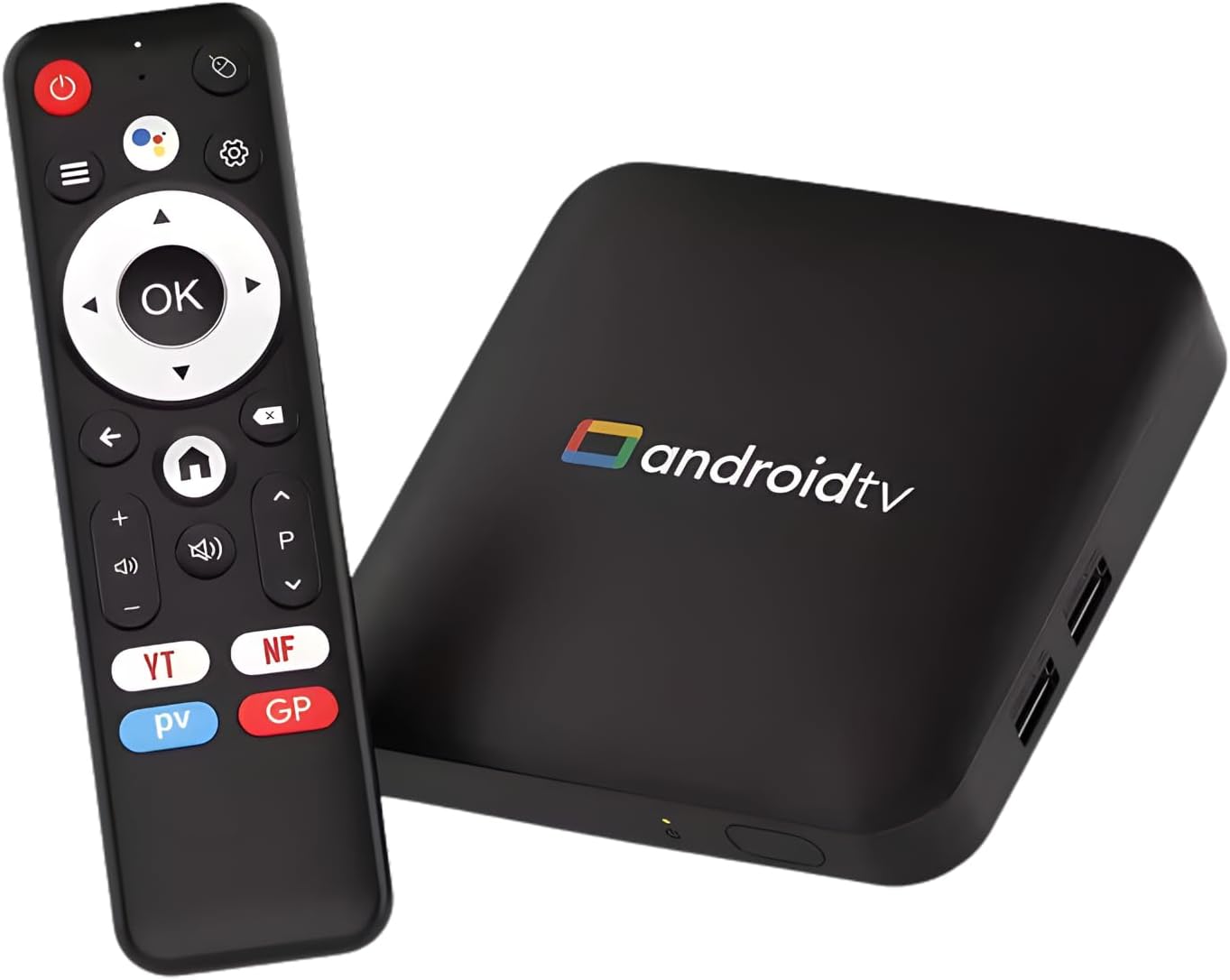
Image: The H96 MAX S905L3 Android 14.0 TV Box and its accompanying remote control, showcasing the device's compact form factor.
3.1 Karakteristik kle
- Sistèm operasyon Android 14: Provides a stable and efficient platform for media consumption.
- Amlogic S905L3 Processor: Quad Core A53 CPU with 2GB DDR3 RAM for smooth performance.
- Rezolisyon 4K UHD: Supports HDR 10+, H.265, and AV1 video decoding for exceptional picture quality.
- WiFi Doub-Band 6: Ensures fast and stable wireless streaming (2.4G/5G).
- Bluetooth 5.0: For connecting external devices like headphones and game controllers.
- Kontwòl vwa a distans: Enables hands-free searching and navigation.
- Chromecast entegre: Facilitates easy screen sharing from smartphones or tablets.

Image: Visual representation of the Android 14.0 operating system's superior performance, voice search capability, and content universe, with the TV box in the foreground.

Imaj: Yon emisyon sou ekran televizyonasing vibrant 4K Ultra HD content, emphasizing high-definition clarity, with the H96 MAX TV box and remote control positioned below.
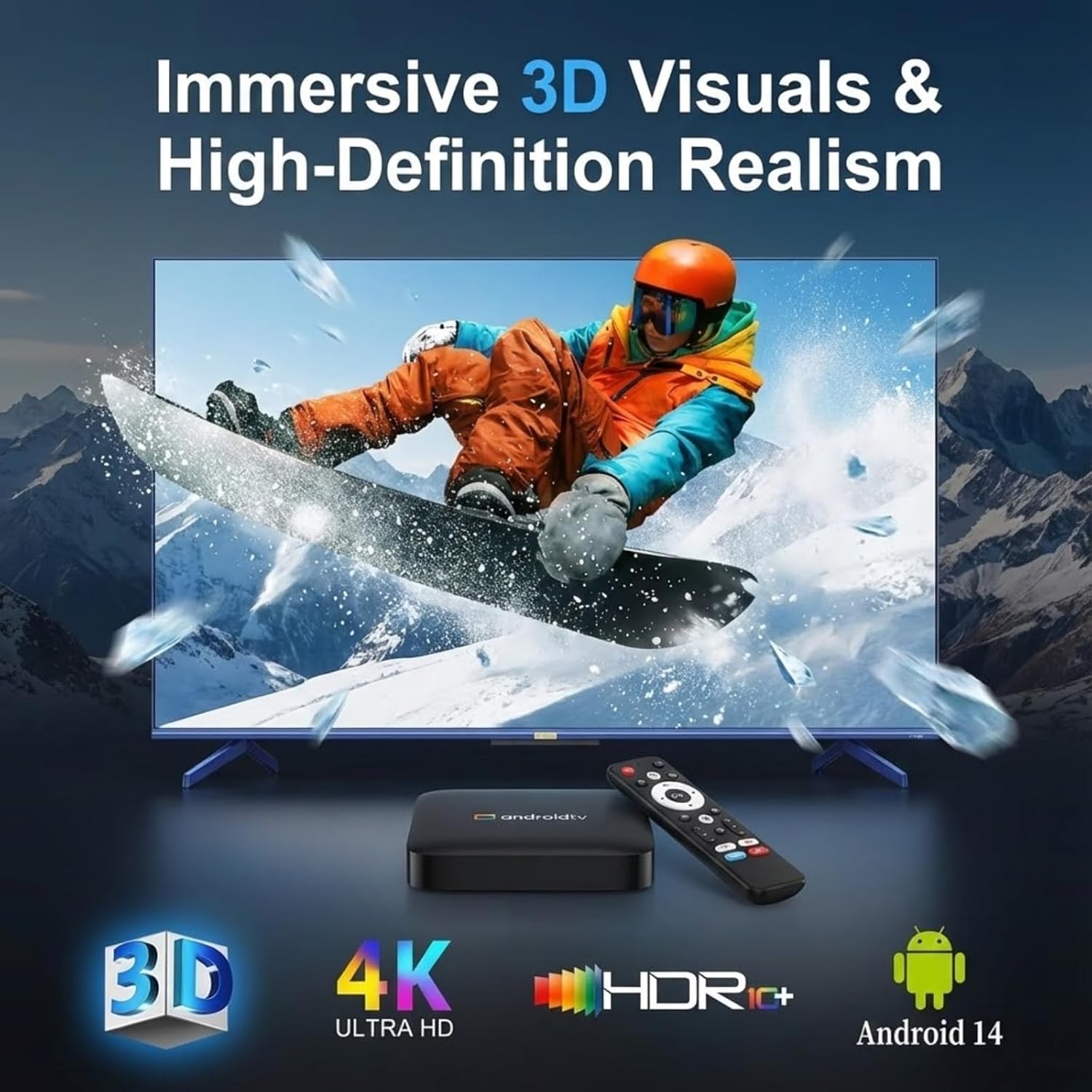
Image: A television screen displaying immersive 3D visuals, highlighting 4K Ultra HD and HDR10+ support, with the H96 MAX TV box and remote control in the foreground.

Image: A hand holding the remote control, demonstrating the smart voice control feature with a visual representation of sound waves on a television screen in the background.
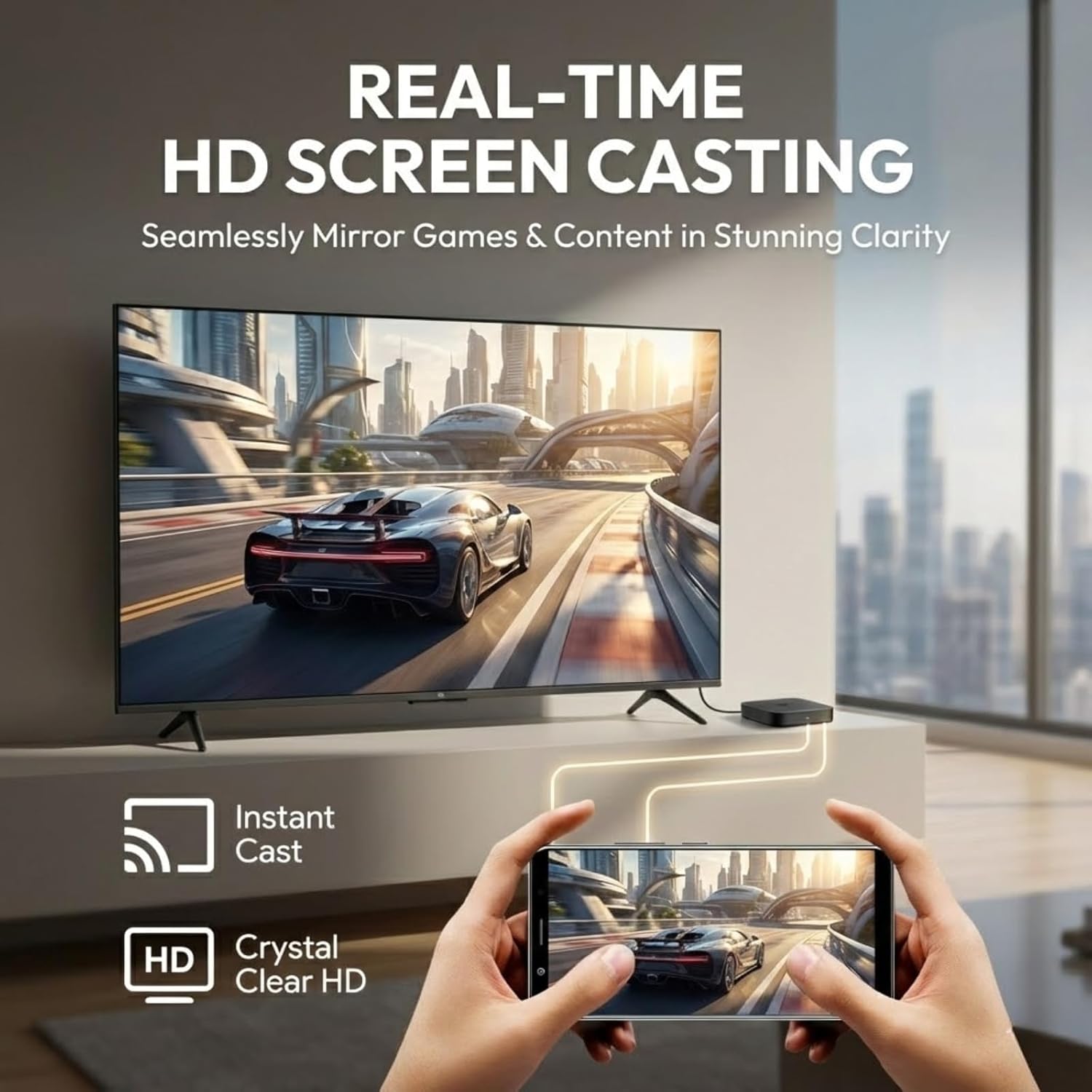
Image: A smartphone screen being cast in real-time to a television, illustrating the HD screen casting capability for mirroring games and content.
4. Gid Enstalasyon
Follow these steps for initial setup of your H96 MAX S905L3 TV Box.
4.1 Konekte aparèy la
- Konekte kab HDMI: Insert one end of the HDMI cable into the HDMI port on the TV Box and the other end into an available HDMI input on your television.
- Konekte adaptè pouvwa: Branche adaptè kouran an nan pò DC ki sou bwat televizyon an, answit branche adaptè a nan yon priz miray.
- (Optional) Connect Ethernet Cable: If you prefer a wired network connection, connect an Ethernet cable from your router to the Ethernet port on the TV Box.
- (Optional) Connect USB Devices: You may connect USB storage devices or other peripherals to the USB 2.0 ports.

Image: A diagram illustrating the various ports on the H96 MAX S905L3 TV Box, including USB, Ethernet, HD (HDMI), AV, DC, and the ON/OFF button, along with its dimensions.
4.2 Limen ak Konfigirasyon Inisyal
- Pouvwa sou: Press the power button on the TV Box or the remote control. The device will boot up.
- Chwazi Antre Televizyon: On your television, select the correct HDMI input source corresponding to where you connected the TV Box.
- Seleksyon Lang: Swiv enstriksyon yo sou ekran an pou chwazi lang ou prefere a.
- Rezo Koneksyon: Choose your Wi-Fi network from the list and enter the password, or confirm the wired Ethernet connection.
- Konfigirasyon kont Google: Konekte avèk kont Google ou pou jwenn aksè nan Google Play Store ak lòt sèvis Google yo.
- Ranpli Enstalasyon: Follow any remaining on-screen instructions to finalize the initial setup.

Image: A television screen displaying the Android TV home screen interface, featuring categories like Home, Movies, Shows, Apps, and Settings, with various application icons.
5. Operasyon Enstriksyon
This section details how to navigate and use your H96 MAX S905L3 TV Box.
5.1 Remote Control Navigation
- Pad direksyonèl (D-Pad): Use the up, down, left, and right arrows to navigate through menus and select items.
- OK bouton: Confirms selections or opens applications.
- Bouton tounen: Retounen nan ekran oswa meni anvan an.
- Bouton Kay: Retounen nan ekran prensipal Android TV a.
- Bouton Volim: Ajiste nivo pwodiksyon odyo a.
- Bouton pouvwa: Limen oswa etenn aparèy la.
- Bouton kontwòl vwa: Activates the voice assistant for commands and searches.
5.2 Kontwòl vwa
Press the dedicated voice control button on your remote and speak clearly into the remote's microphone. You can use voice commands to:
- Chèche pou fim, emisyon televizyon, oswa videyo.
- Louvri aplikasyon yo.
- Control media playback (e.g., "Play," "Pause," "Fast forward").
- Ask questions or get information.
5.3 Jesyon Aplikasyon
- Enstale Aplikasyon: Access the Google Play Store from the home screen to browse and install new applications.
- Dezenstale aplikasyon yo: Ale nan Anviwònman > Aplikasyon, select the desired app, and choose "Uninstall."
- Mizajou aplikasyon yo: Apps can be updated automatically or manually through the Google Play Store.
5.4 Casting and Mirroring
The built-in Chromecast and MiraCast support allow you to cast content from compatible devices:
- Ensure your smartphone/tablet and the TV Box are connected to the same Wi-Fi network.
- Open a compatible application (e.g., YouTube, Netflix) on your mobile device.
- Tape ikòn Cast la (anjeneral yon rektang ak yon senbòl Wi-Fi) nan aplikasyon an.
- Select your H96 MAX TV Box from the list of available devices to begin casting.
6. Espesifikasyon
Detailed technical specifications for the H96 MAX S905L3 TV Box:
| Karakteristik | Spesifikasyon |
|---|---|
| Modèl | H96 MAX S905L3 |
| Sistèm operasyon | Google Android 14.0 ATV |
| CPU | Amlogic S905L3 Quad Core ARM Cortex A53 |
| RAM | 2GB DDR3 |
| ROM | 16GB |
| Rezolisyon | 4K UHD, HDR 10+, H.265, AV1, 3D |
| Wi-Fi | Dual-WiFi 6 (2.4G/5G) |
| Ethernet | 100M |
| Bluetooth | BT 5.0 |
| Pò I/O | 2*USB 2.0, 1*HD Out, 1*Micro SD Slot, 1*AV, 1*DC, 1*Ethernet |
| Karakteristik espesyal | Voice Control, MiraCast, Chromecast Built-in, Browser, DLNA |
| Dimansyon | 4.33 x 4.24 x 1.02 pous (110 x 108 x 26 mm) |
| Pwa atik | 4.3 ons |
NAN. Depanaj
This section addresses common issues you might encounter with your TV Box.
7.1 Pa gen pouvwa
- Asire w adaptè kouran an byen konekte ak bwat televizyon an epi ak yon priz kouran ki fonksyone.
- Verifye si priz kouran an fonksyone byen lè w branche yon lòt aparèy.
- Press the power button on the remote control or the device itself.
7.2 Pa gen imaj sou televizyon an
- Check that the HDMI cable is firmly connected to both the TV Box and the TV.
- Asire w ke televizyon ou an configuré sou bon sous antre HDMI a.
- Eseye yon lòt kab HDMI oswa yon lòt pò HDMI sou televizyon ou an.
- Rekòmanse TV Box la ak televizyon ou.
7.3 Pwoblèm Koneksyon Wi-Fi
- Confirm that your Wi-Fi router is powered on and functioning correctly.
- Ale nan Anviwònman > Rezo ak Entènèt > Wi-Fi on the TV Box and ensure Wi-Fi is enabled.
- Re-enter your Wi-Fi password to ensure it is correct.
- Move the TV Box closer to your Wi-Fi router to improve signal strength.
- Rekòmanse routeur Wi-Fi ou a ak bwat televizyon an.
7.4 Kontwòl remote la pa reponn
- Tcheke epi ranplase pil yo nan kontwòl remote la.
- Asire w pa gen okenn obstak ant telekòmand lan ak bwat televizyon an.
- For Bluetooth remotes, ensure it is properly paired with the TV Box. If not, try re-pairing it via Settings > Remotes & Accessories.
8. Antretyen
Proper care and maintenance will ensure the longevity of your H96 MAX S905L3 TV Box.
- Netwayaj: Sèvi ak yon twal mou epi sèk pou netwaye deyò aparèy la. Pa sèvi ak pwodui netwayaj likid oswa materyèl abrazif.
- Vantilasyon: Asire w ke bwat televizyon an byen ayere pou anpeche l chofe twòp. Pa kouvri ouvèti vantilasyon yo.
- Anviwònman: Evite ekspoze aparèy la nan tanperati ekstrèm, imidite, pousyè, oswa limyè solèy dirèk.
- Pouvwa Off: If the device will not be used for an extended period, it is recommended to power it off and unplug the power adapter.
9. Garanti ak sipò
Pou enfòmasyon sou garanti a ak sipò teknik, tanpri gade dokiman ki vini ak acha ou a oswa kontakte machann nan. Kenbe prèv acha ou pou reklamasyon garanti.
For further assistance, you may also visit the official H96 MAX support website (if available) or consult online resources for Android TV devices.