
1. Entwodiksyon
Welcome to your new NIMO 15.6" IPS FHD Student Laptop, Model N154. This manual provides essential information to help you get started, operate, and maintain your device. Designed for both home and business use, this laptop combines performance with user-friendly features to enhance your productivity and entertainment experience.
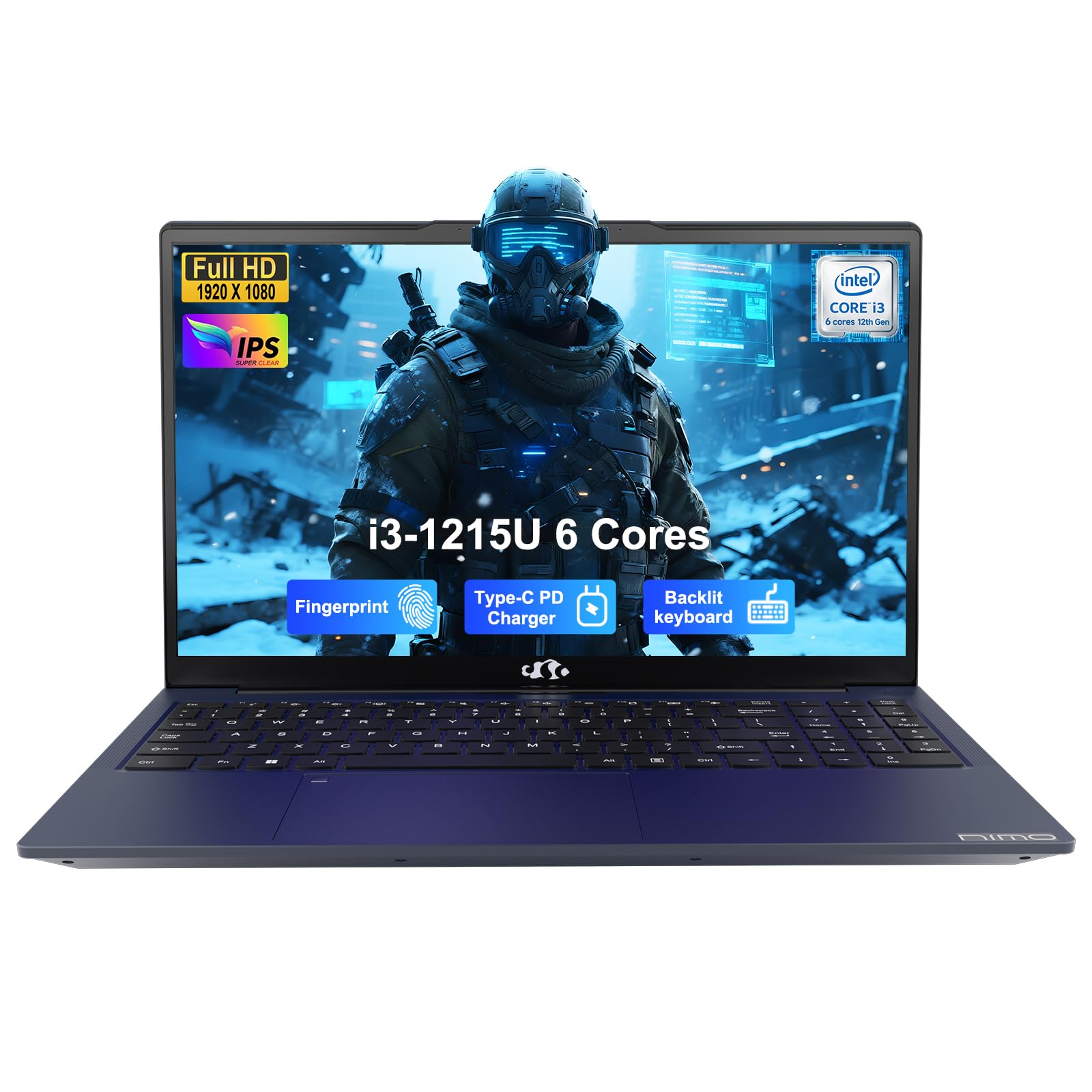
Image: The NIMO 15.6-inch IPS FHD Student Laptop, showcasing konsepsyon elegant li yo.
2. Ki sa ki nan bwat la
Tanpri verifye sa ki nan pake a pou asire w tout atik yo la:
- 1 x NIMO N154 Laptop
- 1 x Chargeur rapid Kalite-C 65W PD
- 1 x Manyèl Itilizatè (dokiman sa a)
- Windows 11 Home (pre-enstale)
3. Inisyal Enstalasyon
3.1. Chaje òdinatè pòtab la
Before first use, fully charge your NIMO laptop using the included 65W USB-C PD Fast Charger. Connect the charger to the Type-C port on your laptop and a power outlet. The charging indicator light will illuminate.

Image: The 65W USB-C PD Fast Charger, capable of charging the laptop, tablet, and smartphone.
3.2. Limen ak Inisyal Konfigirasyon
Peze bouton pouvwa a pou limen laptop ou a. Swiv enstriksyon ki parèt sou ekran an pou konplete konfigirasyon Windows 11 Home la, ki gen ladan seleksyon lang, koneksyon rezo, ak kreyasyon kont itilizatè.
4. Kijan pou itilize òdinatè pòtab ou a
4.1. Montre
Your laptop features a 15.6-inch Full HD (1920x1080) IPS anti-glare display. This screen provides clear visuals and reduces eye strain during extended use. The 180° open angle allows for flexible viewpozisyon yo.
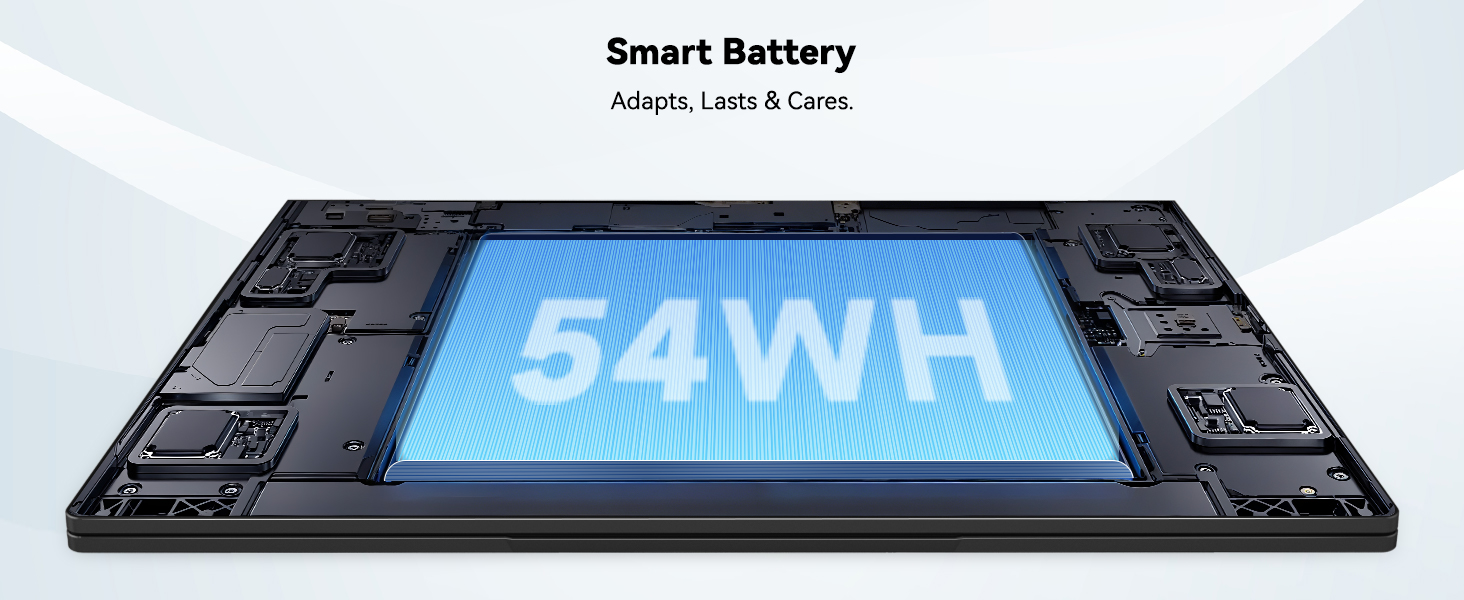
Image: The laptop's 15.6-inch Full HD IPS display with vibrant colors.
4.2. Klavye ak Touchpad
The ergonomic backlit keyboard allows for comfortable typing in various lighting conditions, with adjustable brightness. The touchpad includes an integrated fingerprint sensor for secure, one-touch login.

Image: Features of the laptop's input, including backlit keyboard, webcam shield, fingerprint sensor, and numeric keypad.
4.3. Fingerprint Login
Utilize the fingerprint sensor on the touchpad for quick and secure access to your laptop. Configure your fingerprint in the Windows settings for enhanced security.

Image: Close-up of the integrated fingerprint scanner on the touchpad for secure login.
4.4. Pò ak Koneksyon
The NIMO N154 laptop offers a variety of ports for versatile connectivity:
- USB 2.0 pò: 1
- Pò USB 3.0: 3
- HDMI Port: For external display connections.
- Kalite-C Port: Supports 65W Power Delivery for charging and data transfer.
- Mikwo SD kat plas: Pou elaji depo oswa transfè files.
- Headphone Combo Jack: Pou antre/soti odyo.
- Fant Kensington Lock: Pou sekirite fizik.
The laptop also features Wi-Fi 6 for fast and reliable wireless internet access.

Image: Diagram illustrating the various ports available on the NIMO laptop, including USB, HDMI, Type-C, Micro SD, headphone jack, and Kensington lock.
4.5. Odyo ak Webkam
Integrated speakers provide clear audio for video calls, online classes, and media consumption. The 2.0MP webcam is suitable for video conferencing, complemented by a privacy switch for enhanced security.

Image: Details on the 1080p FHD camera and privacy camera convenience features.
4.6. Processeur ak Pèfòmans
Powered by the 6-Core Intel i3-1215U processor, your laptop is designed for efficient multitasking, handling numerous browser tabs, spreadsheets, and video calls without significant slowdowns.
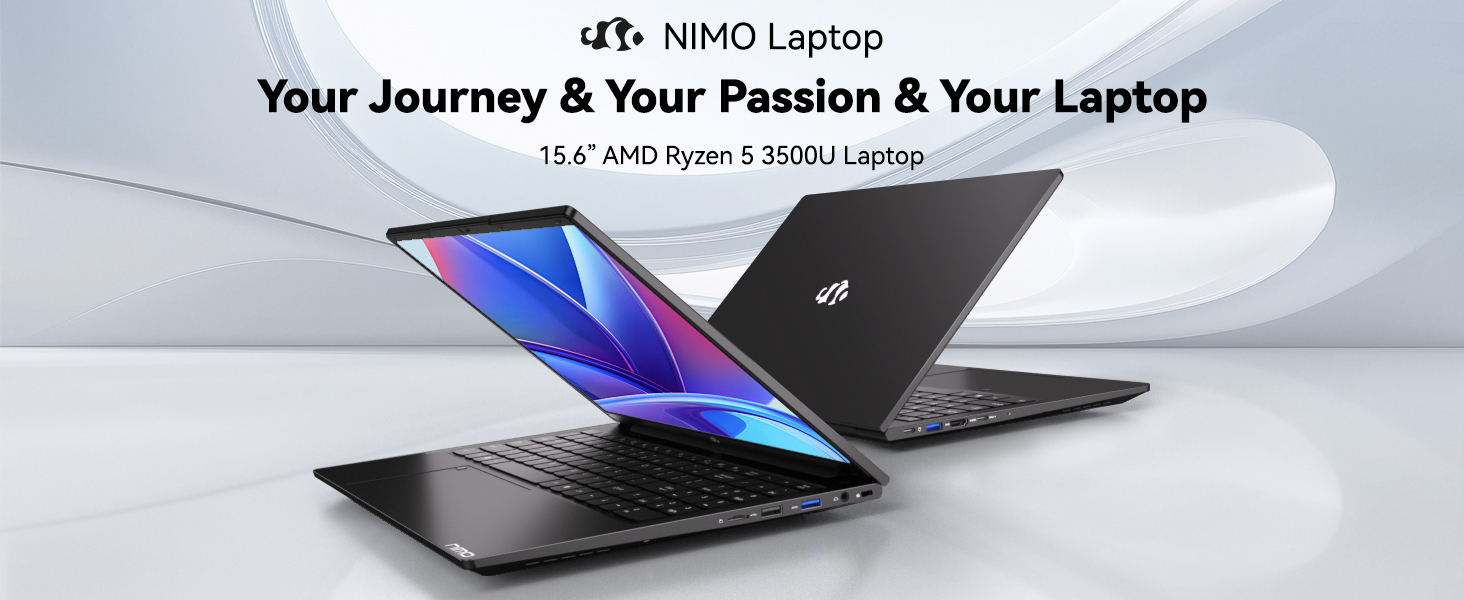
Image: Visual representation of the 12th Gen Intel Core i3-1215U Processor, highlighting its 6 cores, 8 threads, 15W power consumption, and 3.7 GHz Turbo Boost.
5. Antretyen
5.1. Netwayaj
Regularly clean your laptop to ensure optimal performance and longevity. Use a soft, lint-free cloth for the screen and exterior. For stubborn marks, dampen the cloth with a small amount of water or a screen-safe cleaner. Avoid harsh chemicals.
5.2. Mizajou lojisyèl
Keep your operating system and drivers updated to benefit from the latest security patches and performance improvements. Windows Update can be accessed through the Settings menu.
5.3. Swen batri
To maximize battery life, avoid extreme temperatures and fully discharging the battery frequently. For long-term storage, charge the battery to around 50-70%.

Image: An illustration of the laptop's internal battery, labeled 54WH, emphasizing smart battery management.
NAN. Depanaj
6.1. Laptop la pa limen
- Asire w ke plato a byen konekte ak laptop la ak yon priz kouran ki fonksyone.
- Tcheke si adaptè pouvwa a ap fonksyone kòrèkteman.
- Eseye kenbe bouton pouvwa a pandan 10-15 segonn pou fè yon reset konplè.
6.2. Pwoblèm koneksyon Wi-Fi
- Verifye ke Wi-Fi a aktive nan paramèt Windows yo.
- Rekòmanse routeur ou ak modèm ou.
- Ensure your Wi-Fi drivers are up to date.
6.3. Pèfòmans Ralanti
- Fèmen aplikasyon ki pa nesesè k ap fonksyone nan background nan.
- Tcheke epi enstale nenpòt mizajou Windows ki annatant.
- Ensure your storage (SSD) has sufficient free space.
Pou plis asistans, tanpri al gade seksyon Garanti ak Sipò a.
7. Espesifikasyon
| Karakteristik | Spesifikasyon |
|---|---|
| Non modèl | NIMO N154 |
| Gwosè ekran | 15.6 pous |
| Rezolisyon ekran | 1920 x 1080 piksèl (Full HD) |
| Processeur | Intel Core i3-1215U (6 Cores, up to 4.4 GHz) |
| RAM | 8 GB DDR4 (3200 MHz) |
| Disk Drive | 512 GB SSD |
| Koprosesè grafik | Grafik entegre |
| Sistèm operasyon | Windows 11 Kay |
| Kalite san fil | Wi-Fi 6 (802.11a/b/g/n/ac) |
| Pò USB 2.0 | 1 |
| Pò USB 3.0 | 3 |
| Mwayèn lavi batri | 9 èdtan |
| Pwa atik | 3.75 liv |
| Dimansyon pwodwi | 14.07 x 8.98 x 0.76 pous |
| Karakteristik espesyal | Fingerprint Reader, HD Audio, Memory Card Slot, Numeric Keypad |
8. Garanti ak sipò
NIMO is committed to providing quality products and excellent customer service.
8.1. Enfòmasyon sou Garanti
Your NIMO N154 laptop comes with a comprehensive 2-ane garanti, covering manufacturing defects and hardware malfunctions under normal use. This warranty ensures your investment is protected.

Image: Text indicating '2-Year Support' for Nimo products.
8.2. Règleman retounen
Nou ofri yon politik retounen 90 jou from the date of purchase. If you are not satisfied with your product, you may return it within this period according to the terms and conditions.

Image: Text indicating '90-Day Return' for Nimo products.
8.3. Kontakte Sipò
Our dedicated US-based support team is available to assist you with any questions or issues. You can reach us via email at service@nimopc.com. We aim to provide professional and high-quality customer service.

Image: A customer service representative wearing a headset, representing professional customer assistance.