
Entwodiksyon
This manual provides essential information for the safe and efficient use of your DJI Neo Intelligent Flight Battery. This battery is designed for compatibility with the DJI Neo 2 drone, offering reliable power for your flight experiences. Please read this manual thoroughly before using the product.

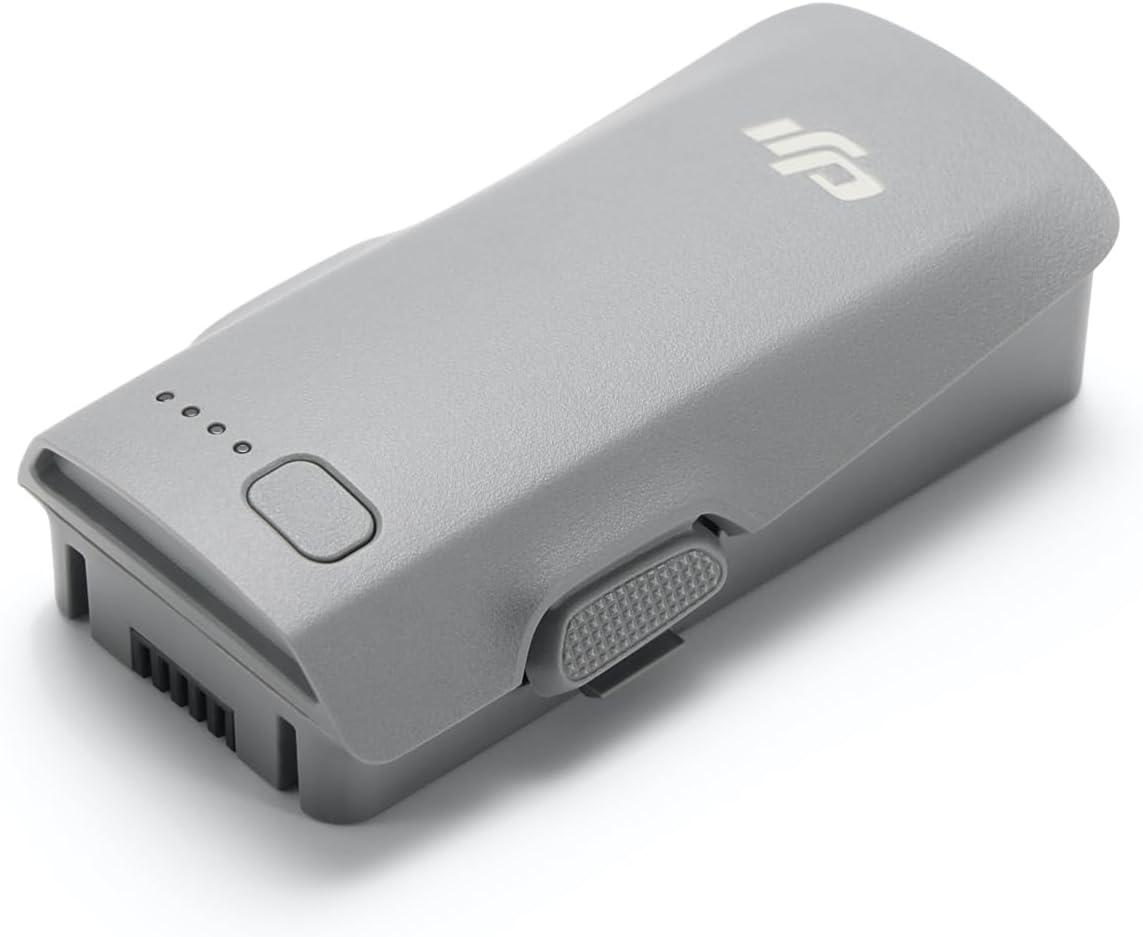
The DJI Neo Intelligent Flight Battery, showcasing its sleek design and the four LED lights that indicate battery charge level.
Enstalasyon
1. Unboxing
Carefully remove the DJI Neo Intelligent Flight Battery from its packaging. The package should contain one (1) DJI Neo Intelligent Flight Battery.
2. Premye Chajman
Before first use, fully charge the battery using a DJI-approved charging device. Connect the charger to a power source and then connect the battery to the charger. The LED indicators on the battery will show the charging status.
3. Enstalasyon batri
To install the battery into your DJI Neo 2 drone, align the battery with the battery compartment on the drone. Gently push the battery into place until it clicks securely. Ensure it is firmly seated to prevent dislodgement during flight.

The DJI Neo Intelligent Flight Battery positioned beside a compatible DJI Neo 2 drone, illustrating its size and form factor relative to the drone.
Enstriksyon Operasyon
1. Powering On / Off
To power on the battery, press the power button once, then press and hold it for two seconds. The LED indicators will light up. To power off, repeat the same procedure: press the power button once, then press and hold it for two seconds until the LEDs turn off.
2. Tcheke Nivo Batri
With the battery powered off, a single short press of the power button will illuminate the LED indicators to show the current charge level. Each illuminated LED typically represents approximately 25% of the battery's charge.
3. Flight Time
The DJI Neo Intelligent Flight Battery provides up to 19 minutes of flight time under optimal conditions. Actual flight time may vary based on environmental factors, flight style, and drone payload.
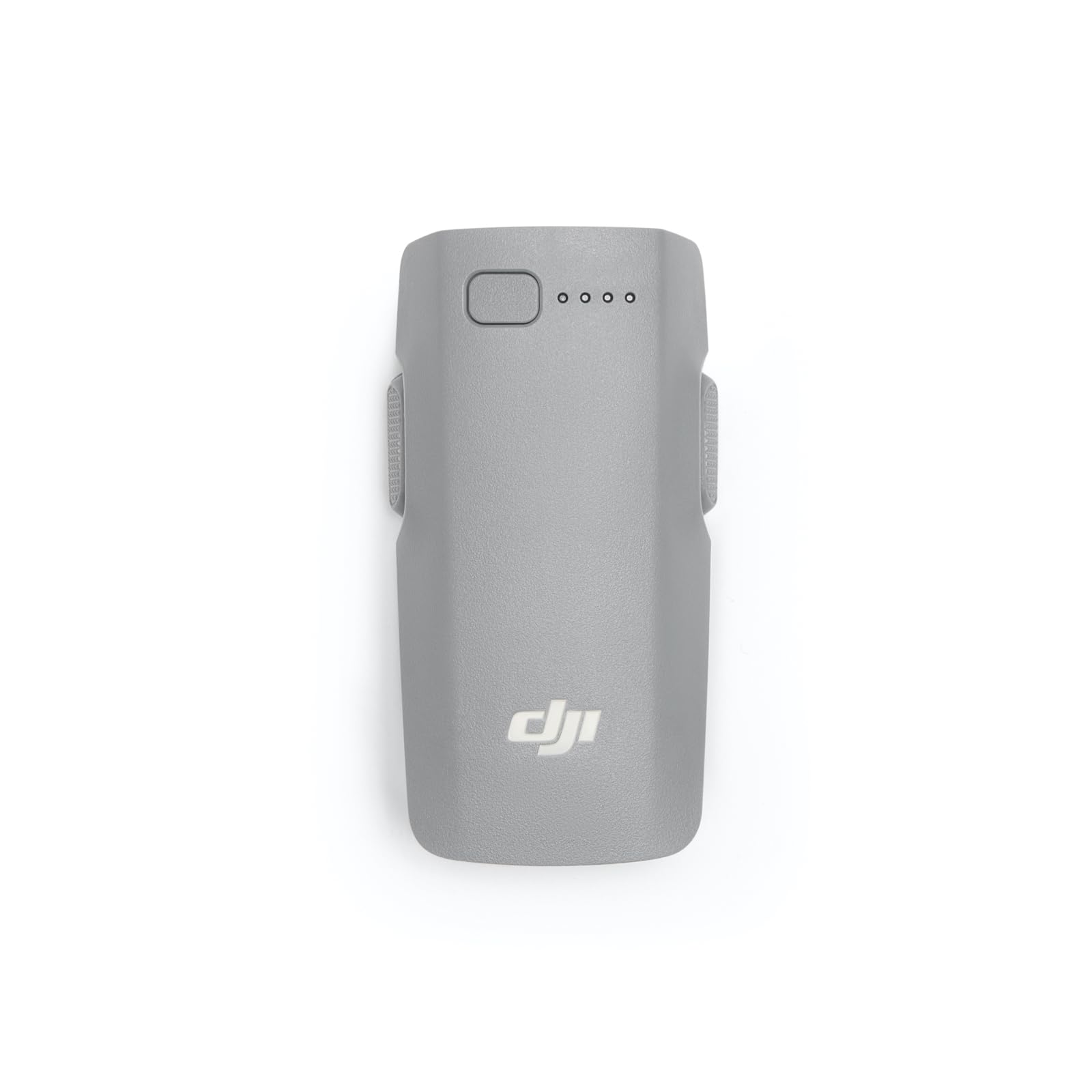
Yon fèmen view of the DJI Neo Intelligent Flight Battery, showing its grey casing, LED indicators, and power button.
Antretyen ak Sekirite
1. Pi bon pratik pou chaje
- Always use a DJI-approved charger.
- Pa chaje batri a poukont li.
- Evite chaje nan tanperati ekstrèm.
2. Depo
- Sere batri a nan yon kote ki fre epi sèk, lwen limyè solèy dirèk ak sous chalè.
- For long-term storage, discharge the battery to approximately 50-60% to prolong its lifespan.
- Avoid storing fully charged or fully discharged batteries for extended periods.
3. Netwayaj
Wipe the battery surface with a clean, dry cloth. Do not use liquid cleaners or immerse the battery in water.
4. Avètisman Sekirite
Observe the following critical safety warnings to prevent damage or injury:
- Only use DJI approved charging devices.
- DO NOT place the battery in a fire or disassemble, pierce, drop, strike, or short circuit the battery.
- DO NOT use batteries that have been dropped in water.
- Kenbe batri a lwen timoun ak bèt kay.
- Si batri a montre siy anfle, flit, oswa domaj, sispann itilize li imedyatman epi jete li byen.
Yon detaye view of the warning label on the DJI Neo Intelligent Flight Battery, displaying important safety instructions, specifications, and certification marks.
Depanaj
Batri pa chaje
- Asire w ke plato a byen konekte ak yon sous kouran ak batri a.
- Verify that you are using a DJI-approved charger.
- Tcheke pou wè si gen nenpòt domaj vizib sou batri a oswa chajè a.
- Try charging in a different power outlet.
Drone Not Powering On with Battery
- Asire batri a chaje nèt.
- Confirm the battery is correctly installed and securely clicked into the drone's compartment.
- Perform the power-on sequence correctly (press once, then press and hold for two seconds).
Reduced Flight Time
- Extreme temperatures (hot or cold) can affect battery performance.
- Aggressive flight maneuvers or high wind conditions consume more power.
- Asire w ke batri a konplètman chaje anvan chak vòl.
- Over time, all batteries experience degradation. If flight time significantly decreases, consider replacing the battery.
Espesifikasyon
| Karakteristik | Detay |
|---|---|
| Mak | DJI |
| Nimewo Modèl | 6937224131798 |
| Konpozisyon selil batri | Lityòm Ion |
| Kalite selil batri | Lityòm Ion |
| Voltage | 220 Volts |
| Pwa batri | 100 gram |
| Pwa atik | 46 gram |
| Dimansyon atik (L x W x H) | 3.05 x 1.6 x 0.8 pous |
| Kantite pil | 1 pil C obligatwa (enkli) |
Enfòmasyon sou Garanti
The DJI Neo Intelligent Flight Battery is covered by DJI's standard manufacturer's warranty. Please refer to the official DJI website or your purchase documentation for detailed warranty terms and conditions, including coverage period and claim procedures. Keep your proof of purchase for warranty service.
Sipò pou Kliyan
For technical assistance, troubleshooting beyond this manual, or service inquiries, please contact DJI Customer Support. You can find contact information, including phone numbers and online support resources, on the official DJI websit.