
Entwodiksyon
This manual provides essential information for the NIMO 15.6-inch Light Gaming Laptop N15A. It covers setup, operation, maintenance, troubleshooting, and product specifications. Please read this manual thoroughly before using your new laptop to ensure proper function and longevity.

Image: NIMO 15.6-inch Light Gaming Laptop N15A, showcasing its full display and keyboard.
Kontni pake
Verify that all items listed below are present in your product packaging. If any items are missing or damaged, please contact NIMO customer support.
- 1 x NIMO N15A Laptop
- 1 x Chargeur rapid Kalite-C 100W PD
- 1 x manyèl itilizatè
- Windows 11 Home Operating System (pre-installed)
Pwodwi souview
The NIMO N15A laptop is designed for balanced performance, featuring an AMD Ryzen 7 Pro 6850U processor, 32GB LPDDR5 RAM, and a 1TB PCIe 4.0 SSD. It includes a 15.6-inch Full HD IPS display, a backlit keyboard, and an integrated fingerprint reader for secure access.
Karakteristik kle:
- Processeur: AMD Ryzen 7 Pro 6850U with 8 Cores and 16 Threads, up to 4.7GHz.
- Grafik: Integrated AMD Radeon 680M GPU.
- memwa: 32GB LPDDR5 RAM for efficient multitasking.
- Depo: 1TB PCIe 4.0 SSD for fast boot times and data access.
- Ekspozisyon: 15.6-inch Full HD (1920x1080) IPS Anti-Glare Display.
- Chaje: 100W USB-C Power Delivery fast charging.
- Sekirite: Integrated fingerprint reader for secure login.
- Klavye: Backlit keyboard for use in various lighting conditions.

Image: Visual representation of the AMD Ryzen 7 Pro 6850U processor's core and thread count, and turbo boost speed.
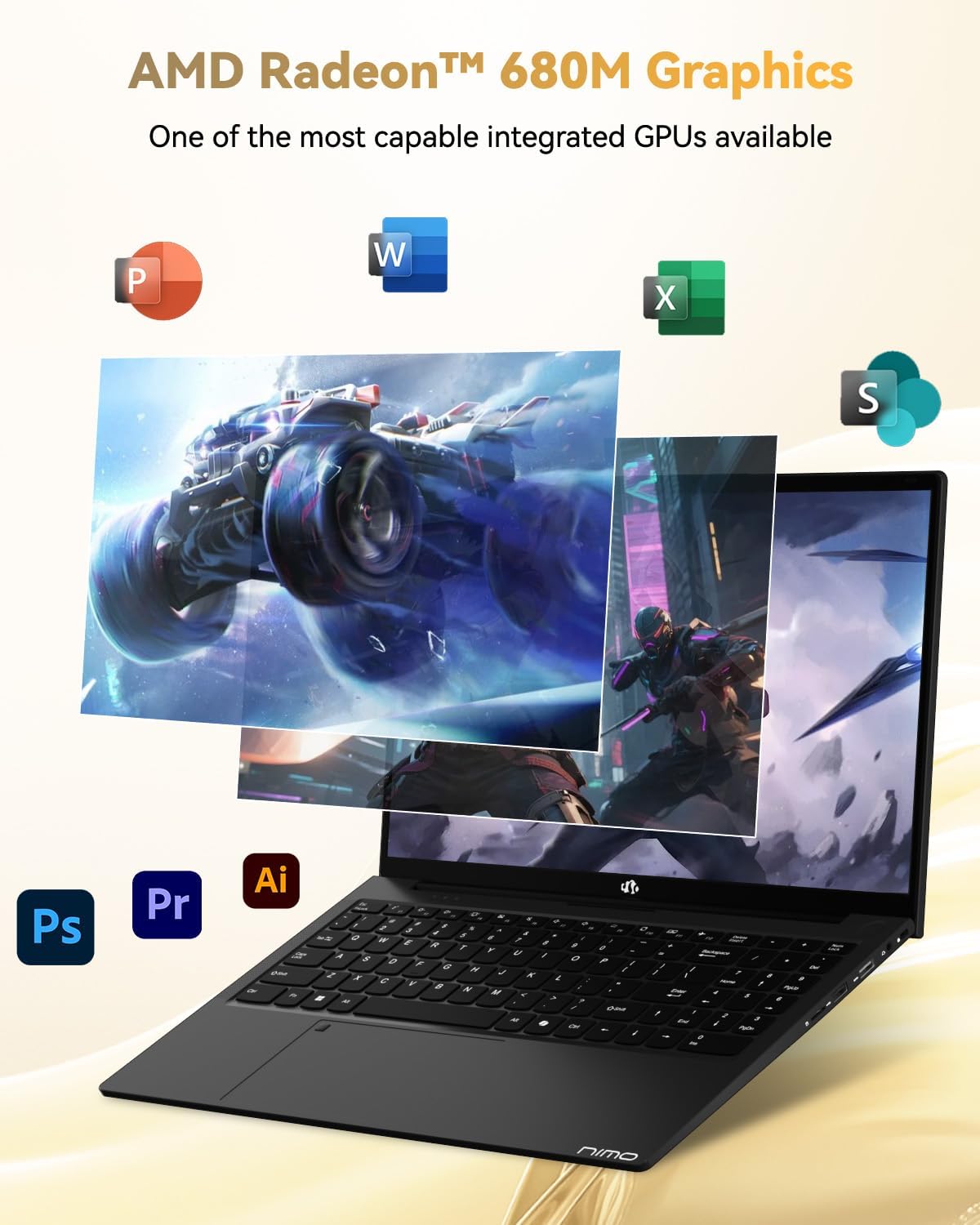
Image: Illustration highlighting the capabilities of the AMD Radeon 680M integrated graphics for various applications.

Image: Diagram showing the 32GB LPDDR5 RAM and 1TB PCIe 4.0 SSD for seamless multitasking and ample depo.
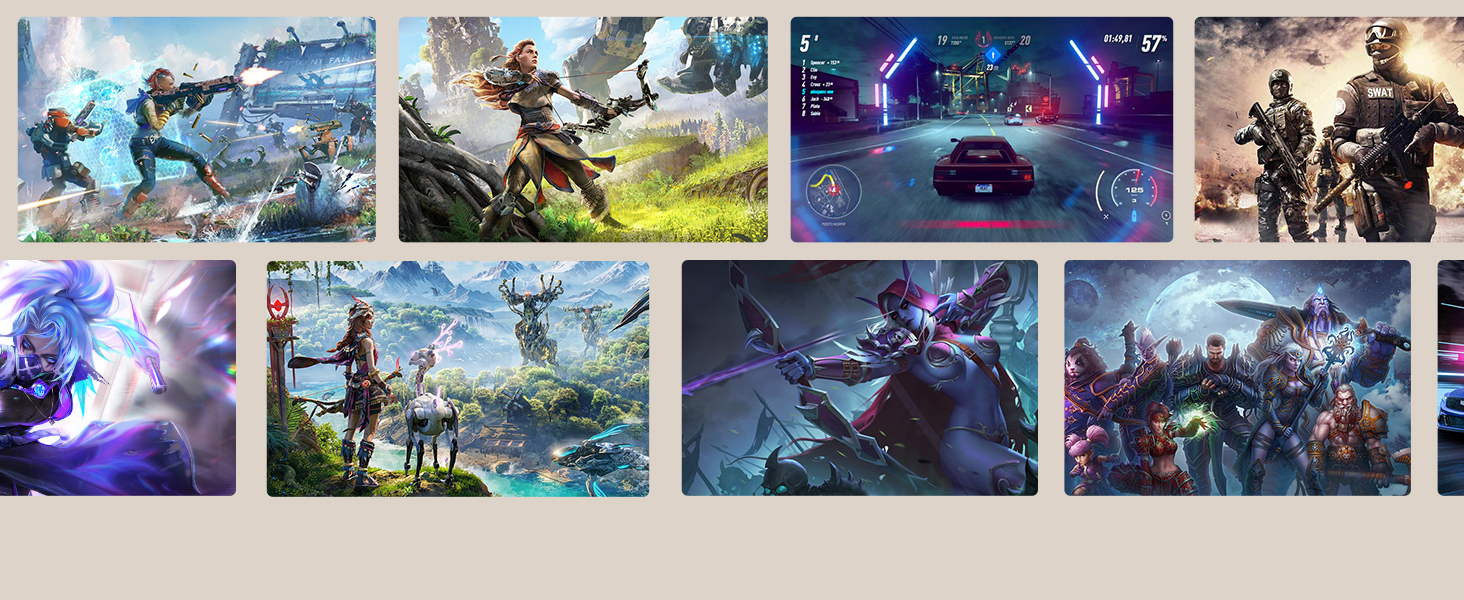
Image: The NIMO N15A laptop displaying a vibrant image on its 15.6-inch Full HD IPS screen.
Pò ak Koneksyon:

Image: Diagram illustrating the various ports on the NIMO N15A laptop, including USB, HDMI, and Type-C.
- Mikwo SD Reader
- USB 2.0 Port
- USB 3.2 Ports (multiple)
- Jack kas ekoutè
- Kensington Lock Slot
- Type-C (Multifunction) Ports (supporting charging and data transfer)
- HDMI Port
Enstalasyon
1. Initial Charging and Power On:
- Connect the provided 100W Type-C PD Fast Charger to the laptop's Type-C charging port and a power outlet.
- Allow the laptop to charge for at least 30 minutes before initial use, or until the charging indicator shows sufficient battery.
- Peze bouton pouvwa ki sitiye sou klavye a pou limen laptop la.

Image: Illustration of the NIMO N15A laptop being charged with the 100W Type-C PD Fast Charger.
2. Windows 11 Initial Setup:
Follow the on-screen prompts to complete the Windows 11 setup process. This typically includes:
- Chwazi rejyon ou ak layout klavye a.
- Konekte nan yon rezo Wi-Fi.
- Signing in with a Microsoft account or creating a local account.
- Setting up a PIN or password.
- Configuring privacy settings.
Enstriksyon Operasyon
Jesyon pouvwa:
- Pouvwa sou: Peze bouton pouvwa a.
- Mòd dòmi: Fèmen kouvèti a oswa peze bouton pouvwa a yon ti tan.
- Fèmen: Klike sou bouton Start la, answit sou Power, epi sou Close down.
- Rekòmanse: Click the Start button, then Power, then Restart.
Klavye ak Touchpad:

Imaj: Gwo plan view of the NIMO N15A laptop's backlit keyboard and the integrated fingerprint reader on the touchpad.
- Klavye retroeklere: Use the dedicated function key (usually Fn + Fx) to toggle the keyboard backlight on/off and adjust brightness levels.
- Lektè anprent: The fingerprint reader is integrated into the touchpad. During Windows setup, you can configure your fingerprint for secure, quick login.
- Precision Touchpad: Sipòte jès milti-touch pou navigasyon. Gade paramèt Windows yo pou pèsonalizasyon.
Konekte periferik:
Utilize the various ports to connect external devices such as monitors, printers, external storage, and audio devices.
- Aparèy USB: Plug USB devices into the available USB 2.0 or USB 3.2 ports.
- Ekspozisyon ekstèn: Connect an external monitor or TV using the HDMI port or a compatible Type-C adapter.
- Odyo: Use the 3.5mm headphone jack for headphones or external speakers.
Konfidansyalite kamera:

Image: Illustration of the NIMO N15A laptop's built-in privacy camera switch, allowing users to easily disable the webCam.
The NIMO N15A laptop features a built-in privacy camera switch. This allows you to physically disable the 2.0MP webcam when not in use, ensuring your privacy.
Antretyen
Cleaning the Laptop:
- Power off the laptop and disconnect the charger before cleaning.
- Sèvi ak yon ti moso twal mou, ki san pèl damplave avèk dlo oubyen yon pwodui netwayaj ekran pou ekran an.
- Pou klavye a ak chasi a, sèvi ak yon twal mou. Evite pwodui chimik ki agresif oswa materyèl abrazif.
- Use compressed air to clear dust from keyboard keys and vents.
Swen batri:
- Evite dechaje batri a nèt souvan.
- Store the laptop in a cool, dry place if not used for extended periods, with the battery charged to around 50-70%.
- Use only the original NIMO 100W Type-C PD Fast Charger.
Mizajou lojisyèl:
- Tcheke epi enstale mizajou Windows regilyèman pou asire estabilite ak sekirite sistèm nan.
- Keep device drivers updated, especially for graphics and chipset, by checking the NIMO support website or Windows Update.
Depanaj
| Pwoblèm | Solisyon posib |
|---|---|
| Laptop la pa limen. | Ensure the charger is properly connected and the power outlet is functional. Allow the battery to charge for at least 30 minutes. If the issue persists, contact support. |
| Ekran an vid oswa li ap tranble. | Try connecting an external monitor to check if the issue is with the laptop's display. Adjust display brightness. Restart the laptop. |
| Pèfòmans ralanti. | Close unnecessary applications. Check for background processes consuming high resources. Ensure sufficient free storage space. Run a system scan for malware. |
| Limyè klavye a pa fonksyone. | Press the dedicated function key combination (e.g., Fn + Fx) to toggle or adjust the backlight. Check keyboard settings in Windows. |
| Fingerprint reader not responding. | Ensure your finger is clean and dry. Re-register your fingerprint in Windows settings. Restart the laptop. |
For issues not listed here or if solutions do not resolve the problem, please refer to the Warranty and Support section for assistance.
Espesifikasyon
| Karakteristik | Detay |
|---|---|
| Mak | NIMO |
| Non modèl | NIMO N15AL (N15A) |
| Gwosè ekran | 15.6 pous |
| Rezolisyon ekran | 1920 x 1080 piksèl (Full HD) |
| Processeur | AMD Ryzen 7 Pro 6850U (8 Cores, up to 4.7 GHz) |
| RAM | 32 GB LPDDR5 (6400 MHz) |
| Disk Drive | 1024 GB SSD (PCIe 4.0, Solid State) |
| Koprosesè grafik | AMD Radeon 680M (Entegre) |
| Sistèm operasyon | Windows 11 |
| Kalite san fil | 802.11a/b/g/n/ac |
| Pò USB 2.0 | 1 |
| USB 3.0/3.2 Ports | 4 |
| Mwayèn lavi batri | 9 èdtan |
| Pwa atik | 3.75 liv |
| Dimansyon pwodwi | 14.07 x 8.98 x 0.76 pous |
| Koulè | Nwa |
| Dèyè WebCam Rezolisyon | 2 MP |
| Karakteristik espesyal | Klavye retroeklere, lektè anprent, odyo HD, klavye nimerik |
Garanti ak sipò
NIMO provides comprehensive support for your laptop.
- Garanti: Your NIMO N15A laptop comes with a 2-year manufacturer's warranty.
- Règleman retounen: A 90-day hassle-free return policy is offered from the date of purchase.
- Sipò Kliyan: For technical assistance, warranty claims, or product-related inquiries, please contact NIMO customer support.
Contact information for support is typically available on the official NIMO website or through the product's packaging.
Enfòmasyon sou Sekirite
Enpòtan: Read and follow these safety guidelines to prevent damage to your device or personal injury.
- Sèvi ak chajè orijinal yo sèlman epi enspekte kab yo regilyèman pou wè si yo domaje.
- Manyen laptop la nan baz li epi konsidere itilize yon kouvèti pwoteksyon. Evite mete objè lou sou li.
- Mete laptop la sou yon sifas ki di e plat pou asire bon vantilasyon epi pou anpeche li chofe twòp. Kenbe li lwen tanperati ekstrèm ak imidite.
- Do not overcharge the battery. Discontinue use if the battery shows signs of swelling or damage.
- Set strong passwords, keep software updated, use antivirus software, and regularly back up your data.
- Si likid ta koule, debranche laptop la imedyatman epi kite l sèk nèt anvan ou eseye limen l.
- For any issues, consult qualified professionals. Do not attempt to disassemble or repair the device yourself.
Limit responsabilite nou legal
This NIMO laptop is provided "as is," without express or implied warranties, except for any applicable manufacturer's limited warranty. Implied warranties of merchantability or fitness for a specific purpose are disclaimed. NIMO is not liable for damages resulting from misuse (e.g., non-approved chargers, unauthorized repairs), physical damage, or failure to adhere to safety guidelines, including data loss or business interruption. Users are responsible for regularly backing up their data. This disclaimer does not exclude liability for manufacturing defects or violations of mandatory local laws. By using this laptop, you accept these terms, which are governed by the laws of the applicable jurisdiction.