
Entwodiksyon
Thank you for choosing the CUIFATI 7W 5V ETFE Monocrystalline Portable Solar Panel Charger. This device is designed to provide a portable and efficient power source for your electronic devices using solar energy. Please read this manual carefully before using the product to ensure proper operation and longevity.
Enfòmasyon sou Sekirite
- Do not expose the solar panel to extreme temperatures or direct flame.
- Evite lage panèl la oswa soumèt li a gwo enpak.
- Keep the solar panel dry. Do not immerse it in water or other liquids.
- Do not attempt to disassemble or modify the solar panel. This may void the warranty and cause damage.
- Kenbe soti nan atenn timoun yo.
- Asire w ke aparèy la byen vantile pandan w ap chaje pou evite li chofe twòp.
Kontni pake
Verifye ke tout atik yo prezan nan pakè ou a:
- 1 x CUIFATI 7W 5V ETFE Monocrystalline Portable Solar Panel Charger
Pwodwi souview
The CUIFATI solar panel is designed for portability and durability, featuring ETFE technology for high temperature resistance. It includes a USB output for direct device charging.
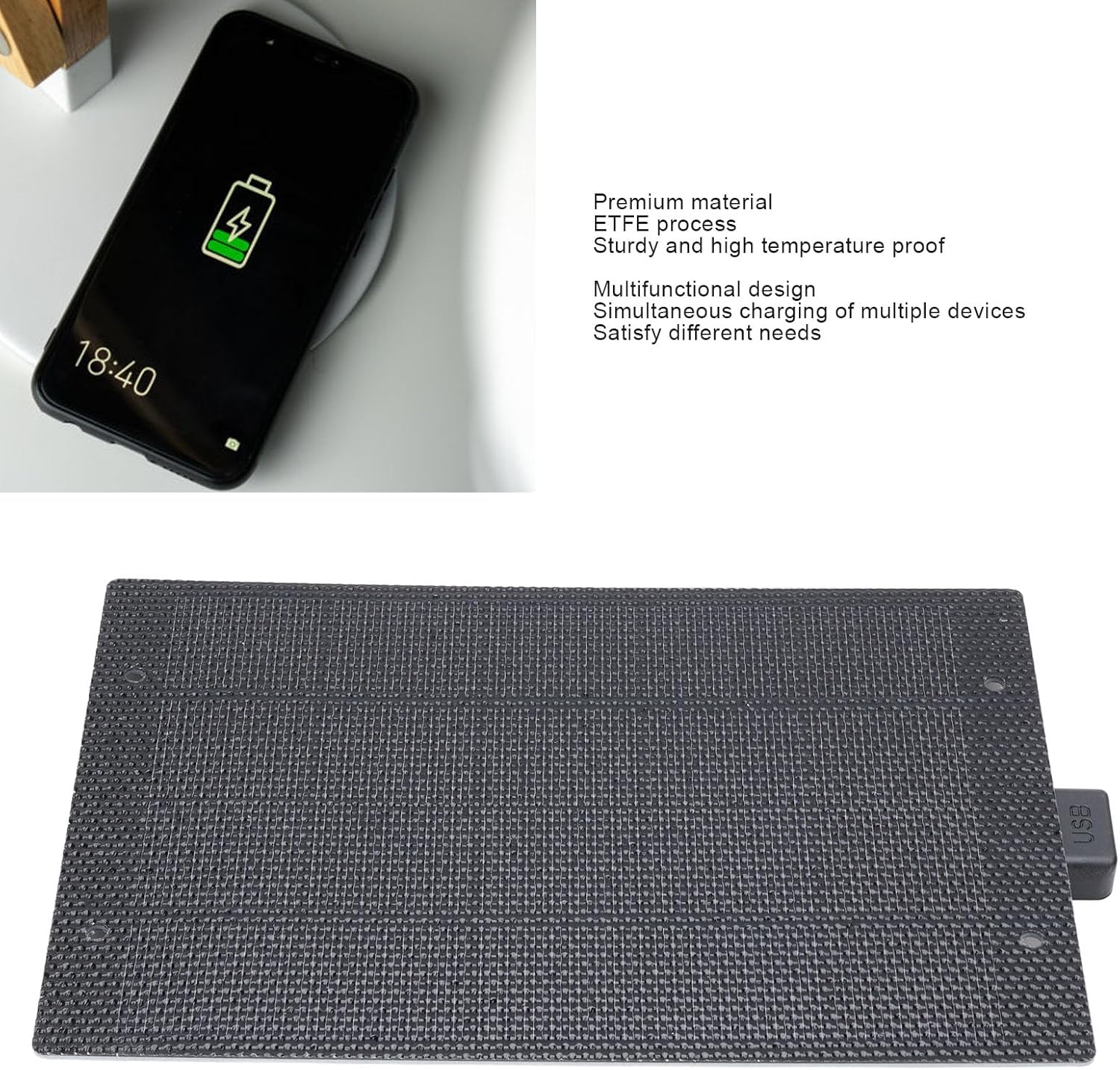
Imaj: Devan view of the CUIFATI 7W 5V ETFE Monocrystalline Portable Solar Panel. This image shows the textured surface of the solar panel.
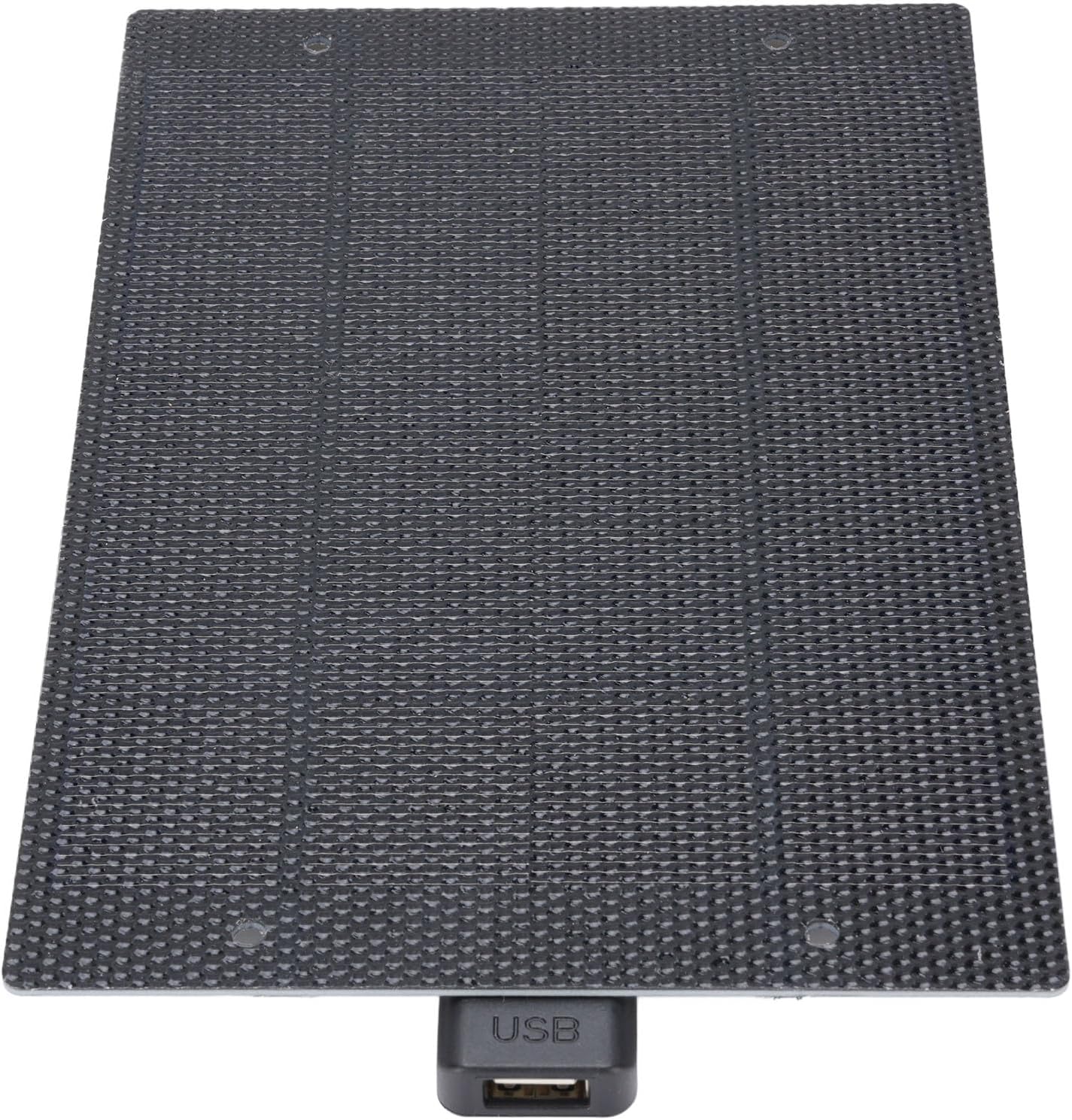
Imaj: Gwo plan view of the CUIFATI solar panel showing the integrated USB output port.
Enstalasyon
- Unpack the Solar Panel: Carefully remove the solar panel from its packaging.
- Chwazi yon kote: Select a location with direct sunlight. The more direct the sunlight, the more efficient the charging will be. Avoid shaded areas.
- Pozisyone panèl la: Place the solar panel facing the sun. For optimal performance, ensure the panel is angled directly towards the sun's rays.
Enstriksyon Operasyon
To charge your electronic devices using the CUIFATI solar panel:
- Konekte aparèy ou an: Plug your device's USB charging cable into the USB output port of the solar panel.
- Mete nan limyè solèy la: Ensure the solar panel is exposed to direct sunlight. Charging will begin automatically.
- Siveye chaje: Observe your device's charging indicator to confirm it is receiving power. Charging speed may vary depending on sunlight intensity.
- Kondisyon Optimal: For best results, use the solar panel on clear, sunny days. Cloudy conditions will reduce charging efficiency.

Image: The CUIFATI solar panel connected via USB cable to a smartphone, demonstrating the charging process.
Antretyen
- Netwayaj: Regularly wipe the surface of the solar panel with a soft, damp cloth to remove dust and dirt. A clean surface ensures maximum sunlight absorption.
- Depo: When not in use, store the solar panel in a cool, dry place away from direct sunlight and extreme temperatures.
- Enspeksyon: Periodically inspect the panel and its USB port for any signs of damage or wear.
Depanaj
| Pwoblèm | Kòz posib | Solisyon |
|---|---|---|
| Aparèy pa chaje. | Ensifizan limyè solèy la. | Deplase panèl solè a nan yon kote ki gen limyè solèy la dirèk, san obstak. |
| Aparèy pa chaje. | Panel surface is dirty. | Clean the solar panel surface with a soft, damp twal. |
| Aparèy pa chaje. | Defo USB kab oswa aparèy. | Try using a different USB cable or test with another device to isolate the issue. |
| Vitès chaje dousman. | Partial shading or cloudy weather. | Ensure the panel is in full sunlight. Charging speed is dependent on solar intensity. |
Espesifikasyon
| Karakteristik | Detay |
|---|---|
| Kalite atik | Solè Panel Charger |
| Materyèl | Monocrystalline, ETFE Technology |
| Sorti pouvwa | 7W |
| Voltage Sòti | 5V |
| Kalite Connector | USB 2.0 |
| Non modèl | CUIFATIy72e0gx3sn |
| Dimansyon | Approximately 198mm x 133mm (7.79in x 5.23in) |

Image: Diagram showing the dimensions of the CUIFATI solar panel, approximately 198mm by 133mm.
Garanti ak sipò
For warranty information or technical support, please refer to the documentation provided with your purchase or contact Cuifati customer service. Keep your proof of purchase for warranty claims.
Manifakti: CUIFATI
Mak: Cuifati