
Entwodiksyon
The BEREST A10 Baby Lovey Music Box is designed to provide a soothing environment for newborns and infants, aiding in peaceful sleep. This device features 10 calming sounds, a smart cry sensor, an adjustable timer, a recording function, and a rechargeable battery. This manual provides essential information for the safe and effective use of your BEREST A10.
Enfòmasyon sou Sekirite
- Do not use the device in the bath or near water.
- Do not use the USB cable while the machine is in use.
- Aparèy sa a se pa yon jwèt. Kenbe l lwen timoun yo.
- Use the device within recommended noise levels to prevent potential hearing damage.
Kontni pake
Tanpri tcheke kare a pou atik sa yo:
- BEREST A10 Music Box
- Kalite-C chaje kab
- Manyèl itilizatè
- Gifted Box

Image: Contents of the BEREST A10 package, including the music box, charging cable, and manual.
Pwodwi souview
The BEREST A10 is a compact and versatile sleep soother. Its main features include:
- 10 Son kalme: Includes 2 heartbeat sounds, white noise, rain, shushing, and 5 different lullabies.
- Smart Baby Cry Sensor: Automatically detects baby's crying and plays soothing sounds for 30 minutes.
- Revèy reglabl: Set for 15, 30, or 60 minutes, or enable continuous play.
- Fonksyon anrejistreman: Allows for up to 120 seconds of personalized recording.
- Batri ityòm rechargeable: Provides long-lasting power, eliminating the need for disposable batteries.
- Kontwòl Volim reglabl: Fine-tune the sound level to protect infant hearing.
- Konsepsyon kontra enfòmèl ant: Measures 2.52 x 2.52 x 1.38 inches, designed to fit seamlessly into most plush toys and loveys.

Image: The BEREST A10 Music Box shown with various plush toys, highlighting its small size and versatility.
Enstalasyon
1. Chaje Aparèy la
Before first use, fully charge the BEREST A10 using the provided Type-C charging cable. Connect the cable to the device and a suitable USB power source. The charging indicator light will show the charging status.
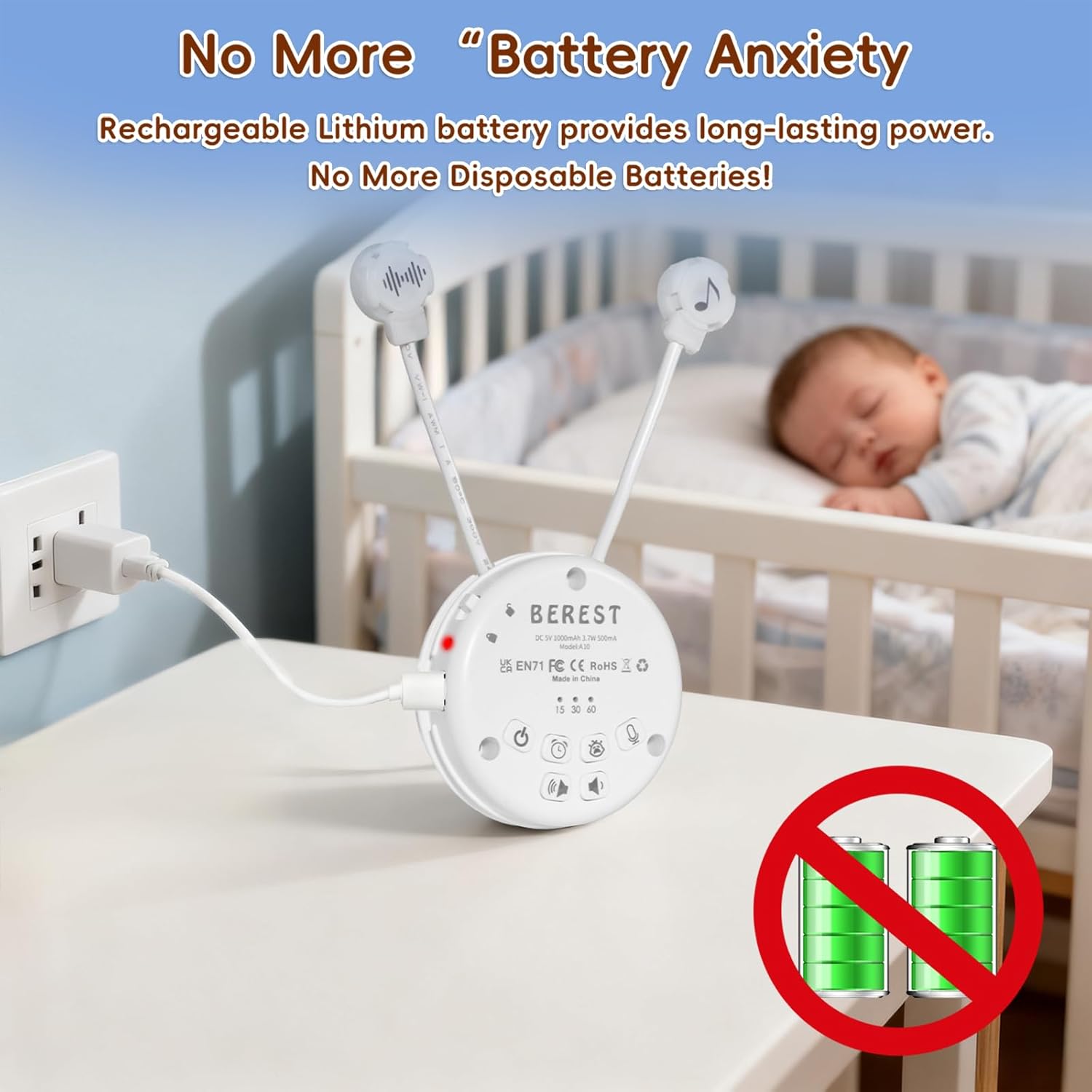
Image: The BEREST A10 Music Box being charged with its Type-C cable, indicating its rechargeable nature.
2. Inserting into a Plush Toy (Optional)
The compact design of the A10 allows it to be inserted into most plush toys or loveys. Locate the opening in your plush toy, gently insert the music box, and secure it if possible. Ensure the buttons are accessible if you plan to operate it while inside the plush.

Imaj: Yon gwo plan view of the BEREST A10 Music Box being placed inside a plush toy for integrated use.
Enstriksyon Operasyon
Familiarize yourself with the control buttons on the device:
Image: Labeled diagram of the BEREST A10 Music Box controls.
1. Power On/Off
- Peze a Bouton ON/OFF once to turn the device on.
- Peze epi kenbe la Bouton ON/OFF pou 3 segonn fèmen aparèy la.
2. Sound Selection
- When the device is on, short press the Bouton ON/OFF to cycle through the 10 available soothing sounds (2 heartbeats, white noise, rain, shushing, 5 lullabies).
- Long peze la Bouton ON/OFF for 3 seconds (while on) to enable continuous loop playing of all songs.

Image: The BEREST A10 Music Box providing 10 soothing sounds for a sleeping baby.
3. Kontwòl Volim
- Peze a Bouton Volim moute pou ogmante nivo son an.
- Peze a Bouton volim desann to decrease the sound level.
4. Fonksyon revèy
- Peze a Bouton revèy to set the auto-off timer. The available options are 15, 30, or 60 minutes.
- If no timer is set, the device will play continuously until manually turned off or the battery runs out.

Image: The BEREST A10 Music Box with its timer function set to 15, 30, or 60 minutes.
5. Smart Baby Cry Sensor
- Peze a Baby Cry Sensor button pou aktive karakteristik sa a.
- When activated, the device will automatically detect a baby's crying and play soothing sounds for 30 minutes to help calm the baby back to sleep.
- The sensor will reactivate if crying is detected again after the 30-minute cycle.

Image: The BEREST A10 Music Box's cry sensor feature, designed to soothe a crying baby.
6. Fonksyon Anrejistreman
- Peze epi kenbe la Bouton anrejistreman to begin recording. The device supports up to 120 seconds of recording.
- Lage bouton an pou sispann anrejistreman.
- Kout peze la Bouton anrejistreman to play back your recorded message.
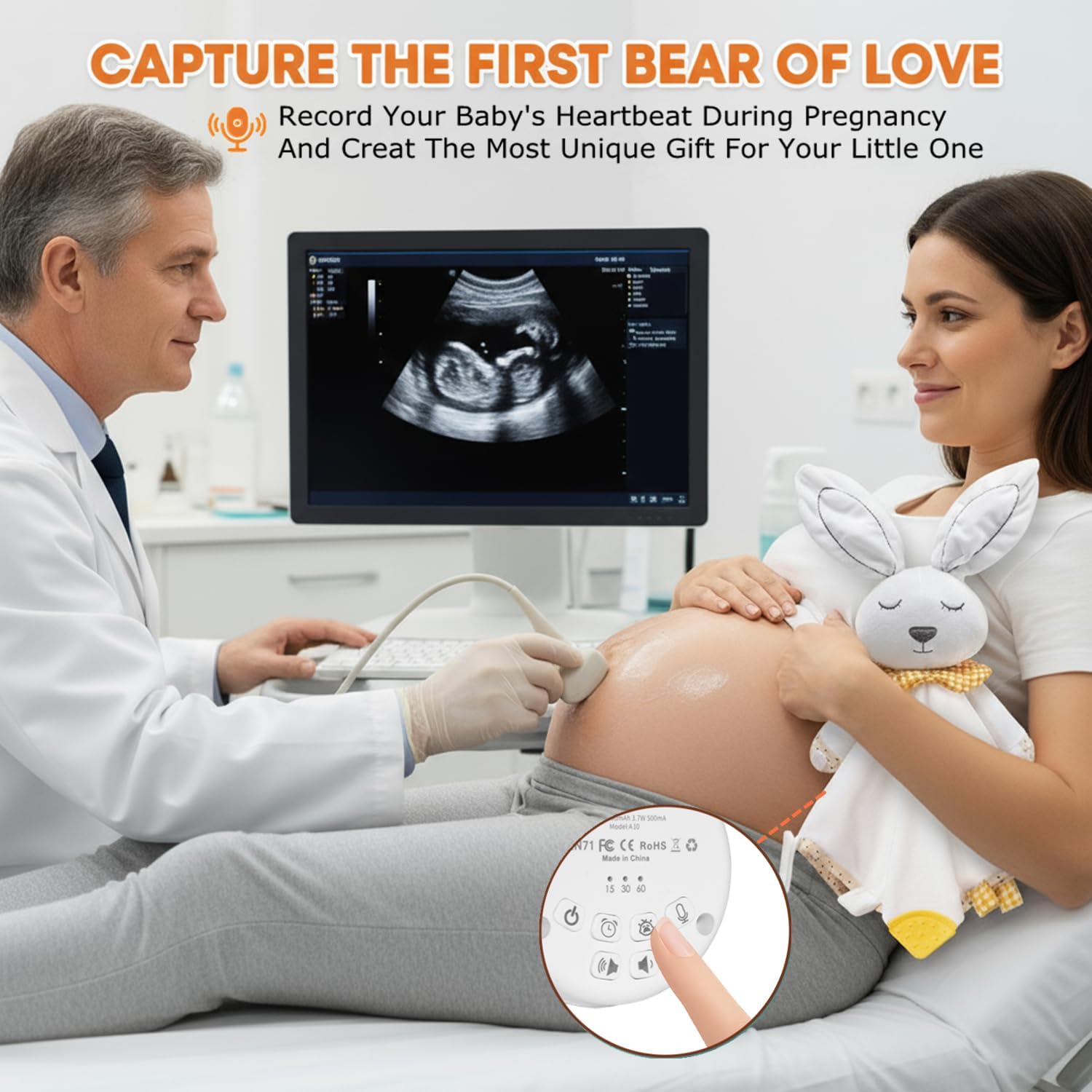
Image: The BEREST A10 Music Box's recording function being used to capture a heartbeat.
7. Children Lock
- Jwenn la Children Lock switch sou bò aparèy la.
- Slide the switch to the lock position to prevent accidental changes to settings by children.
Antretyen
Netwayaj
- Siye aparèy la ak yon mou, twal sèk.
- Do not use liquid cleaners or immerse the device in water.
Swen batri
- Pou pwolonje lavi batri a, evite dechaje batri a nèt souvan.
- Sere aparèy la nan yon kote ki fre epi sèk lè w pa itilize li pou yon bon bout tan.
Depanaj
| Pwoblèm | Kòz posib | Solisyon |
|---|---|---|
| Aparèy la pa vire. | Batri a fèb oswa li vid. | Chaje aparèy la avèk kab Kalite-C ki vini ak li a. |
| Pa gen son oswa volim nan ba. | Volim yo mete twò ba. | Increase the volume using the Volume Up button. |
| Cry sensor not activating. | Cry sensor not enabled or ambient noise is too high. | Ensure the Baby Cry Sensor button is pressed. Reduce other noise sources. |
| Aparèy la etenn sanzatann. | Timer is set, or battery is low. | Check timer settings. Recharge the device if the battery is low. |
Espesifikasyon
| Nimewo Modèl | A10 |
| Dimansyon pwodwi | 2.52 x 2.52 x 1.38 pous |
| Pwa atik | 3.2 ons |
| Kalite Materyèl | Plastik |
| Koulè | Krèm blan |
| Kalite batri | Rechargeable Lithium-ion (1 AA battery included, likely referring to internal rechargeable equivalent) |
Garanti ak sipò
For warranty information or technical support, please refer to the contact details provided with your purchase or visit the official BEREST websit la. Kenbe prèv acha ou a pou nenpòt reklamasyon garanti.