
1. Entwodiksyon
Thank you for choosing the Trisomy 4-in-1 Walking Pad Treadmill. This versatile fitness equipment is designed to support various exercise modes, including walking, running, climbing, and under-desk workouts. With its adjustable handlebar, manual incline settings, powerful motor, and compact design, it offers a convenient solution for staying active at home or in the office. Please read this manual thoroughly before operation to ensure safe and optimal use.
2. Enfòmasyon sou Sekirite
To reduce the risk of serious injury, read all important precautions and instructions in this manual before using the treadmill. Trisomy assumes no responsibility for personal injury or property damage sustained by or through the use of this product.
- Always ensure the safety clip is attached to your clothing during operation. If the clip detaches, the treadmill will stop automatically.
- Kenbe timoun ak bèt kay lwen tapi a pandan operasyon an.
- Place the treadmill on a level, stable surface. Ensure adequate clearance around the unit.
- Do not operate the treadmill if it has been damaged or submerged in water.
- Mete soulye atletik ki apwopriye.
- Do not exceed the maximum user weight capacity of 350 lbs.
- Always hold onto the handlebars for stability, especially when adjusting speed or incline.
- Disconnect the power cord when not in use or before cleaning/maintenance.
Ijans Stop: In case of an emergency, pull the safety clip from the console to immediately stop the treadmill.
3. Pake kontni
Verifye ke tout konpozan yo prezan nan bwat la:
- Trisomy Walking Pad Treadmill x1
- Gid Enstalasyon Rapid x1
- Manyèl itilizatè x1
- Remote Kontwòl x1
- Detantè tablèt x1
- Safe Lock (Safety Clip) x1
- Kle ki gen fòm L x1
- Handlebar Fixing Nut x2
- Tablet Holder Nut x2
- Lubrifyan x1
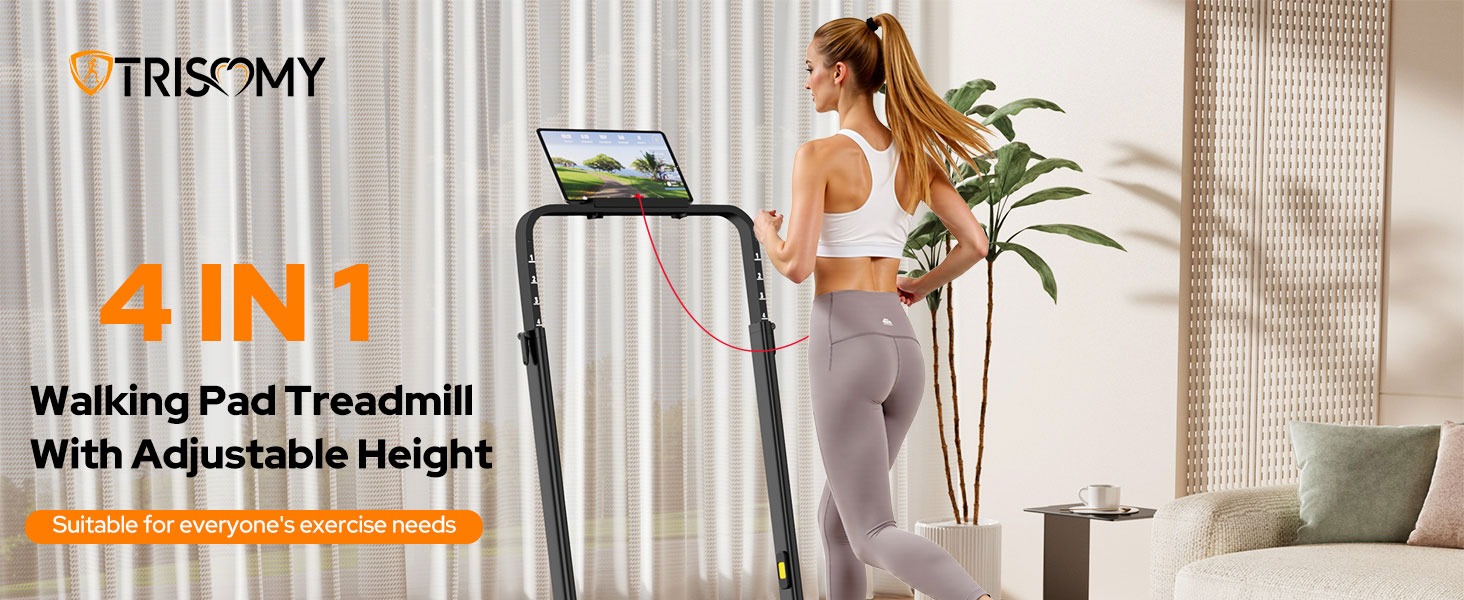
Image: All components included in the Trisomy Walking Pad Treadmill package.
4. Enstalasyon
The Trisomy Walking Pad Treadmill requires tool-free assembly and is designed for quick setup.
- Retire tapi kous la ak tout konpozan yo nan anbalaj la avèk anpil atansyon.
- Unfold the handlebar to its upright position.
- Secure the handlebar using the provided handlebar fixing nuts. These are hand-adjustable.
- Attach the tablet holder to the handlebar using the tablet holder screws. These are also hand-adjustable.
- Mete tapi kous la sou yon sifas plat epi ki stab.
- Ploge kòd elektrik la nan yon priz elektrik ki gen tè.
- Ensure the safety clip is properly inserted into the console before starting.
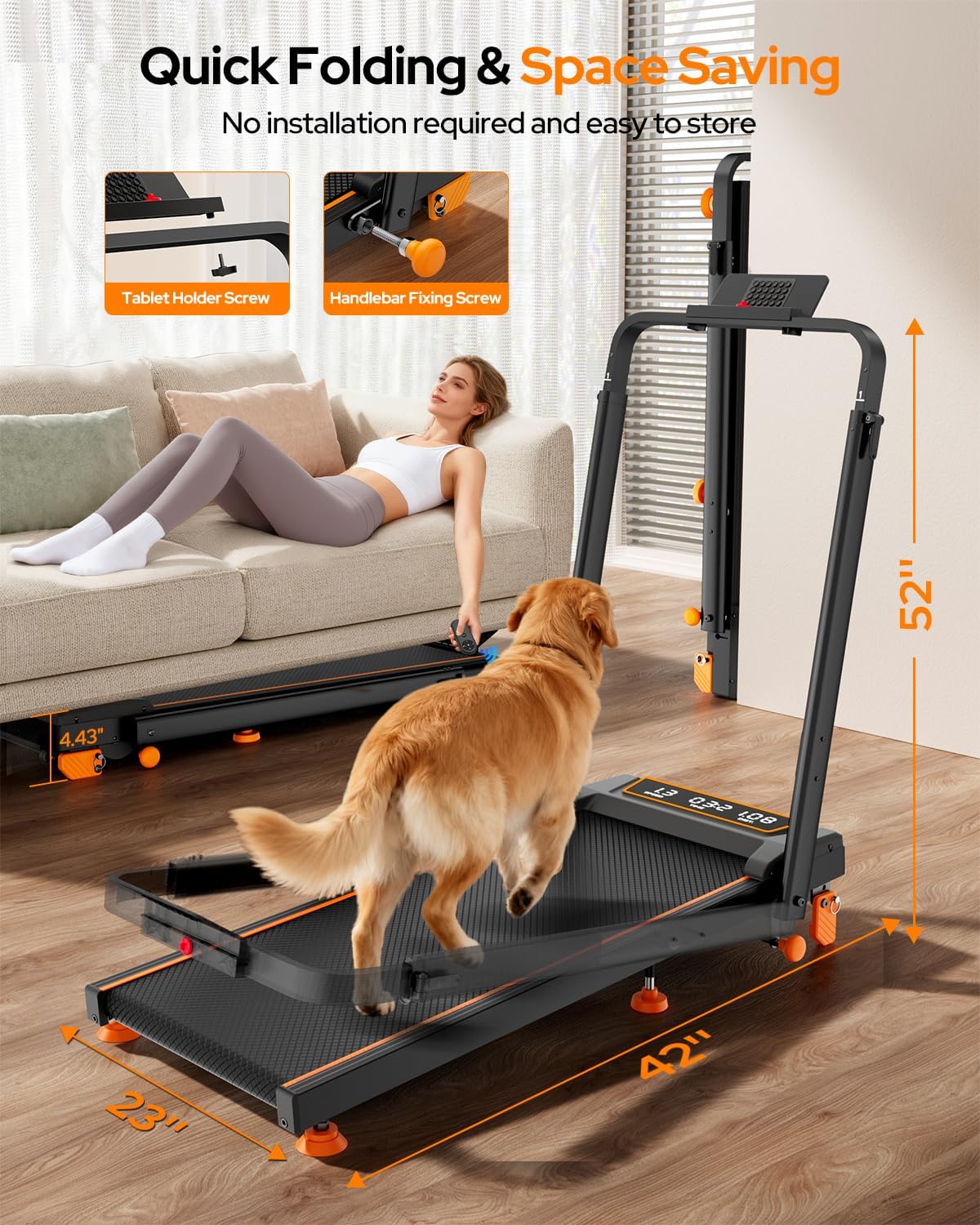
Image: Quick folding and tool-free assembly, highlighting the tablet holder screw and handlebar fixing screw.
5. Karakteristik souview
- Adjustable Handlebar Height: The handlebar can be adjusted to 6 different levels, from 35" to 47", accommodating users of various heights for comfortable and safe workouts.
- Manual Incline Settings: Features 3 manual incline settings (0-12%) to simulate climbing and increase calorie burn.
- Versatile 4-an-1:
- Mòd travay: Handlebar folded, for light walking under a desk (0.6-1.5 mph).
- Mòd mache: Handlebar folded, for walking (0.6-4.0 mph).
- Kouri Mode: Handlebar raised, for running (4.0-6.0 mph).
- Mòd Eskalad: Handlebar raised with incline, for intense workouts.
- Motè pwisan ak trankil: Equipped with a 3.5HP motor, supporting up to 350 lbs with low noise operation (below 40dB).
- Absòpsyon chòk avanse: Features a 7-layer anti-slip belt, 10 silicone shock-absorbers, and adjustable middle cushioning to reduce joint stress by up to 50%.
- Dirije ekspozisyon: A clear LED display tracks time, speed, distance, and calories.
- Kontwòl Remote: Adjust speed and other settings without interrupting your workout.
- Koneksyon APP: Connects to the "FITSHOW" APP for customized exercise journeys and tracking.

Image: Adjustable handlebar height for various users.

Image: Manual incline settings for enhanced calorie burn.

Image: LED display and remote control for easy workout management.
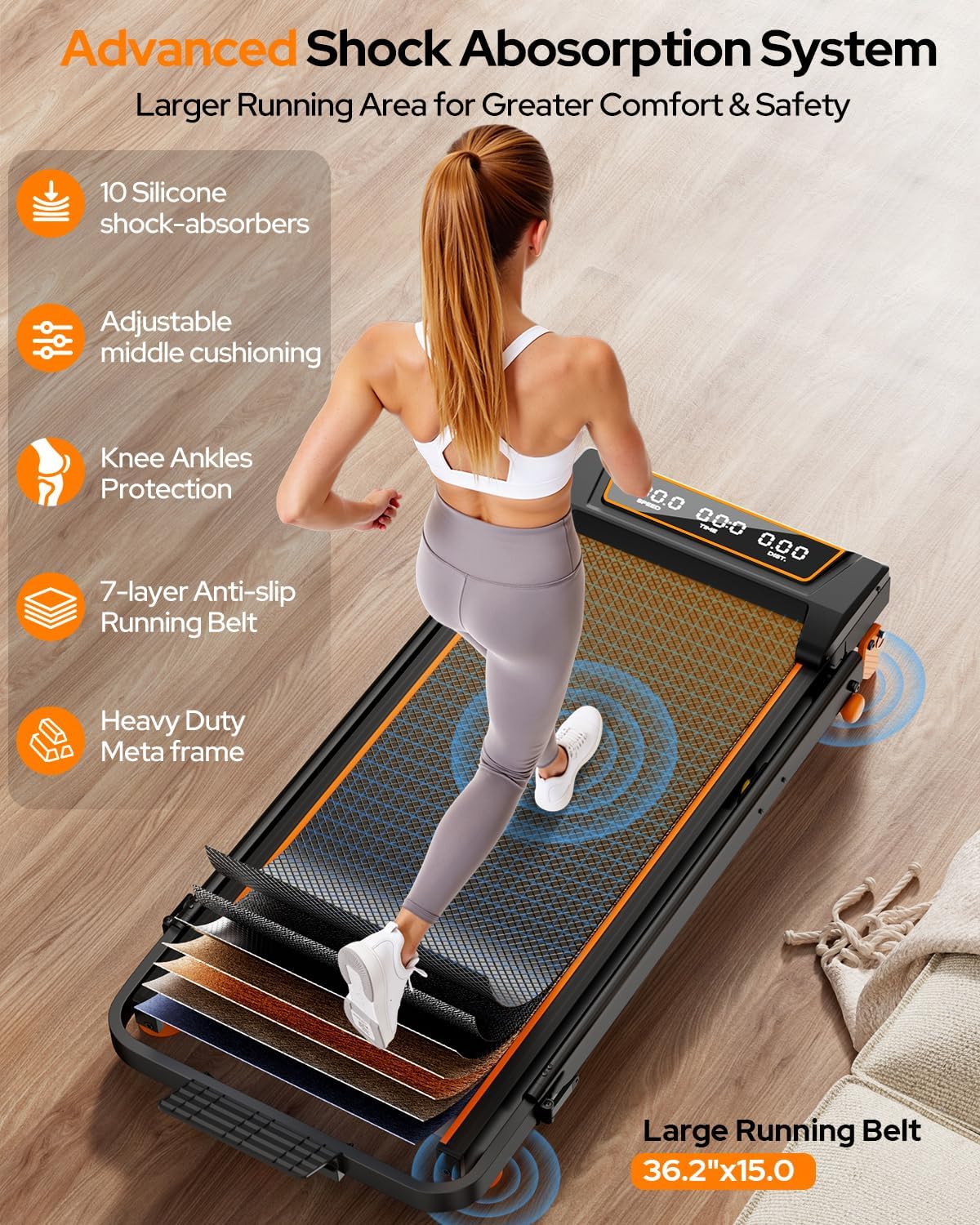
Image: Advanced shock absorption system for joint protection.
6. Operasyon Enstriksyon
- Pouvwa sou: Plug the treadmill into a grounded outlet and flip the power switch located at the front of the unit. The LED display will light up.
- Attach Safety Clip: Securely attach the safety clip to your clothing. The treadmill will not operate without the safety clip in place.
- Kòmanse Antrennman: Use the remote control or the console buttons to start the treadmill. It will typically start at a low speed after a 3-second countdown.
- Ajiste vitès: Use the '+' and '-' buttons on the remote or console to increase or decrease the speed.
- Ajiste enklinasyon an: For manual incline, adjust the incline adjustment screws at the base of the treadmill to one of the 3 available levels (0-12%). Ensure both sides are adjusted evenly.
- Siveye Pwogrè: The LED display will cycle through speed, time, distance, and calories burned.
- Koneksyon APP: Download the "FITSHOW" app on your smartphone or tablet. Connect the app to your treadmill via Bluetooth for additional workout programs and tracking.
- Fen antrennman: Press the 'Stop' button on the remote or console. The treadmill will gradually slow down and stop. Remove the safety clip.
Video: Demonstration of the Trisomy Walking Pad Treadmill with incline and handlebar, showcasing karakteristik ak operasyon li yo.
Videyo: Finiview of the Trisomy walking pad with handlebar, highlighting its ease of use and features.
7. Depo
The treadmill is designed for easy storage due to its foldable and compact nature.
- Ensure the treadmill is completely stopped and unplugged from the power outlet.
- Unscrew the handlebar fixing nuts and gently lower the handlebar until it rests flat against the running deck.
- The built-in wheels at the front allow for easy movement. Tilt the treadmill and roll it to your desired storage location.
- It can be stored flat under a sofa, desk, or bed, or stood upright against a wall.

Image: Easy movement and storage of the Trisomy Walking Pad Treadmill.
8. Antretyen
- Lubrifikasyon: Use the provided lubricant to maintain the running belt. Refer to the Quick Installation Guide for specific instructions on how and when to apply lubricant.
- Netwayaj: Siye tapi roulan an ak piblisiteamp cloth after each use. Do not use abrasive cleaners.
- Ajisteman senti: Periodically check the running belt tension and alignment. Use the L-shaped wrench to adjust if necessary, ensuring the belt is centered and not slipping.
NAN. Depanaj
If you encounter any issues with your Trisomy Walking Pad Treadmill, please refer to the Quick Installation Guide for basic troubleshooting steps. If the problem persists, contact customer support.
10. Espesifikasyon
| Spesifikasyon | Valè |
|---|---|
| Mak | Trisomy |
| Koulè | Black-Orange |
| Dimansyon pwodwi | 42.5"D x 22.4"W x 4.4"H |
| Pwa atik | 1 liv |
| Materyèl | Alloy Steel |
| Maksimòm Puissance | 3.5 Puissance |
| Pousan Incline Maksimòmtage | 12% |
| Kalite ekspozisyon | dirije |
| Pwa maksimòm itilizatè | 350 LBS |
11. Garanti & Sipò
The Trisomy Walking Pad Treadmill comes with a 2-ane garanti and lifetime technical support. For any questions or assistance, please contact Trisomy customer service. You can find contact information in the user manual or by visiting the Trisomy Store on Amazon.
For further assistance, please refer to the contact details provided in your User Manual or the Quick Installation Guide.