
1. Entwodiksyon
Welcome to the user manual for your new vivo Y31 Pro 5G smartphone. This guide provides essential information on setting up, operating, maintaining, and troubleshooting your device. Please read this manual thoroughly to ensure proper usage and to maximize your phone's capabilities.
The vivo Y31 Pro 5G is a powerful smartphone featuring a 50MP camera, a large 6500 mAh battery with 44W fast charging, 8GB RAM, 256GB storage, and 5G connectivity, all powered by Funtouch OS 15.
2. Ki sa ki nan bwat la
Upon unboxing your vivo Y31 Pro 5G, please verify that all the following items are included:
- vivo Y31 Pro 5G Smartphone
- Ka Telefòn
- Adaptè kouran (chajè rapid 44W)
- SIM Plato Ejector
- Pwotektè ekran (pre-aplike)
- USB kab (Tip-C)
3. Aparèy souview
Familiarize yourself with the physical components and layout of your vivo Y31 Pro 5G.
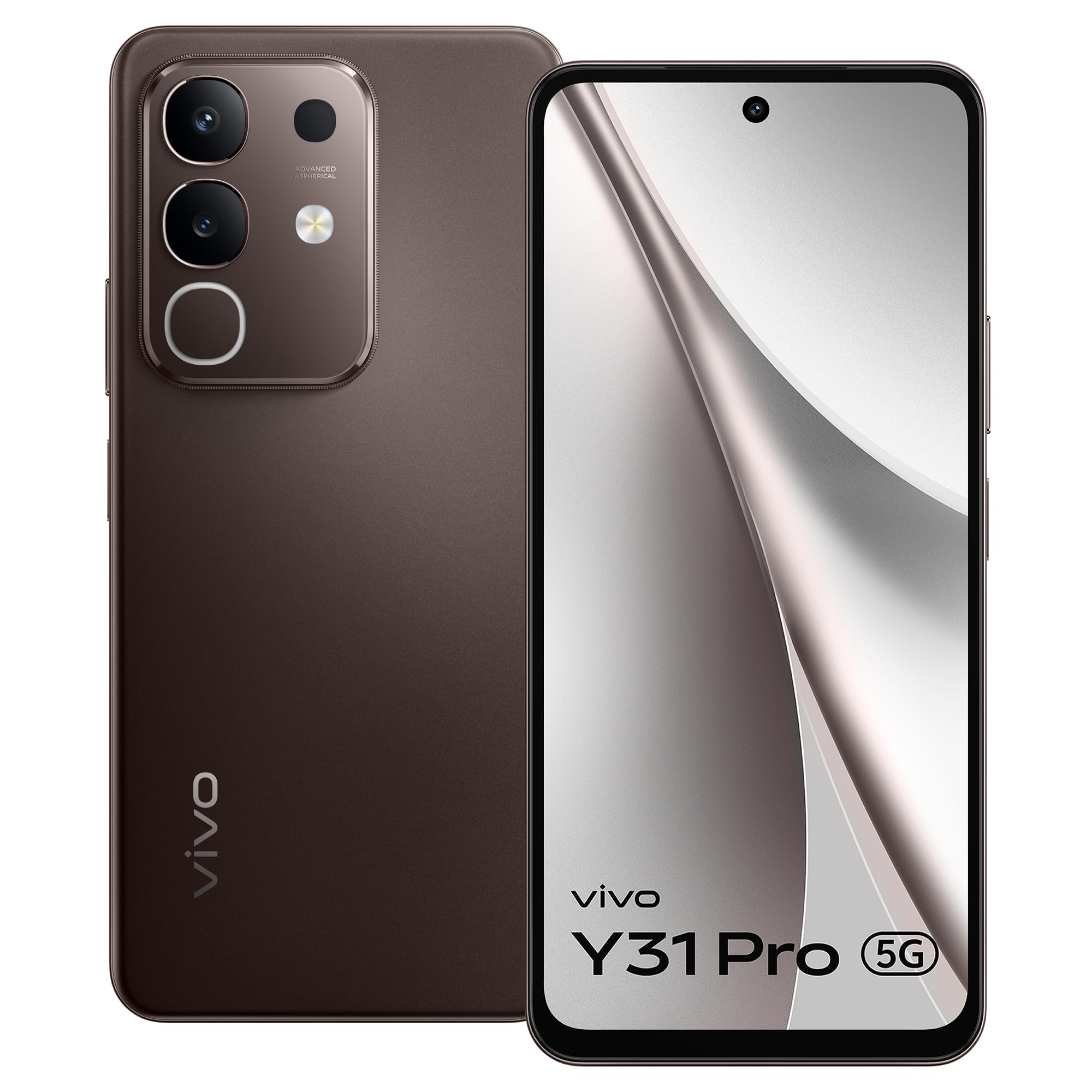
Figi 3.1: Devan view of the vivo Y31 Pro 5G, showcasing ekran li ak kamera devan li.

Figi 3.2: Retounen view of the vivo Y31 Pro 5G, highlighting the camera module and vivo branding.
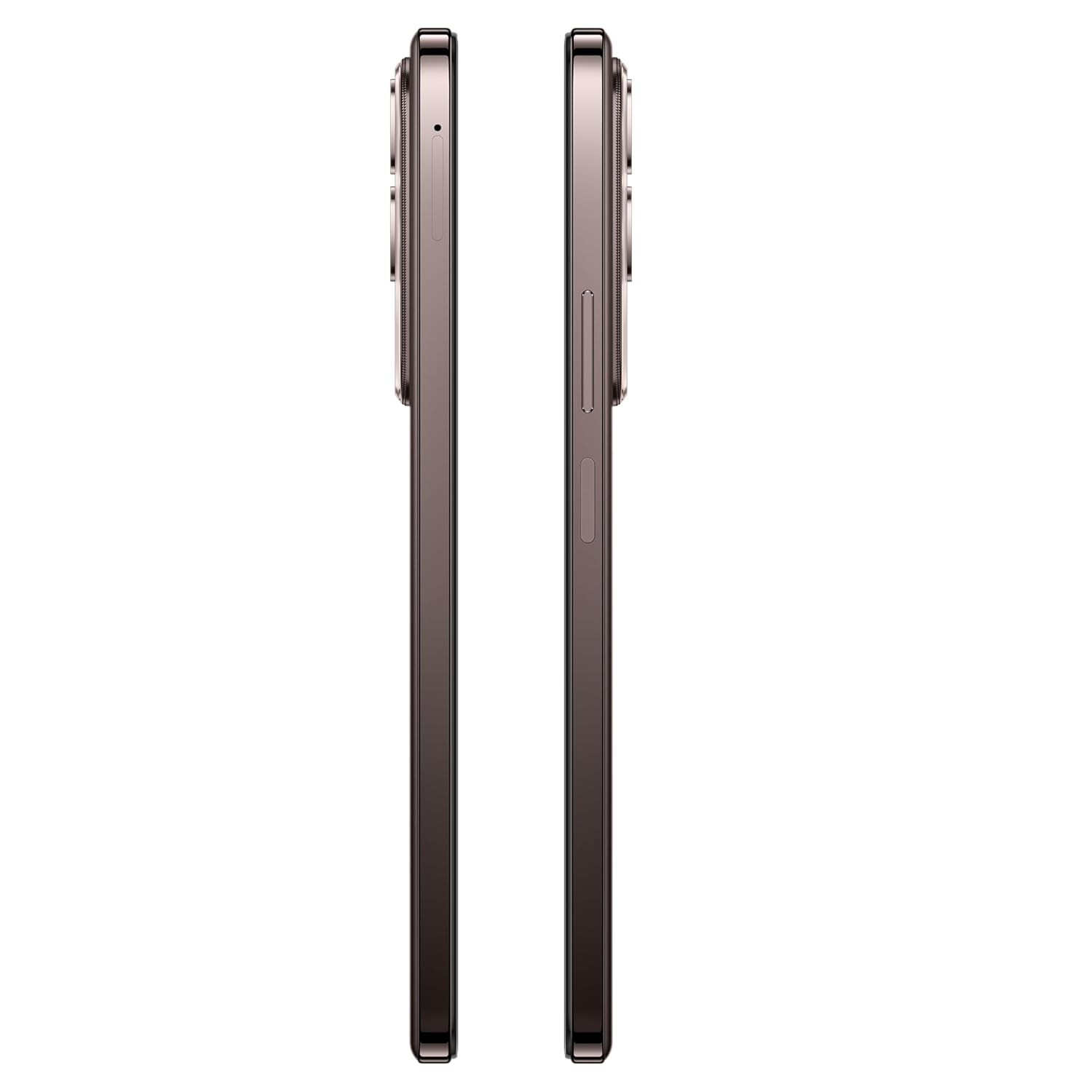
Figi 3.3: Side view of the vivo Y31 Pro 5G, illustrating the power button, volume rocker, and SIM card tray location.

Figi 3.4: Anlè ak anba view of the vivo Y31 Pro 5G, showing the USB Type-C port, speaker grille, and microphone.
4. Enstalasyon
4.1. Enstalasyon Kat SIM ak Kat Memwa
Your vivo Y31 Pro 5G supports dual Nano SIM cards. Follow these steps to install your SIM cards:
- Locate the SIM card tray on the side of your phone (refer to Figure 3.3).
- Mete zouti pou retire plato SIM lan nan ti twou ki akote plato a epi peze byen fèm jiskaske plato a soti.
- Rale plato SIM lan avèk prekosyon.
- Place your Nano SIM cards into the designated slots on the tray, ensuring the gold contacts face downwards and the cut corner aligns correctly.
- Gently push the SIM tray back into the phone until it is flush with the device's side.
4.2. Premye Limen
Pou premye fwa, limen aparèy ou an:
- Press and hold the Power button (located on the side) until the vivo logo appears on the screen.
- Swiv enstriksyon ki sou ekran an pou w konplete konfigirasyon inisyal la, tankou seleksyon lang lan, koneksyon Wi-Fi a, konfigirasyon kont Google la, ak paramèt sekirite yo.
4.3. Chaje Aparèy la
Before first use, it is recommended to fully charge your phone.
- Konekte kab USB Kalite-C a nan pò chaje ki anba telefòn ou an.
- Connect the other end of the USB cable to the provided 44W Power Adapter.
- Ploge adaptè pouvwa a nan yon priz miray.
- The charging indicator will appear on the screen. Your device supports 44W fast charging for quick power-ups.
5. Karakteristik kle
Explore the advanced features of your vivo Y31 Pro 5G.
5.1. Montre
Enjoy a vibrant visual experience on the 17.06 cm (6.72-inch) FHD display with a high brightness mode of 1050 Nits and a smooth 120 Hz refresh rate.
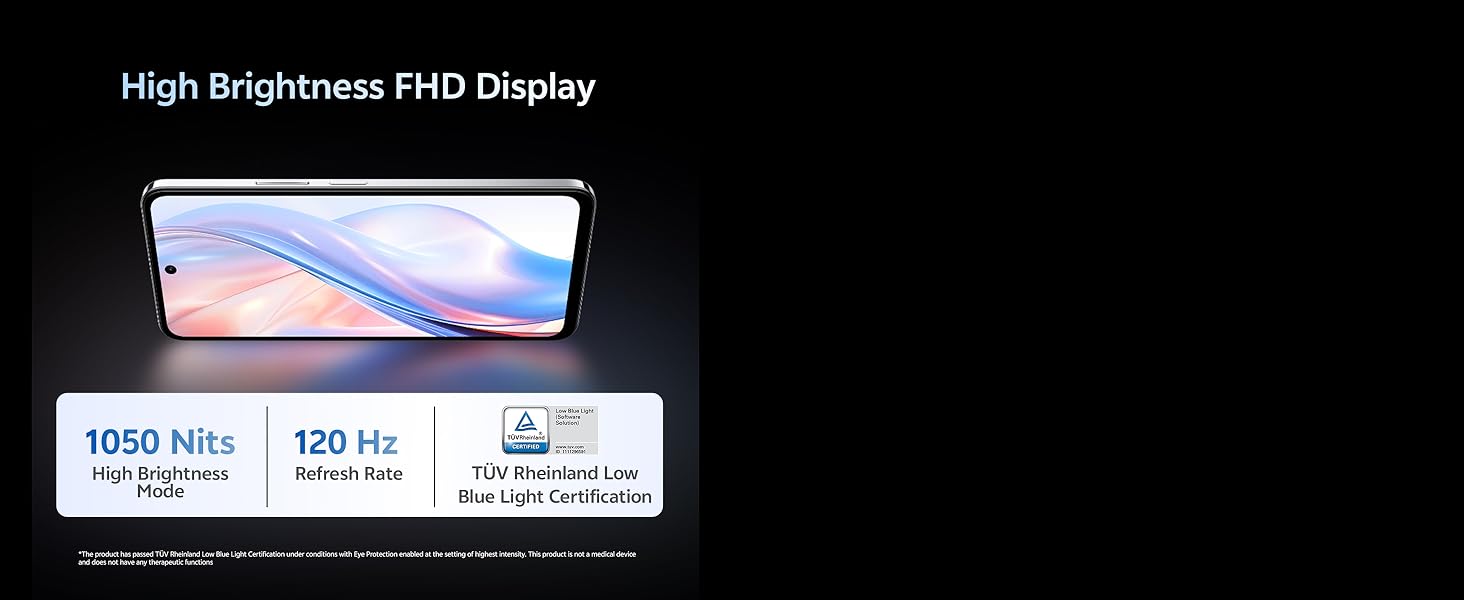
Figi 5.1: The vivo Y31 Pro 5G features a High Brightness FHD Display with 1050 Nits and 120 Hz Refresh Rate for clear and fluid visuals.
5.2. Sistèm Kamera
Pran foto ak videyo mayifik ak konfigirasyon kamera versatile a:
- Kamera dèyè: 50 MP Main Camera + 2 MP Secondary Camera
- Kamera devan: 8 MP Selfie Camera
- Anrejistreman videyo: Supports 4K video recording for high-definition footage.
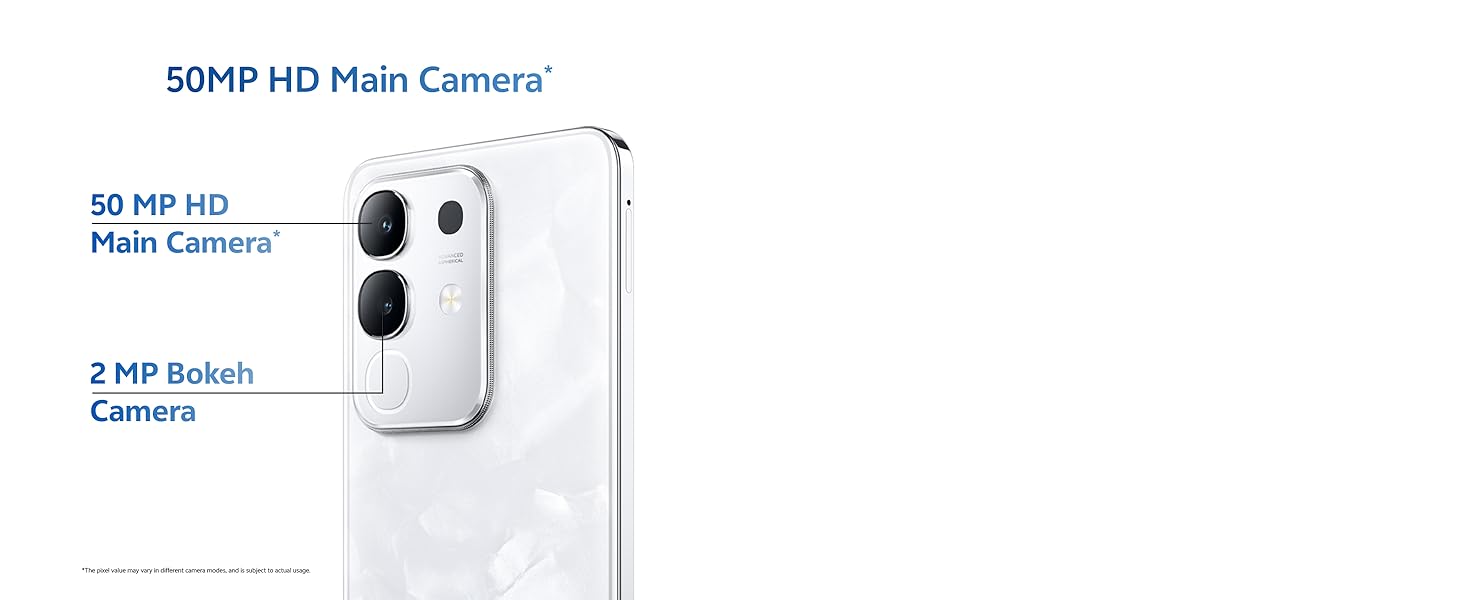
Figi 5.2: Close-up of the 50MP HD Main Camera module on the vivo Y31 Pro 5G.
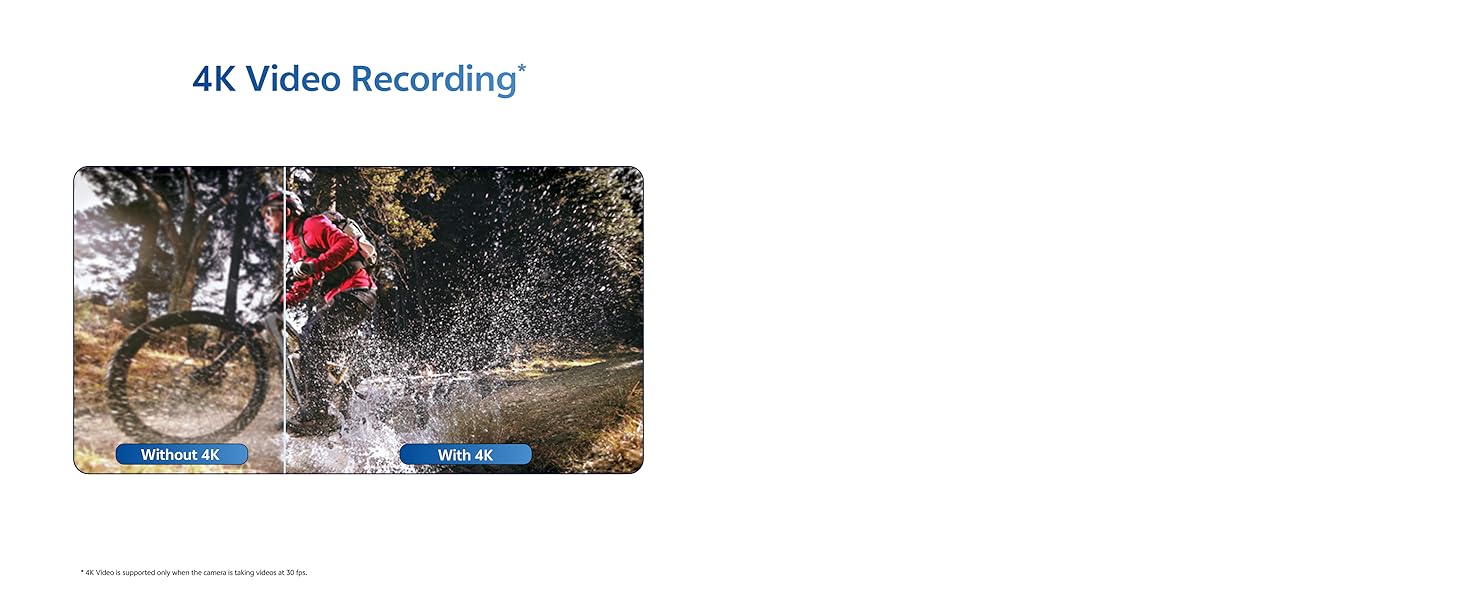
Figi 5.3: Illustration of the 4K Video Recording feature, demonstrating enhanced detail.
5.3. Pèfòmans
The vivo Y31 Pro 5G is engineered for smooth and efficient performance:
- Processeur: Powered by the MediaTek Dimensity 7300 Processor for robust performance.
- RAM: 8GB RAM ensures seamless multitasking.
- Depo: 256GB internal memory provides ampgen espas pou aplikasyon, foto, ak medya.
- Koneksyon: 5G cellular technology for lightning-fast internet speeds.
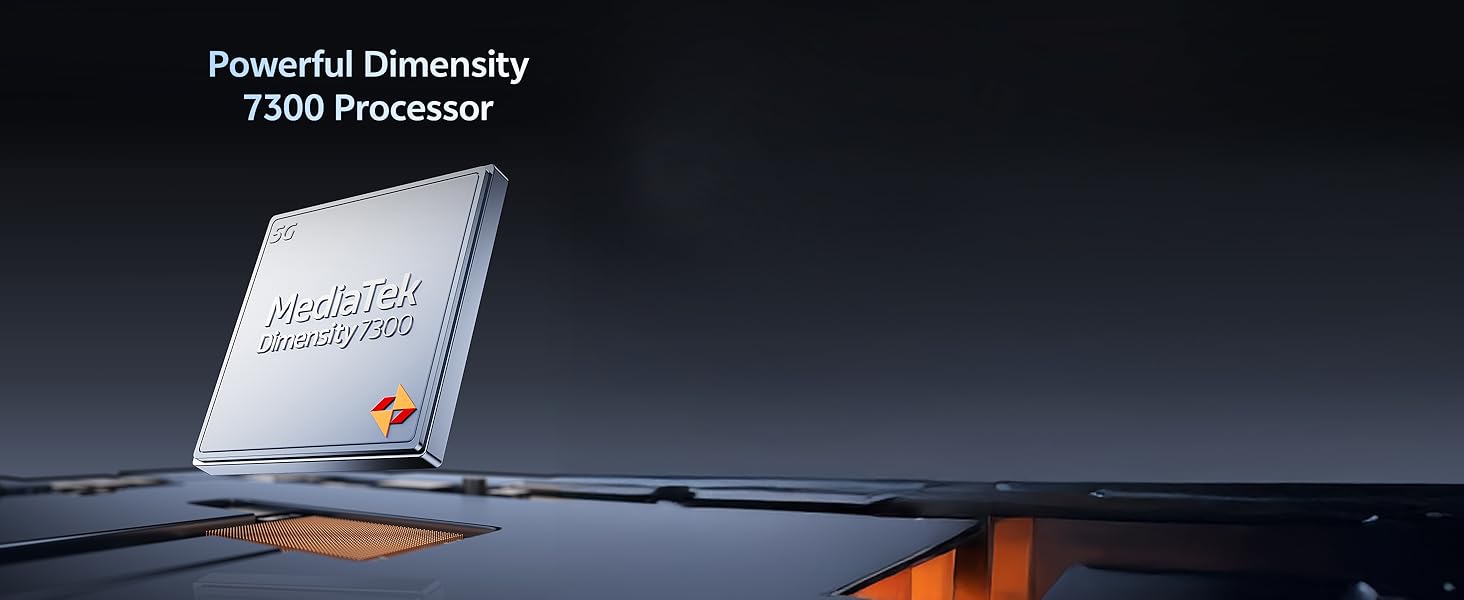
Figi 5.4: The Powerful Dimensity 7300 Processor, central to the phone's high performance.
5.4. Batri & Chaje
Stay powered throughout your day with:
- Kapasite batri: Massive 6500 mAh lithium-ion battery.
- Chaje rapid: 44W fast charging technology for quick recharges.
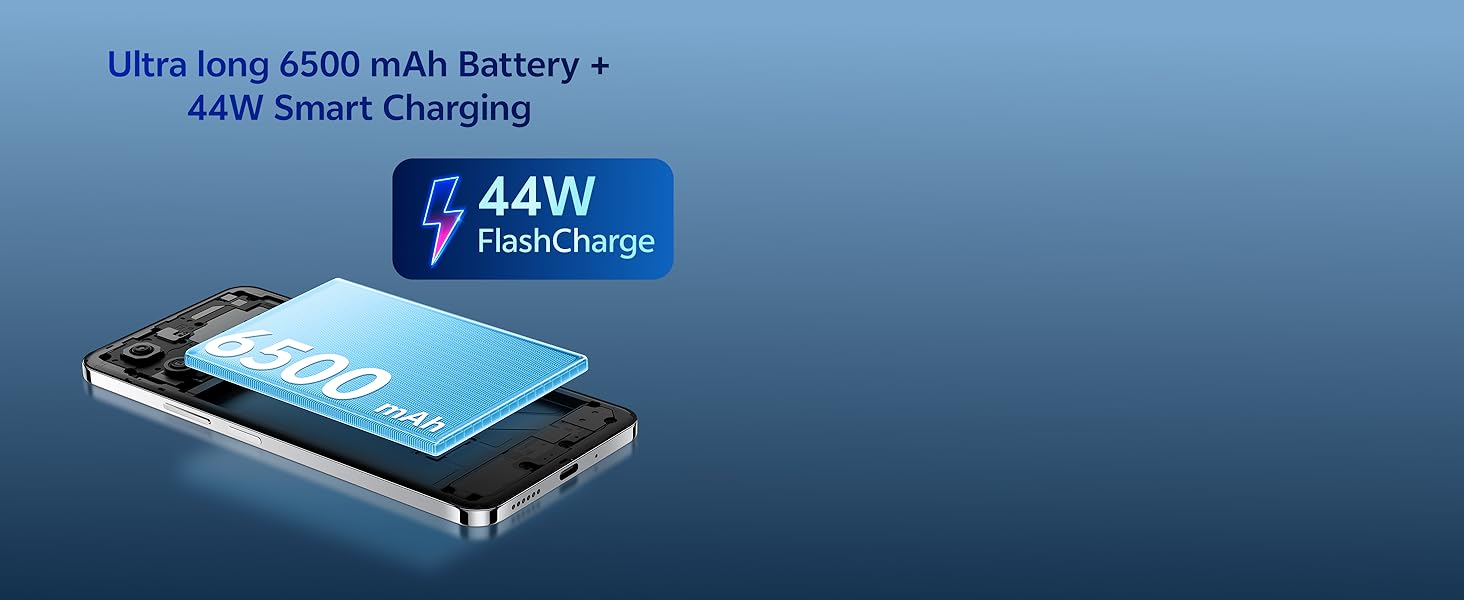
Figi 5.5: The Ultra long 6500 mAh Battery with 44W FlashCharge capability.
5.5. Durability & Design
The vivo Y31 Pro 5G is built to withstand daily use:
- Dirab: Features Military Grade durability, tested to MIL-STD-810H standards.
- Rezistans dlo: IP64 rating for All-Life-Scenario Water Resistance, offering protection against dust and water splashes.
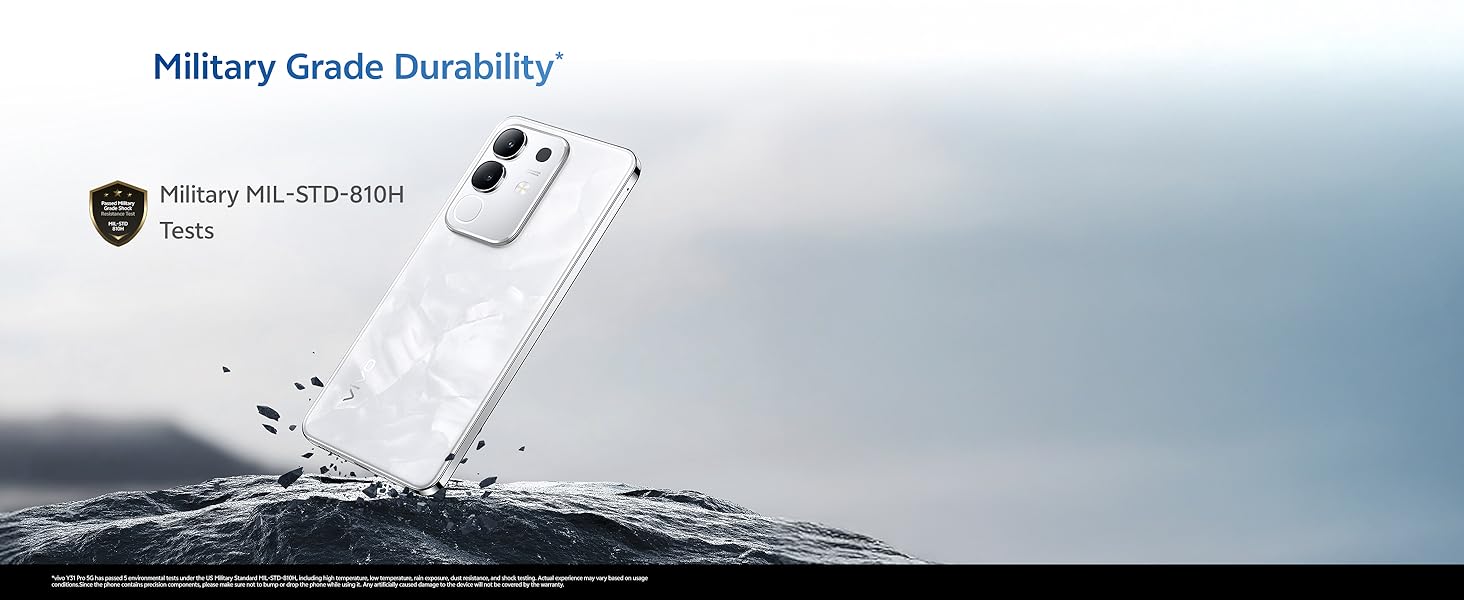
Figi 5.6: The vivo Y31 Pro 5G demonstrating Military Grade durability in a rugged environment.
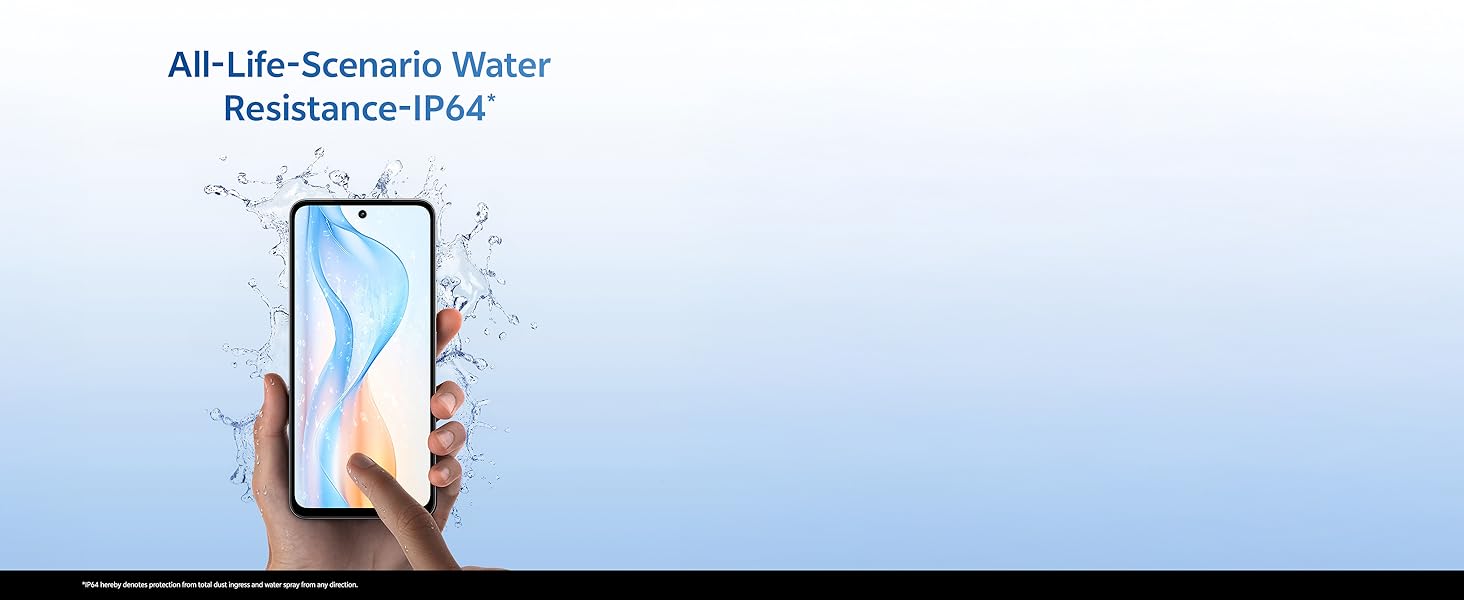
Figi 5.7: A hand holding the vivo Y31 Pro 5G, illustrating its IP64 water resistance against splashes.
5.6. Odyo
Experience immersive sound with dual stereo speakers, offering 400% boosted volume for enhanced audio playback.
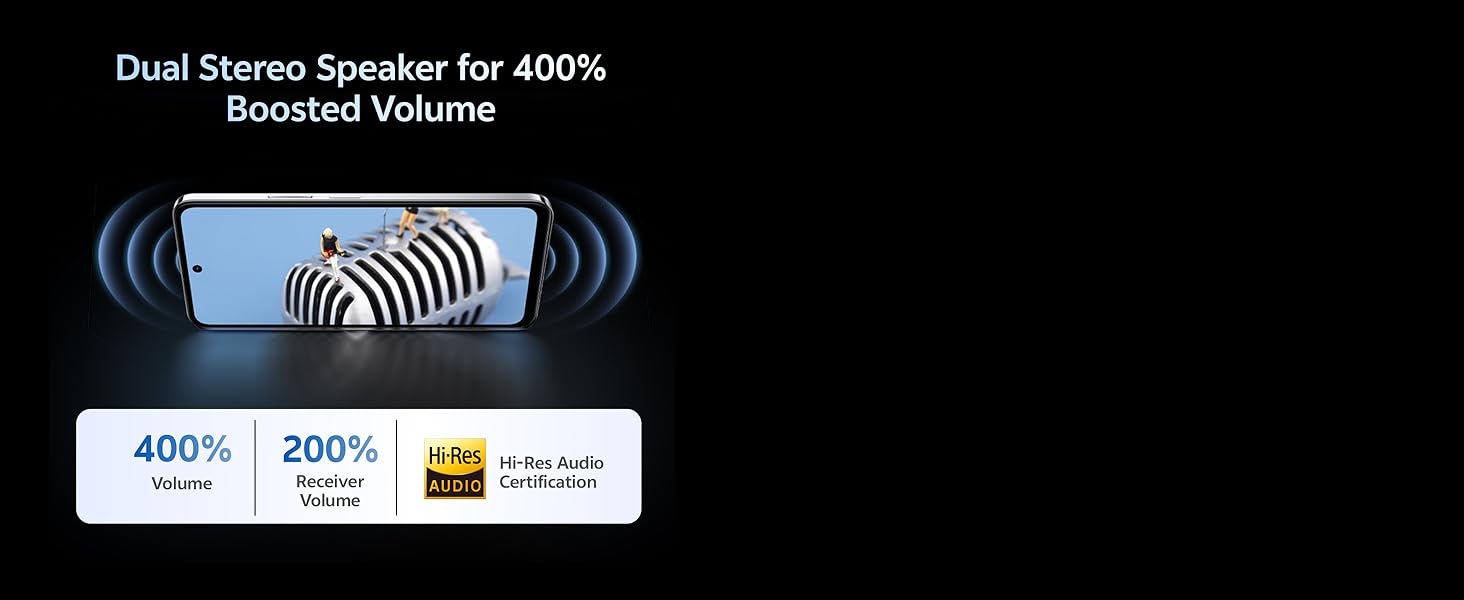
Figi 5.8: Visual representation of the Dual Stereo Speaker system providing boosted volume.
5.7. AI Suite
Leverage intelligent features for enhanced user experience:
- Efase pa entèlijans atifisyèl (IA): Intelligently remove unwanted objects from your photos.
- AI Photo Enhance: Automatically improve photo quality with AI algorithms.

Figi 5.9: Examples of AI Suite functionalities, including AI Erase and AI Photo Enhance.
6. Sistèm operasyon
The vivo Y31 Pro 5G runs on Sistèm operasyon Funtouch 15, vivo's customized Android operating system. Funtouch OS 15 offers a user-friendly interface, enhanced privacy features, and various customization options. It also includes biometric security features such as Face Recognition for convenient and secure unlocking.
NAN. Depanaj
This section addresses common issues you might encounter with your vivo Y31 Pro 5G. If you experience problems not covered here, please refer to the Warranty and Support section for further assistance.
- Aparèy pa limen: Ensure the battery is charged. Connect the phone to the charger and wait a few minutes before attempting to power it on again. If it still doesn't turn on, press and hold the Power button for at least 10-15 seconds to force a restart.
- Telefòn nan pa chaje: Check if the USB cable and power adapter are securely connected to both the phone and the power outlet. Try using a different outlet or a different compatible charger and cable. Ensure the charging port is clean and free of debris.
- Siyal rezo pòv: Check if your SIM card is correctly inserted. Try restarting your phone. If the issue persists, contact your network provider to check for service outages nan zòn ou an.
- Aplikasyon yo ap plante oswa bloke: Close the problematic app and reopen it. If the issue continues, clear the app's cache and data in the phone's settings, or uninstall and reinstall the app. Ensure your Funtouch OS is updated to the latest version.
- Ekran an pa reponn: Force restart your phone by pressing and holding the Power button for 10-15 seconds. If the screen remains unresponsive after restarting, contact customer support.
8. Espesifikasyon
Detailed technical specifications for the vivo Y31 Pro 5G:
| Karakteristik | Spesifikasyon |
|---|---|
| Mak | vivo |
| Non modèl | Y31 Pro 5G |
| Sistèm operasyon | Sistèm operasyon Funtouch 15 |
| Gwosè memwa RAM enstale | 8 GB |
| Kapasite Depo memwa | 256 GB |
| Gwosè ekran | 6.72 pous (17.06 cm) |
| Rezolisyon | 2408 x 1080 piksèl (FHD) |
| Kalite ekspozisyon | LCD |
| Rezolisyon kamera dèyè | 50 MP + 2 MP |
| Rezolisyon kamera devan | 8 MP |
| Kapasite batri | 6500 Miliamp Orè |
| Teknoloji chaje | 44W vit chaje |
| Kantite plas kat SIM | Dual SIM (Nano) |
| Kalite Connector | USB Kalite C |
| Teknoloji selilè | 5G |
| Sekirite byometrik | Rekonesans figi |
| Nivo rezistans dlo | IP64 (Splash Resistant) |
| Pwa atik | 204 gram |
| Dimansyon atik | 16.6 x 7.6 x 0.8 santimèt |
| Ane ki gen konpòtman egzanplè | 2025 |
9. Garanti ak sipò
Your vivo Y31 Pro 5G comes with a manufacturer's warranty to ensure your peace of mind.
- Garanti Aparèy: Garanti manifakti 1 ane apati dat acha a.
- In-box Accessories Warranty: 6 months manufacturer warranty for accessories included in the box from the date of purchase.
For warranty claims, technical support, or further assistance, please contact vivo customer service or visit an authorized service center. You can find contact information on the official vivo websit la oubyen atravè seksyon sipò nan paramèt aparèy ou an.
Enfòmasyon pou kontakte manifakti: vivo Mobile India Pvt Ltd Plot No 08, Sector 24, Yamuna Expressway Area, Gautam Buddha Nagar, Uttar Pradesh, 201310
10. Videyo pwodwi aview
Gade ti videyo sa a pou yon ti pale rapidview of the vivo Y31 Pro 5G's key features and design.
Videyo 10.1: A brief introductory video showcasing the design and main functionalities of the vivo Y31 Pro 5G smartphone.


