
1. Entwodiksyon
Thank you for choosing the THOMSON COSMO 500W Wi-Fi Connected Fluid-Free Electric Towel Dryer. This appliance is designed to provide rapid and uniform heat, ensuring warm towels and a comfortable bathroom environment. Its elegant design and smart connectivity features offer both performance and convenience.
This manual provides essential information for the safe installation, operation, and maintenance of your new towel dryer. Please read it thoroughly before use and retain it for future reference.
2. Enstriksyon Sekirite
AVÈTISMAN: Si ou pa swiv enstriksyon sekirite sa yo, sa ka lakòz dife, chòk elektrik, oswa blesi.
- Li tout enstriksyon yo anvan w enstale oswa itilize aparèy sa a.
- Aparèy sa a fèt pou itilizasyon domestik sèlman. Pa sèvi avè l pou rezon komèsyal oswa endistriyèl.
- Asire ekipman pou pouvwa a voltage koresponn ak etikèt klasman ki sou aparèy la.
- Pa sèvi ak aparèy la si kòd la oswa ploge a domaje, si li pa fonksyone byen oswa si li te tonbe.
- Kenbe fil elektrik la lwen sifas ki chofe.
- Pa plonje aparèy la, kòd, oswa ploge nan dlo oswa lòt likid.
- Toujou deploge aparèy la nan priz kouran lè li pa itilize epi anvan w netwaye.
- Do not allow children to operate or play with the appliance. Close supervision is necessary when the appliance is used near children.
- Install the towel dryer in a location where it is not accessible to persons in the bath or shower.
- Ensure proper ventilation around the appliance. Do not cover the towel dryer.
- This appliance is equipped with overheat protection. If it overheats, it will automatically shut off.
- Enstalasyon an dwe fèt pa yon elektrisyen kalifye, dapre règleman lokal yo sou fil elektrik.
3. Pwodwi souview
The THOMSON COSMO towel dryer features a sleek design and advanced fluid-free heating technology for rapid and even heat distribution. It includes a digital control panel and Wi-Fi connectivity for remote management.
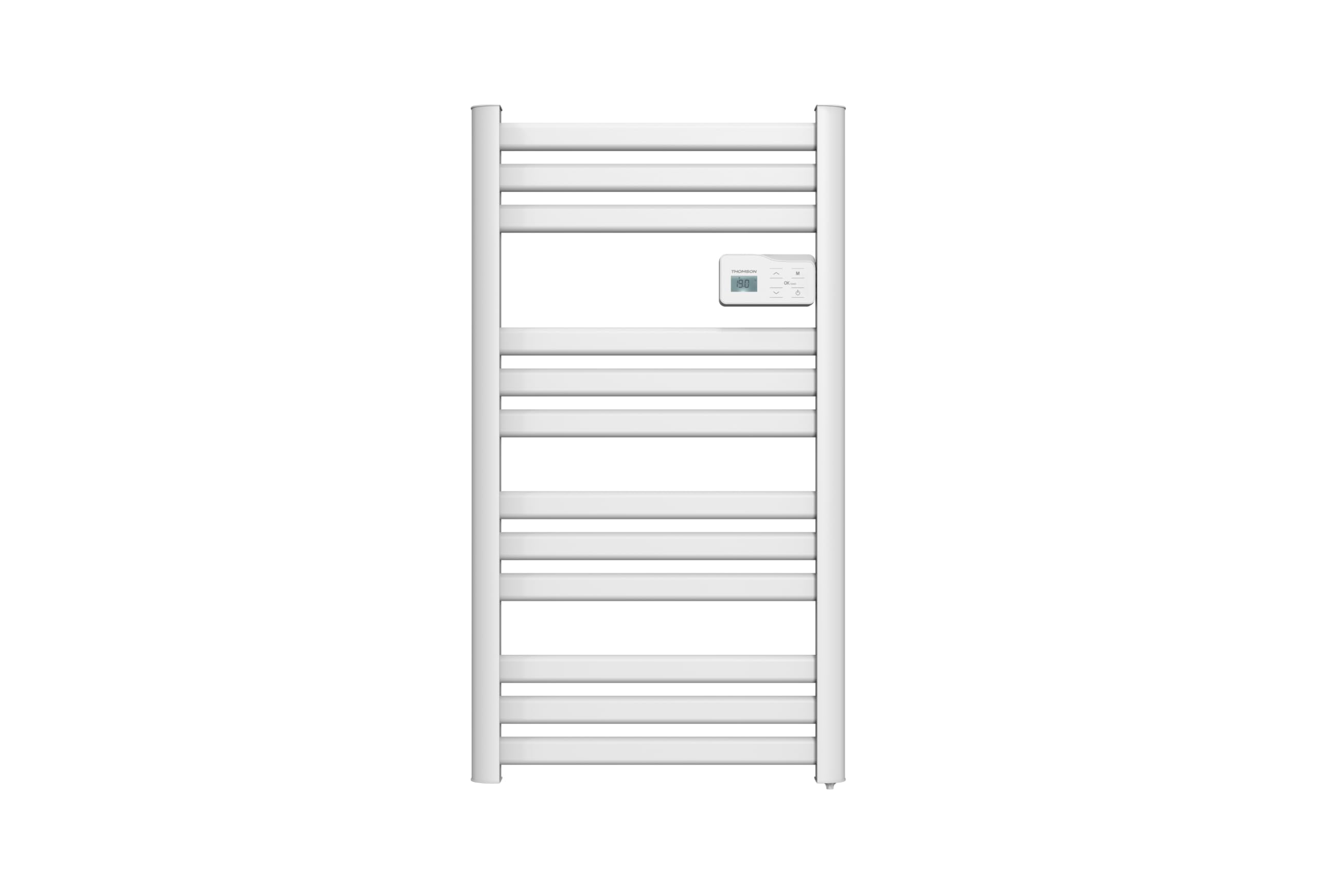
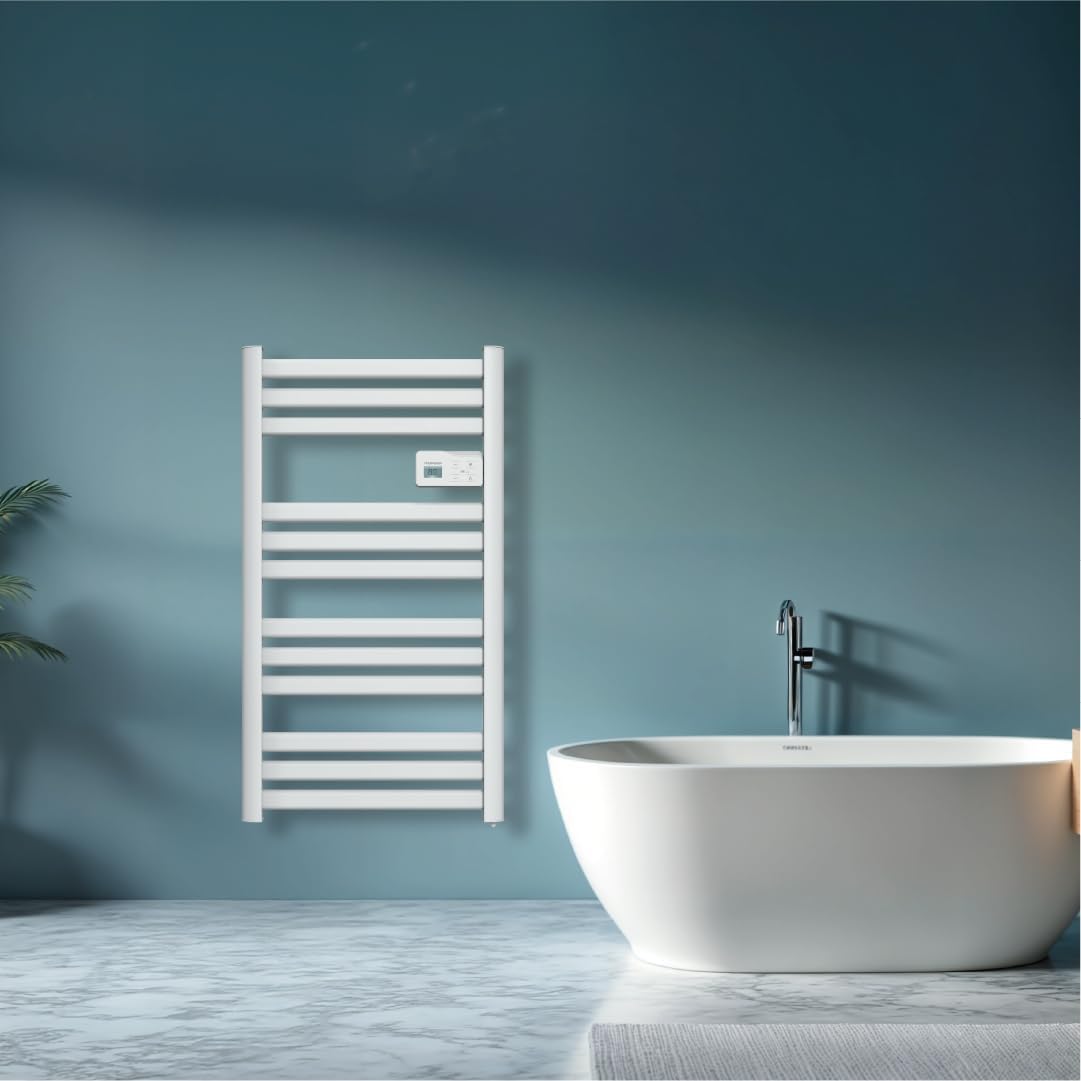
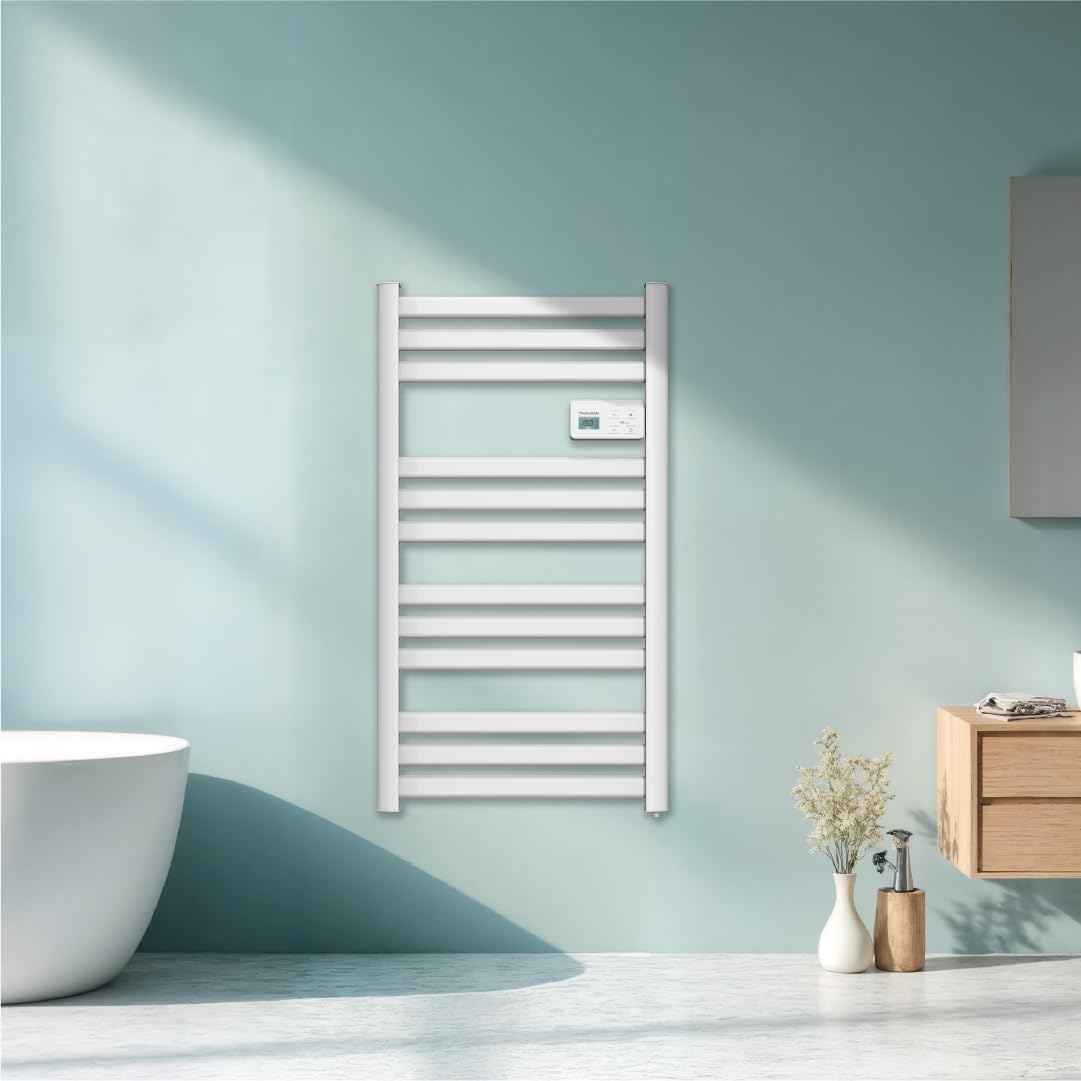
Imaj: Devan view of the THOMSON COSMO electric towel dryer, white, wall-mounted, showcasing its design in a bathroom.
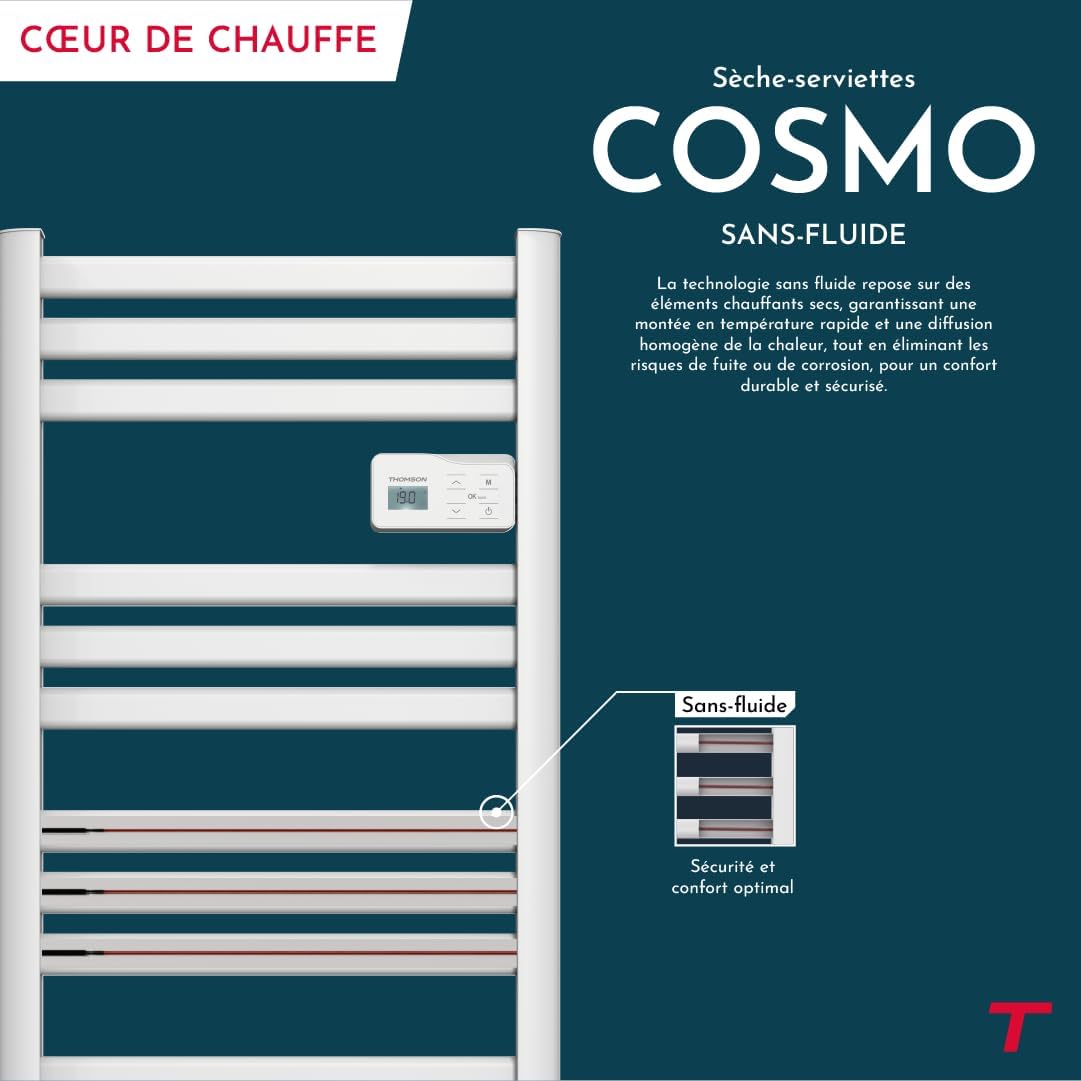
Imaj: Diagram illustrating the internal fluid-free heating elements, highlighting rapid and homogeneous heat distribution and programmable thermostat.
Karakteristik kle:
- 500W pouvwa: Efficient heating for towels and bathroom.
- Fluid-Free Technology: Ensures quick heat-up and uniform temperature across the surface.
- Koneksyon Wi-Fi: Compatible with Tuya Smart and Smart Life applications for remote control.
- Panèl kontwòl dijital: Intuitive LCD display for direct temperature and mode adjustments.
- Thermostat pwogramasyon: 7 daily pre-recorded and customizable programs.
- Fenèt Louvri Deteksyon: Automatically cuts heating to save energy if a sudden temperature drop is detected.
- Verrouillage timoun: Anpeche chanjman sanzatann nan paramèt yo.
4. Enstalasyon ak Enstalasyon
The THOMSON COSMO towel dryer is designed for wall-mounted installation. Professional installation is recommended.
4.1. Debake
- Carefully remove the towel dryer and all accessories from the packaging.
- Tcheke pou wè si gen nenpòt domaj pandan transpò a. Si li domaje, pa enstale li epi kontakte revandè ou a.
- Kenbe anbalaj la pou transpò oswa depo nan lavni.
4.2. Kote aliye
- Choose a suitable wall in your bathroom, ensuring it is structurally sound to support the weight of the unit (approximately 3.9 kg).
- Ensure the location complies with local electrical safety regulations, especially regarding proximity to water sources (baths, showers, sinks).
- Maintain adequate clearance around the unit for air circulation and access.

Imaj: Product dimensions and weight for installation planning.
4.3. mi Mounting
- Mark the drilling points on the wall using the provided mounting template or by measuring the bracket positions.
- Drill holes of appropriate size for the wall plugs (e.g., Molly anchors for plasterboard, as suggested by a user review).
- Insert the wall plugs and secure the mounting brackets to the wall.
- Carefully hang the towel dryer onto the secured brackets.
- Ensure the unit is level and securely fastened to the wall.
4.4. Koneksyon elektrik
- The appliance connects via an electrical cable. Ensure the power supply is switched off at the main circuit breaker before making any connections.
- Connect the towel dryer to a suitable electrical outlet or junction box according to local electrical codes.
- Once connected, switch on the power supply.
5. Operasyon Enstriksyon
The THOMSON COSMO towel dryer features an intuitive digital control panel for easy operation.
Imaj: Digital control panel with LCD display and buttons for temperature adjustment and mode selection, shown with a hand pressing the power button.
5.1. Kontwòl Panel Overview
- Ekspozisyon LCD: Shows current temperature, mode, and other settings.
- Bouton pouvwa (⏻): Li vire inite a ON/OFF.
- Flèch monte/desann (⌃ / ⌄): Ajiste tanperati a oubyen navige nan meni yo.
- Bouton mòd (M): Cycles through different operating modes (e.g., Comfort, Eco, Boost, Program).
- Menu/Confirm Button (≡): Accesses menu options or confirms selections.
5.2. Operasyon debaz
- Pouvwa ON/OFF: Peze bouton an pouvwa (⏻) to turn the towel dryer on or off.
- Mete Tanperati: When the unit is on, use the Up/Down arrows (⌃ / ⌄) to adjust the desired temperature. The display will show the set temperature.
- Chanje mòd: Press the Mode button (M) to cycle through available operating modes. Refer to the full product manual for detailed descriptions of each mode (e.g., Comfort, Eco, Boost, Frost Protection).
5.3. Pwogramasyon
The towel dryer offers 7 daily pre-recorded and customizable programs. Access the programming menu via the Menu/Confirm button (≡) and follow the on-screen instructions to set your desired heating schedules.
For a visual guide on programming, you can refer to the official video tutorial playlist:
Videyo: Official video tutorial playlist for THOMSON COSMO towel dryer programming and features. This playlist provides step-by-step instructions on how to set up and use various functions of your device.
6. Wi-Fi Connectivity & Smart Features
The THOMSON COSMO towel dryer can be controlled remotely via Wi-Fi using the Tuya Smart or Smart Life mobile applications.
Imaj: A graphic indicating the towel dryer's Wi-Fi connectivity and compatibility with the Tuya Smart application.
6.1. Enstalasyon ak koneksyon aplikasyon an
- Telechaje aplikasyon "Tuya Smart" la oubyen "Smart Life" la nan magazen aplikasyon telefòn entelijan ou an (Google Play Store pou Android, Apple App Store pou iOS).
- Enskri oswa konekte nan kont ou.
- Ensure your towel dryer is powered on and your smartphone is connected to a 2.4 GHz Wi-Fi network.
- Nan aplikasyon an, tape "Ajoute Aparèy" oubyen ikòn "+" la.
- Select the appropriate device category (e.g., "Heater" or "Towel Warmer").
- Follow the in-app instructions to put your towel dryer into pairing mode (usually by pressing and holding a button on the control panel until an indicator light flashes).
- Ranpli pwosesis koneksyon an nan aplikasyon an.
6.2. Karakteristik Kontwòl Remot
Yon fwa konekte, ou ka itilize aplikasyon an pou:
- Turn the towel dryer ON/OFF.
- Ajiste tanperati a.
- Change operating modes.
- Set and customize heating schedules.
- Monitor energy consumption (if supported by the app and device).

Imaj: The Tuya Smart app interface demonstrating energy monitoring and scheduling features for connected devices.
6.3. Entegrasyon Kontwòl Vwa
The THOMSON COSMO towel dryer is compatible with voice assistants like Amazon Alexa and Google Home via the Tuya Smart/Smart Life app integration.

Imaj: Logos of Amazon Alexa and Google Home, signifying that the towel dryer can be controlled using voice commands through these platforms.
- Enable the "Tuya Smart" or "Smart Life" skill/service in your Alexa or Google Home app.
- Link your Tuya/Smart Life account with your voice assistant account.
- Discover devices. Your towel dryer should appear as a controllable device.
- Kounye a ou kapab itilize kòmandman vokal tankou:
- "Alexa, turn on the bathroom heater."
- "Hey Google, set the bathroom heater to 22 degrees."
7. Antretyen
Regular maintenance ensures the longevity and efficient operation of your THOMSON COSMO towel dryer.
7.1. Netwayaj
- Toujou debranche aparèy la epi kite l refwadi nèt anvan w netwaye.
- Siye sifas eksteryè yo ak yon mou, damp twal. Pa sèvi ak pwodui netwayaj abrazif, solvan, oswa pwodui chimik ki agresif, paske sa yo ka domaje fini an.
- Ensure no water enters the control panel or electrical components.
- Do not use water jets or immerse the appliance in water.
7.2. Depo
If storing the towel dryer for an extended period, ensure it is clean and dry. Store it in a cool, dry place, preferably in its original packaging to protect it from dust and damage.
NAN. Depanaj
If you encounter issues with your THOMSON COSMO towel dryer, refer to the following common problems and solutions:
| Pwoblèm | Kòz posib | Solisyon |
|---|---|---|
| Aparèy la pa limen. | Pa gen kouran; Bouton pouvwa a pa peze; Pwoteksyon kont surchof aktive. | Check power outlet and circuit breaker; Press the Power button; Unplug, let cool, then plug back in. |
| Appliance is not heating. | Temperature setting too low; Incorrect mode selected; Window open detection activated. | Increase temperature setting; Select Comfort or Boost mode; Close windows/doors. |
| Koneksyon Wi-Fi a echwe. | Incorrect Wi-Fi password; Not connected to 2.4 GHz network; Router too far; Device not in pairing mode. | Verify password; Connect to 2.4 GHz Wi-Fi; Move router closer or use extender; Re-enter pairing mode as per app instructions. |
| Kontwòl vwa a pa fonksyone. | App not linked to voice assistant; Device not discovered; Incorrect commands. | Ensure Tuya/Smart Life skill is enabled and linked; Re-discover devices in Alexa/Google Home app; Use correct voice commands. |
Si pwoblèm nan pèsiste apre ou fin eseye solisyon sa yo, tanpri kontakte sèvis kliyan.
9. Espesifikasyon
| Karakteristik | Detay |
|---|---|
| Modèl | COSMO |
| Mak | THOMSON (Bestherm) |
| Sorti pouvwa | 500 Watts |
| Metòd chofaj | Radiant, Fluid-Free Electric |
| Dimansyon (H x W x P) | 98 cm x 54 cm x 9.2 cm (38.6 pous x 21.3 pous x 3.6 pous) |
| Pwa | 3.9 kilogram (8.6 liv) |
| Koulè | Blan |
| Kalite aliye | Mi-monte |
| Karakteristik espesyal | Wi-Fi Compatible, Overheat Protection, Programmable Thermostat, Electronic Thermostat, Child Lock, Window Open Detection |
| Smart Kay konpatibilite | Tuya Smart, Smart Life, Amazon Alexa, Google Home |
| ASIN | B0FP2KJNLQ |
10. Garanti ak sipò
10.1. Enfòmasyon sou Garanti
Your THOMSON COSMO towel dryer comes with a manufacturer's warranty. Please refer to the warranty card included with your product for specific terms, conditions, and duration. Keep your proof of purchase for warranty claims.
10.2. Sipò pou Kliyan
For technical assistance, troubleshooting beyond this manual, or warranty inquiries, please contact your retailer or the manufacturer's customer service. Contact details can typically be found on the product packaging or the manufacturer's official websit.
Resous sou entènèt: For additional support and video tutorials, visit the official THOMSON website or the YouTube playlist provided in this manual.