
1. Pwodwi souview
The AJAZZ AJ139 V2 MC is a versatile tri-mode gaming mouse designed for precision and responsiveness. It features a PAW3311 sensor for accurate tracking, a 1000Hz return rate for smooth performance, and a long-lasting 500mAh battery. Its compact and lightweight design makes it suitable for extended use and portability.
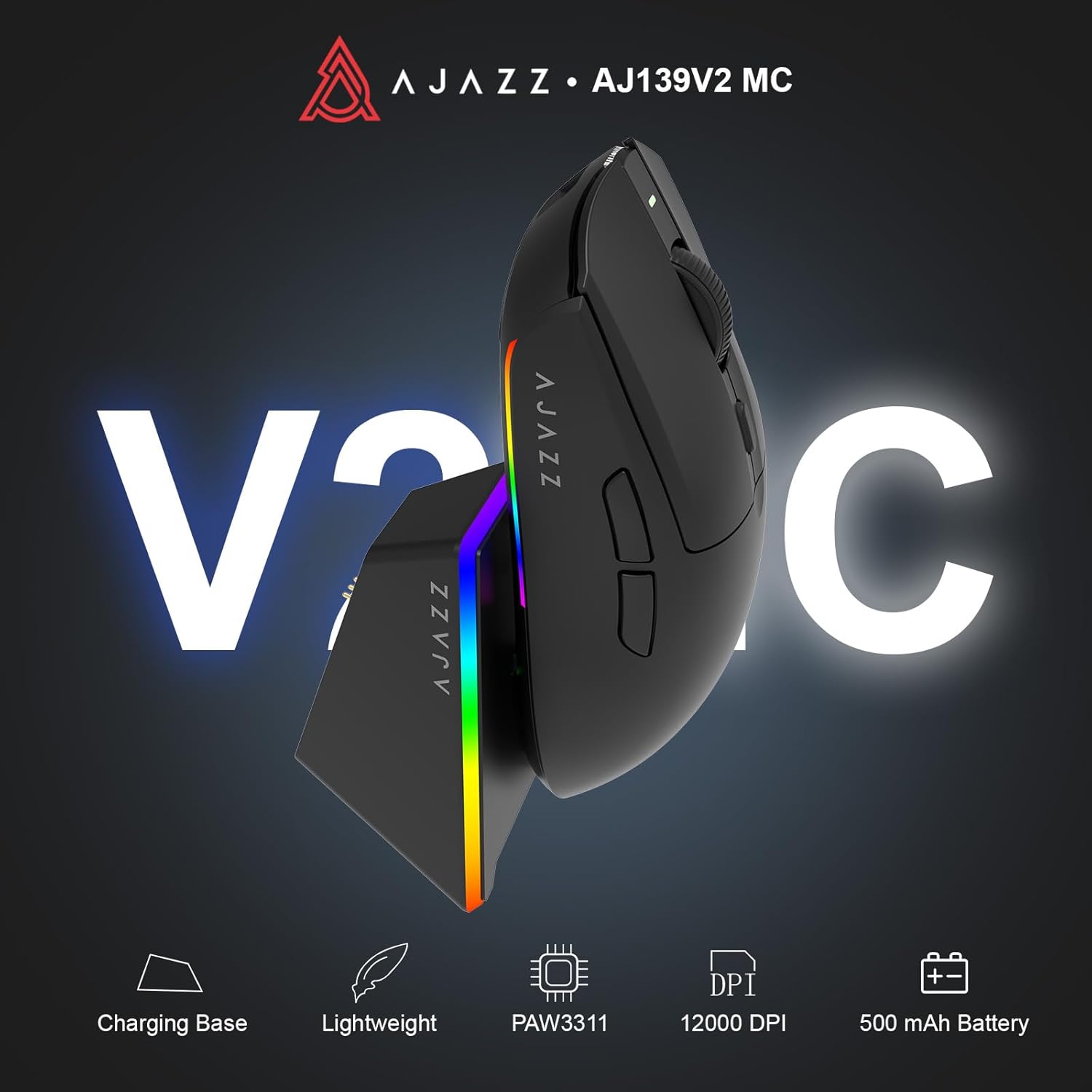
Figure 1.1: AJAZZ AJ139 V2 MC Gaming Mouse and Charging Dock.
Videyo 1.1: Yon overview of the AJAZZ AJ139 V2 MC Gaming Mouse, highlighting its features and design.
2. Pake kontni
Asire w tout atik yo prezan nan pakè a:
- AJAZZ AJ139 V2 MC Gaming Mouse
- Chaje waf
- USB-C Chaje Kab
- 2.4G USB Receiver (Dongle)
- Manyèl itilizatè
3. Karakteristik kle
- PAW3311 Sensor Technology: Equipped with the PAW3311 sensor, this mouse ensures precise tracking and accurate cursor control for optimal performance.
- High 1000Hz Return Rate: Experience smooth and responsive performance with a 1000Hz return rate, enhancing your gaming or work experience.
- Batri 500mAh ki dire lontan: The integrated 500mAh battery provides extended power, ensuring uninterrupted use for prolonged periods.
- Koneksyon Tri-Mòd: Supports versatile connectivity options including Wired, 2.4G Wireless, and Bluetooth, adapting to various devices and setups.
- Konsepsyon kontra enfòmèl ant ak lejè: Weighing approximately 66 grams, the mouse features a compact design for easy portability and comfortable use during long sessions.
- Ekleraj RGB personalizable: Features integrated RGB lighting for personalized aesthetics.
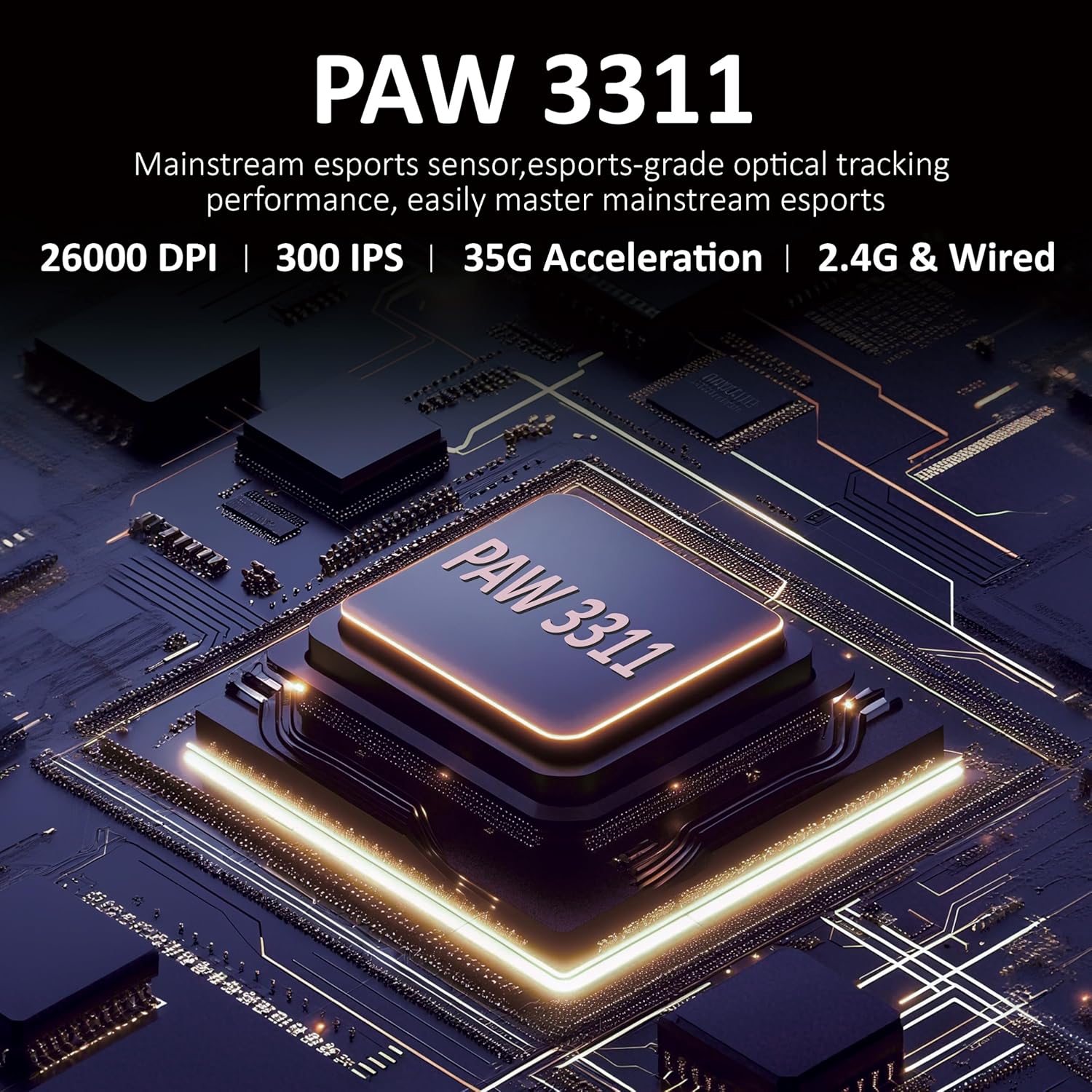
Figi 3.1: Detaye view of the PAW3311 sensor technology.
Video 3.1: Demonstration of the mouse's 500mAh battery life.

Figure 3.2: The lightweight design of the AJAZZ AJ139 V2 MC mouse.
4. Gid Enstalasyon
4.1. Konekte sourit la
The AJAZZ AJ139 V2 MC offers three connection modes:
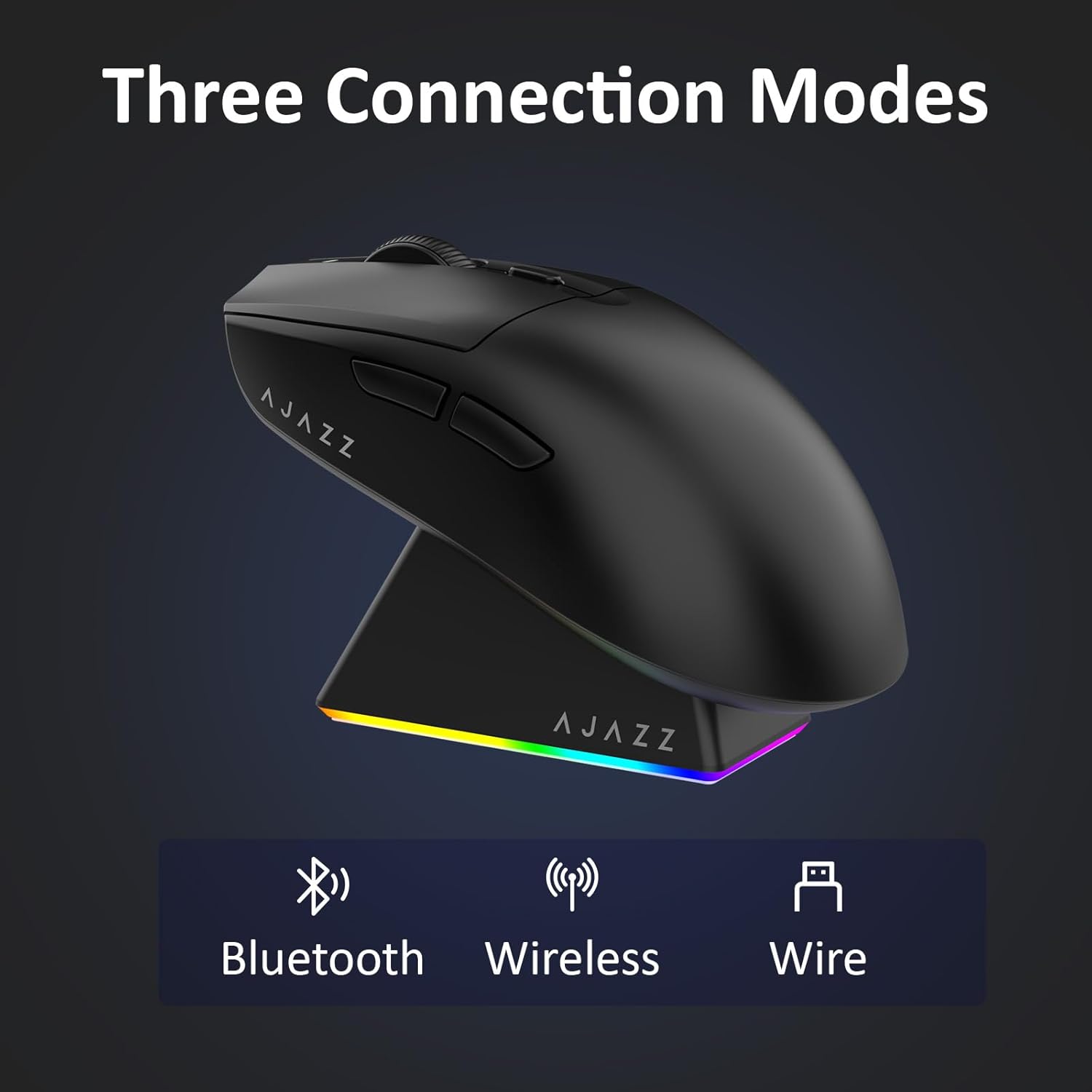
Figure 4.1: Visual representation of the three connection modes.
- 2.4G Wireless Mode:
- Jwenn reseptè USB 2.4G la ki estoke nan konpatiman ki anba sourit la.
- Ploge reseptè USB a nan yon pò USB ki disponib sou òdinatè w lan.
- Slide the switch on the bottom of the mouse to the '2.4G' position. The mouse will automatically connect.
- Mòd Bluetooth:
- Slide the switch on the bottom of the mouse to the 'BT' position.
- Sou aparèy ou an, ouvri paramèt Bluetooth yo epi chèche nouvo aparèy.
- Select 'AJAZZ AJ139 V2 MC' from the list to pair.
- Branche Mode:
- Connect the USB-C charging cable to the mouse and the other end to your computer's USB port.
- The mouse will function as a wired device and charge simultaneously.
4.2. Chaje Sourit la
The mouse can be charged using the included charging dock or directly via the USB-C cable.
- Sèvi ak Dock Chaje a:
- Connect the USB-C charging cable to the charging dock and then to a power source (e.g., computer USB port, USB wall adapter).
- Place the mouse onto the charging dock, aligning the magnetic contacts. The RGB lighting on the dock and mouse will indicate charging status.
- Chaje dirèk USB-C:
- Connect the USB-C charging cable directly to the mouse and a power source.
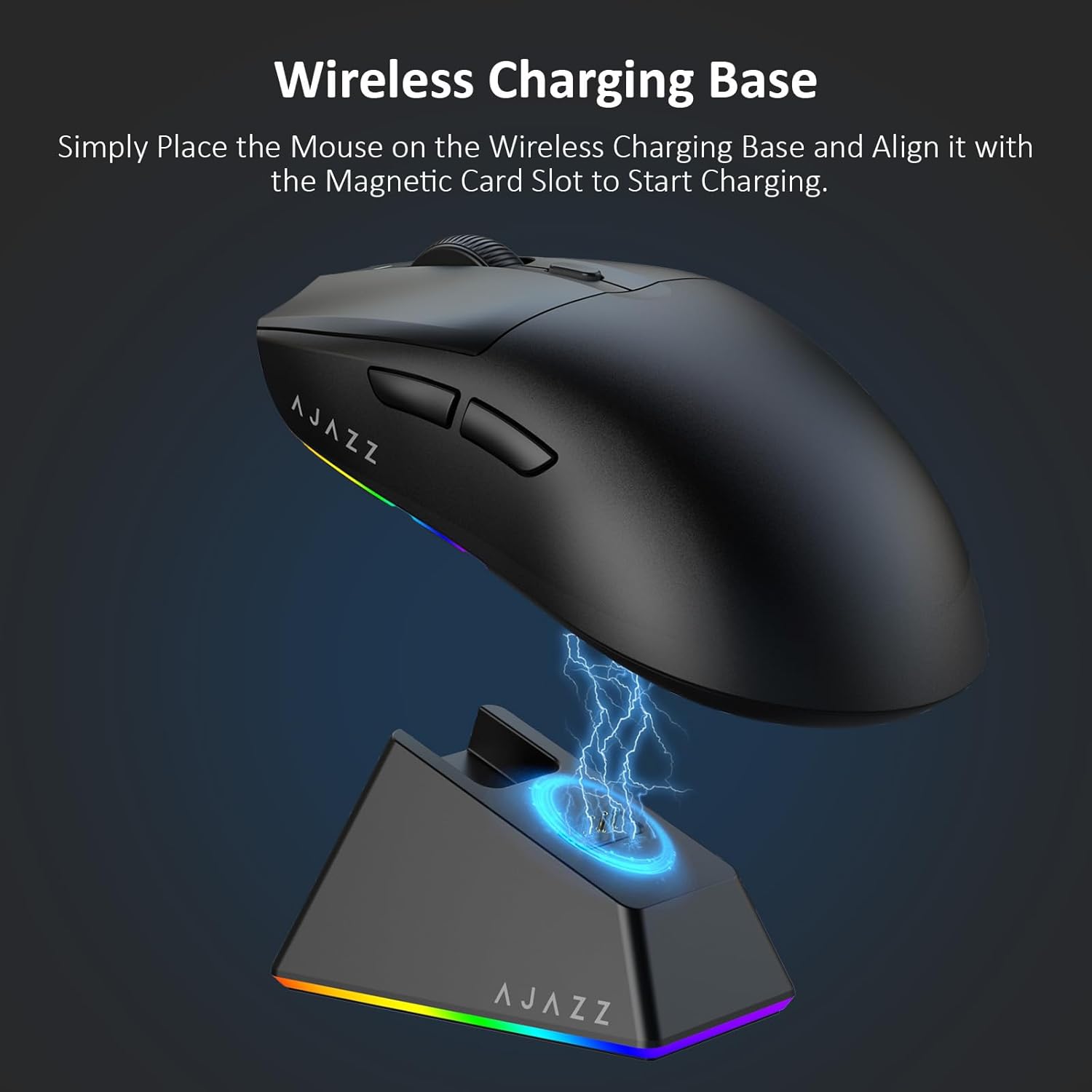
Figure 4.2: The mouse being charged on its wireless charging base.
5. Operasyon Enstriksyon
5.1. Ajisteman DPI
The mouse features a dedicated DPI adjustment button on its underside, allowing you to cycle through different sensitivity levels. Press the button to change the DPI setting to suit your preference.
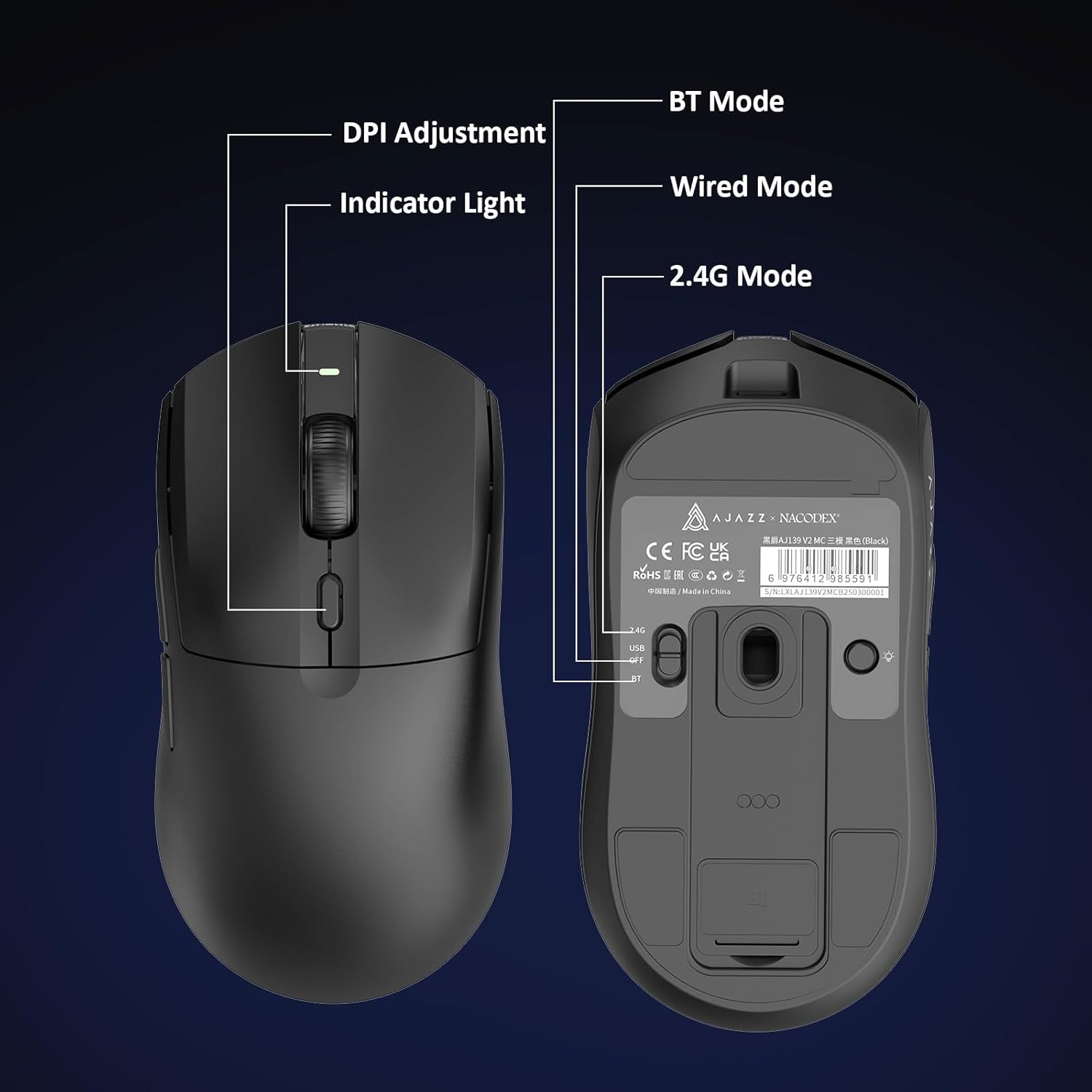
Figure 5.1: Location of the DPI adjustment button and connection mode switch on the mouse underside.
5.2. Fonksyon bouton
Sourit la ekipe ak 6 bouton pwogramab:
- Klike sou bouton gòch
- Dwa Klike sou bouton
- Rou defile (ou ka klike sou li)
- DPI Adjustment Button (on underside)
- Two Side Buttons (typically for forward/backward navigation)
For advanced customization of button functions and macros, please refer to the official AJAZZ software (downloadable from the manufacturer's websit).
5.3. Kontwòl ekleraj RGB
The mouse and charging dock feature customizable RGB lighting. Specific controls for lighting modes and colors are typically managed through the official AJAZZ software. A dedicated light button on the underside of the mouse allows for basic cycling or turning off the lighting.
6. Antretyen
- Netwayaj: Sèvi ak yon twal mou epi sèk pou netwaye sifas sourit la. Pou pousyè tè ki difisil pou retire, yon ti krasamp Ou ka itilize twal, pou asire pa gen imidite ki antre nan konpozan entèn yo.
- Swen Capteur: Kenbe detèktè optik ki anba sourit la pwòp epi san pousyè oswa debri pou swivi a rete presi.
- Lonjevite batri: Pou pwolonje lavi batri a, evite dechaje sourit la nèt souvan. Chaje li lè endikatè batri a ba.
NAN. Depanaj
| Pwoblèm | Solisyon posib |
|---|---|
| Mouse not responding in 2.4G Wireless mode. | Ensure the 2.4G USB receiver is securely plugged into a USB port and the mouse switch is set to '2.4G'. Try a different USB port. |
| Mouse not pairing via Bluetooth. | Ensure the mouse switch is set to 'BT' and your device's Bluetooth is enabled and discoverable. Try unpairing and re-pairing the device. |
| Mouse not charging. | Verify the USB-C cable is properly connected to both the dock/mouse and the power source. Ensure the mouse is correctly seated on the charging dock's magnetic contacts. |
| Inconsistent tracking or cursor movement. | Clean the optical sensor on the underside of the mouse. Ensure you are using the mouse on a suitable surface (e.g., a mouse pad). |
| Ekleraj RGB a pa fonksyone. | Check the mouse's software settings for lighting control. Ensure the mouse has sufficient battery charge. |
8. Espesifikasyon teknik
| Karakteristik | Spesifikasyon |
|---|---|
| Mak | AJAZZ |
| Non modèl | Aj139 V2 MC |
| Koulè | V2 MC Black |
| Koneksyon Teknoloji | Bluetooth, USB, 2.4G Wireless |
| Teknoloji deteksyon mouvman | Optik (Capteur PAW3311) |
| Mouse Maximum Sensitivity | 12000 Dots per Inch (DPI) |
| To Retounen | 1000Hz |
| Kapasite batri | 500mAh |
| Kantite bouton | 6 |
| Oryantasyon men | Dwa |
| Aparèy konpatib | Desktop òdinatè |
| Sistèm operasyon | Windows |
| Range | 10 mèt |
| Pwa atik | 4 ons (apeprè 113 gram) |
| Dimansyon atik L x W | 5"L x 2.5"W (apeprè 12.7cm x 6.35cm) |
| Karakteristik anbelisman | RGB ekleraj |
| Materyèl patiraj | Plastik |
| Fini | Mat |
9. Garanti ak sipò
This product comes with a standard manufacturer's warranty. For detailed warranty information, please refer to the official AJAZZ websit oswa kontakte revandè ou a.
For technical support, troubleshooting assistance, or any product-related inquiries, please visit the AJAZZ official support page or contact their customer service team.
Resous sou entènèt:
AJAZZ Official Store