
Pwodwi souview
The EKSA H8 USB Headset is engineered for clear and efficient communication in professional environments. It features 40mm audio drivers for balanced sound and incorporates EKSA telecom VoicePure Technology with Environmental Noise Cancelling (ENC) for the microphone, effectively reducing up to 99.8% of background noise. This ensures your voice is transmitted with clarity. The headset offers versatile connectivity via 3.5mm jack, USB-C, or USB-A, making it compatible with a wide range of devices and communication platforms. Designed for comfort during extended use, it includes ultra-soft memory foam ear cushions and an adjustable headband.
Ki sa ki nan bwat la
- 1x EKSA H8 Wired Office Headset
- 1x USB-A/USB-C In-line Control Cable
- 1x manyèl itilizatè

Image: The EKSA H8 headset package contents, showing the headset, USB-A/USB-C inline control cable, and user manual.
Enstriksyon Enstalasyon
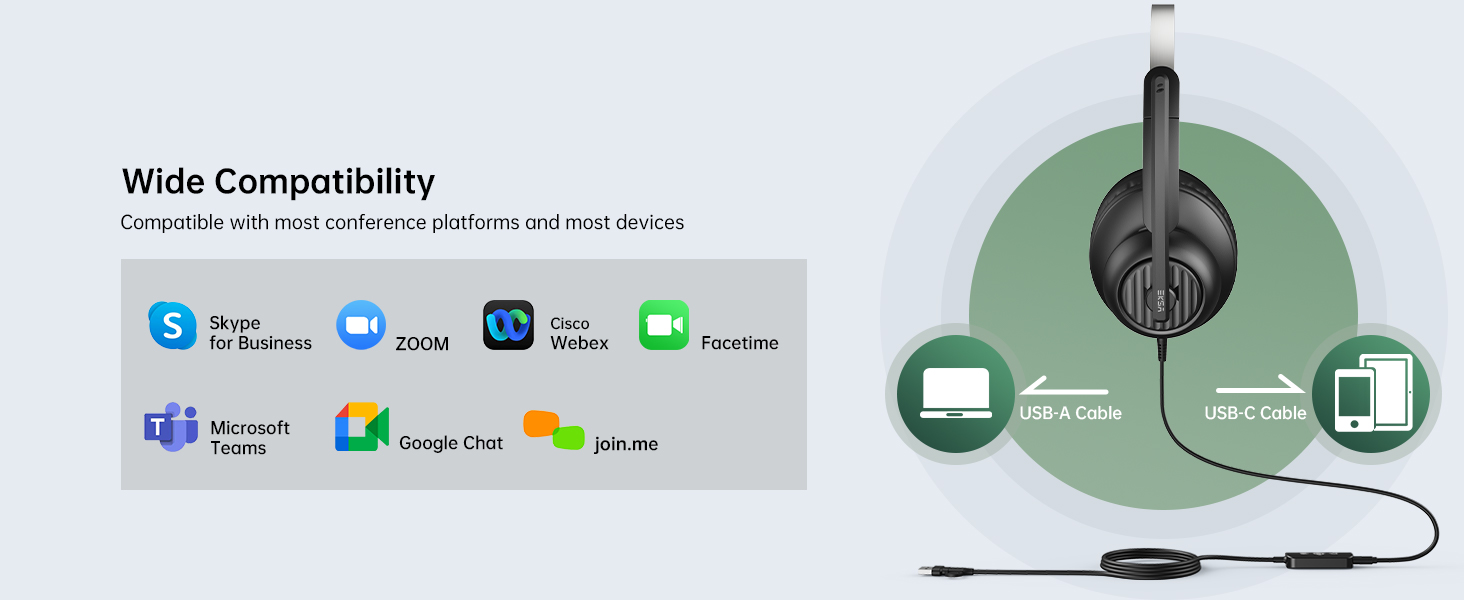
The EKSA H8 headset offers flexible connectivity options for various devices.
Connecting via 3.5mm Jack:
- Locate the 3.5mm audio jack on your device (e.g., laptop, mobile phone).
- Plug the 3.5mm connector from the headset directly into your device's audio jack.
- Nòt: When using the 3.5mm jack, inline button adjustments (volume, mute) are not supported, and microphone noise cancellation is not active.
Connecting via USB-A or USB-C:
- Connect the 3.5mm connector from the headset into the inline control unit.
- For USB-A connection: Plug the USB-A end of the inline control cable into an available USB-A port on your computer or laptop.
- For USB-C connection: If your device has a USB-C port, use the integrated USB-C adapter on the inline control cable.
- The headset is plug-and-play; no additional drivers are typically required.
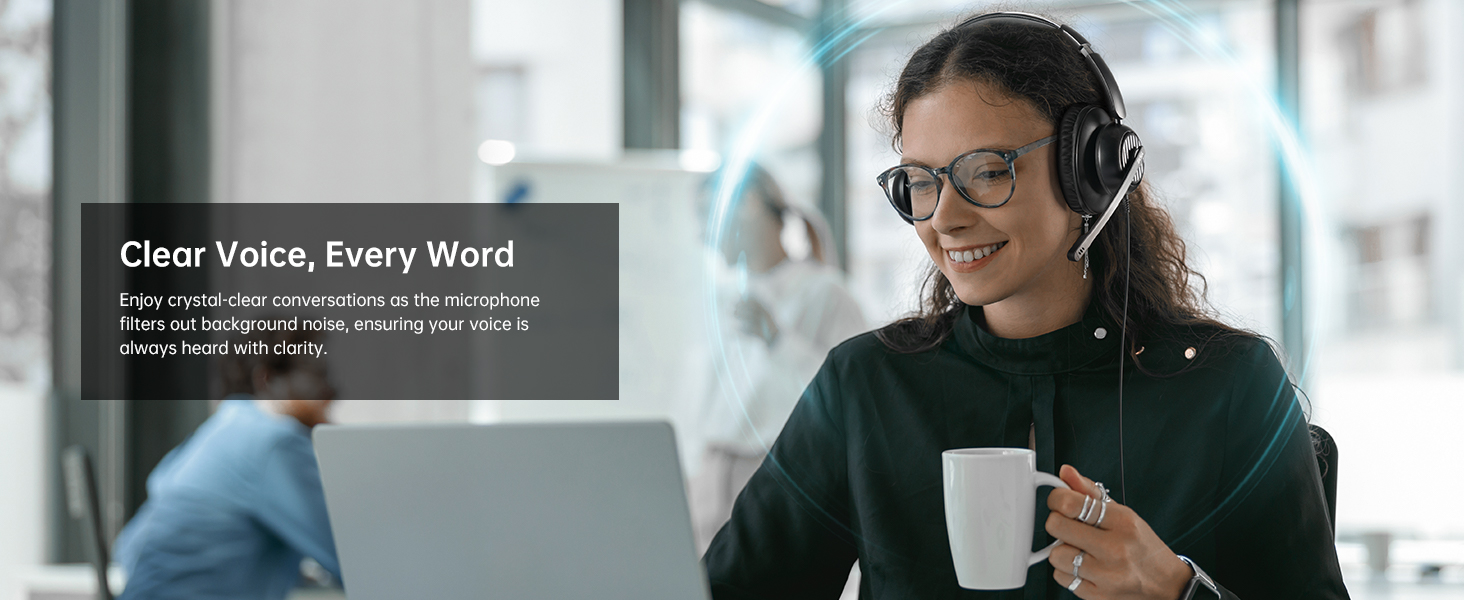
Image: The EKSA H8 headset demonstrating its versatile connectivity options, including USB-C, USB-A, and a 3.5mm audio jack, compatible with various devices and communication platforms.
Enstriksyon Operasyon
The inline control unit provides easy access to essential functions when connected via USB.
- Kontwòl Volim: Use the '+' and '-' buttons on the side of the inline control to adjust the listening volume.
- Mikwofòn bèbè: Press the microphone icon button to mute or unmute your microphone. A voice prompt will indicate "Mic On" or "Mic Off".
- Bouton milti-fonksyon (Jwe/Pòz): This button can be used to play or pause audio playback.
- Bouton Ekip yo: A dedicated 'T' button allows for quick answering or ending of Microsoft Teams calls.
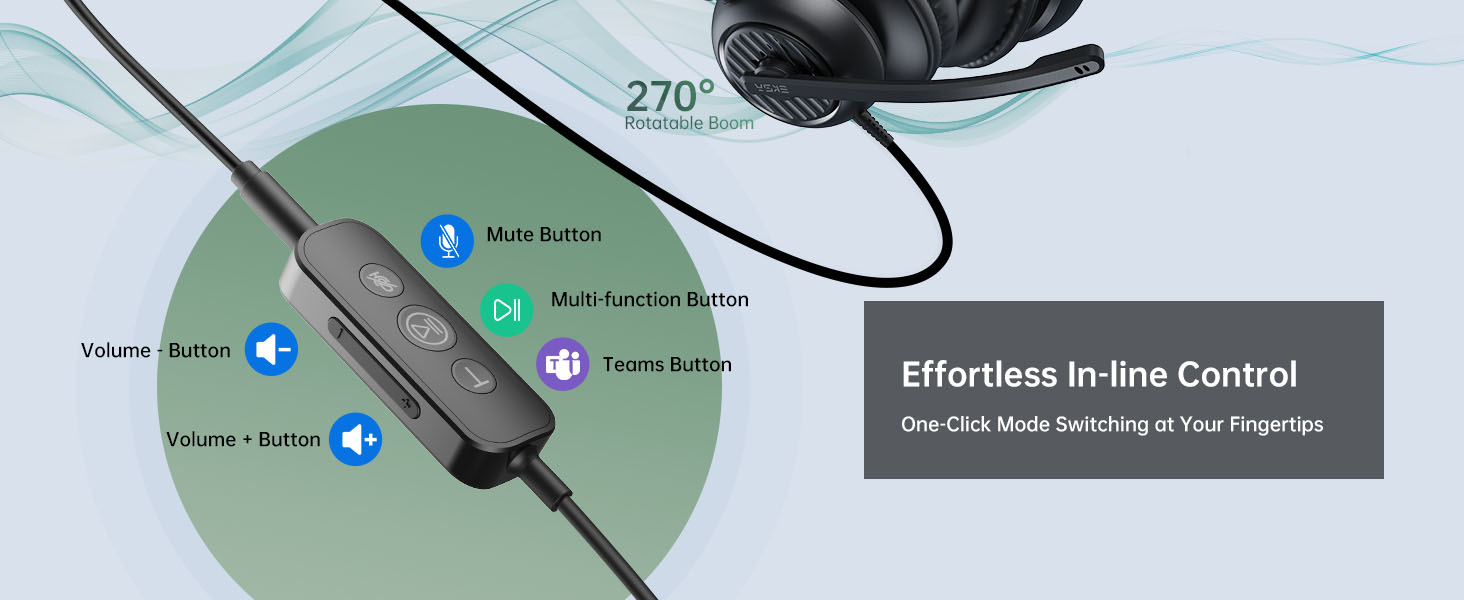
Imaj: Detaye view of the EKSA H8 headset's inline control unit, highlighting buttons for Microsoft Teams calls, play/pause, microphone mute, and volume adjustment.
Microphone Adjustment:
The 270° adjustable boom mic can be positioned for optimal voice capture. Rotate it up and out of the way when not in use.
Konfò ak anfòm
The EKSA H8 headset is designed for comfortable all-day wearing.
- Bando reglabl: The reinforced headband can be extended or retracted to fit various head sizes.
- Ultra-Soft Ear Cushions: The over-ear memory foam cushions fully enclose your ears, providing comfort without pressure.
- Swivel Ear Cups: The ear cups can swivel for a personalized fit and easy storage.
- Flexible Microphone Arm: The 270° bendable boom arm allows precise positioning of the microphone.
Imaj: Yon eksplozyon view diagram of the EKSA H8 headset, pointing out key comfort features such as soft ear cushions, an adjustable headband, swivel ear cups, and a 270° bendable boom arm for personalized fit.
Espesifikasyon
| Karakteristik | Detay |
|---|---|
| Non modèl | H8 |
| Dyamèt Oratè | 40 mm |
| Enpedans Oratè | 32 Ω ± 15% |
| Repons Frekans | 20 Hz - 20,000 Hz |
| Mik sansiblite | -40±2dB |
| Kontwòl bri | Active Noise Cancellation (via USB connection) |
| Koneksyon Teknoloji | Filaire (3.5mm Jack, USB-C, USB-A) |
| Longè kab | 7.71 pye (2.35 m) |
| Plasman Zòrèy | Sou Zòrèy |
| Materyèl | Plastic with Foam Ear Cups |
Antretyen ak Swen
- Netwayaj: Sèvi ak yon twal mou epi sèk pou netwaye kas ekoutè a. Evite pwodui chimik ki agresif oswa materyèl abrazif.
- Depo: Sere kas ekoutè a nan yon kote ki fre epi sèk, lwen limyè solèy dirèk ak tanperati ekstrèm.
- Swen kab: Evite pliye byen file oswa rale kab la twòp pou anpeche li domaje.
- Kousen zòrèy: Replaceable ear cushions are available to maintain hygiene and comfort over time.
Depanaj
Pa gen Son oswa Kalite son pòv:
- Ensure the headset is securely plugged into the correct port (3.5mm, USB-A, or USB-C).
- Check your device's volume settings and the inline volume control on the headset.
- Verify that the headset is selected as the default audio output device in your computer's sound settings.
- If using the 3.5mm jack, note that microphone noise cancellation is not active.
Mikwofòn pa travay:
- Ensure the microphone is not muted via the inline control or your device's software.
- Check that the microphone is selected as the default input device in your computer's sound settings.
- Adjust the boom mic closer to your mouth for optimal voice pickup.
- Ensure the 3.5mm connection is fully inserted into the inline control unit if using USB.
Pwoblèm Konfò:
- Adjust the headband for a snug yet comfortable fit.
- Ensure ear cushions are properly positioned over your ears.
Garanti ak sipò
The EKSA H8 headset is backed by EKSA’s trusted warranty and customer service.
- Deskripsyon garanti: 2 Years Warranty.
- Sèvis Kliyan: Pou sipò, tanpri vizite www.eksatelecom.com/pages/warranty or contact GLOBAL: +852 6940 4955 (Mon to Fri 9:00 am-6:30 pm, UTC +8 HKT).
Videyo itil
No official product videos from the seller were found in the provided data. The videos available are user-generated reviews and are not embedded as per the 'creator_type: Seller' requirement.