
1. Entwodiksyon
Mèsi pou acha aasing the Generic 1:64 Scale R/C Speed-Regulating Alloy Model Car. This manual provides essential information for the safe and efficient operation, setup, and maintenance of your new remote control car. Please read this manual thoroughly before use and retain it for future reference.
Enfòmasyon sou Sekirite
WARNING: Not suitable for children under 3 years due to small parts. Adult supervision is recommended for all users.
- Kenbe pwodwi a lwen dlo ak imidite.
- Do not operate near heat sources or open flames.
- Asire w ke pil yo mete ak polarite ki kòrèk la.
- Pa melanje ansyen ak nouvo pil, oswa diferan kalite pil.
- Always turn off the car and remote control when not in use.
2. Pake kontni
Tanpri verifye pake a pou asire w ke tout atik yo la:
- 1 x 1:64 Scale R/C Alloy Model Car
- 1 x Remote Control (or instructions for app control)
- 1 x USB Chaje Kab
- 1 x Manyèl pwodwi (dokiman sa a)
3. Pwodwi Features
- Scale and Construction: This is a 1:64 scale mini RC car, featuring an alloy model construction for enhanced durability and realistic feel.
- Sistèm kontwòl: Equipped with a 2.4GHz control system, allowing for responsive handling and minimizing interference when multiple RC cars are in use.
- Règleman vitès: Features adjustable speed settings, enabling users to control the car's pace according to their preference and skill level.
- Ekleraj: Integrated lighting system for enhanced realism and visibility during operation.
- Kontwòl aplikasyon: Supports control via a dedicated mobile application, offering an alternative and potentially more intuitive control method.
4. Enstalasyon
4.1 Chaje batri machin nan
- Locate the charging port on the underside or rear of the R/C car.
- Konekte ti bout kab chaje USB a nan pò chaje machin nan.
- Connect the larger end of the USB charging cable to a standard USB power adapter (not included) or a computer USB port.
- The indicator light on the cable or car will illuminate during charging and turn off or change color when fully charged. Charging typically takes 30-60 minutes.
- Dekonekte kab chaje a yon fwa chajman an fini.
4.2 Remote Control Setup (if applicable)
If your model includes a physical remote control, follow these steps:
- Louvri lòj batri a sou do a nan kontwòl remote la.
- Mete 2 pil AAA (pa enkli), asire polarite ki kòrèk la (+/-).
- Fèmen lòj batri a byen.
4.3 App Control Setup
- Scan the QR code provided in the packaging or search for the 'TRASPED' app in your device's app store (iOS/Android).
- Telechaje epi enstale aplikasyon an.
- Asire w ke Bluetooth aparèy mobil ou a aktive.
- Turn on the R/C car.
- Open the 'TRASPED' app and follow the on-screen instructions to connect to your R/C car. The app will typically detect nearby cars automatically.
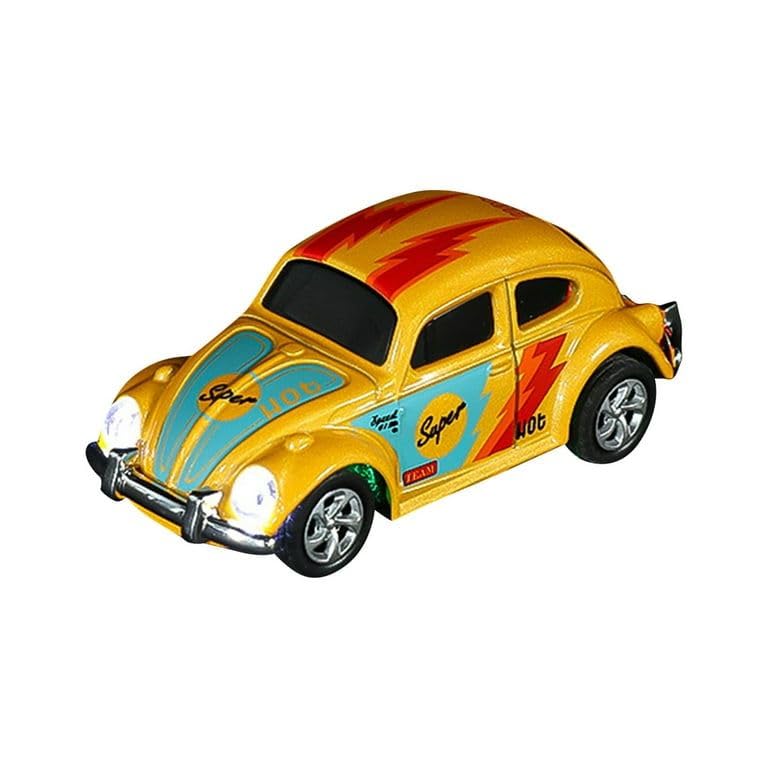
Image 1: The 1:64 scale R/C alloy model car, ready for operation.
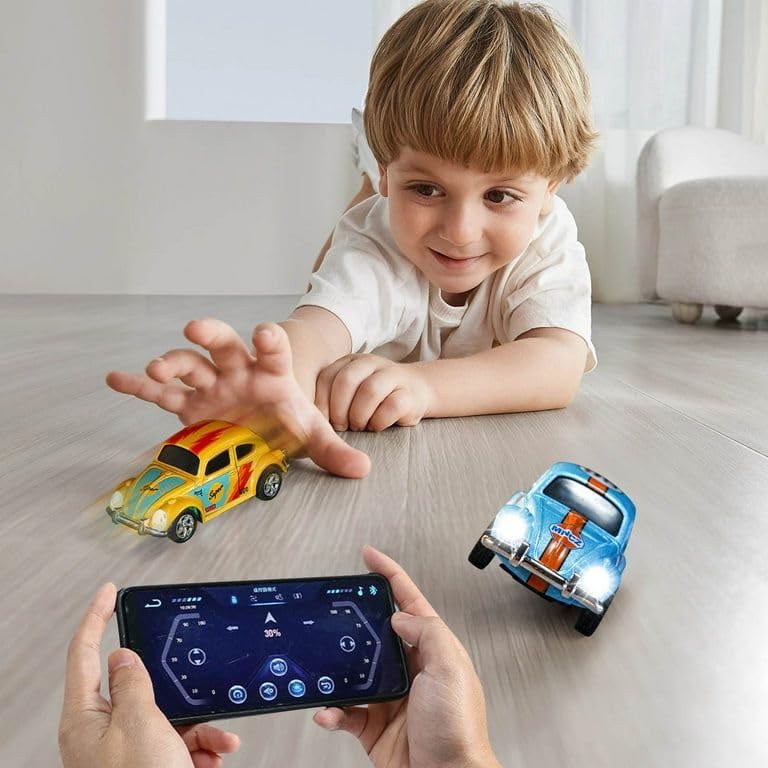
Image 2: A child interacting with the R/C cars, demonstrating app control.
5. Operasyon Enstriksyon
5.1 Basic Controls (App Interface)
Once connected via the app, the control interface will appear on your smartphone screen. The typical controls include:
- Avant: Press and hold the 'Forward' button or push the joystick up to move the car forward.
- Retreat (Backward): Press and hold the 'Retreat' button or pull the joystick down to move the car backward.
- Vire agoch: Press the 'Turn Left' button or move the joystick left to steer the car left.
- Vire adwat: Press the 'Turn Right' button or move the joystick right to steer the car right.
- Pilòt Lamp: Activates or deactivates the car's headlights.
- Three Speed Regulation: Allows you to cycle through different speed settings (e.g., low, medium, high) for varied driving experiences.
- Automatic Exercise: Initiates a pre-programmed driving sequence for demonstration or automated play.
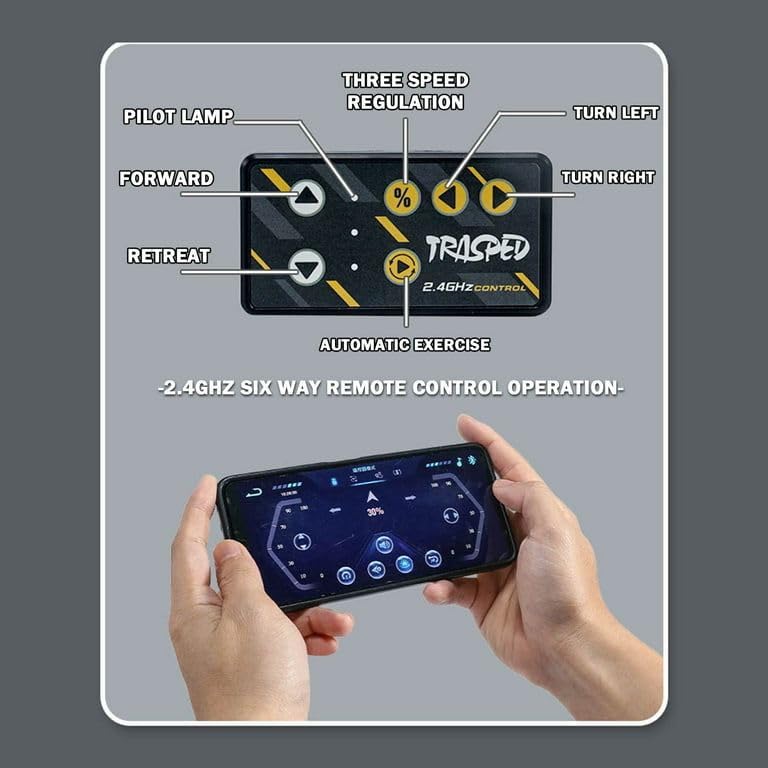
Image 3: Detailed layout of the TRASPED 2.4GHz app control interface.
5.2 Konsèy pou Kondui
- Start with the lowest speed setting to familiarize yourself with the controls.
- Operate the car on smooth, flat surfaces for optimal performance.
- Avoid driving on rough terrain, sand, or water to prevent damage.
- Practice steering and speed control in an open area.
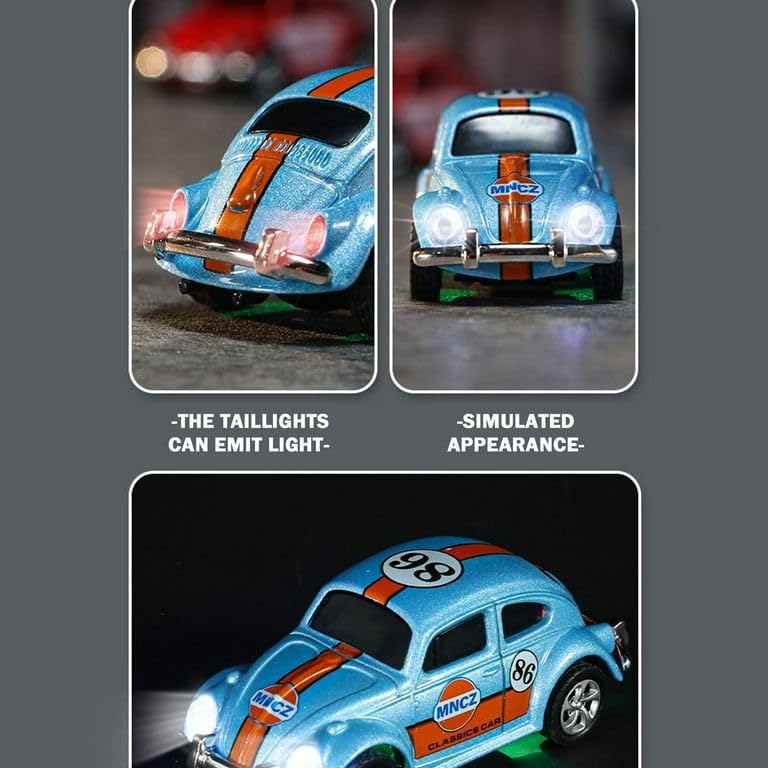
Imaj 4: Gwo plan view of the R/C car's illuminated headlights and detailed simulated appearance.
6. Antretyen
6.1 Netwayaj
- Turn off the car and disconnect from any power source before cleaning.
- Wipe the car with a soft, dry cloth to remove dust and dirt.
- Do not use water or chemical cleaners, as they may damage electronic components.
6.2 Depo
- Store the car and remote control in a cool, dry place away from direct sunlight.
- Retire pil yo nan kontwòl remote la si w ap sere l pou yon bon bout tan pou evite flit.
6.3 Swen Batri
- Do not overcharge the car's battery.
- If the car will not be used for a long time, charge the battery partially (around 50%) before storage.
- Dispose of depleted batteries responsibly according to local regulations.
NAN. Depanaj
| Pwoblèm | Kòz posib | Solisyon |
|---|---|---|
| Car does not respond to controls. | Car or remote/app is off. Batri machin nan oswa kontwòl remote la fèb. Pa byen pè. | Asire w ke tou de yo limen. Chaje batri machin nan; ranplase pil kontwòl remote la. Re-pair the car with the app/remote. |
| Machin nan ap deplase dousman oswa yon fason iregilye. | Batri machin ki ba. Entèferans. Obstriksyon nan wou yo. | Rechaje batri machin nan. Deplase nan yon zòn ki gen mwens entèferans. Check and clear any debris from wheels. |
| App fails to connect to car. | Bluetooth off. Car not powered on. App issue. | Asire w ke Bluetooth aktive sou aparèy ou an. Turn on the R/C car. Rekòmanse aplikasyon an oswa aparèy mobil ou a. |
| Limyè yo pa mache. | Pilòt lamp fonksyon koupe. Batri machin ki ba. | Activate pilot lamp via app/remote. Rechaje batri machin nan. |
8. Espesifikasyon
| Karakteristik | Detay |
|---|---|
| Mak | Jenerik |
| Nimewo Modèl | 01 |
| Non Kalite Atik | R/C MINI CAR |
| Echèl | 1:64 |
| Materyèl | Metal (Alloy) |
| Sistèm kontwòl | 2.4GHz, App Control |
| Dimansyon atik (L x W x H) | 8 x 2.5 x 3 santimèt |
| Pwa atik | 350 gram |
| Koulè | METALLIC YELLOW |
| Minimum Recommended Age | 36 Mwa (3 ane) |
9. Garanti ak sipò
This product is manufactured by wowmart. For any support inquiries, troubleshooting assistance beyond this manual, or warranty information, please contact your retailer or the manufacturer directly. Please retain your proof of purchase for any warranty claims.