
1. Entwodiksyon
Welcome to the user manual for your Beelink ME Mini PC NAS. This guide provides essential information for setting up, operating, and maintaining your device. The Beelink ME Mini PC is a compact and powerful network-attached storage solution, designed for efficient data management and versatile computing tasks.
Please read this manual thoroughly before using your device to ensure optimal performance and longevity.
2. Pwodwi souview
The Beelink ME Mini PC NAS is equipped with an Intel N95 CPU, 12GB LPDDR5 RAM, and 64GB eMMC storage. It features six M.2 NVMe SSD slots, supporting up to 4TB each for a total of 24TB capacity, making it ideal for extensive data storage needs.
Connectivity options include dual 2.5G LAN ports, WiFi 6, and Bluetooth 5.2, ensuring high-speed network access and wireless peripheral support. The device also incorporates an efficient vertical airflow cooling design with a silent fan for quiet operation.

Imaj: Front and Rear Ports. This image illustrates the various ports available on the Beelink ME Mini PC NAS, including USB, LAN, HDMI, and AC power input.
Karakteristik kle:
- Processeur: Intel N95 CPU (4C/4T, up to 3.4GHz)
- memwa: 12GB LPDDR5 RAM
- Depo Entèn: 64GB eMMC, with 6 M.2 NVMe SSD slots (2230/2242/2280), each supporting up to 4TB (24TB total)
- Rezo: Dual 2.5G LAN (Intel i226v), WiFi 6, Bluetooth 5.2
- Pò: USB 3.2 (10Gbps), USB 2.0, HDMI (Max 4K 60Hz), Type-C (10Gbps)
- Refwadisman: Vertical airflow cooling design with silent fan (1500 rpm, 33-35 dB)
- Pwovizyon pou pouvwa: Built-in 45W Power Supply Unit (AC Input: 100-240V~, 50/60Hz, 1.5A; DC Output: 12V==3.75A)

Imaj: High Capacity Storage. This image highlights the six M.2 SSD slots, capable of providing up to 24TB of storage.
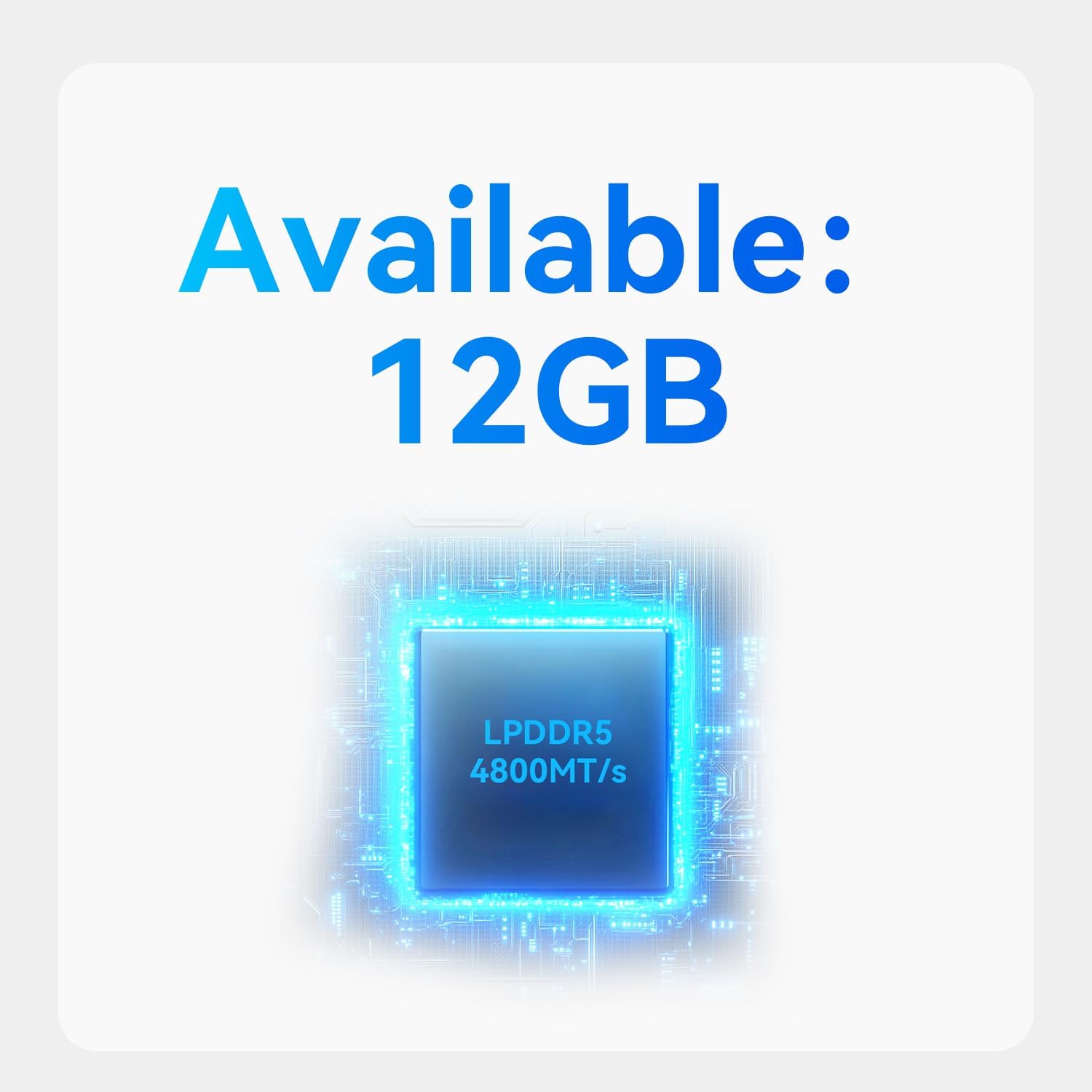
Imaj: 12GB LPDDR5 Memory. This image indicates the 12GB LPDDR5 RAM for efficient multitasking.

Imaj: High-Speed SSD. This image represents the M.2 SSDs for fast data transfer and reliable storage.

Imaj: Built-in Power Supply Unit. This image shows the integrated power supply, simplifying cable management.

Imaj: Product Structure. This diagram shows the internal components, including the silent fan, full-aluminum heat sink, built-in power supply, Intel N95 CPU, and M.2 SSD slots.
3. Enstalasyon
Follow these steps to set up your Beelink ME Mini PC NAS:
- Konekte Ekspozisyon: Connect your monitor or TV to the HDMI port on the rear of the device.
- Konekte periferik: Konekte klavye ak sourit ou nan pò USB ki disponib yo.
- Rezo Koneksyon: For wired network access, connect an Ethernet cable to one of the 2.5G LAN ports. For wireless, ensure WiFi is enabled and configure it after initial boot.
- Koneksyon pouvwa: Plug the AC power cable into the AC power port on the rear of the device, then plug the other end into a power outlet.
- Pouvwa sou: Press the power button located on the front of the device to turn it on.
- Operating System Installation (Optional): The device supports various operating systems such as FNOS, UNRAID, and TrueNAS. You may need to install your preferred OS if it's not pre-installed or if you wish to change it. Refer to the specific OS documentation for installation instructions.
Enstale SSD M.2:
The Beelink ME Mini PC NAS allows for easy installation of M.2 SSDs to expand storage capacity. Refer to the following steps for accessing the internal M.2 slots:

Imaj: Simple Operation, Easy Setup. This image demonstrates how to remove the bottom cover to access the internal components for SSD installation.
- Etap 1: Remove the four screws on the bottom of the mini PC and carefully take off the cover.
- Etap 2: Install your M.2 NVMe SSDs into the available slots. Secure them with the provided screws.
- Etap 3: Replace the cover, secure it with the four screws at the bottom, and insert the silicone plugs.
4. Operasyon Enstriksyon
Your Beelink ME Mini PC NAS can function as a versatile mini computer or a dedicated network-attached storage system.
As a Mini PC:
Once an operating system is installed, you can use the device as a standard mini PC for various computing tasks, including office work, web browsing, and media consumption. The Intel N95 CPU and 12GB LPDDR5 RAM provide sufficient performance for daily use.
As a NAS/File Sèvè:
Leverage the multiple M.2 SSD slots to create a robust network storage solution. You can install home media center systems such as JellyFin, KODI, or Plex to stream photos, music, and 4K movies to other devices on your network.
Karakteristik rezo:
- Soft Routing: The dual 2.5G LAN ports support soft routing functionality, allowing for network performance optimization, feature expansion, and advanced network management.
- Reveye Sou LAN (WOL): This feature allows you to remotely power on your device over the network.
- RTC Wake: Configure the device to power on automatically at a scheduled time.
- Auto pouvwa sou: The device can be configured to automatically power on after a power outage.
- Koneksyon Wireless: Built-in WiFi 6 and Bluetooth 5.2 enable high-speed wireless connections to various devices like keyboards, mice, and printers, and facilitate streaming of photos and videos.

Imaj: Dual 2.5G LAN Ports + WiFi 6. This image highlights the high-speed wired and wireless networking capabilities of the device.
5. Antretyen
To ensure the longevity and optimal performance of your Beelink ME Mini PC NAS, consider the following maintenance guidelines:
- Sistèm refwadisman: The device features a vertical airflow cooling design and a silent fan. Ensure that the ventilation openings are not obstructed to allow for proper heat dissipation. Regularly check for dust accumulation and clean as needed using compressed air.
- Mizajou lojisyèl: Keep your operating system and any installed software up to date to benefit from the latest features, security patches, and performance improvements.
- Sovgad done: Regularly back up important data stored on your NAS to an external drive or cloud service to prevent data loss.
- Kondisyon anviwònman: Operate the device within the recommended temperature range of -10°C to 45°C and humidity range of 30%-90%. Avoid exposing the device to extreme temperatures, direct sunlight, or high humidity.

Imaj: Whisper-Quiet Operation. This image emphasizes the low noise level of the device, indicating efficient and quiet cooling.
NAN. Depanaj
If you encounter issues with your Beelink ME Mini PC NAS, try the following general troubleshooting steps:
- Pa gen pouvwa:
- Ensure the power cable is securely connected to both the device and the power outlet.
- Verifye priz kouran an fonksyonèl.
- Pa gen ekspozisyon:
- Check the HDMI cable connection to both the device and the monitor.
- Asire w ke monitè a limen epi li configuré sou sous antre ki kòrèk la.
- Pwoblèm koneksyon rezo:
- Pou koneksyon filaire, tcheke kab Ethernet la ak estati routeur la.
- For wireless connections, verify WiFi settings and ensure the device is within range of your router.
- Aparèy pa reponn:
- Peze epi kenbe bouton pouvwa a pandan 5-10 segonn pou fòse yon etennman, apresa rekòmanse aparèy la.
For persistent issues, refer to the support section or contact Beelink customer service.
7. Espesifikasyon
Detailed technical specifications for the Beelink ME Mini PC NAS:
| Karakteristik | Detay |
|---|---|
| Mak | Beelink |
| Non modèl | ME mini 12G/64G/N95 |
| Modèl CPU | Intel N95 (4 Cores, 4 Threads) |
| CPU vitès | Jiska 3.4 GHz |
| Gwosè memwa RAM enstale | 12 GB LPDDR5 |
| Deskripsyon Hard Disk | 64GB eMMC (System Disk) |
| M.2 SSD Fant | 6 x M.2 NVMe SSD (2230/2242/2280), up to 4TB each (24TB total) |
| Koprosesè grafik | Grafik Intel UHD (Entegre) |
| Entèfas Sorti Videyo | HDMI (Max 4K 60Hz) |
| Pò LAN | Dual 2.5G LAN (Intel i226v) |
| Koneksyon san fil | WiFi 6 (Intel AX101), Bluetooth 5.2 |
| Pò USB | USB 3.2 (10Gbps) x1, USB 2.0 x1, Type-C (10Gbps) x1 |
| Pwovizyon pou pouvwa | Built-in 45W PSU (AC Input: 100-240V~, 50/60Hz, 1.5A; DC Output: 12V==3.75A) |
| Anviwònman fonksyònman | -10°C to 45°C, 30%-90% Humidity |
| Anviwònman Depo | -20°C to 60°C, 10%-90% Humidity |
| Dimansyon | 99x99x99mm (with Rubber Feet) |
| Sètifikasyon | FCC, RoHS, CE |

Imaj: Product Specification. A visual representation of the detailed technical specifications.
8. Garanti ak sipò
Beelink is committed to providing excellent customer service and support for your product.
- Garanti: Your Beelink ME Mini PC NAS comes with a 3-Year free warranty.
- Sipò teknik: Lifetime technical support is available for all Beelink products.
- Sèvis apre-lavant: 24/7 after-sales service is provided to assist with any questions or issues you may encounter.
- Sètifikasyon: All products have obtained FCC, RoHS, and CE Certifications, ensuring compliance with international standards.
If you have any questions or require assistance, please do not hesitate to contact Beelink customer support.