
Aninerel ANJ-HHS-11000W-48V-WIFI
Aninerel 11000W 48V Hybrid Solar Inverter User Manual
Model: ANJ-HHS-11000W-48V-WIFI
1. Entwodiksyon
This manual provides essential information for the safe and efficient operation of your Aninerel 11000W 48V Hybrid Solar Inverter. This device is designed to convert 48V DC power from solar panels or batteries into 220V/230V AC power, suitable for various household and office applications. It features a built-in 160A MPPT solar controller and supports grid-tie functionality, allowing power to be fed into the mains. Please read this manual thoroughly before installation and use.

Figi 1: Aninerel 11000W 48V Hybrid Solar Inverter with WiFi module.
2. Enstriksyon Sekirite
Always observe the following safety precautions to reduce the risk of injury or damage to the inverter:
- Enstalasyon dwe fèt pa pèsonèl ki kalifye.
- Asire w ke tout fil elektrik yo byen gwosè epi yo byen konekte.
- Pa demonte envèstisè a. Pa gen pyès itilizatè a ka repare anndan l.
- Kenbe envèstisè a lwen materyèl ki ka pran dife, imidite, ak limyè solèy dirèk.
- Asire bon vantilasyon toutotou envèstisè a pou anpeche li chofe twòp.
- Always disconnect all power sources (PV, battery, AC grid) before performing any maintenance or wiring.
3. Pwodwi souview
3.1 Karakteristik kle
- Segondè pwodiksyon pouvwa: 11000W hybrid solar inverter, 48V DC to 220V/230V AC.
- Dual MPPT Controllers: Built-in 2 MPPT trackers (160A total charging current) for connecting two independent PV systems, each up to 5500W.
- Battery-Optional Operation: Can operate with or without batteries, powering loads directly from PV or AC grid.
- Pi bon kalite pwodiksyon vag sinis: Bay kouran AC kalite siperyè ki apwopriye pou elektwonik sansib.
- Grid-Tie Capability: Can feed excess solar power into the mains grid.
- Integrated BMS Communication: Supports communication with compatible 48V 200AH/100AH batteries for optimized battery management.
- Pwoteksyon konplè: Includes short circuit, over-current, over-voltage, undervoltage, overload, charging, and over-temperature protection.
- Siveyans an tan reyèl: LCD display and 3 LED indicators for system status, plus built-in WiFi for mobile app monitoring.
- Flexible Charging & Output Modes: Multiple configurable modes for power priority (PV, grid, battery).

Figi 2: Key specifications including 11000W rated power, 230Vac output, 50/60Hz frequency, 5500W*2 Max. PV array power, 60-500Vdc PV array MPPT voltage range, and 160A Max. charge current.
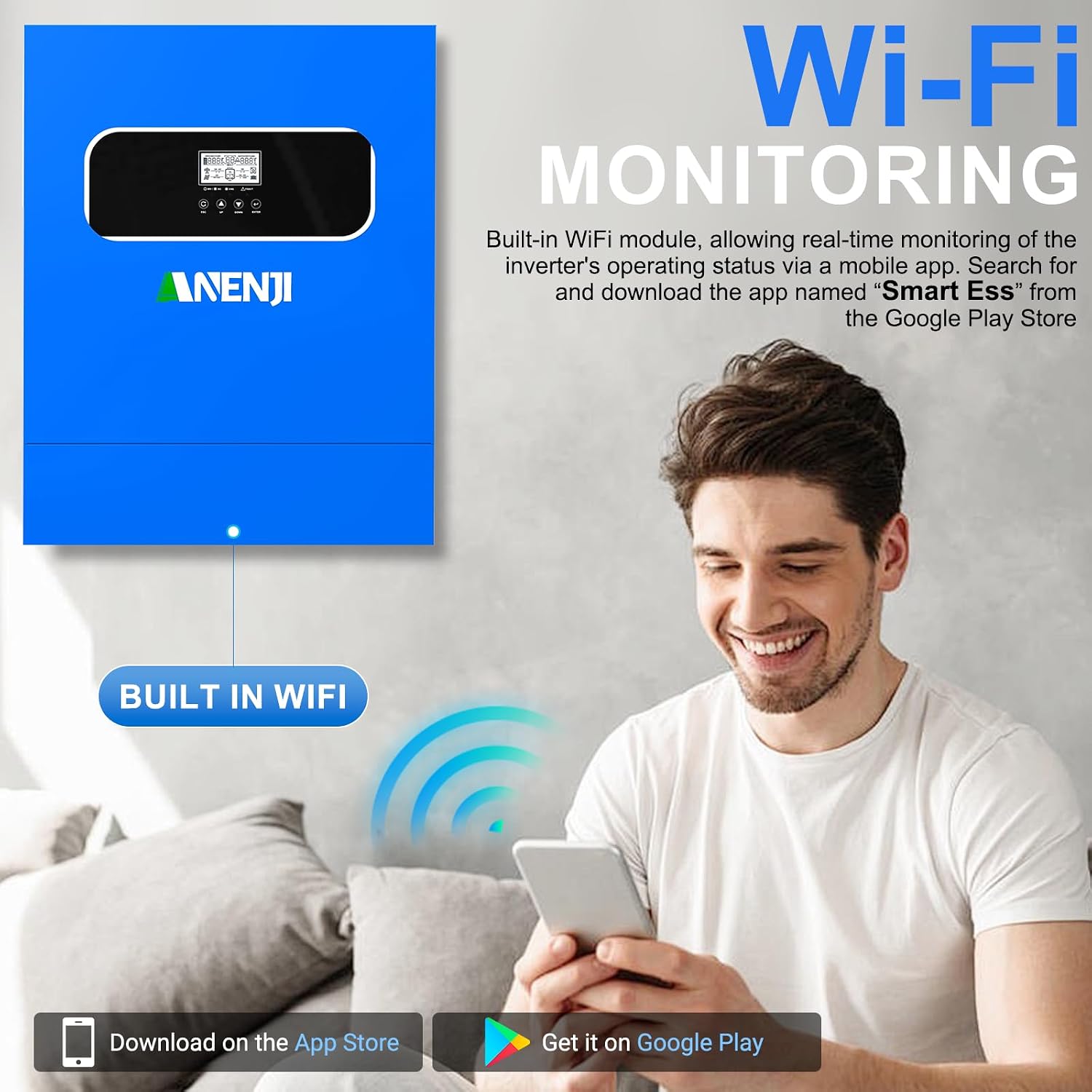
Figi 3: The inverter features built-in WiFi for real-time monitoring via a mobile application, available on Google Play and App Store.

Figi 4: The inverter provides a pure sine wave output, ensuring high-quality AC power for sensitive devices like computers, refrigerators, TVs, and water heaters.
3.2 Konpozan ak Endikatè
Familiarize yourself with the inverter's external components, display, and indicators for proper operation.

Figi 5: Front panel features an LCD display, status indicator, charging indicator, fault indicator, and function buttons (ESC, UP, DOWN, ENTER). The rear panel includes PV1 input, PV2 input, AC input, Main out, Second out, RS485 port, WiFi antenna port, dry contact port, grounding terminal, battery negative/positive outlet holes, and a power on/off switch.
- Ekspozisyon LCD: Shows real-time system data and operating status.
- Endikatè estati: Indicates the inverter's operational status.
- Endikatè chaje: Montre eta chaj batri a.
- Endikatè fay: Illuminates when an error occurs, often accompanied by an error code on the LCD.
- Bouton Fonksyon: Used for navigating menus and configuring settings.
- PV Inputs (PV1, PV2): Koneksyon pou seri panèl solè yo.
- Antre AC: Koneksyon pou elektrisite sou rezo a.
- Main Out / Second Out: AC output connections for loads.
- Tèminal batri yo: Koneksyon pou bank batri 48V la.
- WiFi Antenna Port: For wireless monitoring.
- Pò RS485: For communication with external devices, including BMS.
- Pò kontak sèk: Pou siyal kontwòl ekstèn yo.
4. Enstalasyon ak Enstalasyon
Proper installation is crucial for the inverter's performance and safety. Consult a qualified electrician for installation.
4.1 Kote montaj
- Mount the inverter vertically on a solid surface.
- Ensure sufficient clearance (at least 20 cm) around the inverter for proper airflow.
- Evite limyè solèy dirèk, tanperati ki wo, ak imidite ki wo.
- The installation environment should be free from corrosive gases and dust.
4.2 Koneksyon fil elektrik
Follow the wiring diagram carefully. All connections must be secure and correctly polarized.

Figi 6: Detailed wiring diagram showing connections for solar panels (PV array), utility grid, generator, 48V battery, 230V household load, and 220V household appliances. Note the maximum AC input voltage, AC output power, and maximum PV array power specifications.
- Koneksyon Anrejistreman PV: Connect solar panels to PV1 and PV2 inputs. Ensure the PV array voltage is within the 60-500V DC MPPT range and the open circuit voltage does not exceed 500V DC.
- Koneksyon batri: Connect the 48V battery bank to the battery terminals. The inverter is compatible with various battery types including AGM, GEL, FLD, LI, SLD, and USER-defined settings.
- Koneksyon Antre AC: Connect the utility grid or a generator to the AC input.
- Koneksyon Sòti AC: Connect your household loads to the Main Out and Second Out terminals.
- Atè: Asire w ke envèstisè a byen konekte ak tè a.

Figi 7: The inverter is compatible with multiple battery types, including AGM, GEL, FLD, LI (Lithium), SLD, and user-defined settings, with a maximum battery charging current of 100A (AC + DC).
5. Operasyon Modes
The Aninerel hybrid inverter offers flexible configuration options for charging and load priority.
5.1 Charging Priority Modes
These settings control how the battery bank is charged from different power sources.
- Priyorite Solè: The inverter prioritizes solar power for charging. AC input will only charge the battery bank when solar power is no longer available.
- Antre Solè ak AC: The inverter will charge the battery bank from both solar and AC power simultaneously.
- Solè sèlman: The inverter will only charge the battery bank from available solar power.
5.2 Load Priority Modes
These settings determine how your appliances receive power.
- PV Output Priority: The inverter will prioritize solar power to supply the loads first. If solar input is not enough, it will compensate from the AC input.
- National Network Output Priority (AC Priority): The inverter will redirect the AC input to power all loads and will only use DC inputs (battery/PV) when AC input power is not available.
- Battery Output Priority (DC Priority): The inverter will prioritize inverting from solar first. If solar is not enough, it will invert from battery power. Only when battery power is low will it switch to AC input.
Figi 8: Visual representation of charging priority (Solar Priority, Solar and AC input, Solar Only) and load priority (Solar Priority, AC Priority, DC Priority) settings, which can be configured via the inverter's display.
6. Antretyen
Antretyen regilye asire lonjevite ak pèfòmans optimal envèstisè ou a.
- Netwayaj: Netwaye deyò envèstisè a detanzantan avèk yon twal sèk. Asire w ouvèti vantilasyon yo pa gen pousyè ak debri.
- Koneksyon: Chak ane, tcheke tout koneksyon elektrik yo pou wè si yo sere epi si gen siy korozyon.
- Anviwònman: Asire w ke anviwònman operasyon an rete nan limit tanperati ak imidite espesifye yo.
- Sante batri: If using batteries, monitor their health and ensure they are properly maintained according to their manufacturer's guidelines.
NAN. Depanaj
The inverter's LCD display will show error codes if a fault occurs. Refer to the specific error code in the full product manual (if available) for detailed troubleshooting steps. General troubleshooting tips include:
- Pa gen pouvwa: Check all power connections (PV, battery, AC input). Ensure the power switch is ON.
- Surcharge: Reduce the connected load. The inverter has overload protection and may shut down.
- Surchof: Asire bon jan vantilasyon. Netwaye tout pousyè ki nan ouvèti yo.
- Pwoblèm batri: Tcheke batri voltage and connections. Ensure battery type settings are correct.
- PV Input Issues: Verify solar panel connections and ensure sufficient sunlight. Check PV array voltage.
If the problem persists after basic troubleshooting, contact Aninerel customer support or a qualified technician.
8. Espesifikasyon
| Karakteristik | Spesifikasyon |
|---|---|
| Non modèl | ANJ-HHS-11000W-48V-WIFI |
| Sortie pouvwa | 11000 Watts |
| Antre Voltage (DC) | 48 V |
| Sòti Voltage (AC) | 220 V / 230 V |
| Max. PV Antre pouvwa | 11000 W |
| Maks. PV etalaj pouvwa | 5500W x 2 |
| PV Array MPPT Voltage Range | 60 ~ 500 V DC |
| Maks. Louvri Awondisman Voltage (PV) | 500 V DC |
| Maks. Chaje Kouran | 160 A |
| Max. Kouran Antre Solè | 18 A x 2 |
| Dimansyon pwodwi | 52L x 41.5W x 12.2H santimèt |
| Pwa atik | 17 Kilogram |
| Kalite ekspozisyon | LCD |
| Itilizasyon Rekòmande | Kay, Biwo, Veyikil |
9. Garanti ak sipò
For warranty information, technical support, or service inquiries, please contact your retailer or the manufacturer, Aninerel. Keep your purchase receipt and product model number (ANJ-HHS-11000W-48V-WIFI) readily available when seeking support.
Ask a question about this manual
Ask about setup, troubleshooting, compatibility, parts, safety, or missing instructions. Manuals+ will review the question and use this page’s manual context to help answer it.