
1. Entwodiksyon
This manual provides detailed instructions for the VOPLLS Smart Mini Projector K3. It covers setup, operation, maintenance, and troubleshooting to ensure optimal performance and user experience. Please read this manual thoroughly before using your projector.

Figure 1: VOPLLS Smart Mini Projector K3 showcasing karakteristik entelijan li yo.
2. Ki sa ki nan bwat la
- Smart Projector with WiFi and Bluetooth
- HDMI kab
- Manyèl itilizatè
- Remote (pil pa enkli)
3. Karakteristik kle
- Officially-Licensed Apps: Built-in streaming for Netflix, Prime Video, YouTube, and more.
- Odyo Dolby Imersif: Enhanced sound clarity and depth.
- AI-Powered TOF Autofocus: Achieves sharp focus in 0.3 seconds with automatic keystone correction.
- Lightweight Linux System: Instant-on, zero bloatware, and sustained performance.
- Konsepsyon pòtab: Compact (880g) with a 210° free-angle rotating stand for versatile projection.
- Ekspozisyon segondè rezolisyon: Native 1080P resolution with 4K decoding support and 350 ANSI lumens.
- Koneksyon avanse: Ultra-fast WiFi 6 and Bluetooth 5.2 for seamless device pairing.
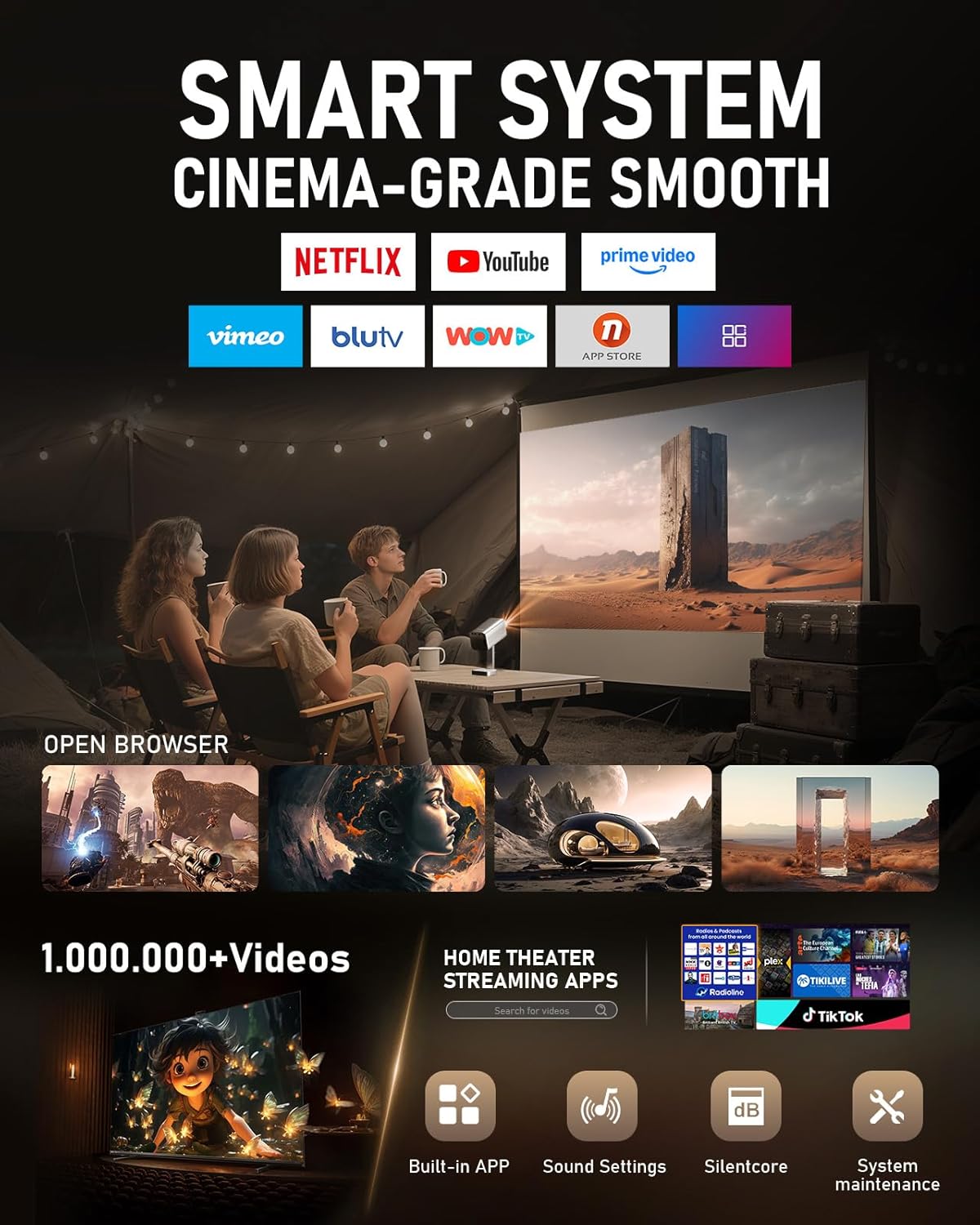
Figure 2: The projector's smart system interface with various streaming applications.

Figure 3: Illustration of the TOF Instant Focus technology, highlighting its speed and precision.
4. Gid Enstalasyon
4.1 Inisyal Enstalasyon
- Dekonpoze: Carefully remove all components from the packaging. Verify that all items listed in 'What's in the Box' are present.
- Koneksyon pouvwa: Connect the power cord to the projector's power input port and then to a power outlet.
- Pouvwa sou: Peze bouton pouvwa a sou pwojektè a oswa kontwòl remote la pou limen aparèy la.
- Lang ak Zòn Orè: Follow the on-screen prompts to select your preferred language and set the correct time zone.
- Rezo Koneksyon: Navigate to the 'Network' settings and enable Wi-Fi. Select your Wi-Fi network (supports 2.4G and 5G) and enter the password.
4.2 Ajisteman Pwojeksyon
The VOPLLS K3 projector features advanced automatic adjustment capabilities:
- TOF Autofocus: The projector will automatically adjust the focus to ensure a clear image within 0.3 seconds.
- Otomatik koreksyon Keystone: The projector automatically corrects the image shape to be rectangular, regardless of the projection angle. This eliminates the need for manual adjustments.

Figure 4: The projector in use, displaying content from Netflix on a wall.
5. Operasyon Enstriksyon
5.1 Fonksyon kontwòl Remote
The included remote control provides full functionality for navigating the projector's interface and controlling media playback. It features dedicated buttons for popular streaming services like Netflix, YouTube, and Prime Video for quick access.
5.2 Accessing Streaming Content
Once connected to Wi-Fi, you can directly access pre-installed streaming applications from the home screen. Simply select the desired app (e.g., Netflix, Prime Video, YouTube) and log in with your account credentials.
5.3 Konekte Aparèy Ekstèn yo
The projector supports various external connections:
- HDMI: Connect devices such as laptops, gaming consoles, or Blu-ray players using the provided HDMI cable. Select the HDMI input source from the projector's menu.
- USB: Insert a USB flash drive into the USB port to play local media files (videyo, foto, mizik).
- Bluetooth 5.2: Pair with external Bluetooth speakers or headphones for enhanced audio. Navigate to the Bluetooth settings to discover and connect devices.
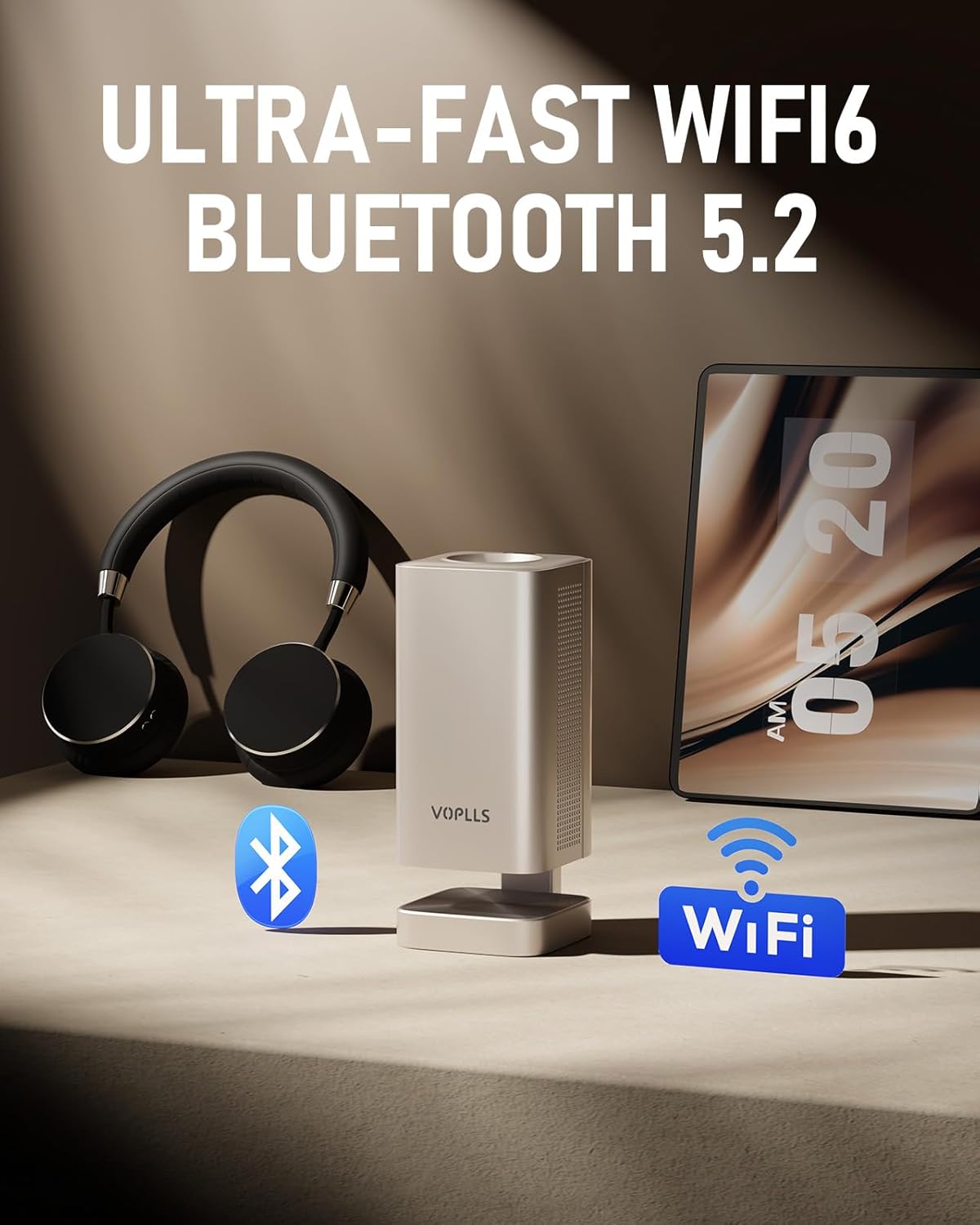
Figure 5: The projector's wireless connectivity options, including WiFi 6 and Bluetooth 5.2.
5.4 Miroir ekran
The projector supports screen mirroring from compatible devices. Note that some streaming services with HDCP (High-bandwidth Digital Content Protection) may not allow mirroring. For such content, it is recommended to use an HDMI connection.
5.5 Sòti odyo
The projector features built-in speakers with Dolby Audio. For a more immersive experience, connect external audio devices via Bluetooth or the 3.5mm audio jack.
Video 1: Demonstration of the VOPLLS projector's basic operation and image projection.
6. Antretyen
6.1 Netwayaj
- Lantiy: Sèvi ak yon twal mou ki pa gen pousyè, espesyalman fèt pou lantiy optik, pou netwaye lantiy pwojektè a dousman. Evite materyèl abrazif oswa pwodui chimik ki agresif.
- Filtè Pousyè: Regularly clean the dust filter to maintain optimal performance and prevent overheating. Refer to the user manual for specific instructions on accessing and cleaning the filter.
- Eksteryè: Wipe the exterior of the projector with a soft, dry cloth.
6.2 Depo
When not in use, store the projector in a cool, dry place away from direct sunlight and extreme temperatures. Use the provided lens cap to protect the lens from dust and scratches.
NAN. Depanaj
- Pa gen pouvwa: Asire w kòd kouran an byen konekte ak pwojektè a ak priz kouran an. Tcheke si priz kouran an ap fonksyone.
- Pa gen imaj: Verify that the correct input source is selected. Check HDMI or USB connections if using external devices.
- Imaj flou: The projector features automatic focus. If the image remains blurry, try repositioning the projector slightly or manually triggering the autofocus function if available in settings.
- Pa gen son: Check the volume settings on both the projector and any connected external audio devices. Ensure Bluetooth devices are properly paired.
- Wi-Fi/Streaming Issues: Confirm your Wi-Fi network is active and the signal is strong. Restart the projector and your router if necessary.
8. Espesifikasyon
| Karakteristik | Spesifikasyon |
|---|---|
| Mak | VOPLLS |
| Nimewo Modèl | K3 |
| Pwa atik | 2.8 liv (apeprè 1.27 kg) |
| Dimansyon pwodwi | 11 x 9 x 3.5 pous (apeprè 27.9 x 22.9 x 8.9 cm) |
| Rezolisyon ekspozisyon | 1920 x 1080 (Natif 1080P) |
| 4K sipò | Wi |
| Klète | 350 ANSI lumèn |
| Koneksyon Teknoloji | 3.5mm Jack, HDMI, USB, Wi-Fi (Ultra-fast WiFi 6), Bluetooth (5.2) |
| Karakteristik espesyal | 210° Portable Rotating Stand, Built-In Speaker, Dolby Audio, Compatible with Netflix, Built-in Apps, Fast TOF Auto Focus, Linux System |
| Itilizasyon Rekòmande | Home Cinema |
9. Garanti ak sipò
The VOPLLS Smart Mini Projector K3 comes with a Garanti 2 ane pou ranplasman pwodwi epi sèvis apre lavant pou tout lavi. For technical support, warranty claims, or any inquiries, please contact VOPLLS customer service through their official websit oswa revandè kote yo te achte pwodwi a.
Video 2: A short demonstration highlighting the Native 1080P and 4K support capabilities of the projector.