
Entwodiksyon
Thank you for choosing the Rii RK211 Wireless Keyboard and Mouse Combo. This product provides a reliable 2.4G wireless connection for your computer, laptop, or other compatible devices. This manual will guide you through the setup, operation, maintenance, and troubleshooting of your new wireless keyboard and mouse.
Enstriksyon Enstalasyon
Follow these steps to set up your Rii RK211 Wireless Keyboard and Mouse Combo:
- Enstale pil: The keyboard requires 1 AAA battery, and the mouse requires 1 AA battery. Open the battery compartments on both devices and insert the batteries, ensuring correct polarity.
- Jwenn reseptè USB a: The tiny nano USB receiver is stored in the compartment next to the mouse battery slot. Open the mouse battery cover to find it.
- Konekte reseptè a: Ploge reseptè USB a nan yon pò USB ki disponib sou òdinatè w lan oswa laptop.
- Pouvwa sou: Turn on the mouse using the ON/OFF switch located on its underside. The keyboard does not have a separate power switch and will activate upon battery installation and key press.
- Koneksyon otomatik: The keyboard and mouse will automatically connect to your device. No additional drivers are required for most operating systems.
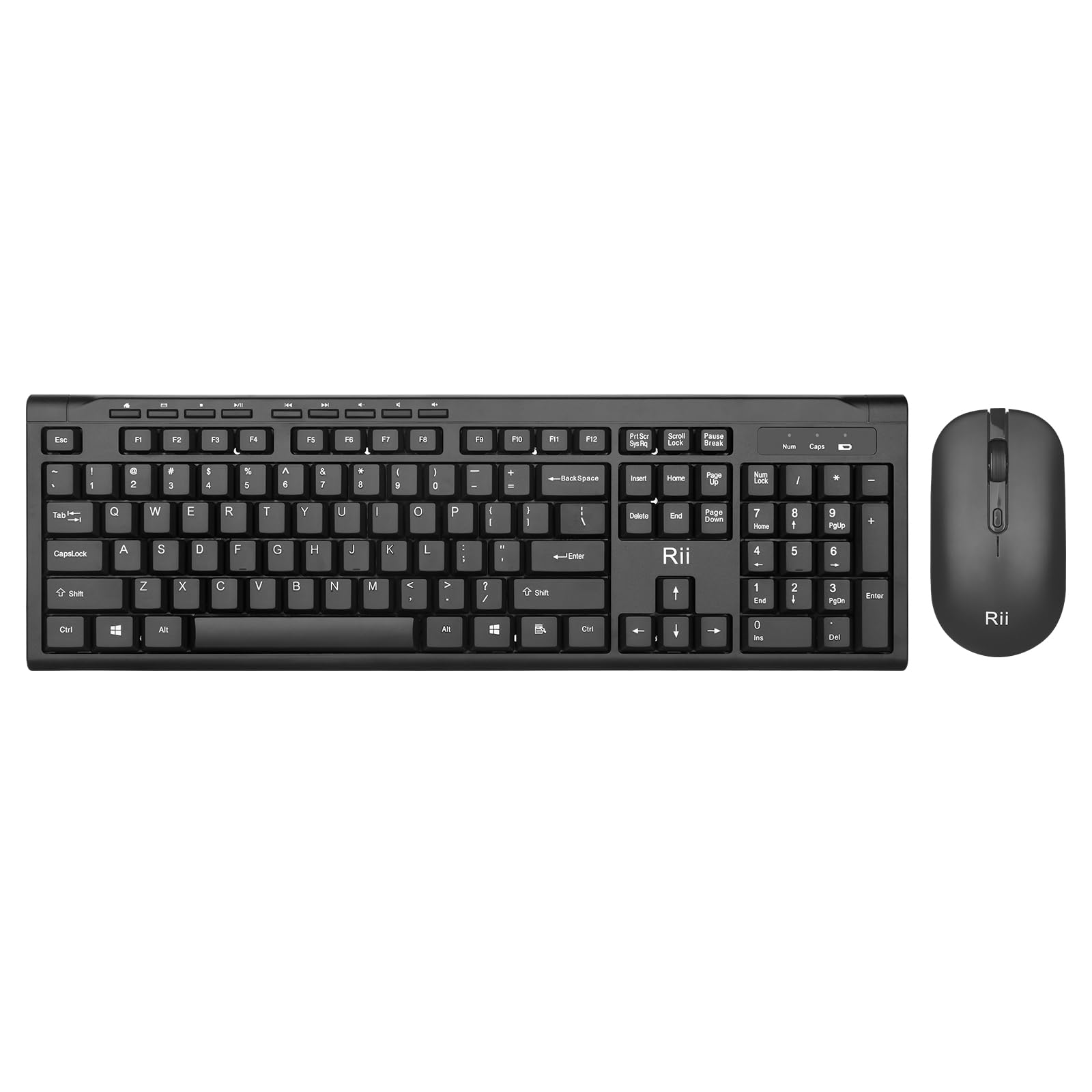
Image: The Rii RK211 wireless keyboard and mouse connected to a laptop using a single unifying nano receiver for plug-and-play functionality.

Image: The USB receiver is conveniently stored inside the mouse's battery compartment for safekeeping.
Enstriksyon Operasyon
This section details the usage of your Rii RK211 Wireless Keyboard and Mouse Combo.
Karakteristik klavye:
- Full-Sized Layout: The keyboard features a standard US QWERTY layout with a numeric keypad for efficient typing.
- Angl enklinezon reglabl: Utilize the adjustable legs on the underside of the keyboard to set a comfortable typing position and reduce wrist fatigue.
- Raccourcis miltimedya: Access 9 dedicated multimedia hotkeys for quick control over media playback, email, internet browser, volume, and more. Note: These shortcuts may have limited compatibility with Mac operating systems.

Image: The keyboard features an ergonomic design with adjustable legs to enhance typing comfort.
Karakteristik sourit:
- Konsepsyon ergonomique: The mouse is contoured to fit comfortably in your hand, supporting extended use.
- DPI reglabl: Cycle through DPI settings of 800, 1000, 1200, and 1600 to adjust cursor sensitivity and precision on various surfaces. The DPI button is typically located near the scroll wheel.

Image: The mouse features an ergonomic design for comfortable use.
Antretyen
Proper maintenance ensures the longevity and optimal performance of your wireless combo.
- Ranplasman batri: Replace batteries when performance degrades. The keyboard uses 1 AAA battery, and the mouse uses 1 AA battery.
- Netwayaj: Sèvi ak yon twal mou epi sèk pou netwaye sifas klavye a ak sourit la. Pou pousyè tè ki difisil pou retire, yon ti kras twal mouye.amp cloth can be used, ensuring no moisture enters the internal components. Avoid harsh chemicals.
- Depo: Lè w pa itilize sourit la pou yon bon bout tan, etenn li pou konsève batri a. Sere reseptè USB a nan konpatiman batri sourit la pou evite pèt.
- Ekonomize pouvwa otomatik: Both devices feature an automatic sleep function. If inactive for more than 10 minutes, they will enter sleep mode. To reactivate, simply click any mouse button or press any key on the keyboard.
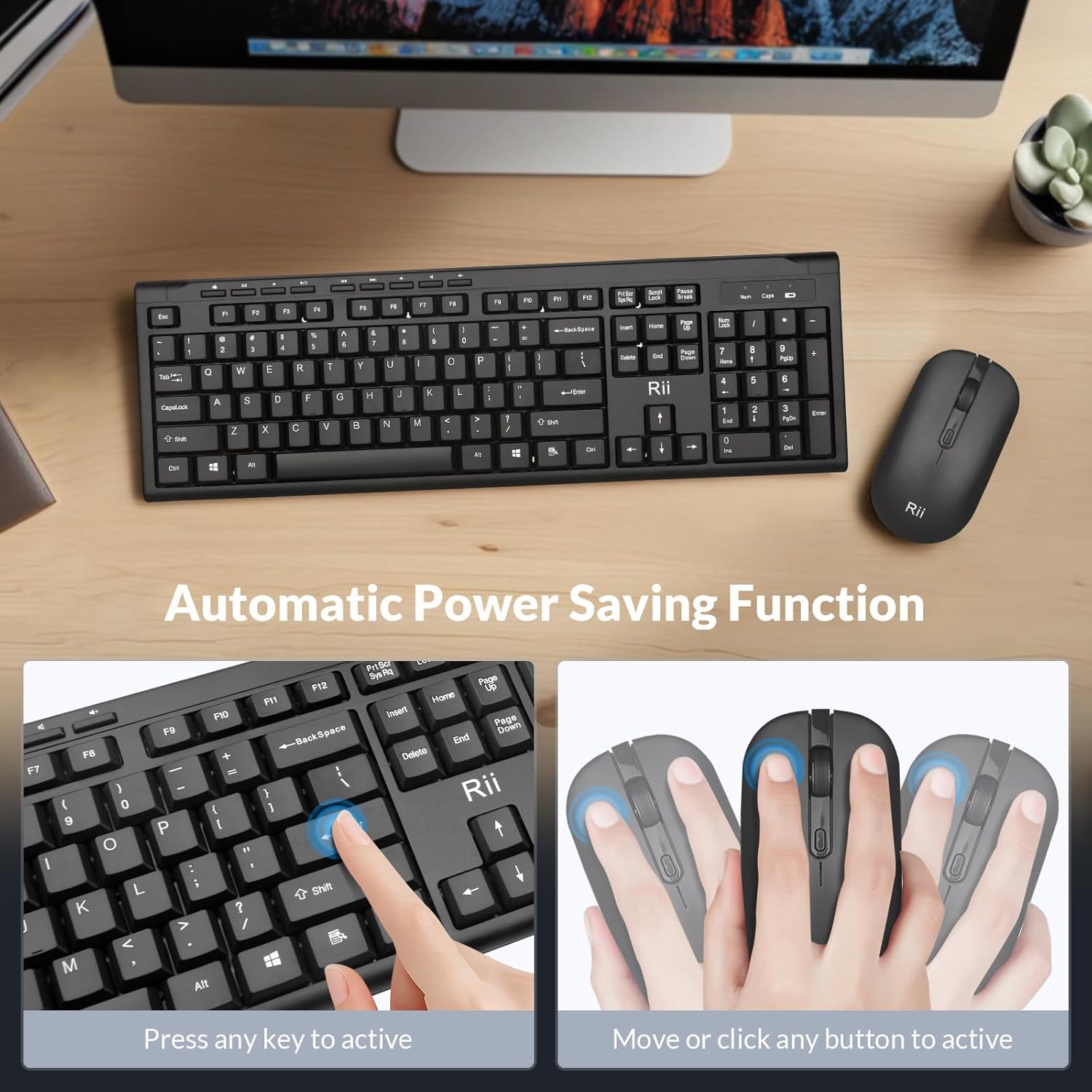
Image: The keyboard and mouse feature an automatic power saving function, activated by pressing any key or moving/clicking the mouse.
Depanaj
If you encounter issues, refer to the following troubleshooting tips:
- Pa gen koneksyon/Lag:
- Asire w ke reseptè USB a byen branche nan yon pò USB ki fonksyone.
- Check if the mouse is turned ON.
- Ranplase pil yo nan tou de klavye a ak sourit la.
- Move the devices closer to the USB receiver to rule out range issues (max 33 ft).
- Eseye branche reseptè USB a nan yon lòt pò USB sou òdinatè w la.
- Mouse Cursor Jumps/Inaccurate:
- Change the DPI setting using the DPI button on the mouse.
- Ensure the mouse is used on a suitable surface (not highly reflective or transparent).
- Netwaye detèktè optik ki anba sourit la.
- Keyboard Not Typing:
- Peze nenpòt ki kle yo reveye klavye a soti nan mòd dòmi.
- Replace the AAA battery in the keyboard.
- Ensure the USB receiver is connected.
- Multimedia Keys Not Working on Mac:
- Some multimedia shortcuts may not be fully compatible with Mac OS. This is expected behavior.
Espesifikasyon
| Mak | Rii |
| Nimewo Modèl | RK211 |
| Koulè | Nwa |
| Koneksyon Teknoloji | 2.4G san fil |
| Karakteristik espesyal | Ergonomik konsepsyon |
| Aparèy konpatib | Laptop, Desktop, PC, Chromebook, Notebook (Windows 11/10/8/7/Vista/XP, Chrome OS, Linux, Mac OS) |
| Batri obligatwa | Yes (1 AAA for keyboard, 1 AA for mouse - Not Included) |
| Pwa atik | 0.7 Kilogram |
| Deskripsyon klavye | Miltimedya |
| Anviwònman DPI sourit | 800-1000-1200-1600 DPI |

Image: Detailed dimensions of the Rii RK211 keyboard and mouse.
Enfòmasyon sou Garanti
The Rii RK211 Wireless Keyboard and Mouse Combo comes with a 365-jou garanti apati dat acha a. Garanti sa a kouvri domaj fabrikasyon epi li asire pwodwi a fonksyone jan li dwe ye anba itilizasyon nòmal. Tanpri konsève prèv acha ou pou reklamasyon garanti.
Sipò
For further assistance, technical support, or warranty inquiries, please refer to the contact information provided with your product packaging or visit the official Rii websit. Ou ka vizite tou Magazen Rii sou Amazon pou plis enfòmasyon ak resous pwodwi yo.