
1. Entwodiksyon
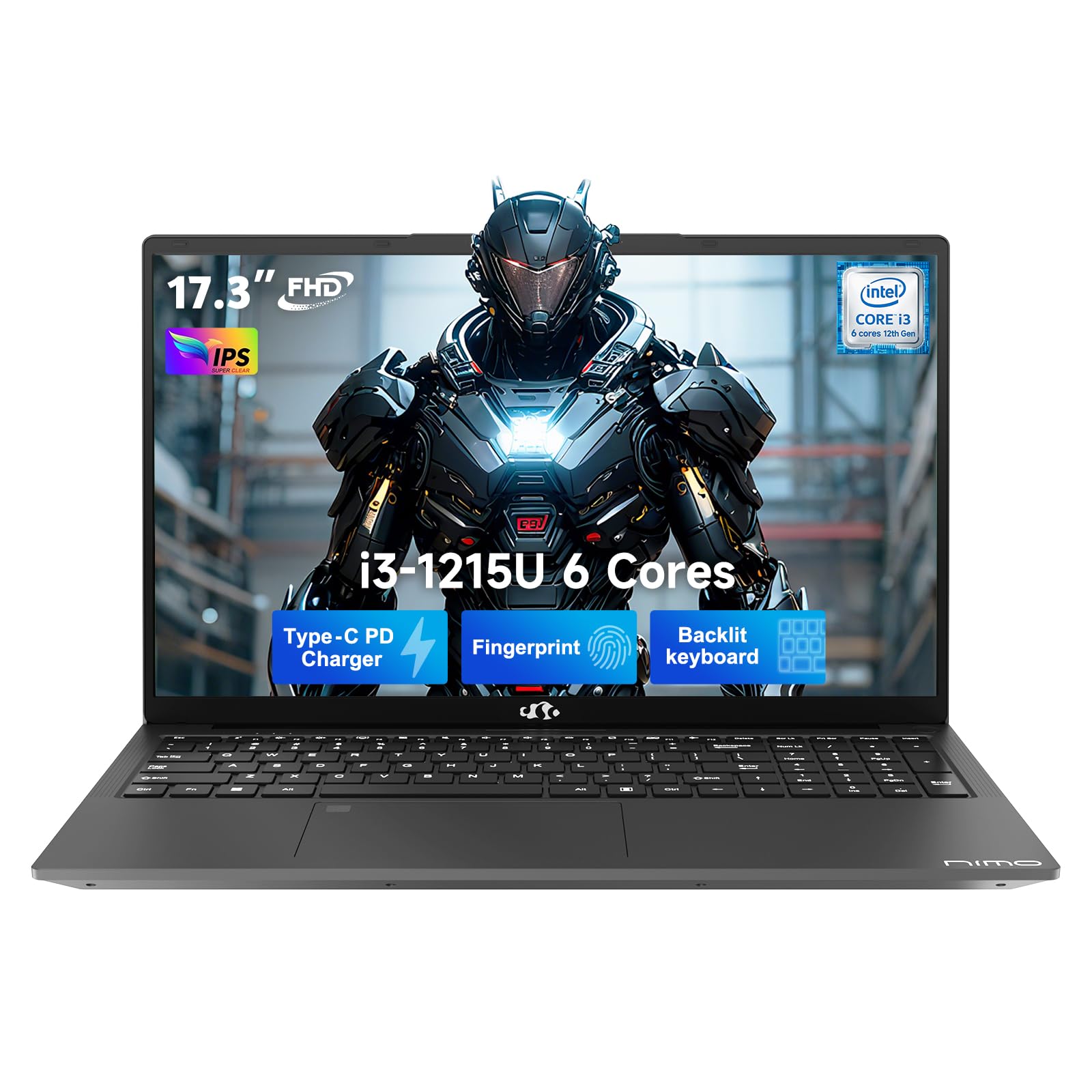
This manual provides essential information for setting up, operating, and maintaining your NIMO 17.3" FHD IPS Laptop. Please read this guide thoroughly before using your device to ensure proper function and longevity. This laptop features an Intel Core i3-1215U processor, 16GB RAM, and a 512GB SSD, designed for efficient everyday computing.
2. Ki sa ki nan bwat la
- 1 x NIMO N171 Laptop
- 1 x Chargeur rapid Kalite-C 65W PD
- 1 x Manyèl Itilizatè (dokiman sa a)
- Windows 11 Home (pre-enstale)
3. Gid Enstalasyon
3.1 Premye pouvwa sou
- Depake laptop la: Retire laptop la ak tout akseswa yo nan anbalaj la avèk anpil atansyon.
- Konekte pouvwa: Plug the Type-C 65W PD Fast Charger into the laptop's USB-C port and then into a power outlet.
- Pouvwa sou: Open the laptop lid and press the power button, usually located on the top right of the keyboard or side.
- Enstalasyon Windows: Follow the on-screen instructions to complete the Windows 11 Home initial setup, including language, region, network connection, and user account creation.
3.2 Enstalasyon Capteur Anprent Dwèt
For enhanced security and quick access, set up the integrated fingerprint sensor:
- Navige nan Anviwònman > Kont > Opsyon koneksyon in Windows 11.
- Locate the "Fingerprint recognition (Windows Hello)" option and click Mete kanpe.
- Swiv enstriksyon yo sou ekran an pou anrejistre anprent ou.

4. Operasyon Enstriksyon
4.1 Klavye ak Touchpad
- Klavye retroeklere: The full-size keyboard includes a numeric keypad and backlighting for use in low-light conditions. The backlight can typically be toggled using a function key combination (e.g., Fn + F5 or similar, refer to keyboard icons).
- Touchpad: Touchpad entegre a sipòte jès milti-touch pou navigasyon.

4.2 WebCam ak Panno sou enfòmasyon prive
The laptop features a 2MP HD camera with a physical privacy shutter. To ensure privacy, slide the shutter to cover the camera lens when not in use. Slide it open to activate the camera for video calls or other applications.

5. Karakteristik kle
5.1 Pèfòmans
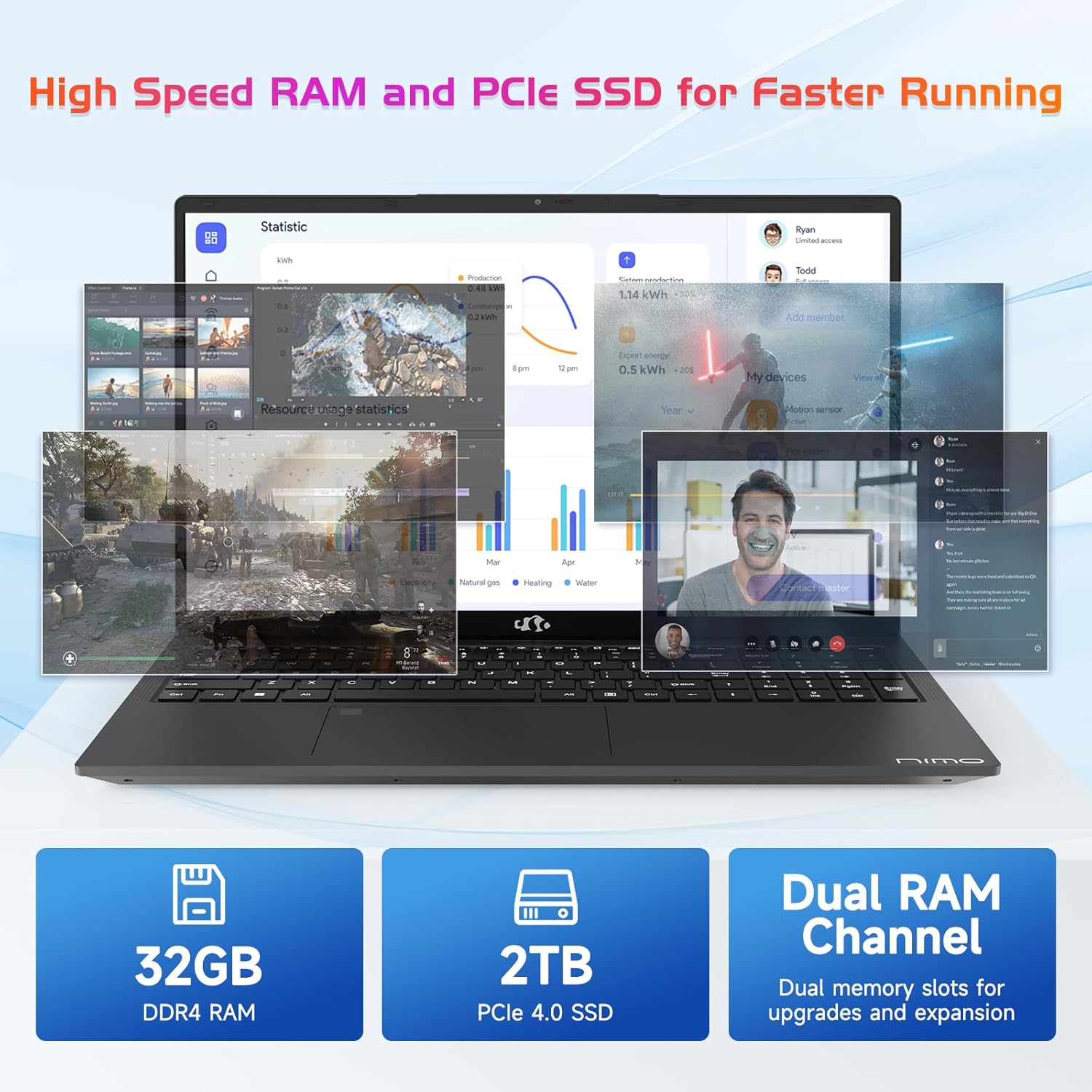
The NIMO N171 laptop is equipped with a 12th Gen Intel Core i3-1215U processor (6 Cores, up to 4.40 GHz), 16GB DDR4 RAM, and a 512GB SSD. This configuration provides responsive performance for multitasking, web browsing, and various applications.

5.2 Montre
The laptop features a 17.3-inch Full HD (1920x1080) IPS display, offering a wide viewing experience with clear visuals and reduced eye strain. The screen-to-body ratio is approximately 85%.

5.3 Koneksyon
The NIMO N171 supports Wi-Fi 6 for fast and stable wireless internet connectivity and Bluetooth 5.2 for pairing with wireless peripherals.
The laptop includes multiple ports for versatile connectivity:
- USB 3.2 Gen1 ports (x2)
- USB 2.0 pò (x1)
- USB Type-C 3.2 Gen1 port (x1)
- USB Type-C Gen1 port (Charge Only) (x1)
- Standard HDMI 1.4 port (x1)
- Audio Jack (x1)
- Micro SD card slot (x1)
- Kensington lock slot (x1)

5.4 Batri ak chaje
The laptop is powered by a 53.58Wh battery, providing up to 9 hours of average battery life. It supports 65W PD Fast Charge via USB-C, allowing for quick recharging.


6. Antretyen
- Netwayaj: Sèvi ak yon twal mou ki pa gen pousyè pou netwaye ekran an ak deyò a. Evite pwodui chimik ki agresif.
- Swen batri: Pou pwolonje lavi batri a, evite dechaje batri a nèt souvan. Sere laptop la nan yon kote ki fre epi sèk.
- Mizajou lojisyèl: Mete sistèm operasyon Windows ou ajou regilyèman ak chofè yo pou asire pèfòmans ak sekirite optimal.
- Depo: Keep the SSD from becoming completely full to maintain performance. Utilize the Micro SD card slot for additional storage if needed.
NAN. Depanaj
| Pwoblèm | Kòz posib | Solisyon |
|---|---|---|
| Laptop la pa limen | Pwoblèm batri ki ba oswa adaptè kouran | Ensure the charger is properly connected and the power outlet is functional. Allow the laptop to charge for at least 30 minutes before attempting to power on again. |
| Ekran an vid oswa nwa | Display settings, external monitor connection, or system crash | Peze Fn + F7 (or the key with a display icon) to cycle through display modes. Disconnect any external monitors. Perform a hard reset by holding the power button for 10-15 seconds. |
| Pwoblèm koneksyon Wi-Fi | Wi-Fi adapter disabled, incorrect password, or router problem | Check if Wi-Fi is enabled in Windows settings. Verify the Wi-Fi password. Restart your router and modem. |
| Capteur anprent dwèt la pa fonksyone | Unregistered fingerprint, dirty sensor, or software glitch | Ensure your fingerprint is registered correctly. Clean the sensor with a soft cloth. Restart the laptop. |
8. Espesifikasyon
| Karakteristik | Detay |
|---|---|
| Mak | NIMO |
| Non modèl | NIMO N171 |
| Gwosè ekran | 17.3 pous |
| Rezolisyon ekran | 1920 x 1080 piksèl (FHD) |
| Processeur | Intel Core i3-1215U (6 Cores, up to 4.4 GHz) |
| RAM | 16 GB DDR4 (3200 MHz) |
| Disk Drive | SSD 512 GB (Eta solid) |
| Koprosesè grafik | Grafik entegre (Intel) |
| Sistèm operasyon | Windows 11 Kay |
| Kalite san fil | Wi-Fi 6 (802.11a/b/g/n/ac) |
| Bluetooth | Bluetooth 5.2 |
| Pò USB 2.0 | 1 |
| Pò USB 3.0 | 3 (includes USB 3.2 Gen1) |
| USB Type-C Ports | 2 (1x 3.2 Gen1, 1x Gen1 Charge Only) |
| HDMI Port | 1 (Standard HDMI 1.4) |
| Audio Jack | 1 (Combo Jack) |
| Mikwo SD plas kat | Wi |
| Dèyè WebCam Rezolisyon | 2 MP |
| Dire Batri (Mwayèn) | 9 èdtan |
| Kapasite batri | 53.58 Wh |
| Sous pouvwa | Battery Powered (65W PD Fast Charger) |
| Pwa atik | 4.6 liv |
| Dimansyon pwodwi (LxWxH) | 15.61 x 9.84 x 0.76 pous |
| Karakteristik espesyal | Fingerprint Reader, HD Audio, Memory Card Slot, Numeric Keypad, Backlit Keyboard, Privacy Shutter |
9. Garanti ak sipò
NIMO provides a 2-ane garanti pou pwodui sa a. Anplis de sa, yon Règleman pou retounen pwodwi a san pwoblèm nan 90 jou is offered. For technical assistance, warranty claims, or product-related inquiries, please contact NIMO customer support.
- Peryòd garanti: 2 Ane
- Règleman retounen: 90 Days (hassle-free)
- Kontakte: Refer to the official NIMO website or product page for current contact information.


10. Videyo pwodwi aview
Videyo sa a bay yon vizyon souview of the NIMO 17.3" FHD Intel i3-1215U Laptop, showcasing its design, features, and various usage scenarios.