
1. Entwodiksyon
Welcome to the user manual for your new boAt Rockerz 413 Bluetooth Over-Ear Headphones. These headphones are designed to provide a superior audio experience with features such as 60 hours of playback, powerful 40mm drivers, ENx Technology for clear calls, Dual Pairing for seamless device switching, and a low-latency BEAST Mode for gaming.
Please read this manual carefully to ensure proper use and to maximize the performance and longevity of your headphones.
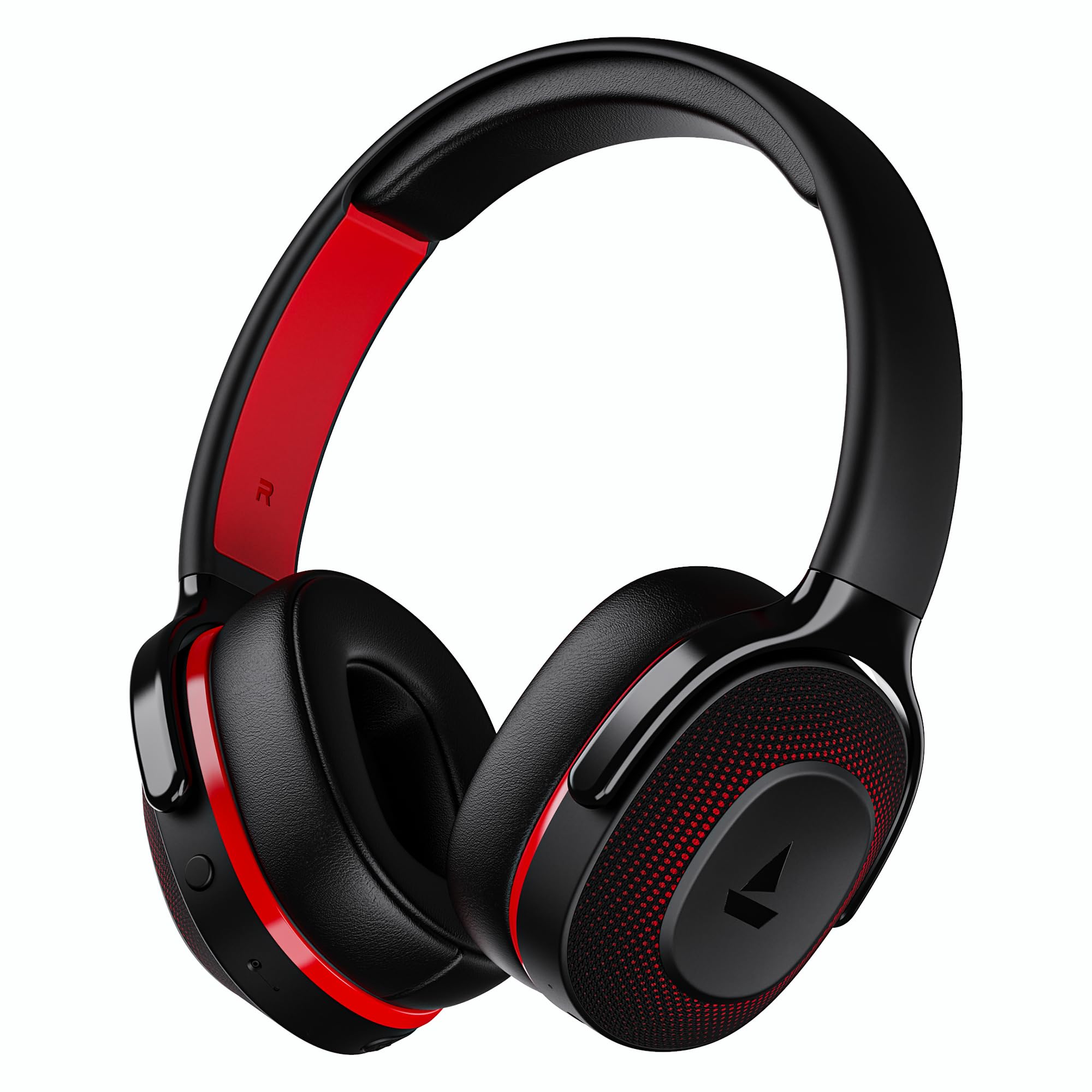
Image: boAt Rockerz 413 Bluetooth Headphones in Black & Red.
2. Ki sa ki nan bwat la
Upon opening your boAt Rockerz 413 package, you should find the following items:
- bato Rockerz 413 kas ekoutè
- Chaje kab
3. Pwodwi souview ak Kontwòl
Familiarize yourself with the physical components and controls of your headphones.

Imaj: Gwo plan view of the right ear cup, highlighting the easy access control buttons for power, volume, and mode selection. The headphones feature an adaptive fit design and support dual pairing with Bluetooth v5.2.
Bouton kontwòl:
- Bouton pouvwa: Peze epi kenbe pou limen/etenn. Peze yon ti kras pou jwe/pran yon poz.
- Volim moute (+): Peze yon ti kras pou ogmante volim nan. Peze lontan pou pwochen mizik la.
- Volim desann (-): Peze yon ti kras pou diminye volim nan. Peze lontan pou ale nan mizik anvan an.
- Bouton milti-fonksyon: (Specific function may vary, often for call management or voice assistant).
- bouton mòd: Activates BEAST Mode for low latency gaming.
4. Enstalasyon
4.1 Limen/Etenyen
- Pou limen: Press and hold the Power Button for approximately 3 seconds until the LED indicator lights up.
- Pou etenn: Peze epi kenbe bouton pouvwa a pou apeprè 5 segonn jiskaske endikatè LED la etenn.
4.2 Bluetooth Pairing
- Asire ke kas ekoutè yo konplètman chaje anvan premye itilize.
- Power on the headphones. They will automatically enter pairing mode, indicated by a flashing LED light (e.g., blue and red alternating).
- Sou aparèy ou an (telefòn entelijan, tablèt, òdinatè pòtab), aktive Bluetooth.
- Chèche pou available Bluetooth devices and select "boAt Rockerz 413" from the list.
- Once connected, the LED indicator will show a steady blue light or flash slowly.
4.3 Doub Pè
The Rockerz 413 supports dual pairing, allowing you to connect to two devices simultaneously (e.g., a smartphone and a laptop). This enables seamless switching between audio sources without manual disconnection.
- Connect the headphones to the first device as described in section 4.2.
- Dezaktive Bluetooth sou premye aparèy la. Kas ekoutè a ap antre nan mòd koneksyon ankò.
- Connect the headphones to the second device.
- Reaktive Bluetooth la sou premye aparèy la. Kas ekoutè yo ap konekte otomatikman ak tou de aparèy yo.
- Audio will play from the device that is actively playing content.
Image: The boAt Rockerz 413 headphones demonstrating their adaptive fit and the capability for dual pairing with Bluetooth v5.2.
5. Operasyon Enstriksyon
5.1 Lekti Odyo
- Jwe/Poz: Kout peze bouton pouvwa a.
- Pwochen Track: Peze bouton pou monte volim nan (+) pandan yon bon bout tan.
- Track Previous: Peze bouton Diminye Volim nan (-) pandan yon bon bout tan.
- Kontwòl Volim: Peze bouton Volim Monte (+) oswa bouton Volim Diminye (-) yon ti tan.
5.2 Call Management (ENx Technology)
The boAt Rockerz 413 features ENx Technology, which enhances your voice and cancels surrounding noise for clear call quality.
- Reponn/Fen Apèl: Kout peze bouton an Multi-fonksyon.
- Rejte apèl: Peze bouton milti-fonksyon an pandan lontan.
- Asistan vwa: Double press the Multi-function Button (if supported by your device).

Image: The boAt Rockerz 413 headphones showcasing ENx Technology for enhanced call clarity.
5.3 Mòd BÈT (Jwèt ki gen latans ki ba)
Activate BEAST Mode for a low-latency audio experience, ideal for gaming. This mode reduces audio delay to 60ms, providing synchronized sound with your gameplay.
- Activate BEAST Mode: Press the dedicated Mode Button. You may hear an audio prompt confirming activation.
- Deactivate BEAST Mode: Press the Mode Button again.

Image: boAt Rockerz 413 headphones shown alongside a smartphone displaying a game, emphasizing the 60ms low latency BEAST Mode for an immersive gaming experience.
5.4 boAt Signature Sound with 40mm Drivers
Experience rich and balanced audio with the boAt Signature Sound, delivered through powerful 40mm dynamic drivers. These drivers are engineered to provide clear highs, detailed mids, and deep bass for an enjoyable listening experience across various genres.

Image: An exploded diagram of the boAt Rockerz 413 ear cup, illustrating the internal 40mm drivers and components responsible for delivering boAt Signature Sound.
6. Chaje
Your boAt Rockerz 413 headphones offer an impressive 60 hours of playback on a single charge.
- Konekte kab chaje ki vini ak kas ekoutè a nan pò chaje ki sou kas ekoutè a.
- Konekte lòt bout kab la nan yon sous kouran USB (pa egzanp, yon adaptè miray, yon pò USB òdinatè).
- The LED indicator will show a red light during charging.
- Once fully charged, the LED indicator will turn blue or off, depending on the model.
- Avoid using fast chargers or chargers with voltage exceeding 5V to prevent damage.

Image: Close-up of the boAt Rockerz 413 headphone ear cup, highlighting its 60 hours of playback capability.
7. Antretyen
Pou asire lonjevite ak pèfòmans optimal kas ekoutè ou yo, swiv gid antretyen sa yo:
- Keep the headphones dry. Do not expose them to water or excessive moisture.
- Clean the ear cushions and headband regularly with a soft, dry cloth.
- Evite tanperati ekstrèm.
- Sere kas ekoutè yo nan yon kote ki fre, sèk lè yo pa itilize yo.
- Pa eseye demonte oswa modifye kas ekoutè yo, paske sa ap anile garanti a.
NAN. Depanaj
| Pwoblèm | Solisyon posib |
|---|---|
| Ekoutè pa limen | Asire w ke kas ekoutè yo chaje. Konekte yo nan yon sous kouran epi eseye ankò. |
| Pa ka konekte ak aparèy la |
|
| Pa gen son oswa volim ki ba |
|
| Call quality issues (ENx Tech) |
|
| Latency in gaming (BEAST Mode) |
|
9. Espesifikasyon
| Karakteristik | Detay |
|---|---|
| Mak | bato |
| Non modèl | Rockerz |
| Nimewo Modèl | PB0019 |
| Plasman Zòrèy | Sou Zòrèy |
| Faktè fòm | Sou Zòrèy |
| Kontwòl bri | Anile aktif bri |
| Bluetooth vèsyon | 5.2 |
| Teknoloji san fil | Bluetooth |
| Kalite chofè odyo | Chofè dinamik |
| Gwosè Chofè | 40 mm |
| Dire Batri (Mwayèn) | 60 èdtan |
| Metòd kontwòl | Pouse bouton |
| Karakteristik pwodwi | ENx Technology, BEAST Mode, Dual Pairing |
| Aparèy konpatib | Tablets, Desktops, Telephones, Cellphones, Laptops, Smart Speaker, Television |
| Itilizasyon espesifik | Gaming, Music, Travel |
| Materyèl | Twal |
| Pwa atik | 300 gram |
| Peyi orijin | Lachin |
10. Garanti
The boAt Rockerz 413 headphones come with a 1-ane garanti from the date of purchase. Please retain your proof of purchase for warranty claims. The warranty covers manufacturing defects but does not cover damage caused by misuse, accidents, unauthorized modifications, or normal wear and tear.
For detailed warranty terms and conditions, please refer to the official boAt websit oswa kontakte sipò kliyan.
11. Sipò
For further assistance, technical support, or warranty claims, please contact boAt customer service:
- Kontakte manifakti: Imajine Maketing Ltd
- Imèl: info@imaginemarketingindia.com
Aplikasyon boAt Hearables
Enhance your experience by downloading the boAt Hearables App. Scan the QR code below or visit the provided link to access additional features, stream music, listen to audiobooks, and find user help guides.
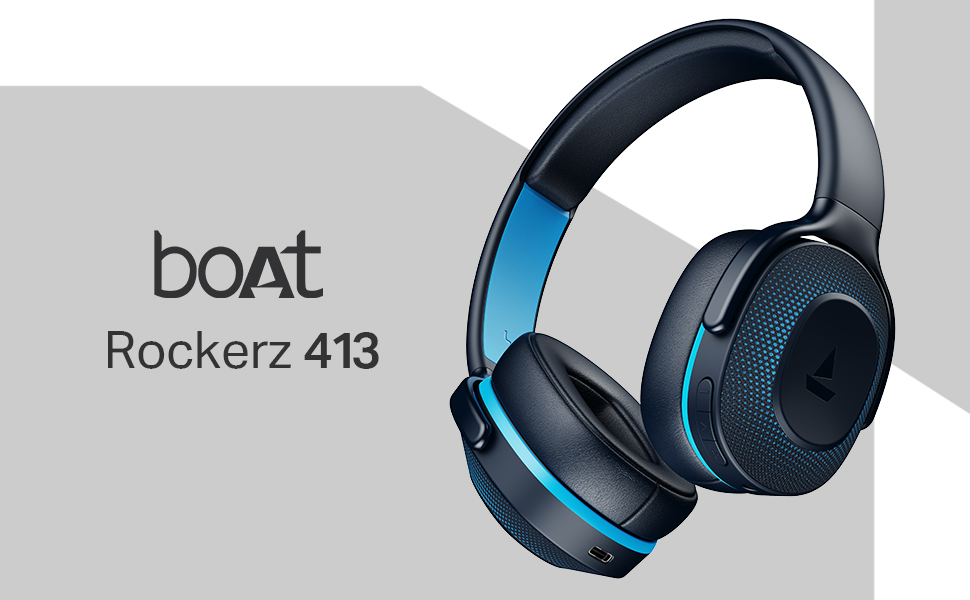
Image: A smartphone screen displaying a QR code for the boAt Hearables App, which allows users to stream music, listen to audiobooks, and access user guides.
Telechaje aplikasyon an isit la: boAt Hearables App Link