
LeapFrog 80-621200
LeapFrog Preschool Game and Go Handheld Video Game Toy Instruction Manual
Modèl: 80-621200
Mak: LeapFrog
Entwodiksyon
The LeapFrog Preschool Game and Go is a handheld video game toy designed to introduce young children to fundamental concepts such as numbers, letters, and shapes through engaging mini-games and music. This device offers a portable and interactive learning experience for children aged 2 years and older.
Ki sa ki nan bwat la
- LeapFrog Preschool Game and Go Handheld Toy
- Gid Quick Start
Note: 3 AAA batteries are included for demo purposes only. New batteries are recommended for regular use.
Enstalasyon
Enstalasyon batri
- Jwenn lòj batri a sou do aparèy la.
- Sèvi ak yon tournevis, louvri kouvèti lòj batri a.
- Mete 3 nouvo pil AAA, asire w polarite a kòrèk (+/-).
- Ranplase kouvèti lòj batri a epi an sekirite li ak vis la.
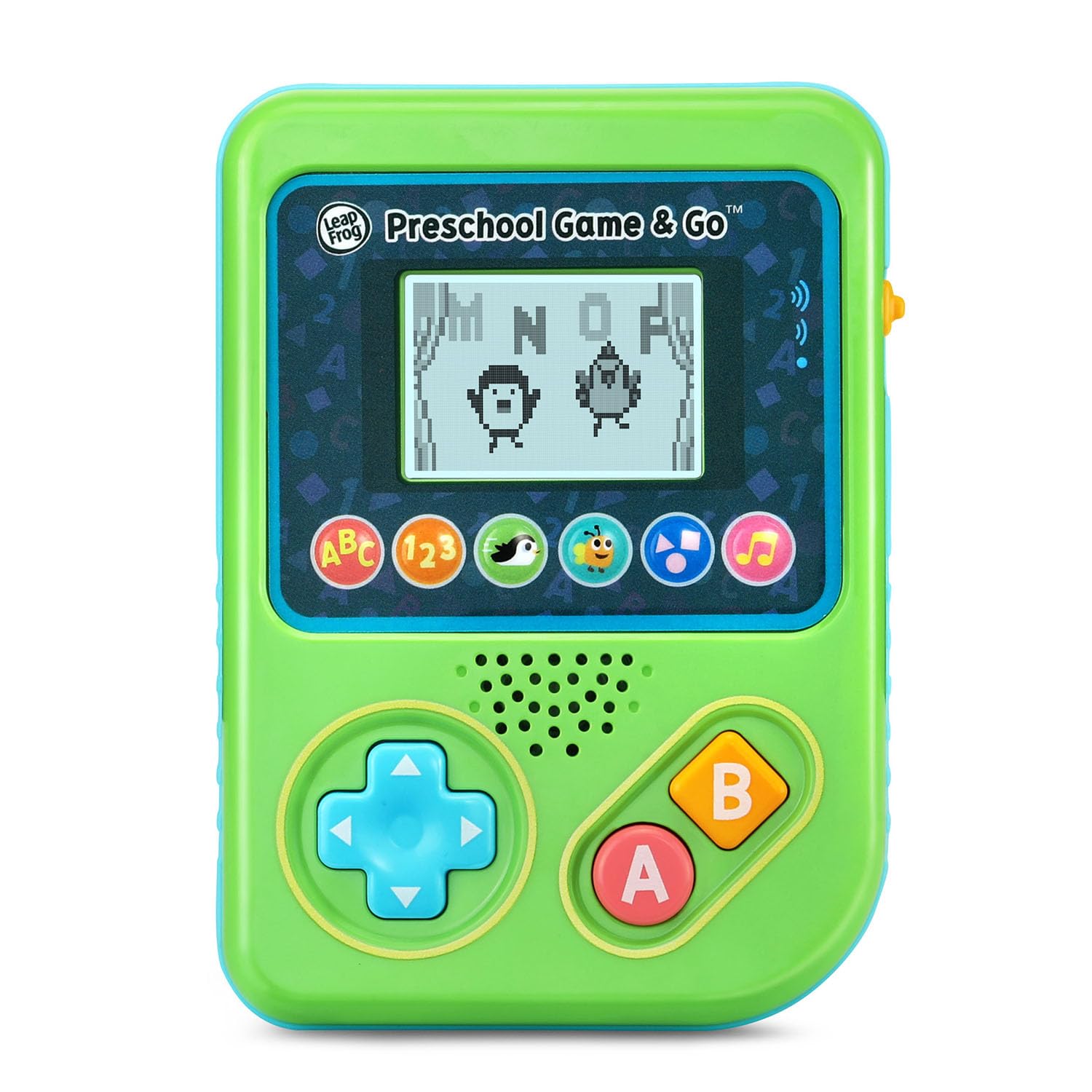
Figi 1: Devan view of the LeapFrog Preschool Game and Go.
Power On/Off
- To power on the device, slide the orange power switch located on the right side of the unit upwards.
- To power off the device, slide the orange power switch downwards.
Kontwòl Volim
- The device features two volume settings.
- Adjust the volume using the dedicated switch or button, typically located near the power switch, to select between a lower or higher sound output.
Enstriksyon Operasyon
Kontwòl
- Pad direksyonèl (D-Pad): Located on the left side, use this to navigate menus and control characters within games.
- Yon bouton: Typically used for selection or action within games.
- B bouton: Typically used for secondary actions or going back in menus.
Jwèt Seleksyon
The device features six distinct game icons below the screen. Press the corresponding icon to select a game:
- ABC Icon: Activates the ABC Swim game.
- 123 Icon: Activates the 123 Treasure game.
- Penguin Icon: Activates the Letter Slide game.
- Bug Icon: Activates the Snack Track game.
- Shapes Icon: Activates the Shape Ape game.
- Music Note Icon: Activates the Song Shuffle feature.
Personalizing Game Play
You can personalize the experience by adding a child's name (up to 10 characters). The child's name will appear in certain games, such as the Letter Slide game, where they collect letters to spell their name.
Aprantisaj jwèt
The LeapFrog Preschool Game and Go includes six exciting learning games:
- ABC Swim: Pop bubbles to explore letter sounds.
- 123 Treasure: Collect coins and count hearts to introduce numbers.
- Letter Slide: Help a penguin slide and jump to collect letters, including those in the child's personalized name.
- Snack Track: Feed a hungry bug by eating and counting snacks.
- Shape Ape: Catch various shapes as they fall from trees.
- Song Shuffle: Dance along to three engaging learning songs.
Videyo 1: Prezantasyon videyo pwodwi ofisyèl laasing the LeapFrog Preschool Game & Go features and gameplay.
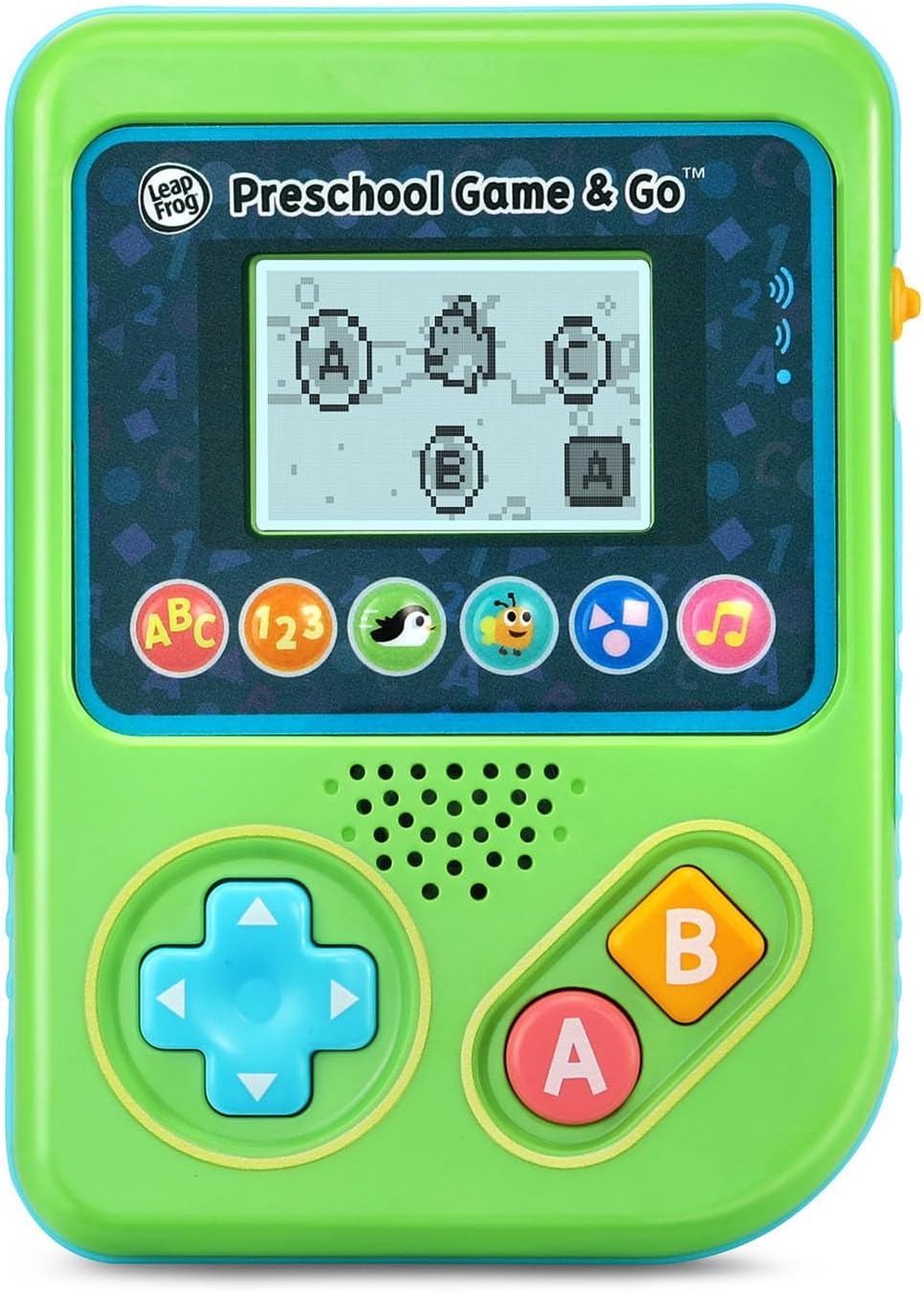
Figure 2: The ABC Swim game interface on the device screen.
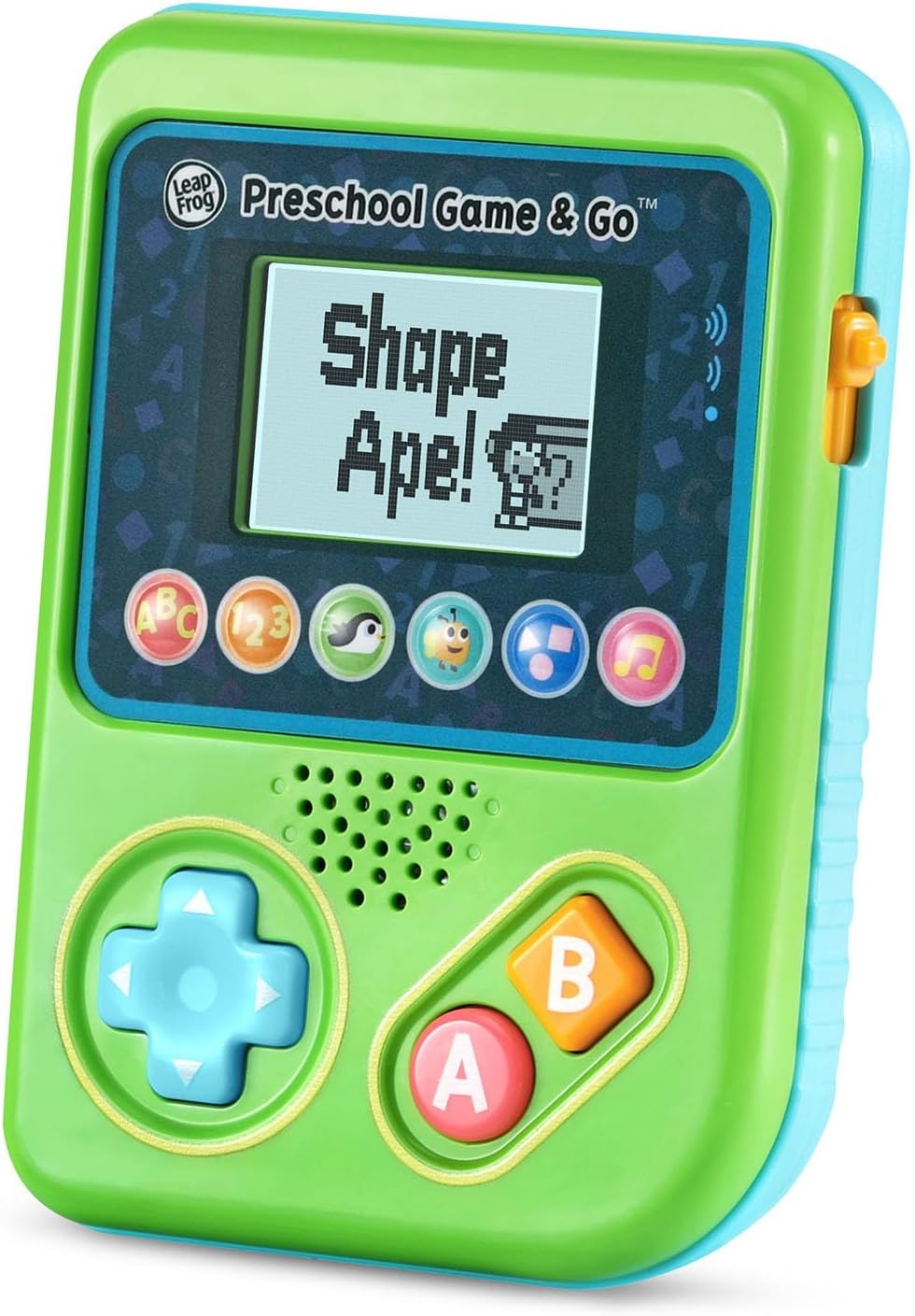
Figure 3: The Shape Ape game interface on the device screen.
Antretyen
- To clean the device, wipe it with a slightly damp twal. Pa plonje nan dlo.
- Evite ekspoze aparèy la nan tanperati ekstrèm oswa limyè solèy la dirèk.
- Retire pil yo si ou pa pral itilize aparèy la pou yon peryòd tan pwolonje pou anpeche flit.
Depanaj
- Aparèy pa limen: Ensure fresh batteries are correctly installed. Check the power switch position.
- No sound or low sound: Adjust the volume switch. Replace batteries if sound is distorted or very low.
- Pwoblèm ekran: If the screen is blank or flickering, try turning the device off and on again. Replace batteries if the issue persists.
- Bouton ki pa reponn: Ensure the device is powered on. If a specific button is unresponsive, try cleaning around it. If the issue continues, replace batteries.
Espesifikasyon
| Karakteristik | Detay |
|---|---|
| Nimewo Modèl | 80-621200 |
| Ranje laj | 2+ ane |
| Sous pouvwa | Batri Powered |
| Batri obligatwa | 3 AAA batteries (included for demo) |
| Kalite kontwolè | Kontwòl bouton |
| Kalite ekspozisyon | Digital |
| Materyèl | Plastik |
| Dimansyon pwodwi | 1.3 x 4.1 x 5.6 pous |
| Pwa atik | 6.4 ons |
Garanti ak sipò
For warranty information, product registration, or additional support, please refer to the contact information provided in the Quick Start Guide included with your product or visit the official LeapFrog websit. Kenbe resi acha ou pou reklamasyon garanti.
Ask a question about this manual
Ask about setup, troubleshooting, compatibility, parts, safety, or missing instructions. Manuals+ will review the question and use this page’s manual context to help answer it.