
Entwodiksyon
This user manual provides detailed instructions for the C idea CM817 Pro Max 8-inch Tablet. Please read this manual thoroughly before using your device to ensure proper operation and to maximize its features. Keep this manual for future reference.
Kontni pake
Verifye ke tout atik yo prezan nan pakè a:
- C idea CM817 Pro Max 8-inch Tablet
- Adaptè chaje
- USB-C kab
- Manyèl Itilizatè (dokiman sa a)
- Stylus Pen (if included in your specific package)
- Keyboard (if included in your specific package)
- Mouse (if included in your specific package)

Image: The C idea CM817 Pro Max tablet shown with its common accessories, which may include a keyboard, mouse, charging adapter, USB-C cable, and stylus pen.
Pwodwi souview
Familiarize yourself with the physical components of your C idea CM817 Pro Max tablet.

Image: A diagram illustrating the various ports and buttons on the C idea CM817 Pro Max tablet, including the front camera, rear camera, power button, volume controls, speakers, TF/SIM card slot, USB-C port, and headphone jack.
- Kamera devan: Pou apèl videyo ak selfie.
- Kamera dèyè: Pou pran foto ak videyo.
- Pouvwa sou / Off bouton: Press and hold to power on/off or restart. Press briefly to wake/sleep the screen.
- Bouton Volim: Adjust the tablet's audio volume.
- Oratè: Output audio.
- TF/SIM Slot: Insert a TF (MicroSD) card for expandable storage or a SIM card for cellular connectivity.
- USB-C pò: For charging the tablet and connecting to a computer for data transfer.
- Kas ekoutè Jack: Konekte kas ekoutè 3.5mm.
Enstalasyon
1. Chaje tablèt la
Before first use, fully charge the tablet. Connect the USB-C cable to the tablet's USB-C port and the other end to the charging adapter. Plug the adapter into a power outlet. The battery indicator on the screen will show charging status.
2. Powering On / Off
- Pouvwa sou: Press and hold the Power On/Off button until the C idea logo appears.
- Pouvwa Off: Press and hold the Power On/Off button until the power options menu appears, then select "Power off".
- Rekòmanse: Nan meni opsyon pouvwa a, chwazi "Rekòmanse".
3. Inisyal Enstalasyon
Lè w ap limen tablèt ou a pou premye fwa, swiv enstriksyon ki parèt sou ekran an pou w konfigire l:
- Chwazi lang ou pi pito.
- Konekte nan yon rezo Wi-Fi.
- Konekte avèk kont Google ou a oubyen kreye yon nouvo. Sa nesesè pou telechaje aplikasyon nan Google Play Store la.
- Konfigire blokaj ekran an (kòd PIN, modèl, oswa modpas).
- Review epi aksepte tèm ak kondisyon yo.
4. Mete kat SIM ak MicroSD
Locate the TF/SIM slot on the side of the tablet. Use the provided SIM ejector tool (if applicable) to open the tray. Carefully place your SIM card and/or MicroSD card into the designated slots, ensuring correct orientation. Close the tray securely.
Enstriksyon Operasyon
1. Navigasyon debaz
- Manyen: Tape yon ikòn pou ouvri yon aplikasyon oubyen chwazi yon atik.
- Glise: Trennen dwèt ou sou ekran an pou defile paj yo oswa kontni an.
- Zongle: Sèvi ak de dwèt pou agrandi oswa diminye imaj yo epi web paj.
- Ekran Kay: Ekran prensipal la kote ou ka jwenn aksè a aplikasyon ak widjèt yo.
- Panèl Notifikasyon: Glise anba soti anwo ekran an pou jwenn aksè a notifikasyon yo ak paramèt rapid yo.

Image: The C idea CM817 Pro Max tablet showcasing its Android home screen, featuring various application icons and a clean user interface.
2. Wi-Fi and Cellular Connectivity
Pou konekte ak Wi-Fi a, ale nan Anviwònman > Rezo ak entènèt > Wi-Fi. Turn Wi-Fi on and select your desired network. Enter the password if prompted. For cellular data, ensure a SIM card is inserted and go to Anviwònman > Rezo ak entènèt > Rezo mobil to configure data settings.
3. Sèvi ak Kamera a
Open the Camera app from the home screen or app drawer. Tap the shutter button to take a photo. Switch between the 5MP front camera and 8MP rear camera using the camera switch icon. You can also record videos.
4. Jesyon Depo
Your tablet comes with 512GB of internal storage and supports up to 512GB expandable storage via a MicroSD card. To view itilizasyon depo, ale nan Anviwònman > Depo. Regularly clear unnecessary files and uninstall unused apps to maintain performance.

Image: Multiple C idea tablets demonstrating the ample storage capacity, highlighting 8GB RAM, 512GB internal ROM, and support for an additional 512GB via TF (MicroSD) card.
5. Lavi batri
The 8000mAh battery provides extended usage. To optimize battery life, reduce screen brightness, disable Wi-Fi/Bluetooth when not in use, and close background apps. You can monitor battery usage in Anviwònman> Batri.
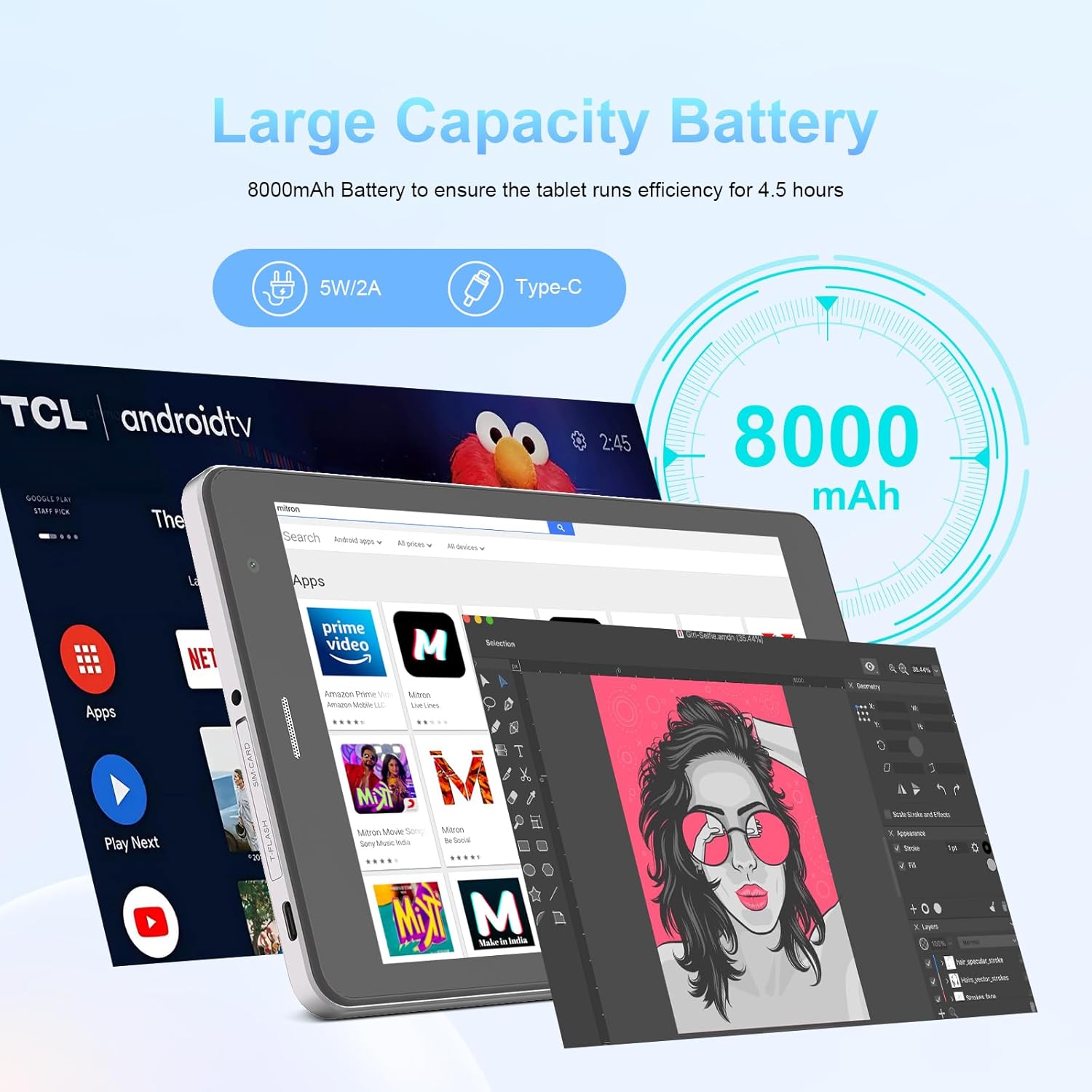
Image: The C idea CM817 Pro Max tablet, emphasizing its 8000mAh large capacity battery, designed for extended operational hours.
6. Display Anviwònman
The tablet features an 8-inch 1280x800 IPS HD display. Adjust brightness, font size, and display timeout in Anviwònman > Display pou yon konfòtab vieweksperyans nan.

Image: The C idea CM817 Pro Max tablet showcasing its 8-inch IPS HD screen with a resolution of 800x1280 pixels, providing clear visuals.
Antretyen
1. Netwayaj
Use a soft, lint-free cloth to clean the screen and body of the tablet. Do not use abrasive cleaners or solvents, as they may damage the surface. Avoid getting moisture into ports.
2. Mizajou lojisyèl
Regularly check for system updates to ensure your tablet has the latest features and security patches. Go to Anviwònman > Sistèm > Mizajou sistèm pou tcheke epi enstale mizajou yo.
3. Swen batri
To prolong battery lifespan, avoid exposing the tablet to extreme temperatures. Do not let the battery completely drain frequently. Use the original charger or a certified compatible charger.
Depanaj
- Tablèt la pa limen: Ensure the tablet is charged. Press and hold the Power On/Off button for at least 10-15 seconds to force a restart.
- Pwoblèm koneksyon Wi-Fi: Rekòmanse routeur Wi-Fi ou a ak tablèt la. Bliye rezo a nan paramèt Wi-Fi yo epi rekonekte.
- Pèfòmans ralanti: Close unused apps, clear cache (Settings > Storage), and restart the tablet. Consider uninstalling large or unnecessary applications.
- Kamera a pa fonksyone: Ensure the Camera app has necessary permissions (Settings > Apps > Camera > Permissions). Restart the tablet.
- Depo plen: Delete old photos/videos, uninstall unused apps, or move files to an inserted MicroSD card.
- Aplikasyon k ap kraze: Clear the app's cache and data (Settings > Apps > [App Name] > Storage > Clear cache/Clear data). If the issue persists, uninstall and reinstall the app.
Espesifikasyon
| Karakteristik | Detay |
|---|---|
| Mak | C lide |
| Non modèl | CM817 Pro Max |
| Sistèm operasyon | Android 15 |
| Processeur | Octa-core (MediaTek) |
| RAM | 8GB |
| Depo Entèn (ROM) | 512GB |
| Depo dilatabl | Up to 512GB (via TF/MicroSD card) |
| Gwosè ekran | 8 pous |
| Rezolisyon ekran | 1280 x 800 pixels (IPS HD) |
| Kamera devan | 5MP |
| Kamera dèyè | 8MP |
| Kapasite batri | 8000mAh (Lityòm Polymè) |
| Koneksyon | Wi-Fi, 5G SIM, Bluetooth |
| Pò | USB-C, 3.5mm Headphone Jack |
| Pwa atik | 1 kg 80 g |
| Dimansyon pake | 29.8 x 18 x 6.4 cm |
Garanti ak sipò
For warranty information and technical support, please refer to the warranty card included in your package or contact C idea customer service. Keep your purchase receipt as proof of purchase.