
1. Pwodwi souview
The BUGANI Luster Bluetooth Speaker is a portable wireless stereo speaker designed for high-quality audio output with dynamic colorful lighting. It features Bluetooth 5.3 connectivity, IPX6 waterproofing, and extended playtime, making it suitable for various indoor and outdoor environments.

Image: The BUGANI Luster Bluetooth Speaker, showcasing its design and the vibrant light effects, surrounded by water splashes to highlight its waterproof capabilities.
2. Ki sa ki nan bwat la
- BUGANI Luster Bluetooth Speaker
- USB-C Chaje Kab
- AUX-nan kab
- Gid Quick Start
- Lanyard detachable
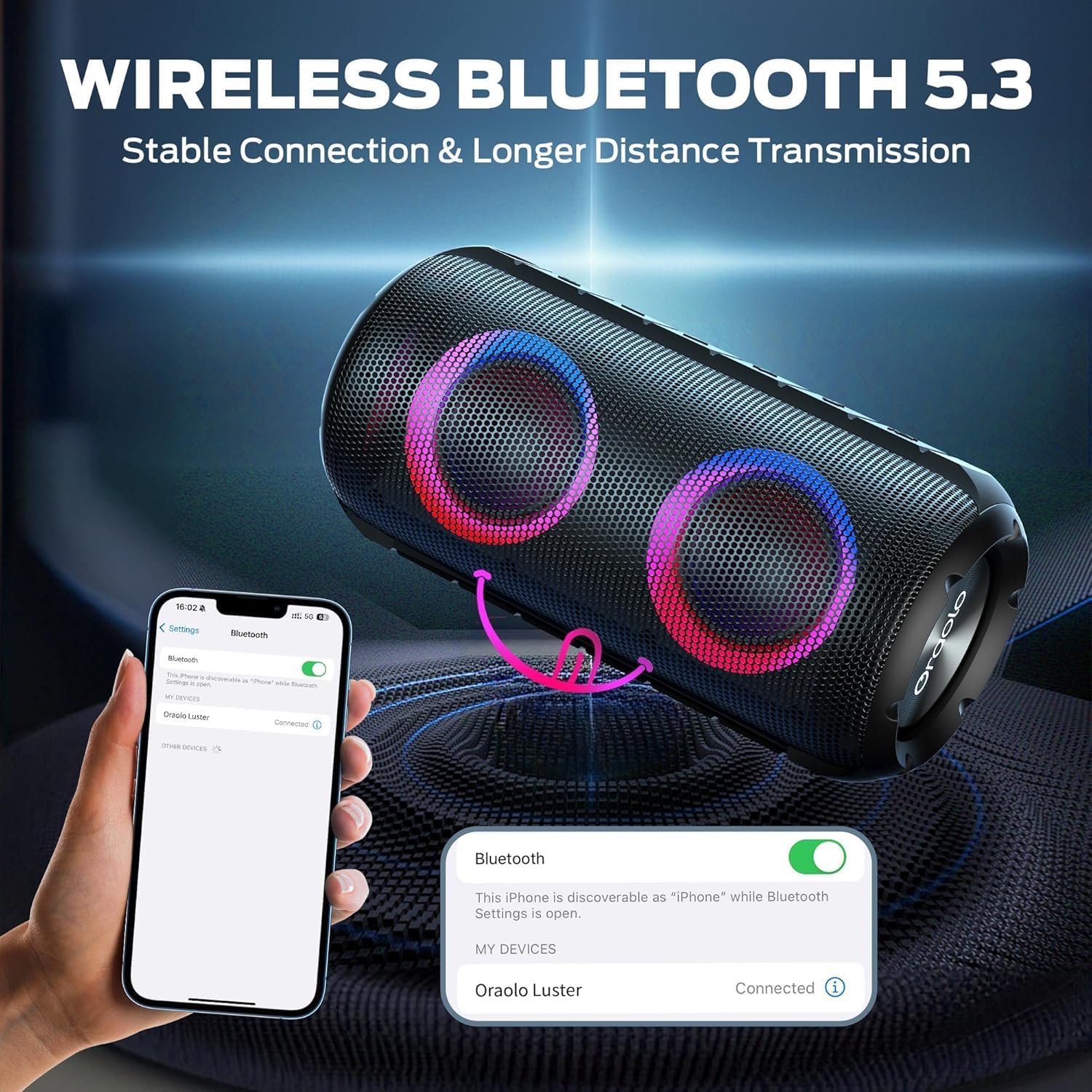
Image: The BUGANI Luster Bluetooth Speaker with its detachable lanyard, illustrating its portability and ease of carrying.
3. Enstalasyon
3.1 Premye chaj
Before first use, fully charge the speaker. Connect the provided USB-C cable to the speaker's charging port and the other end to a USB power adapter (not included) or a computer's USB port. The charging indicator light will show the charging status.
3.2 Power On/Off
- Pouvwa sou: Peze epi kenbe bouton pouvwa a (⏻) for 2-3 seconds until you hear an audible prompt and the lights illuminate.
- Pouvwa Off: Peze epi kenbe bouton pouvwa a (⏻) for 2-3 seconds until you hear an audible prompt and the lights turn off.
3.3 Bluetooth Pairing
- Asire w ke oratè a limen epi li nan mòd koneksyon Bluetooth (yon limyè ble k ap flache endike sa).
- Sou aparèy ou an (telefòn entelijan, tablèt, elatriye), aktive Bluetooth epi chèche aparèy ki disponib yo.
- Select "BUGANI Luster" from the list of devices.
- Once connected, you will hear a confirmation sound, and the Bluetooth indicator light will become solid blue.
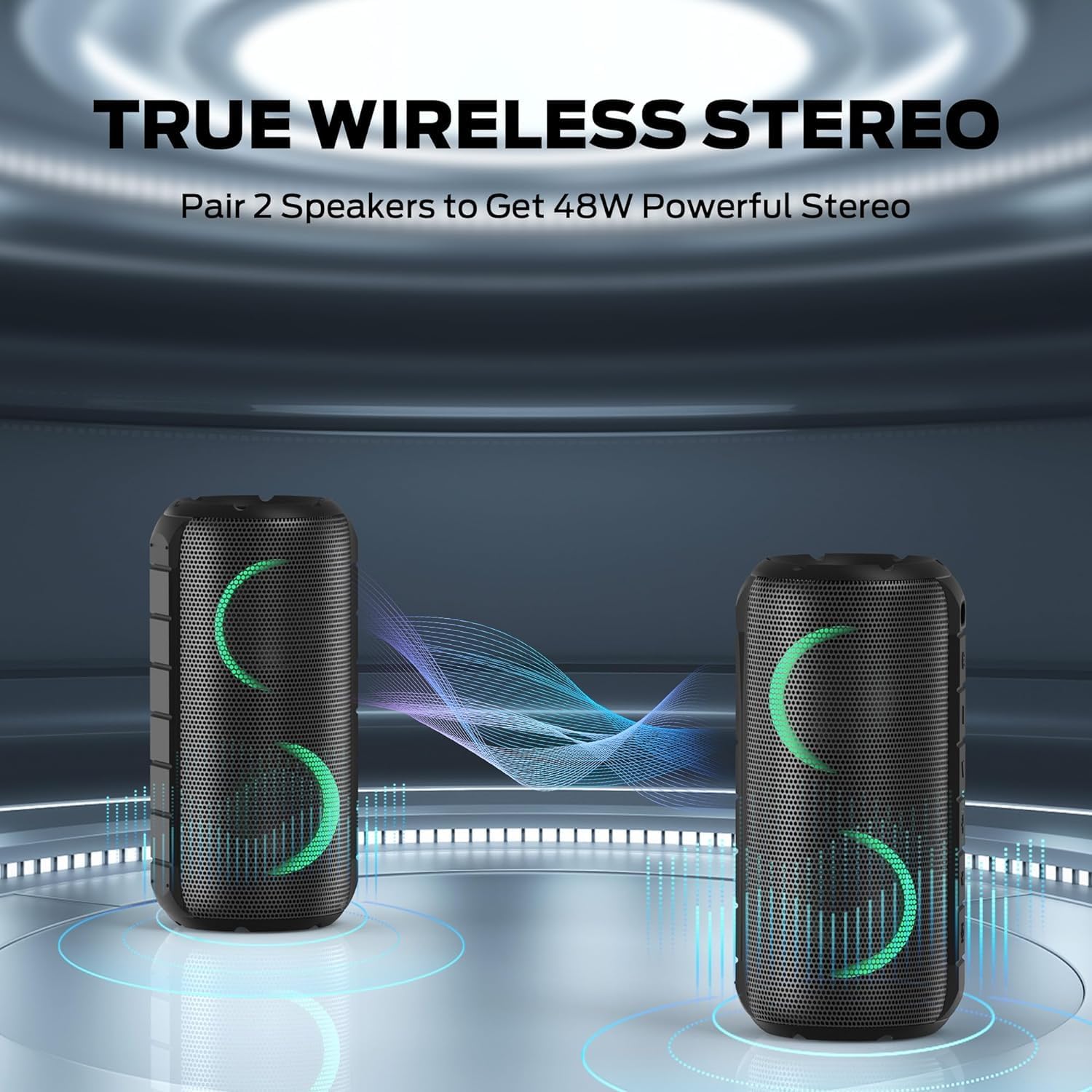
Image: A smartphone displaying its Bluetooth settings, showing a successful connection to the "Oraolo Luster" (BUGANI Luster) speaker, demonstrating the ease of Bluetooth 5.3 pairing.
3.4 Vrèman san fil stereo (TWS) koneksyon
To achieve a more immersive stereo sound, you can pair two BUGANI Luster speakers together.
- Asire w ke tou de oratè yo limen epi yo pa konekte ak okenn aparèy Bluetooth.
- On one speaker (this will be the primary speaker), press the TWS button (often indicated by two interlocking circles or a dedicated TWS icon). The speaker will enter TWS pairing mode.
- The primary speaker will automatically search for the secondary speaker. Once connected, you will hear a confirmation sound, and the lights on both speakers will synchronize.
- Kounye a, konekte aparèy ou a ak oratè prensipal la atravè Bluetooth jan sa dekri nan seksyon 3.3. Odyo a ap jwe nan tou de oratè yo an stereo.

Image: Two BUGANI Luster speakers positioned to illustrate their True Wireless Stereo (TWS) pairing capability, creating a wider soundstage.
3.5 AUX-in Connection
For non-Bluetooth devices, use the provided 3.5mm AUX-in cable.
- Konekte yon bout kab AUX-in 3.5mm lan nan pò AUX-in oratè a.
- Konekte lòt bout la nan priz pwodiksyon odyo aparèy ou an.
- The speaker will automatically switch to AUX-in mode.
4. Operasyon Enstriksyon
4.1 Fonksyon bouton

Imaj: Yon gwo plan view of the BUGANI Luster speaker's top panel, clearly showing the control buttons for various functions.
| Bouton | Fonksyon (Peze kout) | Fonksyon (Long Press) |
|---|---|---|
| ⏻ (pouvwa) | N/A | Power On/Off |
| + (Volim) | Volim leve | Next Track |
| - (Volim desann) | Volim desann | Previous Track |
| ▶‖ (Jwe/Poz) | Jwe/Poz; Reponn/Fen Apèl | Reject Call; Activate Voice Assistant |
| 💡 (Light Mode) | Cycle through Light Modes | Limen/Etenyen Limyè |
| TWS (TWS Pairing) | N/A | Antre nan TWS Pairing Mode |
4.2 Colorful Light Show
The speaker features a dynamic RGB light system with 7 colors and 5 light modes. Press the Light Mode button (💡) to cycle through the available modes. Long press the button to turn the lights on or off.

Image: The BUGANI Luster speaker showcasing its vibrant and dynamic colorful light patterns, which enhance the listening experience.
4.3 Apèl men lib
When connected via Bluetooth, the speaker's built-in microphone allows for hands-free calls.
- Reponn/Fen Apèl: Peze bouton Jwe/Pòz la yon ti moman (▶‖).
- Rejte apèl: Long press the Play/Pause button (▶‖).
4.4 Aktivasyon Asistan Vwa
Long press the Play/Pause button (▶‖) to activate your phone's voice assistant (e.g., Siri, Google Assistant).
5. Antretyen
5.1 Netwayaj
Siye oratè a ak yon mou, damp twal. Pa sèvi ak pwodui netwayaj abrazif, alkòl, oswa solvang chimik, paske sa yo ka domaje sifas la oswa konpozan entèn yo.
5.2 Swen ki enpèmeyab (IPX6)
The speaker has an IPX6 waterproof rating, meaning it is protected against powerful water jets. It is suitable for use in rainy conditions or near water bodies like pools and beaches. However, it is pa designed for submersion in water. Ensure the charging port cover is securely closed before exposing the speaker to water.
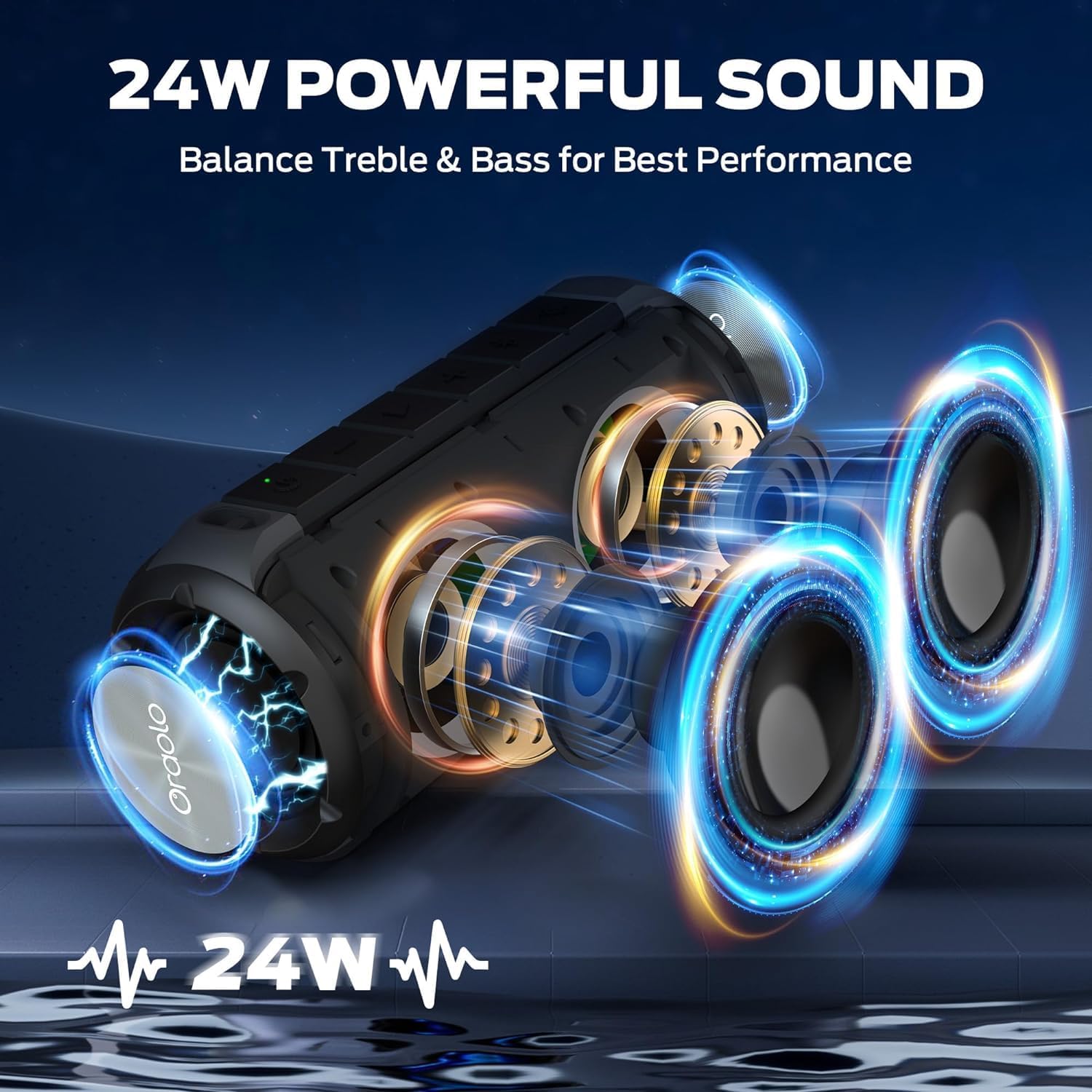
Image: The BUGANI Luster speaker resting on a wet rock with water droplets, visually confirming its IPX6 waterproof rating for outdoor use.
5.3 Depo
Store the speaker in a cool, dry place away from direct sunlight and extreme temperatures. If storing for an extended period, charge the battery to approximately 50% every few months to maintain battery health.
NAN. Depanaj
6.1 Pa gen pouvwa
- Asire w ke oratè a chaje nèt.
- Peze epi kenbe bouton Pouvwa a pandan 2-3 segonn.
6.2 Pa gen son
- Tcheke nivo volim nan tou de sou oratè a ak sou aparèy ki konekte a.
- Ensure the speaker is correctly paired via Bluetooth or the AUX-in cable is securely connected.
- Si w ap itilize Bluetooth, eseye dekonekte epi konekte aparèy la ankò.
6.3 Pwoblèm koneksyon Bluetooth
- Ensure the speaker is within the effective range (up to 33 feet/10 meters) of your device.
- Clear the Bluetooth pairing history on your device and try pairing again.
- Etenn epi limen tou de oratè a ak aparèy ou an.
- Asire w pa gen okenn lòt aparèy Bluetooth k ap entèfere.
6.4 TWS Pairing Fails
- Asire w ke tou de oratè yo byen chaje epi yo pa konekte ak okenn lòt aparèy Bluetooth.
- Place the speakers close to each other during the TWS pairing process.
- Follow the TWS pairing steps precisely as described in section 3.4.
7. Espesifikasyon
| Karakteristik | Detay |
|---|---|
| Mak | BUGANI |
| Non modèl | M166 |
| Kalite Oratè | Pòtab Stereo Oratè |
| Oratè maksimòm pwodiksyon pouvwa | 24 Watts |
| Koneksyon Teknoloji | Bluetooth 5.3, Auxiliary (3.5mm AUX-in) |
| Evalyasyon ki enpèmeyab | IPX6 |
| Playtime | Up to 24 hours (at 50% volume, lights off) |
| Dimansyon pwodwi | 4"D x 8"W x 4"H |
| Pwa atik | 1.34 liv (0.61 kilogram) |
| Batri | 1 batri AA obligatwa (enkli) |
8. Garanti ak sipò
BUGANI products are manufactured to high-quality standards. For specific warranty information and support, please refer to the warranty card included with your product or visit the official BUGANI websit la. Kenbe resi acha ou kòm prèv acha pou reklamasyon garanti.
For technical assistance or customer service inquiries, please contact BUGANI customer support through their official channels.