
Entwodiksyon
Thank you for choosing the W-KING T8II Portable Bluetooth Speaker. This manual will guide you through the features and functions of your new speaker, ensuring optimal performance and longevity. Please read these instructions carefully before using the product.
Kontni pake
- 1 x W-KING T8II Portable Loud Speaker
- 1 x 3.5mm Audio Kab
- 1 x tip-C chaje kab
- 1 x manyèl itilizatè
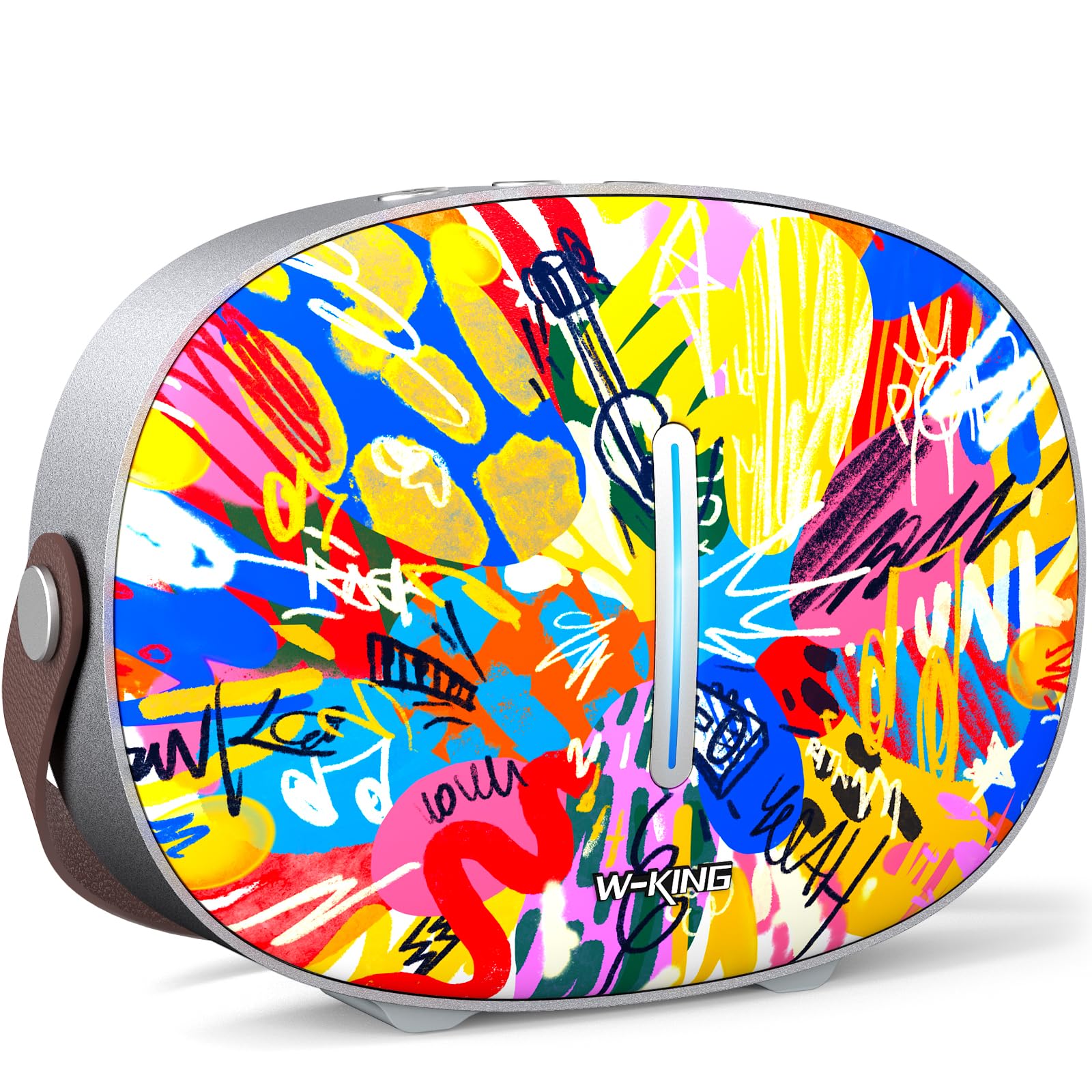
The package includes the W-KING T8II speaker, a 3.5mm audio cable for auxiliary connections, a Type-C charging cable, and this user manual.
Enstalasyon
Inisyal chaje
Before first use, fully charge your W-KING T8II speaker. Connect the provided Type-C charging cable to the speaker's Type-C port and a compatible power source. The speaker supports up to 30W fast charging. The indicator lights on the back will show the charging status.

Power On/Off
- To power on: Press and hold the power button located on the back of the speaker for a few seconds until the indicator light illuminates.
- To power off: Press and hold the power button again for a few seconds until the indicator light turns off.

Pè Bluetooth
- Ensure the speaker is powered on and in Bluetooth pairing mode (the indicator light will flash).
- Sou aparèy ou an (telefòn entelijan, tablèt, elatriye), aktive Bluetooth epi chèche aparèy ki disponib yo.
- Select "W-KING T8II" from the list of devices.
- Yon fwa konekte, limyè endikatè a ap vin fiks, epi w ap tande yon konfimasyon sonab.

The W-KING T8II uses Bluetooth 5.4 for a stable and efficient wireless connection.
Debale ak Plisview Videyo
Videyo: Yon debalè ak plis ankòview of the W-KING T8II Portable Bluetooth Speaker, demonstrating its contents and initial setup.
Enstriksyon Operasyon
Bouton kontwòl
The top panel of the speaker features intuitive control buttons for easy operation:
- M (Bouton Mòd): Press to switch between Bluetooth, AUX, and USB playback modes.
- - (Volume Down / Previous Track): Peze yon ti kras pou diminye volim nan. Peze lontan pou ale nan mizik anvan an.
- Bouton jwe/poz: Peze pou jwe oswa pran yon poz odyo.
- + (Volume Up / Next Track): Peze yon ti kras pou ogmante volim nan. Peze lontan pou ale nan pwochen mizik la.

Lektur mòd
- Mòd Bluetooth: Connect wirelessly to your device as described in the Setup section.
- Mòd AUX: Connect an external audio device using the provided 3.5mm audio cable to the AUX port on the back of the speaker. Press the 'M' button to switch to AUX mode.
- Mòd Lektur USB: Insert a USB flash drive into the USB-A port on the back of the speaker. The speaker will automatically switch to USB mode and begin playing compatible audio files.

Vrè Stereo Wireless (TWS) Pairing
For an enhanced audio experience, two W-KING T8II speakers can be paired together to create a true stereo sound system:
- Ensure both T8II speakers are powered on and in Bluetooth pairing mode (not connected to any device).
- On one of the speakers, press and hold the Bluetooth pairing button (usually indicated by a Bluetooth icon) until you hear a confirmation tone.
- De oratè yo ap konekte otomatikman youn ak lòt. Yon fwa konekte, youn ap aji kòm oratè prensipal la (kanal goch la) epi lòt la kòm oratè esklav la (kanal dwat la).
- Connect your device to the master speaker via Bluetooth.

Chaje Aparèy Ekstèn yo
The W-KING T8II speaker can function as a power bank to charge your mobile devices. Connect your device to the speaker's USB-A output port using a compatible charging cable. The USB-A to Type-C output supports up to 18W charging.

Antretyen
Swen Jeneral
- Keep the speaker away from extreme temperatures, direct sunlight, and moisture.
- Evite jete oswa soumèt oratè a nan gwo enpak.
- Do not disassemble or attempt to repair the speaker yourself, as this will void the warranty.
Swen batri
To maximize battery life, avoid fully discharging the speaker frequently. Recharge the battery regularly, even if the speaker is not in use for extended periods.
Netwayaj
Siye oratè a avèk yon twal mou epi sèk. Pa sèvi ak pwodui netwayaj abrazif oswa solvan.
Rezistans dlo
Nòt: The W-KING T8II speaker is PA ki enpèmeyab. Avoid exposure to water or other liquids to prevent damage.
Depanaj
| Pwoblèm | Solisyon |
|---|---|
| Oratè a pa limen. | Asire w batri a chaje. Konekte oratè a nan yon sous kouran avèk kab Kalite-C a. |
| Pa ka konekte atravè Bluetooth. |
|
| Pa gen son. |
|
| Distòsyon son an lè gen gwo volim. | Reduce the volume on the speaker or your connected device. Ensure audio source quality is high. |
| Oratè a pa chaje yon aparèy ekstèn. | Ensure the speaker has sufficient battery charge. Use a compatible USB-A cable. |
Espesifikasyon
| Non modèl | T8II |
| Mak | W-WA |
| Kalite Oratè | Outdoor Wireless Portable Loud Speaker |
| Koneksyon Teknoloji | Oksilyè, Bluetooth, USB |
| Bluetooth vèsyon | 5.4 |
| Oratè maksimòm pwodiksyon pouvwa | 96 Watts |
| Audio Sòti Mode | Antoure Stereo |
| Repons Frekans | 20 Hz (Lower bound, full range not specified) |
| Siyal-a-bwi Pwopòsyon | 85 dB |
| Woofer Dyamèt | 3 pous |
| Dyamèt tweeter | 1 pous |
| Sous pouvwa | Mache ak pil (1 x pil 12V obligatwa) |
| Dimansyon pwodwi | 10.91"D x 7.73"W x 3.9"H |
| Pwa atik | 5.5 liv (2.5 kilogram) |
| Materyèl | Plastik, Metal |
| Ki enpèmeyab | Non |
| Karakteristik espesyal | Bass Boost, Bluetooth 5.4, True Wireless Stereo Pairing, Portable, Shockproof, Type-C Fast Charging, Type-C output, USB PLAYBACK/AUX, Personalised Trendy Design |
Enfòmasyon sou Garanti
The W-KING T8II Portable Bluetooth Speaker comes with a Limited Warranty. Please refer to the product packaging or contact W-KING customer support for specific warranty terms and conditions.
Sipò
For further assistance, technical support, or inquiries regarding your W-KING T8II speaker, please visit the official W-KING website or contact their customer service department. The user manual included in the package also contains detailed information.
W-KING Store: Vizite magazen W-KING lan sou Amazon