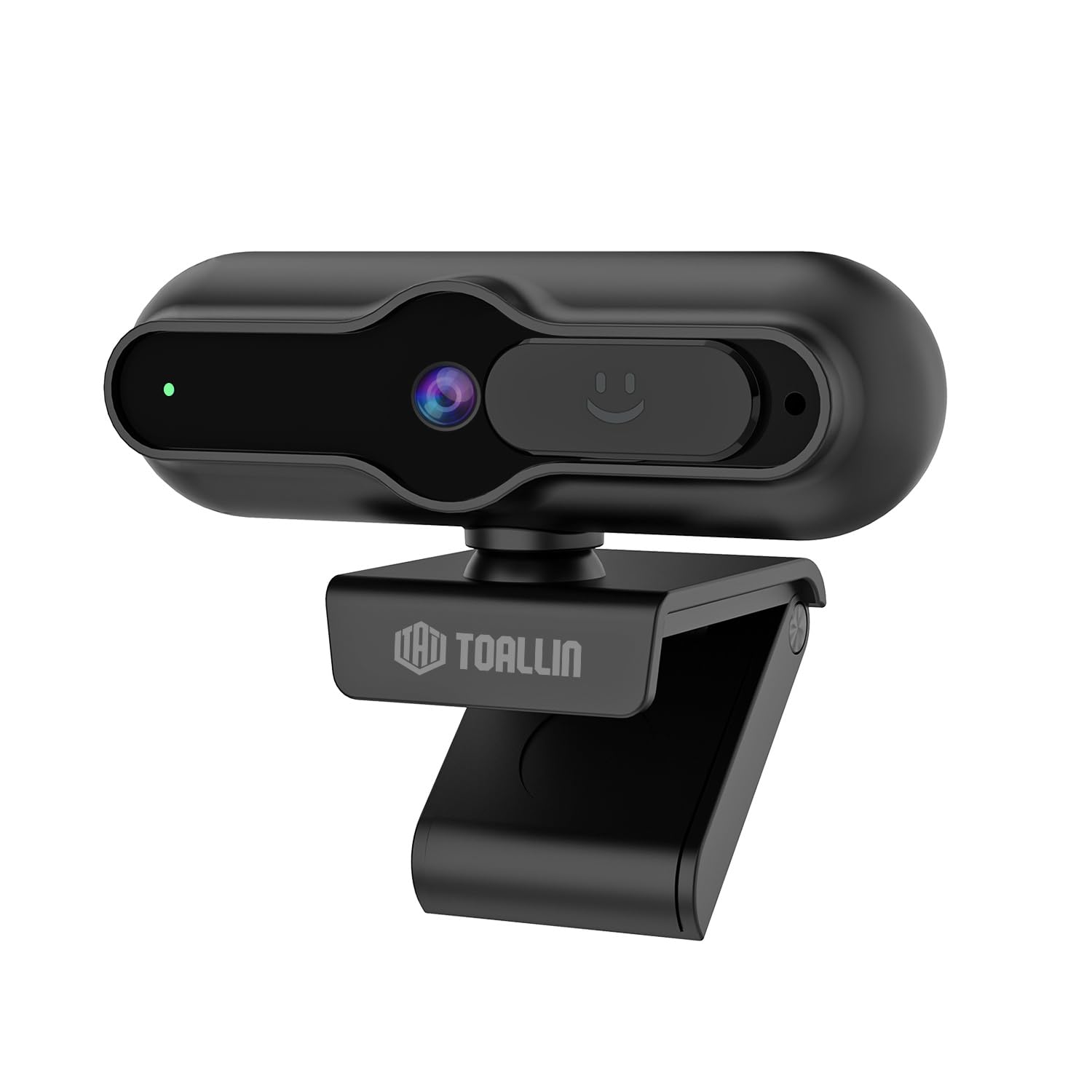
The TOALLIN SC90 4K Webcam is designed for high-quality video communication, streaming, and conferencing. It features a 4K 1/2.5" CMOS sensor, PDAF autofocus, a built-in noise-reducing microphone, and a sliding privacy cover. This manual provides instructions for setting up, operating, and maintaining your webCam.
Imaj: Devan view of the TOALLIN SC90 4K WebCam.
Enstalasyon
The TOALLIN SC90 webcam offers a simple plug-and-play setup, requiring no additional drivers or software installation for most operating systems.
1. Konekte a Webkam
Depake la webcam, USB A-C cable, and USB adapter from the box.
Connect the USB A-C cable to the webCam.
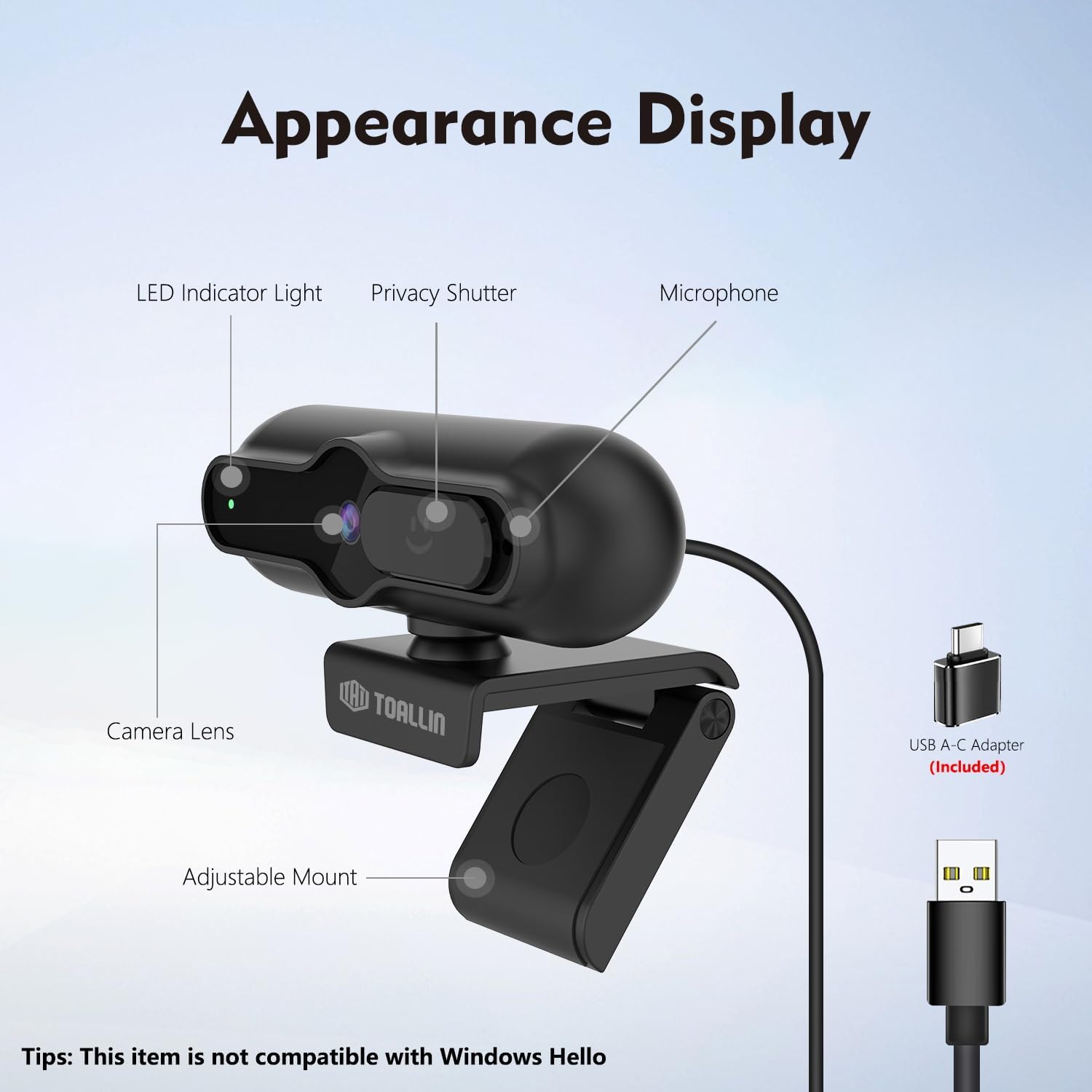
If your computer has a USB-A port, connect the USB-A end of the cable directly. If your computer has a USB-C port, use the provided USB adapter to convert the USB-A end to USB-C, then plug it into your computer.
Mete la webcam securely on top of your monitor or laptop screen using its adjustable mount. Ensure the camera lens is facing you.
La webcam will be automatically recognized by your operating system (Windows 7 or above, macOS, Android).
Image: The TOALLIN SC90 webcam connected to a laptop.
2. Premye Itilizasyon
Once connected, open any video conferencing or streaming application (e.g., Zoom, Skype, Webex, GoToMeeting, Microsoft Teams) and select the TOALLIN SC90 as your preferred camera and microphone device in the application's settings.
Gid videyo konfigirasyon
Video: A demonstration of connecting and using the TOALLIN SC90 4K WebCam.
Enstriksyon Operasyon
Video Quality and Resolution
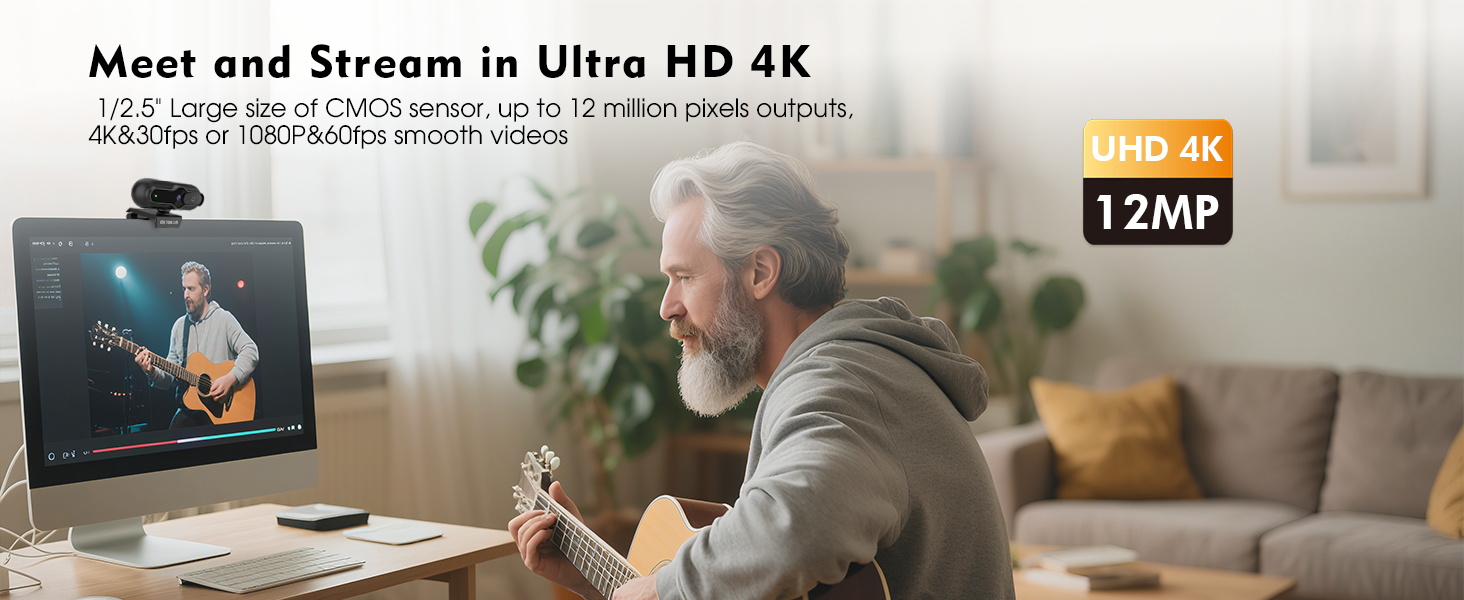
La webcam features a 1/2.5" CMOS sensor capable of capturing up to 12 million pixels. It supports Ultra HD 4K resolution at 30 frames per second (fps) and 1080p resolution at 60 fps, providing clear and smooth video output for various applications.
Image: Visual comparison of 4K@30FPS/1080P@60FPS output versus standard video.
PDAF Autofocus
The advanced Phase Detection Auto Focus (PDAF) system ensures rapid and precise focusing. This feature automatically adjusts the focus to keep you or other specific objects clear and sharp, even during movement, making it ideal for live streaming and video calls.
Image: PDAF autofocus maintaining clarity on both a person and an object.
Built-in Noise-Reducing Microphone
The integrated microphone utilizes a noise reduction algorithm to minimize background noise and automatically amplify your voice, ensuring clear conversations. It is designed for far-field voice pickup.
Imaj: La webcam's noise-reducing microphone in action.
Sliding Privacy Cover
For enhanced privacy, the webcam includes a sliding privacy cover. Simply slide the cover over the lens when the webcam is not in use to prevent unauthorized access and protect your privacy without needing to disconnect the device or exit applications.
Image: The sliding privacy cover in both open and closed states.
Adjustable Mount and Mini Design
La webcam features a mini, lightweight design, making it portable and easy to attach to various displays. The adjustable mount allows for flexible positioning on laptops, desktop monitors, or even tripods (tripod not included).
Image: The compact design of the TOALLIN SC90 webCam.
Antretyen
Netwaye lantiy la: Use a soft, lint-free cloth specifically designed for camera lenses to gently wipe the lens. Avoid using harsh chemicals or abrasive materials that could scratch the lens.
Netwaye kò a: Siye a webkò kamera a ak yon twal mou epi sèk. Si sa nesesè, yon ti kras mouyeamp Ou ka itilize twal, men asire w pa gen imidite ki antre nan aparèy la.
Depo: When not in use, especially during transport, ensure the sliding privacy cover is closed to protect the lens from dust and scratches. Store the webkam nan yon anviwònman pwòp epi sèk.
Swen kab: Evite pliye byen file oswa rale kab USB a twòp pou anpeche li domaje.
Depanaj
Webcam Not Detected / No Image
Tcheke Koneksyon: Asire w kab USB a byen branche nan tou de webcam and your computer. Try a different USB port.
USB adaptè: If using the USB-A to USB-C adapter, ensure it is correctly connected and functioning.
Kouvèti Konfidansyalite: Verify that the sliding privacy cover is open and not obstructing the lens.
Anviwònman aplikasyon: In your video conferencing or streaming software, check that the TOALLIN SC90 webcam is selected as the active video device.
Rekòmanse òdinatè: Sometimes a simple restart can resolve detection issues.
Poor Video Quality / Blurry Image
Netwaye Lantiy: Dousman netwaye weblantiy kamera a ak yon twal mou ki pa gen pousyè.
Kondisyon ekleraj: Ensure adequate lighting in your environment. Poor lighting can significantly impact video quality.
Otofokus: The PDAF autofocus system is designed to keep you in focus. If the image appears blurry, try moving slightly to allow the autofocus to re-engage.
Application Resolution: Check the video resolution settings within your application. Ensure it is set to 4K or 1080p for optimal quality.
Pa gen odyo / Move kalite odyo
Seleksyon Mikwofòn: In your application's audio settings, ensure the TOALLIN SC90 webMikwofòn kamera a chwazi kòm aparèy opinyon.
Nivo volim: Check the microphone input volume in your operating system and application settings.
bri background: Pandan ke la webcam has noise reduction, excessive background noise can still affect clarity. Try to use the webcam in a quieter environment.
Not Compatible with Windows Hello
Please note that the TOALLIN SC90 webCam se pa konpatib with Windows Hello facial recognition features. This is a known limitation of the product.
The TOALLIN SC90 4K Webkamera vini ak yon 1-ane garanti apati dat acha a. Garanti sa a kouvri domaj fabrikasyon ak fonksyònman ki pa kòrèk nan itilizasyon nòmal. Tanpri konsève prèv acha ou pou reklamasyon garanti.
Sipò pou Kliyan
For technical assistance, troubleshooting, or warranty inquiries, please contact TOALLIN customer support. You can typically find contact information on the TOALLIN official websit entènèt la oubyen atravè magazen kote ou te achte pwodwi a.
Ask about setup, troubleshooting, compatibility, parts, safety, or missing instructions. Manuals+ will review the question and use this page’s manual context to help answer it.