
1. Entwodiksyon
The Molczov ZigBee & Bluetooth Dual Mode Gateway is a smart bridge designed to connect and control a wide range of ZigBee 3.0 and Bluetooth 5.0 smart devices. This intelligent hub enables seamless integration with your home network, allowing for remote control via the Smart Life or Tuya Smart App, and voice control through Amazon Alexa and Google Assistant. Its compact design and stable connection capabilities make it an essential component for a modern smart home ecosystem.
Kontni pake:
- 1 x Smart Zigbee & Bluetooth Gateway
- 1 x done kab
- 1 x Manyèl Itilizatè (dokiman sa a)

Image 1.1: The Molczov ZigBee & Bluetooth Dual Mode Gateway alongside a smartphone showing its interface for managing connected devices.
2. Karakteristik kle
- Koneksyon Doub Mòd: Supports both ZigBee 3.0 and Bluetooth 5.0 for broad device compatibility.
- APP Remote Control: Monitor and control smart devices from anywhere using the Smart Life or Tuya Smart App (requires 2.4GHz WiFi connection).
- Entegrasyon kontwòl vwa: Konpatib ak Amazon Alexa ak Google Assistant pou operasyon men lib.
- Enstalasyon fasil: Simple pairing process with the Smart Life app, requiring only power connection and WiFi.
- Stable and Reliable Connection: Offers wide coverage and strong signal reception with low power consumption.
- Pataje Fanmi: Allows multiple family members to manage devices by sharing the account.
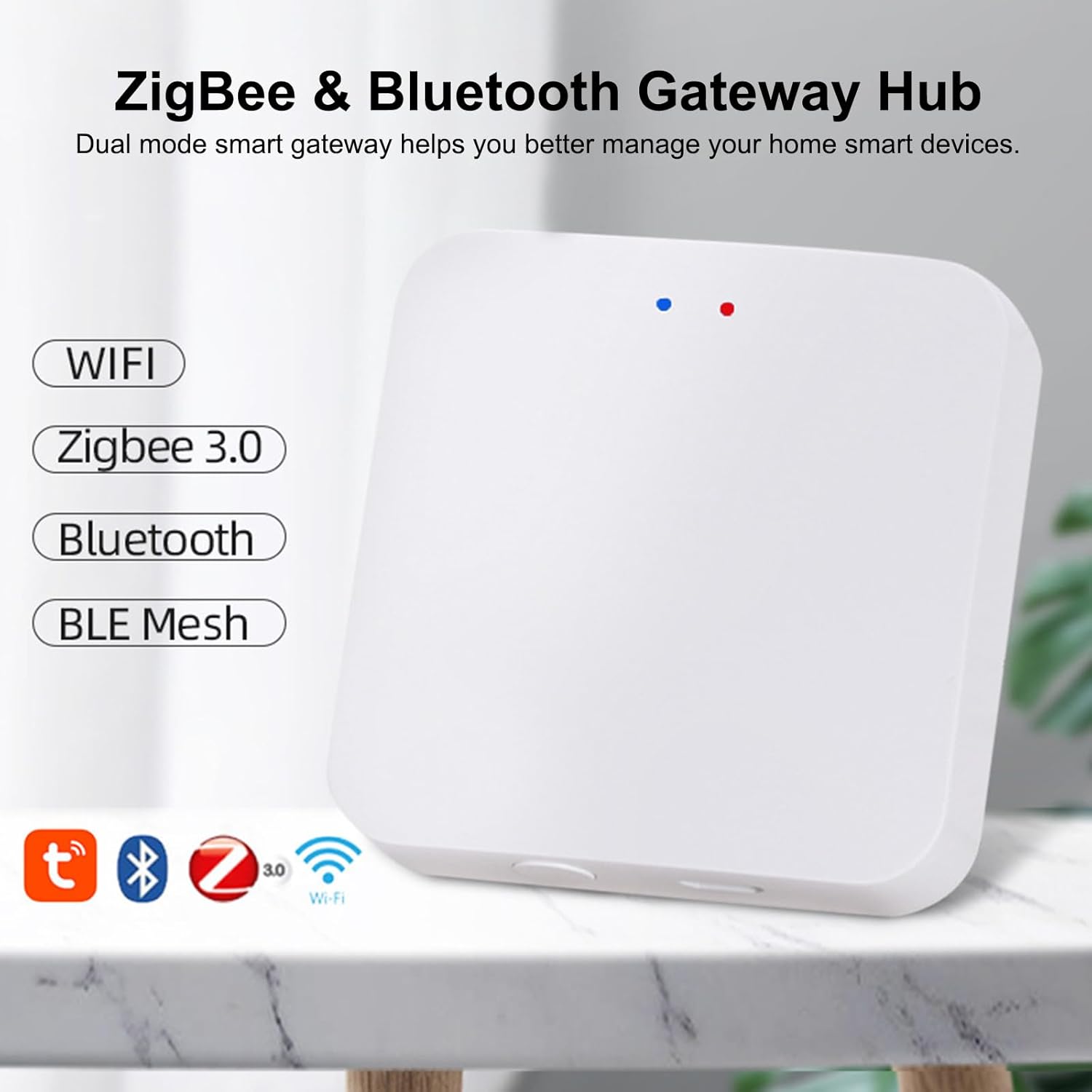
Image 2.1: Visual representation of the gateway's dual-mode capabilities, supporting WiFi, Zigbee 3.0, Bluetooth, and BLE Mesh.
3. Gid Enstalasyon
Follow these steps to set up your Molczov ZigBee & Bluetooth Dual Mode Gateway:
- Pouvwa sou: Connect the provided data cable to the Micro USB port on the gateway and plug it into a DC5V 1A power source. The indicator light on the gateway will illuminate.
- Enstalasyon aplikasyon an: Download and install the "Smart Life" or "Tuya Smart" app from your mobile device's app store (available for iOS and Android).
- Enskripsyon kont: Louvri aplikasyon an epi kreye yon nouvo kont oubyen konekte si ou deja genyen youn.
- Ajoute Aparèy:
- Ensure your mobile device is connected to a 2.4GHz WiFi network.
- Nan aplikasyon an, tape ikòn "+" la (anjeneral nan kwen anwo dwat la) pou ajoute yon nouvo aparèy.
- Select "Gateway Control" or "Others" and then choose "Wireless Gateway" or "ZigBee Gateway" from the list.
- The app will guide you through the pairing process. Ensure the gateway's indicator light is blinking, indicating it's in pairing mode. If not, press and hold the reset button (if available, refer to device diagram) for a few seconds until it blinks.
- Confirm your WiFi network and enter the password when prompted.
- The app will search for and connect to the gateway. Once connected, you will see a confirmation message.
- Add Smart Devices: After the gateway is successfully added, you can start adding your ZigBee and Bluetooth smart devices through the gateway's interface within the app.
Video 3.1: This video demonstrates the step-by-step process of setting up the Molczov ZigBee & Bluetooth Dual Mode Gateway and connecting it to the mobile application. It shows the physical connection, app navigation, and successful device pairing.
4. Operasyon Enstriksyon
Once your Molczov Gateway is set up and devices are connected, you can begin controlling your smart home.
4.1 Kontwòl Aplikasyon Remote
The Smart Life or Tuya Smart app provides comprehensive control over your connected devices:
- Jesyon aparèy: View all connected ZigBee and Bluetooth devices. Turn devices on/off, adjust settings, and monitor status from anywhere with an internet connection.
- Kreyasyon sèn: Create custom scenes to automate multiple devices with a single command (e.g., "Good Morning" scene to turn on lights and open curtains).
- Otomatik: Set up schedules, timers, and conditional automations based on factors like time, weather, or other device states.
- Notifikasyon: Receive alerts, such as power failure notifications, directly on your smartphone.

Image 4.1: The mobile app interface showing remote control options and a notification for device offline status due to power failure.
4.2 Kontwòl vwa
Integrate your gateway with Amazon Alexa or Google Home for convenient voice commands:
- Kont Konekte: In the Alexa or Google Home app, search for the "Smart Life" or "Tuya Smart" skill/action and link your account.
- Dekouvri Aparèy: Yon fwa konekte, mande asistan vwa ou a pou "Dekouvri aparèy yo" oubyen lanse dekouvèt la manyèlman nan aplikasyon an.
- Kòmandman vwa: Use simple voice commands to control your devices. For example:
- "Alexa, limen limyè salon an."
- "Hey Google, set the bedroom temperature to 22 degrees."
- "Alexa, etenn vantilatè a."
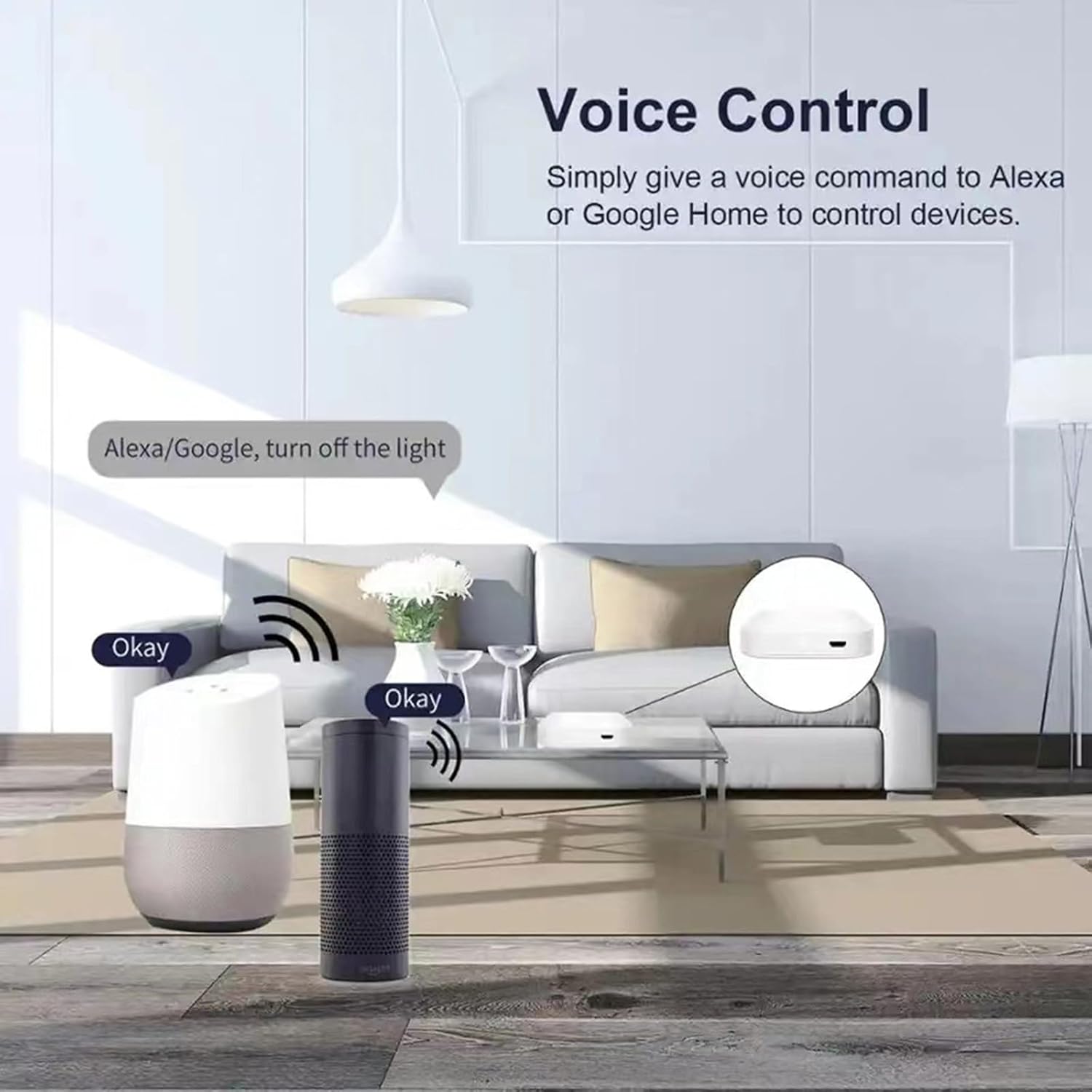
Image 4.2: An illustration of how voice commands through Amazon Alexa or Google Home can control devices connected via the gateway.
4.3 Aparèy konpatibilite
The Molczov Gateway supports a wide array of ZigBee and Bluetooth devices, including but not limited to:
- Zigbee Light Bulbs
- Zigbee Sockets
- Zigbee Curtain Switches
- Zigbee Switches
- Thermohygrometers
- Various other ZigBee 3.0 and Bluetooth 5.0 enabled smart home sensors and actuators.

Imaj 4.3: Egzanpamples of widely compatible smart home devices that can be connected to the dual-mode gateway.

Image 4.4: Depiction of the gateway's stable and reliable connection, providing wide coverage throughout a home.

Image 4.5: Illustration of the family sharing control feature, allowing multiple users to manage smart devices.
5. Antretyen
To ensure optimal performance and longevity of your Molczov ZigBee & Bluetooth Dual Mode Gateway, consider the following maintenance tips:
- Kenbe pwòp: Regularly wipe the device with a soft, dry cloth to remove dust. Avoid using liquid cleaners or abrasive materials.
- Plasman Optimal: Place the gateway in a central location within your home, away from large metal objects, thick walls, or other sources of interference (like microwaves or cordless phones) to maximize signal strength and coverage.
- Mizajou mikrolojisyèl: Check the Smart Life/Tuya Smart app periodically for firmware updates. Keeping the gateway's firmware updated ensures compatibility with new devices, improved performance, and enhanced security.
- Estabilite pouvwa: Ensure a stable power supply (DC5V 1A). Avoid frequent power interruptions, which can affect device stability.
- Kondisyon anviwònman: Operate the device within the specified working temperature (-10℃ to 55℃) and humidity (10%-90%RH) ranges to prevent damage.
NAN. Depanaj
If you encounter issues with your Molczov Gateway, refer to the following common troubleshooting steps:
| Pwoblèm | Kòz posib | Solisyon |
|---|---|---|
| Gateway not connecting to WiFi. | Incorrect WiFi password; 5GHz WiFi network; Gateway too far from router. | Verify password; Ensure 2.4GHz WiFi; Move gateway closer to router. |
| Devices not pairing with the gateway. | Device not in pairing mode; Interference; Device out of range. | Put device in pairing mode (refer to device manual); Reduce interference; Move device closer to gateway. |
| Kontwòl vwa a pa fonksyone. | Smart Life/Tuya skill not enabled; Accounts not linked; Incorrect voice command. | Enable skill in Alexa/Google Home app; Link accounts correctly; Use precise commands. |
| Gateway frequently goes offline. | Unstable WiFi connection; Power supply issues. | Check router stability; Ensure stable power source; Relocate gateway. |
If the problem persists, please contact Molczov customer support for further assistance.
7. Espesifikasyon
| Karakteristik | Detay |
|---|---|
| Non pwodwi | Wireless Zigbee & Bluetooth Gateway |
| Nimewo Modèl | ZigBee Gateway |
| Koneksyon | ZigBee 3.0, Bluetooth 5.0, 2.4G WiFi Network |
| Entèfas pouvwa | Mikwo USB |
| Antre pouvwa | DC5V 1A |
| Tanperati travay | -10℃ a 55℃ (14°F a 131°F) |
| Travay imidite | 10% a 90% RH (ki pa kondanse) |
| Dimansyon pwodwi | 6 x 6 x 1.5 cm (2 x 2 x 0.5 pous) |
| Pwa pwodwi | 60g (3.52 ons) |
| Koulè | Blan |
| Manifakti | Molczov |
| Peyi orijin | Lachin |
8. Garanti ak sipò
Molczov products are designed for reliability and performance. For warranty information and technical support, please refer to the following:
- Garanti: This product typically comes with a standard manufacturer's warranty. Please retain your proof of purchase for warranty claims. Specific warranty terms and duration may vary by region and retailer.
- Sipò teknik: For any technical issues, setup assistance, or questions not covered in this manual, please contact Molczov customer support.
- Sipò sou entènèt: Visit the official Molczov websit pou FAQ, gid depanaj, ak fòm kontak.
- Sipò Imèl: Refer to your product packaging or purchase documentation for specific support email addresses.
Nòt: Always ensure you are using official Molczov channels for support to avoid misinformation or unauthorized service.