
Entwodiksyon
This manual provides essential information for setting up, operating, and maintaining your paitanry 10.1 Inch Android Tablet. Please read this manual thoroughly before using your device to ensure proper function and longevity.
The paitanry 10.1 Inch Android Tablet (Model G80) features the Android 15 operating system, an octa-core MediaTek Helio G80 processor, 12GB RAM, and 128GB internal storage. It is equipped with a 10.1-inch In-Cell IPS display, dual cameras (5MP front, 13MP rear), dual-band Wi-Fi, Bluetooth 5.0, and an 8000mAh battery with 18W fast charging support.
Kontni pake
Verifye ke tout atik yo prezan nan pakè a:
- 1 × paitanry 10.1 Inch Android Tablet
- 1 × Protective Case
- 1 × 9V/2A Fast Charger
- 1 × Dual Type-C Data Cable
- 1 × OTG Adapter
- 1 × Manyèl Itilizatè (dokiman sa a)

Image: The paitanry 10.1 Inch Android Tablet shown with its included protective case, charger, and cables.
Enstalasyon
1. Chaje tablèt la
Before first use, fully charge the tablet. Connect the provided Type-C data cable to the tablet's USB-C port and the 9V/2A fast charger. Plug the charger into a power outlet. The battery icon on the screen will indicate charging status.
The 8000mAh battery supports up to 8 hours of mixed use. 18W PD fast charging allows for efficient recharging.

Image: Visual representation of the tablet's powerful 8000mAh battery and its estimated usage duration for various activities like gaming, online video, web surfing, music, and e-books.
2. Power On/Off
- Pou limen: Press and hold the Power button located on the side of the tablet until the paitanry logo appears on the screen.
- Pou etenn: Peze epi kenbe bouton pouvwa a jiskaske yon meni pouvwa parèt. Chwazi "Etenn" nan opsyon yo.
- Pou rekòmanse: Peze epi kenbe bouton pouvwa a jiskaske yon meni pouvwa parèt. Chwazi "Rekòmanse" nan opsyon yo.
3. Inisyal Enstalasyon
Lè w limen tablèt la pou premye fwa, li pral gide w nan pwosesis konfigirasyon inisyal la. Swiv enstriksyon ki parèt sou ekran an pou:
- Chwazi lang ou.
- Konekte nan yon rezo Wi-Fi.
- Konekte avèk kont Google ou a oubyen kreye yon nouvo.
- Konfigire blokaj ekran an (Kòd PIN, modèl, modpas).
- Review epi aksepte tèm ak kondisyon yo.
Enstriksyon Operasyon
1. Navigasyon debaz
- Manyen: Tape yon ikòn oswa yon opsyon pou chwazi li.
- Glise: Trennen dwèt ou sou ekran an pou defile oswa navige ant ekran yo.
- Zoom-pou-Zoom: Place two fingers on the screen and move them apart or together to zoom in or out.
- Bouton Kay: Retounen nan ekran kay la.
- Bouton tounen: Retounen nan ekran anvan an.
- Bouton Aplikasyon Dènye: Montre aplikasyon ki fèk louvri yo.
2. Koneksyon Wi-Fi
Pou konekte ak yon rezo Wi-Fi:
- Ale nan Anviwònman > Rezo ak entènèt > Wi-Fi.
- Aktive Wi-Fi a On.
- Chwazi rezo ou vle a nan lis la.
- Antre modpas la si yo mande w, epi tape Konekte.
The tablet supports dual-band Wi-Fi (802.11ac) for stable and fast internet connectivity.
3. Bluetooth Koneksyon
Pou pè ak yon aparèy Bluetooth:
- Ale nan Anviwònman > Aparèy ki konekte > Bluetooth.
- Aktive Bluetooth On.
- Asire w aparèy Bluetooth ou a nan mòd koneksyon.
- Chwazi aparèy la nan lis "Aparèy disponib" yo epi swiv nenpòt enstriksyon ki parèt sou ekran an pou konplete koneksyon an.
The tablet features Bluetooth 5.0 for efficient wireless connections.
4. Itilizasyon kamera
Tablèt la ekipe ak yon kamera devan 5MP ak yon kamera dèyè 13MP.
- Louvri a Kamera aplikasyon.
- Tape ikòn kamera a pou chanje ant kamera devan ak dèyè.
- Tape bouton deklanchè a pou pran yon foto oswa pou kòmanse/sispann anrejistreman videyo.
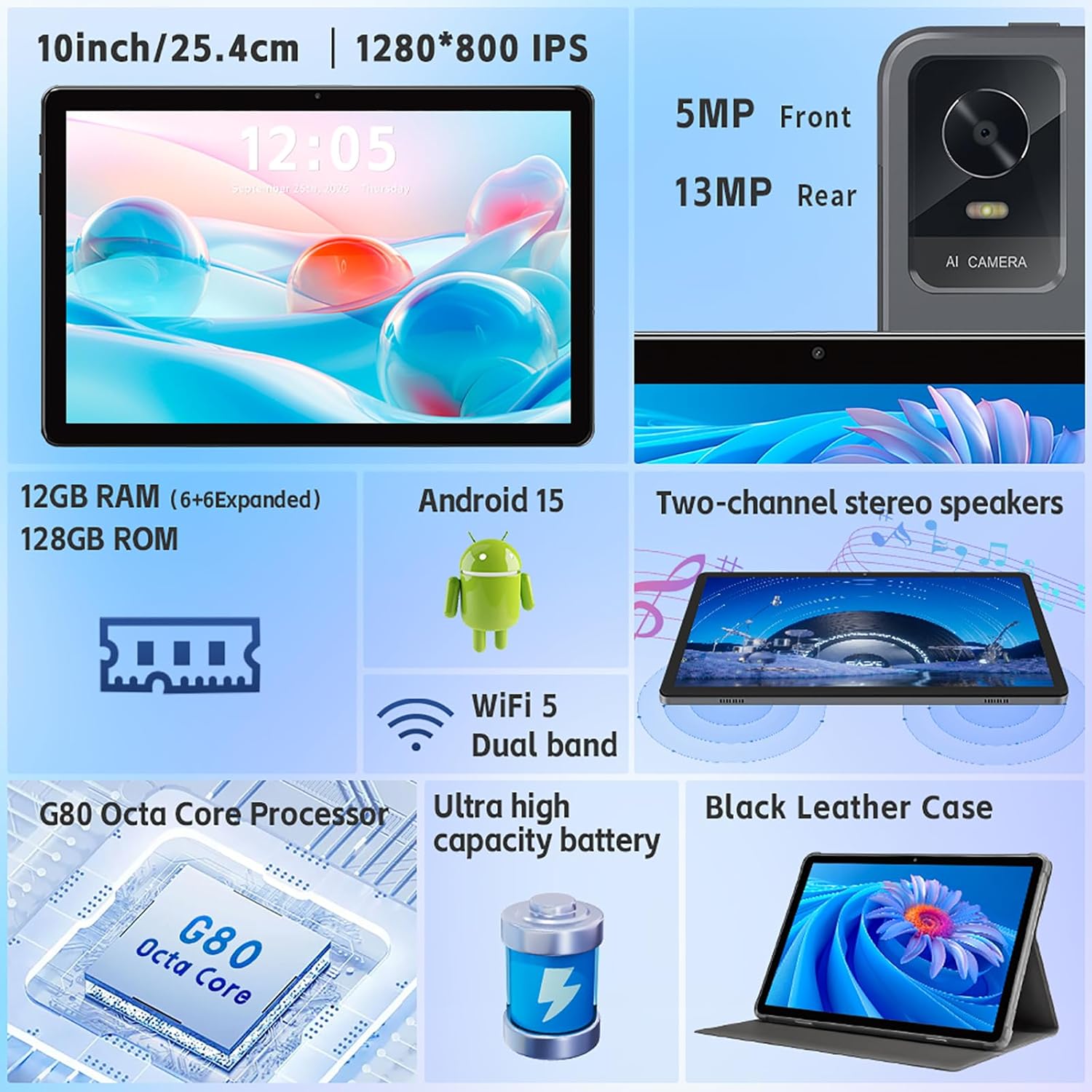
Imaj: Yon plis paseview of the tablet's features, including the 5MP front camera and 13MP rear camera, 12GB RAM, 128GB ROM, Android 15, Wi-Fi 5 Dual band, G80 Octa Core Processor, and ultra-high capacity battery.
5. Jesyon Depo
The tablet has 128GB of internal storage. You can expand storage up to 2TB using a Micro SD card (sold separately).
- To insert a Micro SD card: Locate the card slot on the side of the tablet. Gently insert the Micro SD card until it clicks into place.
- Pou jere depo: Ale nan Anviwònman > Depo pou view itilizasyon depo ak jesyon files.
6. Display Anviwònman
Customize your display experience:
- Ale nan Anviwònman > Ekspozisyon.
- Adjust brightness, dark theme, night light, and font size.
- Set screen timeout duration.
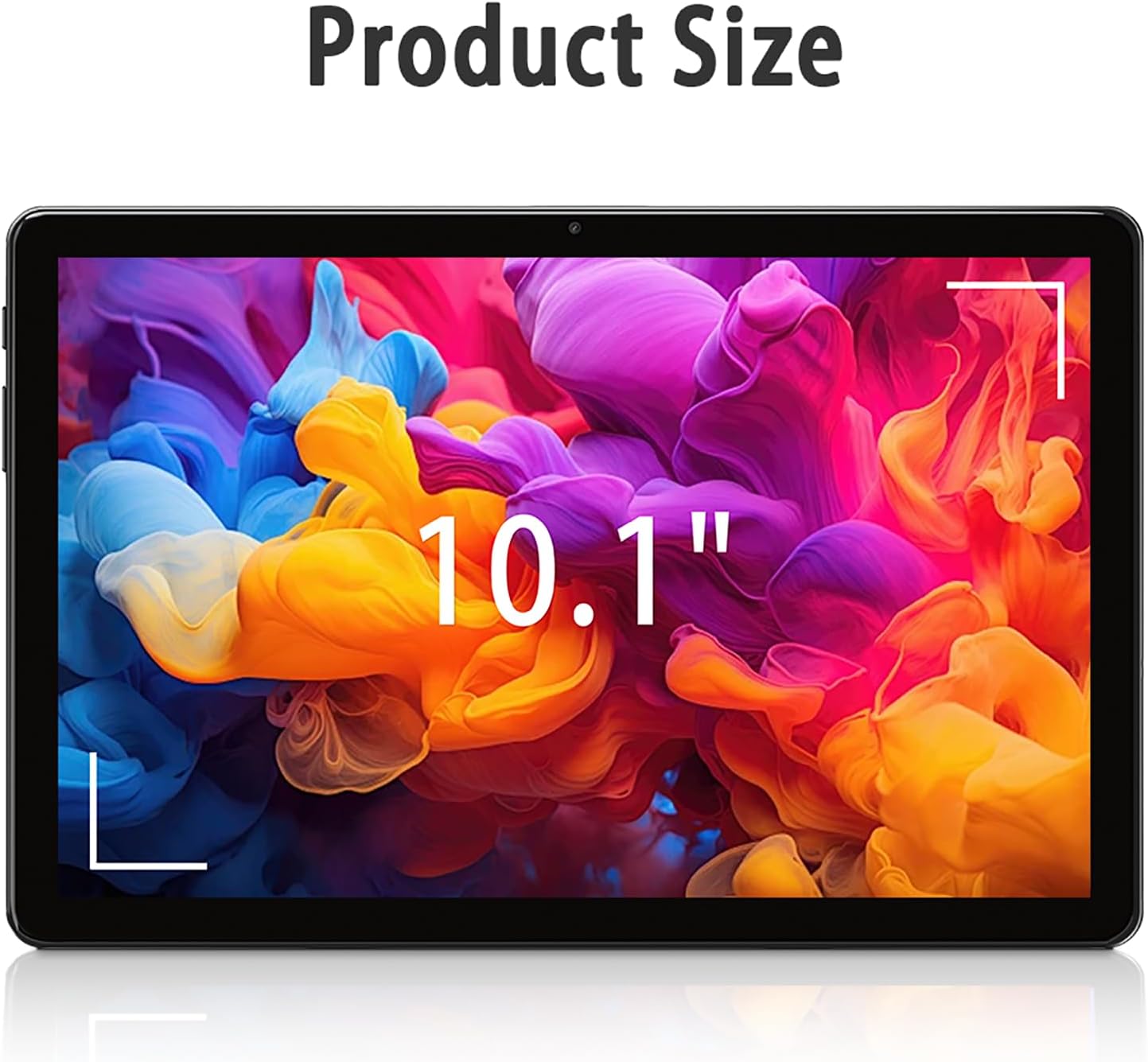
Image: The tablet screen showing "10.1"" to indicate its display size, with colorful abstract art on the screen.
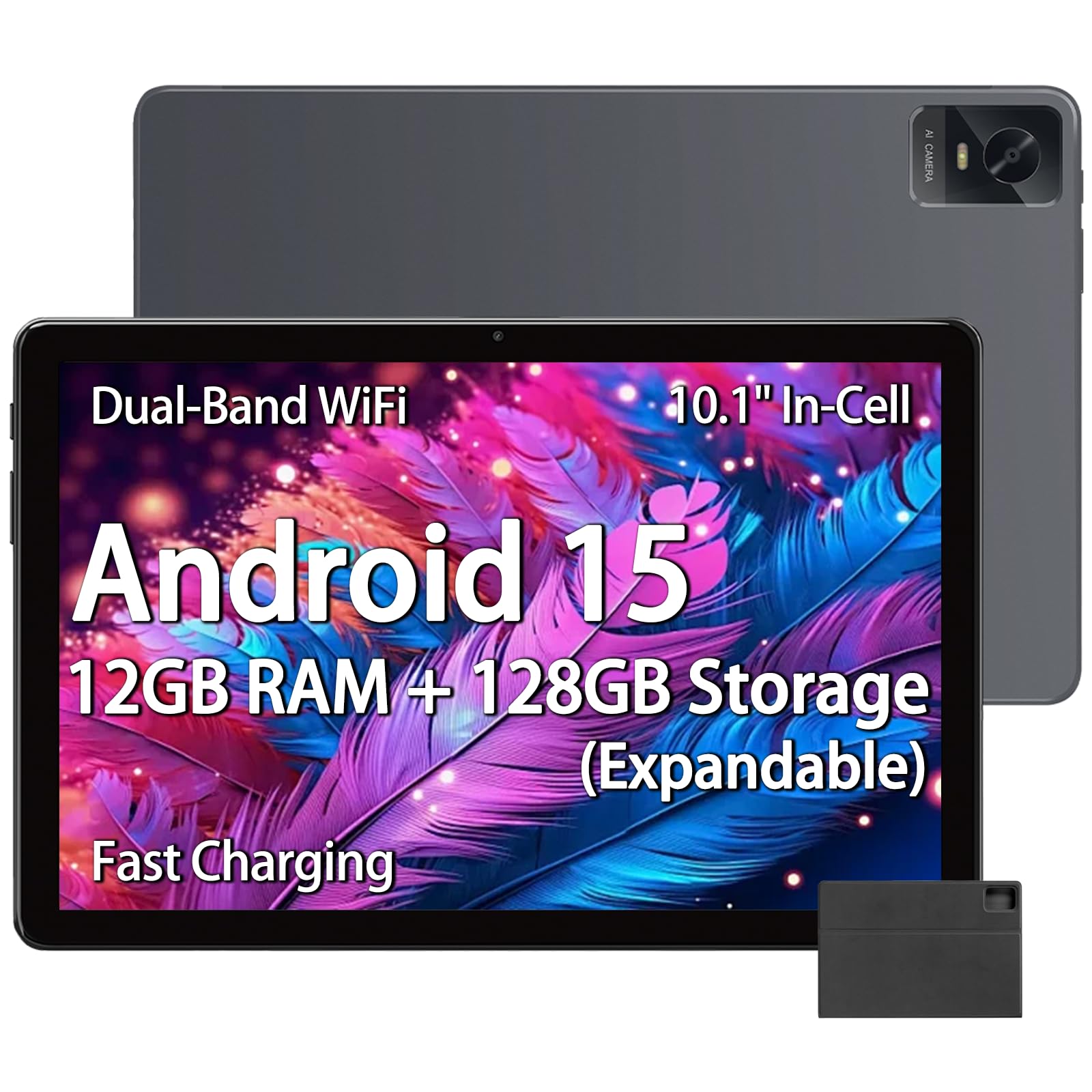
Image: The tablet displaying an image of penguins in an icy landscape, emphasizing its 16:10 aspect ratio and 10.1-inch 1280x800 HD In-Cell full lamination touchscreen for an immersive view.
7. Anviwònman Audio
Adjust volume and sound preferences:
- Ale nan Anviwònman > Son & Vibration.
- Adjust media, call, ring, and alarm volumes.
- Select ringtones and notification sounds.
The tablet includes a 3.5mm headphone jack for wired audio accessories.
Antretyen
1. Netwaye Tablèt la
- Sèvi ak yon twal mou ki pa gen pousyè pou netwaye ekran an ak kò tablèt la.
- Pou tach ki difisil pou retire, yon ti kras dampRense twal la avèk dlo oswa yon pwodui netwayaj ekran ki fèt pou aparèy elektwonik.
- Evite itilize pwodui chimik ki agresif, materyèl abrazif, oswa imidite twòp.
2. Mizajou lojisyèl
Tcheke epi enstale mizajou lojisyèl regilyèman pou asire pèfòmans, sekirite, ak aksè a nouvo fonksyonalite optimal.
- Ale nan Anviwònman > Sistèm > Aktyalizasyon sistèm lan.
- Swiv enstriksyon ki sou ekran an pou tcheke epi enstale mizajou ki disponib yo.
3. Swen batri
- Evite ekspoze tablèt la nan tanperati ekstrèm (cho oswa frèt).
- Do not allow the battery to fully discharge frequently. Charge it before it drops below 20%.
- Use only the provided charger and cable or certified compatible accessories.
Depanaj
Tablèt la pa limen
- Ensure the tablet is sufficiently charged. Connect it to the charger for at least 30 minutes.
- Peze epi kenbe bouton Pouvwa a pandan 10-15 segonn pou fòse yon rekòmanse.
Pwoblèm Koneksyon Wi-Fi
- Tcheke si Wi-Fi a aktive nan Anviwònman yo.
- Rekòmanse routeur Wi-Fi ou a ak tablèt la.
- Bliye rezo a nan paramèt tablèt la epi rekonekte.
- Asire w ou nan zòn siyal Wi-Fi a.
Pèfòmans Ralanti
- Fèmen aplikasyon background ki pa nesesè yo.
- Efase done kach pou aplikasyon yo itilize souvan (Anviwònman > Aplikasyon > [Non aplikasyon an] > Depo ak kach > Efase kach).
- Ensure sufficient free storage space. Delete unused files oswa apps.
- Rekòmanse tablèt la.
Apps Crashing or Not Responding
- Fòse fèmen aplikasyon an (Anviwònman > Aplikasyon > [Non aplikasyon an] > Fòse kanpe).
- Clear the app's cache (Settings > Apps > [App Name] > Storage & cache > Clear cache).
- Mete aplikasyon an ajou nan Google Play Store la.
- Si pwoblèm nan pèsiste, dezenstale epi reenstale aplikasyon an.
Espesifikasyon
| Mak | paitanry |
| Non modèl | 10.1 inch Tablet |
| Nimewo Modèl | G80 |
| Sistèm operasyon | Android 15 |
| Processeur | MediaTek Helio G80 Octa-Core (Arm Cortex-A75 @ 2GHz, Arm Cortex-A55 @ 1.8GHz) |
| Koprosesè grafik | Bra Mali-G52 MC2 |
| Memwa RAM | 12 GB (6GB fizik + 6GB vityèl) |
| Depo Entèn | 128 GB |
| Depo dilatabl | Up to 2 TB (Micro SD card, sold separately) |
| Gwosè ekran | 10.1 pous |
| Kalite ekspozisyon | In-Cell IPS LCD |
| Rezolisyon ekspozisyon | 1280 x 800 piksèl |
| Aspè rapò | 16:10 |
| Kamera devan | 5 MP |
| Kamera dèyè | 13 MP |
| Kapasite batri | 8000 mAh (Lityòm Polymè) |
| Dire Batri (Mwayèn) | 8 èdtan (itilizasyon melanje) |
| Chaje | 18W PD Fast Charging (USB Type-C) |
| Wi-Fi | Dual-band 802.11ac |
| Bluetooth | Bluetooth 5.0 |
| Koneksyon | USB Type-C, 3.5mm Headphone Jack |
| Dimensions (L x W x Thickness) | 9.45" x 6.26" x 0.28" |
| Pwa | 1 liv |
| Karakteristik espesyal | Expandable Storage, Fast Charging, Supports USB OTG |

Imaj: Yon imaj detaye view of the Helio G80 Octa-Core CPU, highlighting its central role in the tablet's performance.
Garanti ak sipò
Enfòmasyon sou Garanti
Your paitanry 10.1 Inch Android Tablet comes with a 1 Ane Manifakti Garanti. This warranty covers defects in materials and workmanship under normal use. It does not cover damage caused by misuse, accidents, unauthorized modifications, or external causes.
Tanpri kenbe prèv ou achte pou reklamasyon garanti.
Sipò pou Kliyan
For technical assistance, warranty claims, or further inquiries, please contact paitanry customer support through the retailer's platform or the official paitanry websit.
When contacting support, please have your tablet's model number (G80) and proof of purchase ready.