
1. Enstriksyon Sekirite Enpòtan
Please read all instructions carefully before using the projector and retain this manual for future reference. Improper use may result in electric shock, fire, or other hazards.
- Pa bloke ouvèti vantilasyon yo. Asire w ke gen ase espas otou pwojektè a pou bon sikilasyon lè a.
- Pa ekspoze pwojektè a ak lapli oswa imidite pou anpeche dife oswa chòk elektrik.
- Evite gade dirèkteman nan lantiy pwojektè a lè lamp limen, paske limyè klere a ka domaje je yo.
- Sèvi ak sèlman atachman/akseswa manifakti a espesifye.
- Dekonekte pwojektè a pandan tanpèt zèklè oswa lè ou pa itilize li pou yon bon bout tan.
- Pa eseye repare pwodui sa a tèt ou. Konfye tout antretyen bay pèsonèl sèvis kalifye.
2. Gid Enstalasyon
2.1 Sa ki nan bwat la
Verifye ke tout atik yo prezan nan pakè a:
- HOMPOW Mini Projector
- Kontwòl Remote
- Adaptè pouvwa
- HDMI kab
- Manyèl itilizatè
- Kat Garanti

Image: The HOMPOW Mini Projector shown with its remote control, power adapter, and HDMI cable.
2.2 Inisyal Enstalasyon
2.2.1 Koneksyon pouvwa
- Konekte adaptè kouran an nan pò antre kouran pwojektè a.
- Ploge adaptè pouvwa a nan yon priz elektrik apwopriye.
2.2.2 Plasman ak Konsantrasyon
Mete pwojektè a sou yon sifas ki estab e plat. Pou yon pi bon rezilta viewing, place it perpendicular to the projection surface (wall or screen).
- Distans pwojeksyon: The recommended projection distance ranges from 3.49 feet to 7.26 feet.
- Gwosè imaj: This allows for an image size between 40 inches and 120 inches.
- Ajisteman konsantre: Vire bag konsantre a sou lantiy pwojektè a jiskaske imaj la parèt klè e byen file.

Image: Visual comparison demonstrating the clarity of 1080P Full HD supported resolution versus 480P.
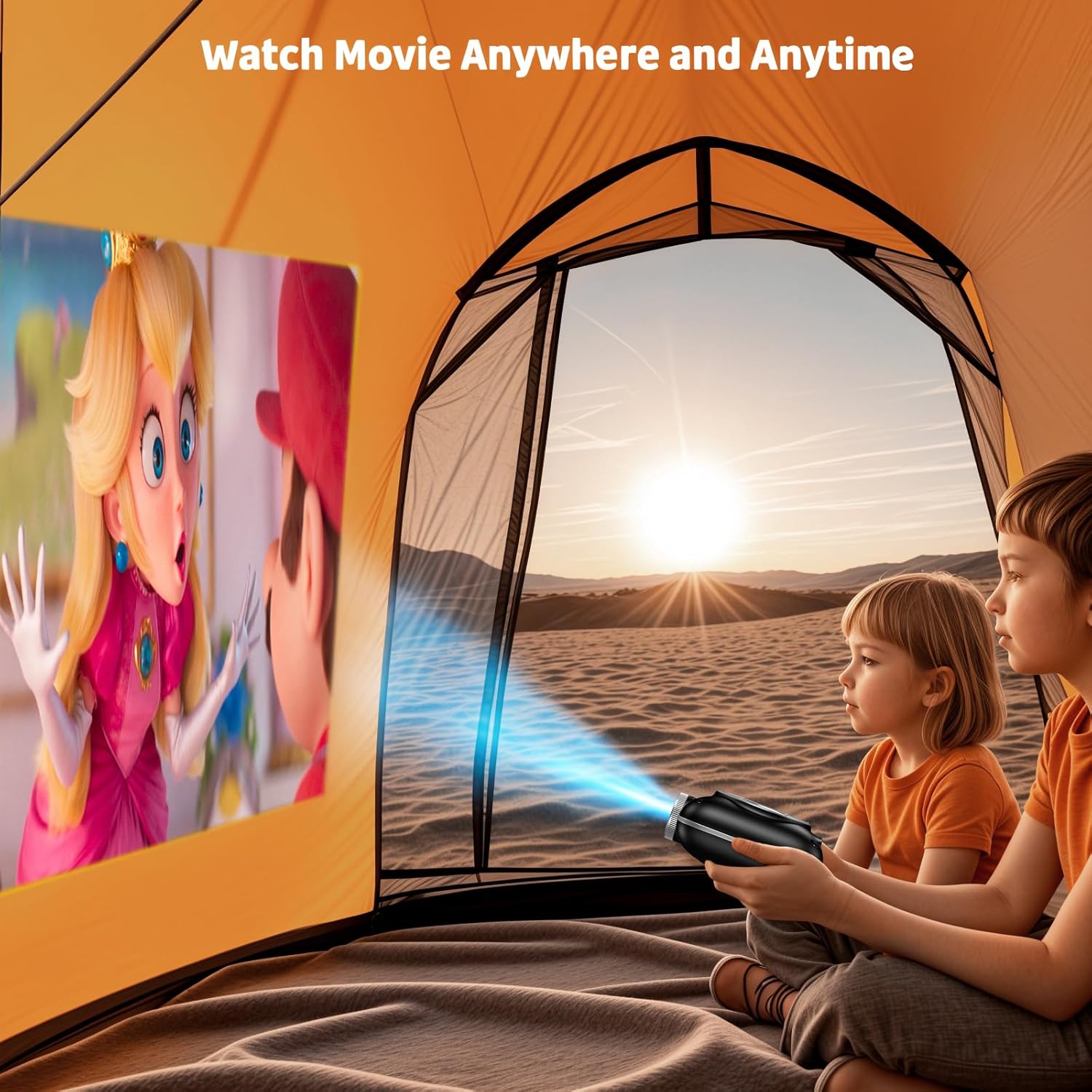
Image: The compact projector projecting a movie inside a tent, highlighting its portability for outdoor use.
3. Operasyon Enstriksyon
3.1 Power On/Off
Press the power button on the projector or the remote control to turn the device on or off. The projector features an auto-off timer for convenient screen time management.
3.2 Koneksyon
The HOMPOW Mini Projector offers multiple connectivity options:
- HDMI 2.0 pò: Connect to laptops, TV sticks, gaming consoles (PS4, PS5), and other HDMI-enabled devices using the included HDMI cable.
- USB 2.0 pò: Konekte kle USB yo pou li medya yo.
- Bluetooth 5.1 de direksyon: Connect external Bluetooth speakers for enhanced audio or use the projector as a Bluetooth speaker to play music from your phone.

Image: The projector highlighting its wireless connectivity features, including WiFi and Bluetooth.

Image: A visual guide illustrating how to connect various devices such as smartphones, tablets, TV sticks, laptops, PS3/PS4, headphones, and USB drives to the projector.
3.3 Miroir ekran
Pou w fè yon kopi ekran smartphone oswa tablèt ou a:
- Pou telefòn android: Use a Micro USB/Type-C to HDMI adapter (sold separately).
- For iPhones/iPads: Use a Lightning to HDMI adapter (sold separately).
- For Streaming Services: Plug in a TV stick (sold separately) for Netflix/Hulu and other HDCP-compliant streaming platforms.
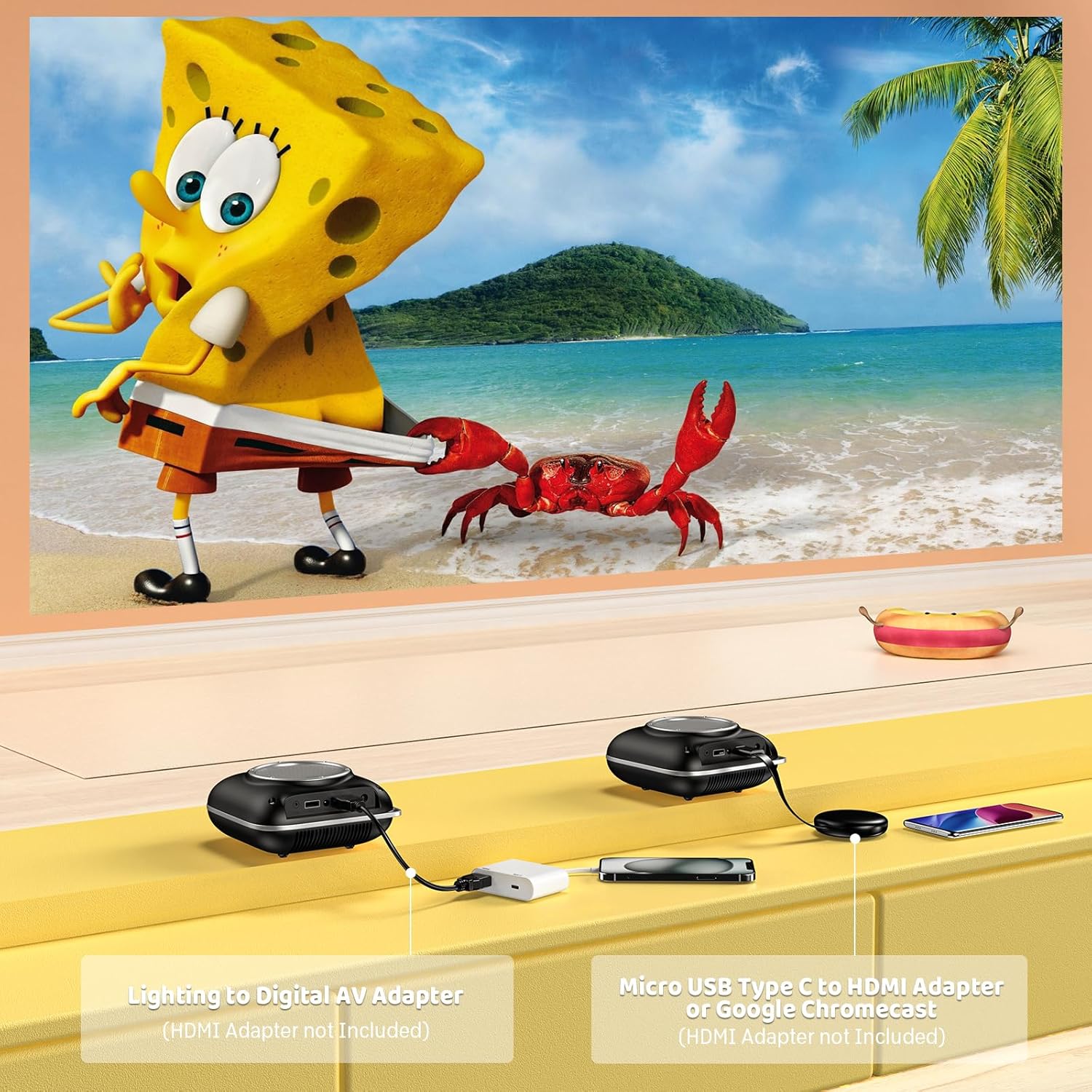
Image: Instructions for connecting mobile devices to the projector using Lightning to Digital AV Adapter for iOS and Micro USB Type-C to HDMI Adapter or Google Chromecast for Android.
3.4 Sòti odyo
The projector features built-in 5W high-powered stereo speakers. For enhanced sound, utilize the bidirectional Bluetooth 5.1 to connect to external Bluetooth speakers or headphones.

Image: Diagram showing the projector's two-way Bluetooth functionality, allowing connection to an external speaker or functioning as a Bluetooth speaker for a phone.
3.5 Projection Size and Zoom
The projector supports a projection size from 40 to 120 inches. Use the 50%-100% zoom function to adjust the image size without moving the projector.

Image: A visual representation of the 50%-100% zoom function, showing how the projected image size can be adjusted.
4. Antretyen
4.1 Netwayaj
- Lantiy: Sèvi ak yon twal mou ki pa gen pousyè, espesyalman fèt pou lantiy optik. Pa sèvi ak pwodui netwayaj abrazif.
- Eksteryè: Siye deyò pwojektè a avèk yon twal mou epi sèk. Evite itilize pwodui chimik oswa solvan ki agresif.
- Vantilasyon: Ensure ventilation openings are free from dust and debris to prevent overheating.
4.2 Depo
When not in use, store the projector in a cool, dry place, away from direct sunlight and extreme temperatures. Use the original packaging or a protective case to prevent dust accumulation and damage.
NAN. Depanaj
Gade tablo ki anba a pou pwoblèm komen ak solisyon yo.
| Pwoblèm | Kòz posib | Solisyon |
|---|---|---|
| Pa gen imaj projeté | Power not connected, input source incorrect, lens cap on. | Check power connection, select correct input source (HDMI/USB), remove lens cap. |
| Imaj floue | Focus not adjusted, projector too close/far. | Adjust the focus ring, ensure projector is within optimal projection distance (3.49-7.26 ft). |
| Pa gen son | Volume too low, external speaker not connected, audio format unsupported. | Increase volume, connect Bluetooth speaker, check audio format compatibility. |
| Miroir ekran pa travay | Incorrect adapter, device compatibility issue. | Ensure correct HDMI adapter for your phone (Micro USB/Type-C for Android, Lightning for iOS). |
| Pwojektè surchof | Blocked ventilation, prolonged use. | Ensure clear space around vents, allow projector to cool down if used for extended periods. |
6. Espesifikasyon teknik
| Karakteristik | Detay |
|---|---|
| Mak | HOMPOW |
| Modèl | B0F43PY223 |
| Rezolisyon natif natal | 1280 x 720 (720P) |
| Rezolisyon sipòte | 1920 x 1080 (1080P Full HD) |
| Koneksyon Teknoloji | HDMI, USB 2.0, Bluetooth 5.1 (Two-Way) |
| Kalite ekspozisyon | CRT (as per specification, typically LCD for mini projectors) |
| Pwopòsyon kontras | 10000:1 |
| Gwosè pwojeksyon | 40 - 120 pous |
| Jete Distans | 3.49 - 7.26 Feet |
| Sous limyè opere lavi | 50000 èdtan |
| Oratè entegre | 5W High-Powered Stereo Speakers |
| Fonksyon Zoom | 50% -100% |
| Dimansyon (L x W x H) | 4.9" x 4.9" x 2.1" |
| Pwa | 0.7 Kilogram |
| Konsomasyon pouvwa | 30 Watts |
| Voltage | 110 Volts |
7. Garanti ak sipò
7.1 Enfòmasyon sou Garanti
The HOMPOW Mini Projector comes with:
- A 30-day replacement window.
- 2-year repair coverage.
Tanpri kenbe prèv ou achte pou reklamasyon garanti.
7.2 Sipò pou Kliyan
For any questions, troubleshooting assistance, or warranty inquiries, please contact HOMPOW customer support. We offer 24/7 assistance to ensure stress-free ownership.
Contact information can typically be found on the HOMPOW official website or the warranty card included in your package.