
Crelander CR-T40-pink
Crelander 10.1 Inch Android 13 Tablet User Manual
Model: CR-T40-pink
1. Entwodiksyon
This manual provides detailed instructions for the safe and efficient use of your Crelander 10.1 Inch Android 13 Tablet. Please read this manual thoroughly before operating the device and retain it for future reference.
The Crelander 10.1 Inch Android 13 Tablet is a versatile device designed for productivity, entertainment, and communication. It features a powerful processor, ample storage, a vibrant display, and comprehensive connectivity options, including 4G LTE calling.
2. Pake kontni
Lè w ap ouvri pakè a, verifye si tout bagay yo la epi yo an bon eta. Pakè estanda a gen ladan l:
- Crelander 10.1 Inch Android 13 Tablet
- Ka Pwoteksyon
- Wireless klavye
- Sourit san fil
- Stylus Pen
- USB Chaje Kab
- USB-C to USB-A Adapter (OTG)
- Manyèl Itilizatè (dokiman sa a)

Figure 2.1: Crelander Tablet and included accessories.
3. Layout ak Karakteristik Aparèy la
Familiarize yourself with the physical layout of your tablet.
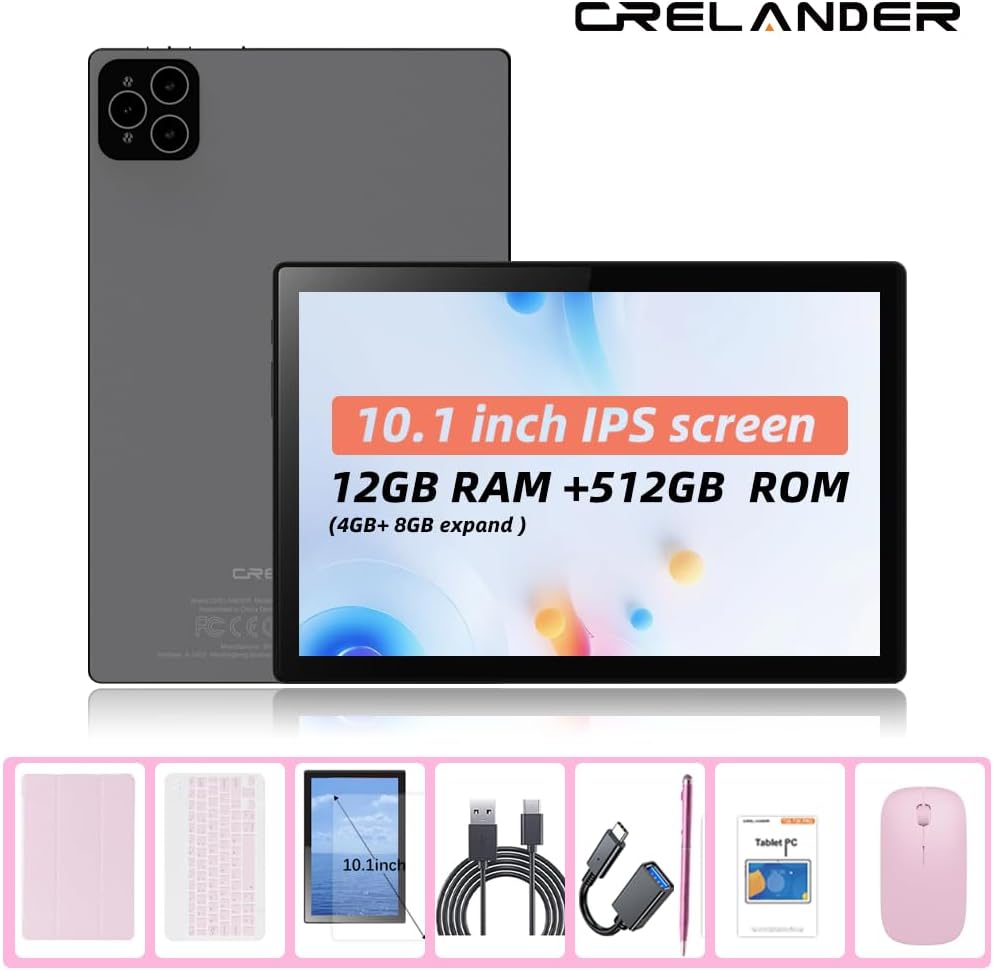
Figi 3.1: Devan ak dèyè View nan Tablèt la.
Karakteristik kle:
- Ekran IPS HD 10.1 pous: 1280x800 pixel resolution for clear and vibrant visuals.
- Sistèm operasyon Android 13: Enhanced performance and user experience.
- Pèfòmans segondè: 12GB RAM (with potential virtual expansion) and 512GB internal storage (ROM).
- Depo dilatabl: Supports up to 1TB TF (microSD) card for additional storage.
- 4G LTE Calling: Integrated SIM card slot for cellular connectivity and voice calls.
- Kamera doub: Kamera devan ak dèyè pou foto, videyo, ak apèl videyo.
- Rekonesans vizaj: Pou debloke an sekirite e pratik.
- 8000mAh batri: Pouvwa ki dire lontan pou itilizasyon pwolonje.
- Koneksyon Wireless: Bluetooth and Wi-Fi (802.11n) for seamless connections.
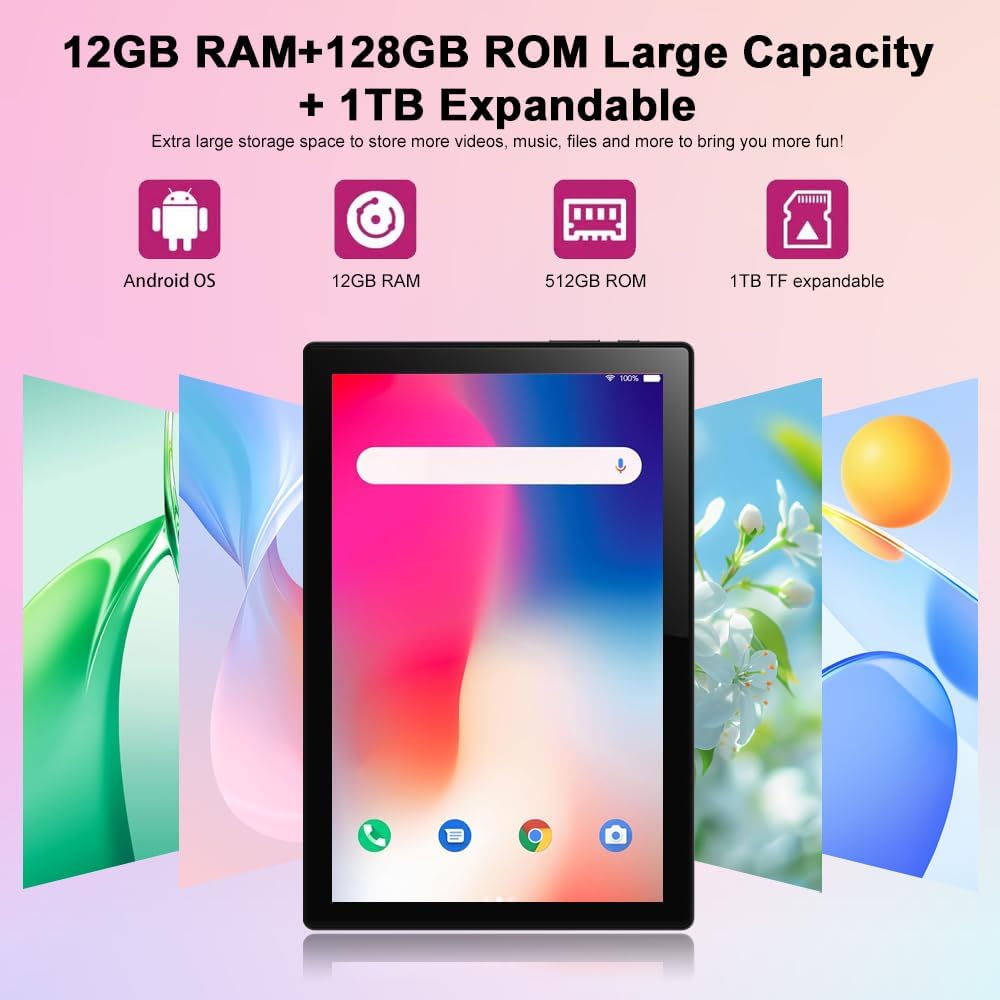
Figure 3.2: Storage and RAM Capabilities.

Figure 3.3: Display Specifications.
4. Pou kòmanse: Enstalasyon
4.1 Chaje tablèt la
Before first use, fully charge the tablet. Connect the USB charging cable to the tablet's charging port and the other end to a compatible USB power adapter (not included) or a computer's USB port. The battery indicator on the screen will show charging status.
4.2 Limen/Etenyen
- Pou limen: Press and hold the Power button until the Crelander logo appears.
- Pou etenn: Peze epi kenbe bouton pouvwa a jiskaske meni opsyon pouvwa a parèt, answit chwazi "Etein".
- Pou rekòmanse: Peze epi kenbe bouton pouvwa a jiskaske meni opsyon pouvwa a parèt, answit chwazi "Rekòmanse".
4.3 Asistan Enstalasyon Inisyal
Lè w limen tablèt la pou premye fwa, li pral gide w nan yon pwosesis konfigirasyon inisyal. Sa gen ladan l:
- Chwazi lang ou.
- Konekte nan yon rezo Wi-Fi.
- Setting up your Google account (optional, but recommended for app downloads).
- Setting up screen lock (PIN, pattern, password, or facial recognition).
4.4 Inserting a SIM Card (for 4G LTE Calling)
The tablet supports Micro SIM cards for 2G/3G/4G cellular connectivity and calling.
- Jwenn plato kat SIM lan sou bò tablèt la.
- Use the provided SIM ejector tool (if included) or a small paperclip to open the tray.
- Carefully place the Micro SIM card into the designated slot on the tray, ensuring correct orientation.
- Dousman pouse plato a tounen nan tablèt la jiskaske li fè yon klik.

Figure 4.1: Inserting a Micro SIM Card.
4.5 Inserting a MicroSD (TF) Card
To expand storage, insert a MicroSD (TF) card (up to 1TB, not included).
- Locate the MicroSD card slot, often combined with the SIM tray or a separate slot.
- Insert the MicroSD card into the slot with the gold contacts facing down, until it clicks into place.
- The tablet will recognize the card, and you may be prompted to format it for internal or portable storage.
5. Itilizasyon Tablèt la
5.1 Navigasyon debaz
The Android 13 operating system uses touch gestures for navigation:
- Tape: To open apps, select items, or activate buttons.
- Glise: Pou defile nan paj, meni, oubyen chanje ant ekran prensipal yo.
- Zoom-pou-Zoom: Pou agrandi oswa diminye imaj, kat, oubyen web paj.
- Long Press: Pou jwenn aksè nan meni kontèkstal yo oubyen deplase ikòn aplikasyon yo.
5.2 Connecting Accessories (Keyboard, Mouse, Stylus)
The included keyboard and mouse connect via Bluetooth. The stylus is typically passive and does not require pairing.
- Pèmèt Bluetooth: Ale nan Anviwònman > Aparèy konekte > Bluetooth epi aktive Bluetooth la.
- Pair Keyboard/Mouse: Put the keyboard/mouse into pairing mode (refer to their individual manuals if needed). Select the device from the list of available Bluetooth devices on your tablet and follow on-screen prompts to pair.
5.3 Using Facial Recognition
Set up facial recognition for quick and secure unlocking.
- Ale nan Anviwònman > Sekirite ak vi prive > Debloke aparèy > Debloke figi.
- Follow the on-screen instructions to register your face using the front camera.
- Ensure good lighting and hold the tablet at eye level during registration.
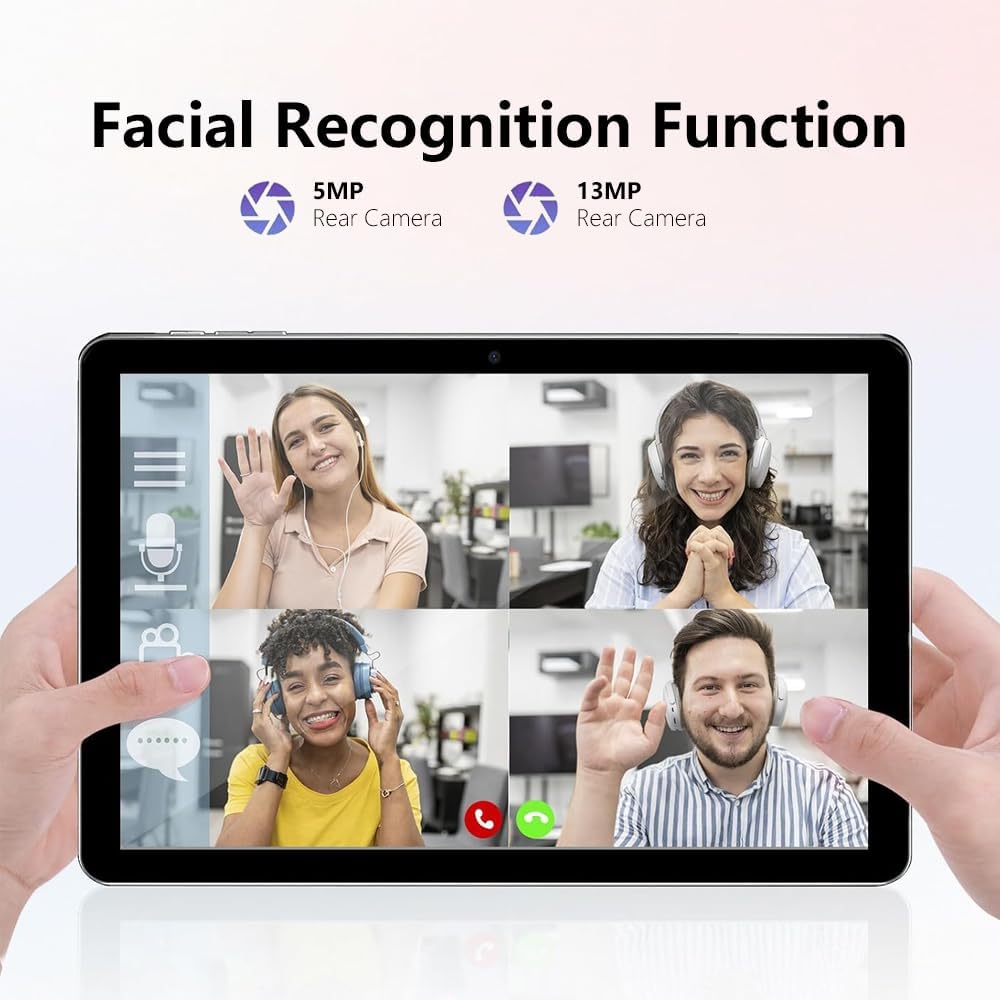
Figure 5.1: Facial Recognition in Use (Illustrative).
5.4 Wi-Fi and Cellular Data
- Wi-Fi: Aksè Anviwònman > Rezo ak entènèt > Entènèt pou konekte ak rezo Wi-Fi ki disponib yo.
- Done selilè: If a SIM card is inserted, enable mobile data via Anviwònman > Rezo ak entènèt > Kat SIM.
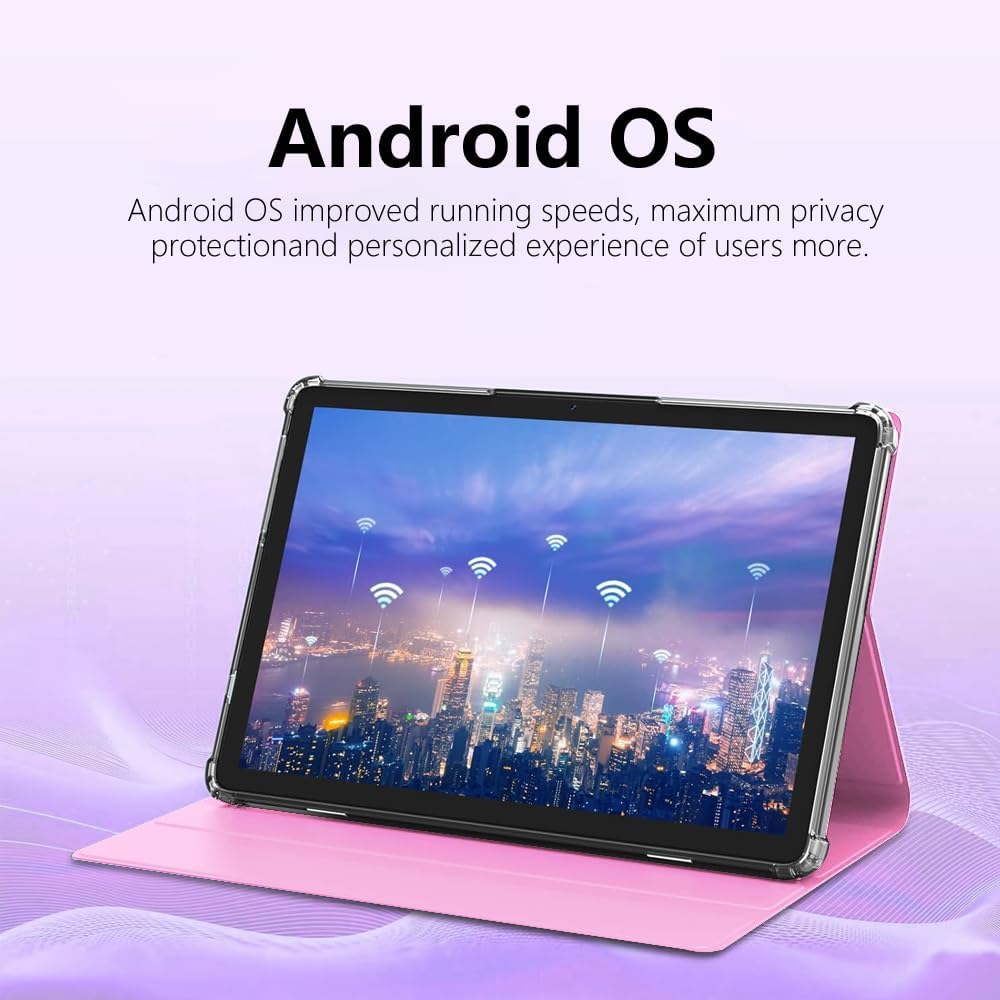
Figure 5.2: Android OS and Wireless Connectivity.
6. Antretyen ak Swen
- Netwayaj: Sèvi ak yon twal mou ki pa gen pousyè pou netwaye ekran an ak kò a. Evite pwodui netwayaj abrazif oswa solvan.
- Swen batri: Evite tanperati ekstrèm. Pou depo alontèm, chaje batri a apeprè 50%.
- Mizajou lojisyèl: Regularly check for system updates via Anviwònman > Sistèm > Mizajou sistèm pou asire pèfòmans ak sekirite optimal.
- Jesyon Depo: Vide kach la detanzantan, dezenstale aplikasyon ou pa itilize yo epi transfere gwo kantite aplikasyon. files to external storage (MicroSD card) to maintain performance.
- Pwoteksyon: Sèvi ak kouvèti pwoteksyon ki vini ak li a pou pwoteje kont tonbe ak reyur.
NAN. Depanaj
| Pwoblèm | Solisyon posib |
|---|---|
| Tablèt la pa limen. | Ensure the tablet is charged. Connect to a charger for at least 30 minutes before attempting to power on again. |
| Pa ka konekte ak Wi-Fi. | Check if Wi-Fi is enabled in settings. Restart your router. Forget the network and reconnect. |
| Kat SIM pa detekte. | Ensure the SIM card is correctly inserted and is a Micro SIM. Restart the tablet. Check with your carrier if the SIM is active. |
| Tablèt la ralanti oswa li pa reponn. | Close unused apps. Clear app caches. Restart the tablet. Consider a factory reset as a last resort (backup data first). |
| Batri vide byen vit. | Reduce screen brightness. Disable unused features like Bluetooth/GPS. Close background apps. Limit notifications. |
8. Espesifikasyon
| Karakteristik | Detay |
|---|---|
| Nimewo Modèl | CR-T40-pink |
| Sistèm operasyon | Android 13 |
| Ekspozisyon | 10.1-inch IPS HD Touchscreen (1280 x 800 pixels) |
| Processeur | MT6763 |
| RAM | 12GB |
| Depo Entèn (ROM) | 512GB |
| Depo dilatabl | Up to 1TB via MicroSD (TF) card |
| Kamera | Front and Rear (specific MP not detailed in all specs, but 5MP/13MP mentioned in image) |
| Batri | 8000mAh (Rechargeable entegre) |
| Koneksyon | Wi-Fi (802.11n), Bluetooth, 4G LTE (Micro SIM) |
| Dimansyon (LxWxH) | 10 x 0.3 x 7 pous |
| Pwa | 3.3 liv |
| Koulè | Woz |
9. Garanti ak sipò
Crelander products are designed for reliability and performance. For warranty information, technical support, or service inquiries, please refer to the contact information provided with your purchase or visit the official Crelander websit.
Tanpri kenbe prèv ou achte pou reklamasyon garanti.
Ask a question about this manual
Ask about setup, troubleshooting, compatibility, parts, safety, or missing instructions. Manuals+ will review the question and use this page’s manual context to help answer it.