
Entwodiksyon
Thank you for choosing the TCL 65Q6C 65-inch 4K QD-Mini LED Google TV. This manual provides essential information for the safe and efficient use of your television. Please read it thoroughly before operating the device and retain it for future reference.
Karakteristik kle
- Teknoloji QD-Mini LED: Enhances color accuracy and contrast, improving overall display quality. Precise dimming reaches 512 zones, with over a billion shades of perfect vivid colors.
- High Brightness HDR: Enjoy unparalleled brightness with high HDR technology, offering deep contrast and stunning highlights for an immersive vieweksperyans ing. Gade chak detay pran lavi avèk yon klète etonan ak koulè vibran.
- Ekspozisyon QLED: Features 93% DCI-P3 color gamut coverage, providing unparalleled color for stunning and vibrant visuals and enhanced color accuracy.
- To rafrechisman natif natal 144Hz: Experience ultra-smooth motion with a native 144Hz refresh rate, ideal for gaming and fast-paced scenes.
- Onkyo 2.1 Hi-Fi Audio System: Delivers rich and immersive sound for a complete home entertainment experience.

Figi 1: Devan view of the TCL 65Q6C 65-inch 4K QD-Mini LED Google TV.

Figure 2: Illustrates the advantages of QD-Mini LED technology over ordinary LED TVs, highlighting improvements in color, brightness, and contrast.

Figi 3: Yon anlèview of the key technologies and design elements integrated into the TCL 65Q6C TV.
Enstalasyon
1. Debalaj ak Enspeksyon
Carefully remove the TV from its packaging. Inspect for any damage. Ensure all accessories are present: remote control, power cable, stand components, and screws.
2. Enstalasyon Kanpe (Si ou vle)
If using the TV stand, place the TV face down on a soft, flat surface. Attach the stand bases to the TV using the provided screws, ensuring they are securely fastened.
3. Montaj sou miray (Si ou vle)
For wall mounting, refer to the VESA mounting standard: 600 x 400 mm. Use a compatible wall mount bracket (sold separately) and follow its instructions carefully. Professional installation is recommended for safety.

Figi 4: Pwofesyonèl bò kotefile of the TV, illustrating its slim design and port locations.
4. Konekte Aparèy
- Pouvwa: Konekte kab kouran an nan televizyon an epi answit nan yon priz miray.
- Aparèy HDMI: Use HDMI cables to connect external devices like gaming consoles, Blu-ray players, or set-top boxes to the HDMI ports. This model supports HDMI connectivity.
- Aparèy USB: Connect USB drives for media playback or other compatible devices to the USB ports. This model includes USB 3.0 ports.
- Sistèm Odyo: For external audio, connect via HDMI (ARC/eARC) or Bluetooth. The TV features an Onkyo 2.1 Hi-Fi audio system with Dolby Atmos support.

Figi 5: Dèyè view of the TV, highlighting the VESA mounting points and various input/output connections.
5. Premye Limen ak Konfigirasyon Google TV
After connecting power, press the power button on the remote control. Follow the on-screen instructions to complete the initial setup, including network connection, Google account login, and channel scanning.
Opere
1. Fonksyon kontwòl Remote
The remote control allows you to navigate the Google TV interface, adjust volume, change channels, select inputs, and access smart features. Familiarize yourself with the button layout for optimal use.
2. Entèfas Google TV
Your TV runs on Google TV, providing a personalized home screen with content recommendations, access to streaming apps, and Google Assistant voice control. Use the directional pad on your remote to navigate menus and select items.
3. Seleksyon Antre
To switch between connected devices (e.g., HDMI 1, USB), press the 'Input' button on your remote and select the desired source from the on-screen menu.
4. Kontwòl vwa
Press the Google Assistant button on your remote and speak into the microphone to search for content, control smart home devices, get answers, and more.
5. Karakteristik jwèt yo
The TCL 65Q6C is optimized for gaming with its 144Hz native refresh rate and Game Master mode. Ensure your gaming console is connected to an HDMI port that supports high refresh rates for the best experience.
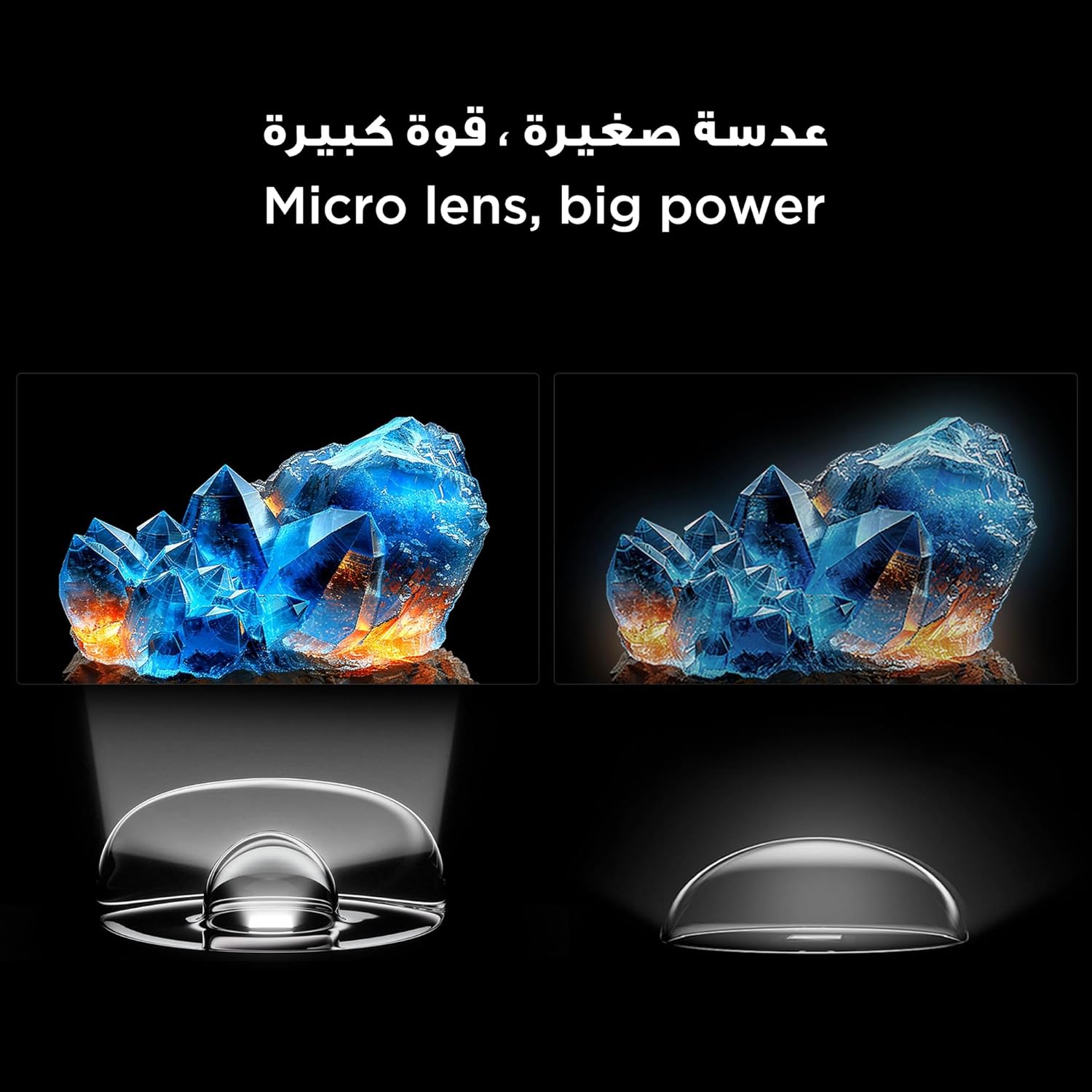
Figure 6: Demonstrates the smooth and clear motion provided by the 144Hz native refresh rate, ideal for fast-paced content and gaming.
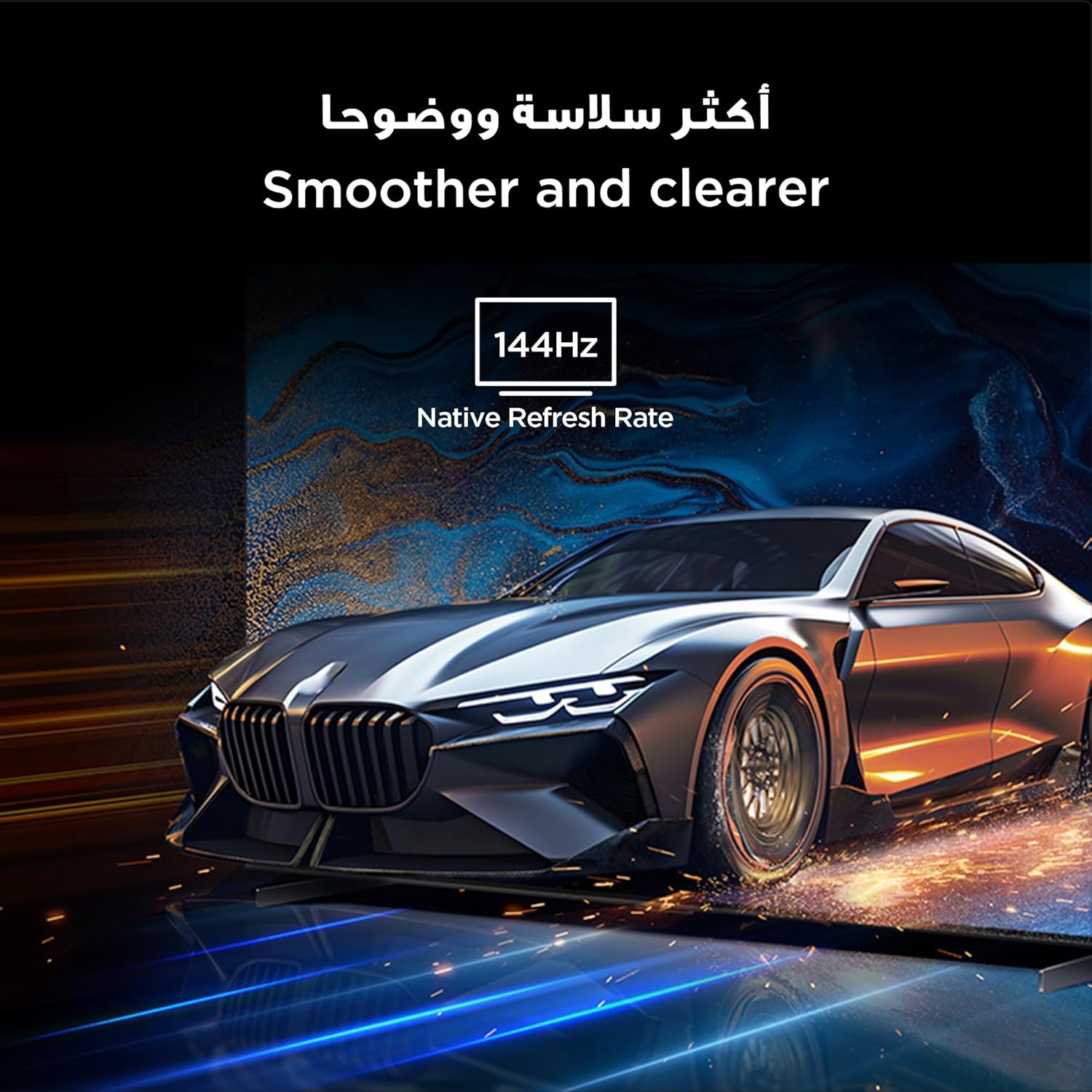
Figure 7: Highlights the immersive audio experience delivered by the integrated Onkyo 2.1 sound system, defining a new standard for home theater.
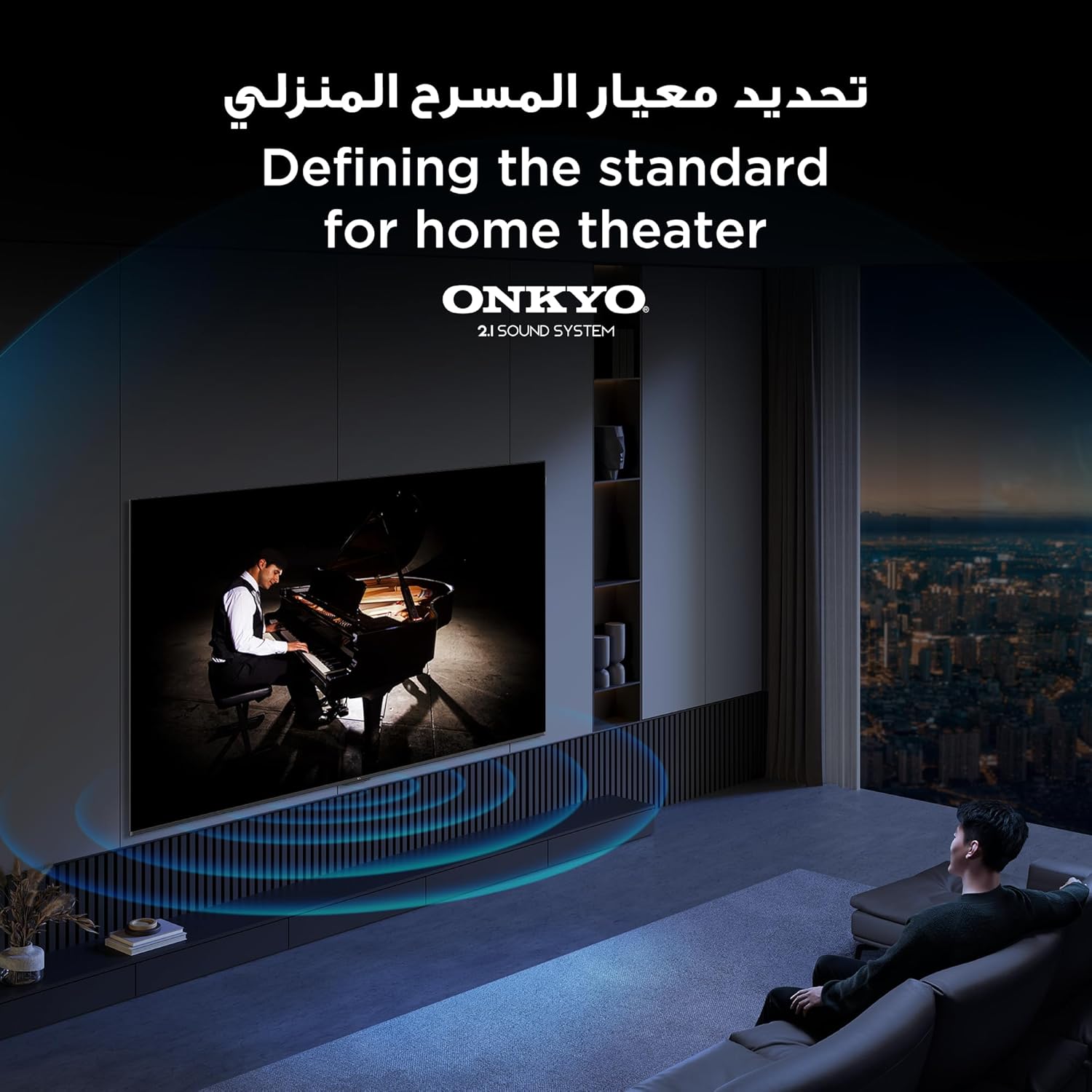
Figure 8: Visual representation of the AiPQ Pro Processor, which intelligently perceives, thinks, and produces optimized visuals and audio.

Figure 9: Illustrates the smart control capabilities of the TCL TV, allowing users to manage other TCL smart devices within their home.
Antretyen
1. Netwaye ekran an
Siye ekran an dousman avèk yon twal mou ki pa gen pousyè. Pou mak ki difisil pou retire, sèvi ak yon solisyon netwayaj ekran ki fèt espesyalman pou televizyon, aplike sou twal la, pa dirèkteman sou ekran an.
2. Netwaye Ankadreman an
Siye ankadreman televizyon an ak sipò a avèk yon twal mou epi sèk. Evite itilize pwodui netwayaj abrazif oswa solvan.
3. Mizajou lojisyèl
Ensure your TV is connected to the internet to receive automatic software updates. These updates improve performance and add new features. You can also manually check for updates in the TV's settings menu.
4. Safe Handling
Avoid placing heavy objects on the TV. Do not block ventilation openings. Disconnect the power cable during lightning storms or when the TV will be unused for extended periods.
Depanaj
This section addresses common issues you might encounter with your TCL 65Q6C TV.
Pa gen pouvwa
- Tcheke si kab kouran an byen konekte ak televizyon an ak priz miray la.
- Asire w ke priz miray la ap fonksyone lè w branche yon lòt aparèy.
- Peze bouton pouvwa a sou televizyon an menm, pa sèlman sou telekòmand lan, pou elimine yon pwoblèm ak telekòmand lan.
Pa gen imaj / Imaj defòme
- Verifye ke sous antre ki kòrèk la chwazi (pa egzanp, HDMI 1, HDMI 2).
- Tcheke tout koneksyon kab yo (HDMI, antèn) pou wè si yo lach oswa domaje.
- Try connecting a different device to the same HDMI port to see if the issue is with the source device.
- Ajiste paramèt imaj yo (klète, kontras, koulè) nan meni televizyon an.
Pa gen son / Son defòme
- Asire w ke volim nan pa twò ba oswa li pa twò ba.
- Check audio output settings in the TV menu to ensure the correct output (e.g., TV speakers, external audio system) is selected.
- Si w ap itilize oratè ekstèn, tcheke pouvwa yo ak koneksyon yo.
Remote Control pa travay
- Ranplase pil yo nan kontwòl remote la.
- Asire w pa gen okenn obstak ant telekòmand lan ak detèktè IR televizyon an.
- If it's a Bluetooth remote, try re-pairing it with the TV (refer to the TV's settings for pairing instructions).
Pwoblèm Koneksyon Rezo
- Rekòmanse routeur Wi-Fi ou a ak modèm ou a.
- Check the Wi-Fi password if connecting wirelessly.
- If possible, try connecting the TV to the internet via an Ethernet cable.
- Go to the TV's network settings to diagnose the connection.
Reset faktori
If problems persist, a factory reset may resolve them. Be aware that this will erase all your settings and installed apps. Navigate to Settings > System > About > Reset > Factory data reset.
Espesifikasyon
| Karakteristik | Deskripsyon |
|---|---|
| Mak | TCL |
| Non modèl | 65Q6C |
| Nimewo Modèl | 65Q6C |
| Seri modèl | Q6C |
| Ane fabrikasyon | 2025 |
| Gwosè ekran | 65 pous |
| Teknoloji ekspozisyon | Mini LED, LED |
| Rezolisyon | 4K |
| Rafrechisman pousantaj | 144 Hz |
| Pwopòsyon Imaj Kontrèman | Segondè |
| Sipò pou fòma HDR | HDR10+ |
| Motion Enhancement Technology | Native 144Hz Refresh Rate |
| Image Quality Enhancement Technology | QD-Mini LED, QLED, HDR 10+ |
| Screen Backlight Technology | Mini dirije |
| Sistèm operasyon | Google TV |
| Sèvis Entènèt Sipòte | Google TV for Gaming |
| Koneksyon Teknoloji | HDMI, USB, Bluetooth |
| Entèfas Materyèl | HDMI, USB, Bluetooth |
| Total pò HDMI | 1 |
| Total pò USB | 1 |
| Total USB 3.0 Ports | 1 |
| Teknoloji kominikasyon san fil | Bluetooth |
| Oratè Deskripsyon | Onkyo 2.1 Channel Hi-Fi Speakers |
| Konfigirasyon chanèl son antoure | 2.1 |
| Built-in Surround Sound Format | Dolby Atmos |
| Metòd kontwòl | Remote |
| Kalite aliye | Mi mòn |
| VESA Mounting Standard | 600 x 400 mm |
| Pwa atik | 24.2 kilogram |
Garanti
This TCL television comes with a limited warranty. The specific terms and duration of the warranty may vary by region and retailer. Please refer to the warranty card included in your product packaging or visit the official TCL websit la pou jwenn enfòmasyon detaye sou garanti a. Kenbe resi acha ou kòm prèv acha pou nenpòt reklamasyon garanti.
Sipò
Pou plis asistans, sipò teknik, oswa demann sèvis, tanpri itilize resous sa yo:
- Ofisyèl TCL Websit: Vizite www.tcl.com for product information, FAQs, and support contact details specific to your region.
- Sèvis Kliyan: Refer to the contact information provided in your warranty documentation or on the TCL website for direct customer support.
- Resous sou entènèt: Many common issues can be resolved by consulting the online support sections or user forums available on the TCL websit.