
ECOPAD T30
ECOPAD T30 Android 15 Tablet User Manual
Gid konplè pou enstalasyon, operasyon ak antretyen
1. Entwodiksyon
Welcome to the ECOPAD T30 Android 15 Tablet user manual. This guide provides essential information to help you set up, operate, and maintain your new tablet. Please read this manual thoroughly to ensure optimal performance and longevity of your device.
2. Pake kontni
Anvan ou kòmanse, tanpri verifye si tout atik yo prezan nan pakè ou a:
- ECOPAD T30 Android 15 Tablet
- USB Kalite-C kab
- 18W pouvwa adaptè
- Manyèl Itilizatè (dokiman sa a)

Image: Contents of the ECOPAD T30 Tablet package, showing the tablet, USB cable, 18W charger, and user manual.
3. Aparèy souview
Familiarize yourself with the physical components of your ECOPAD T30 tablet.

Imaj: Devan ak dèyè view of the ECOPAD T30 Tablet, illustrating the screen, rear camera, and various ports and buttons.
Konpozan kle:
- Kamera devan: Pou apèl videyo ak selfie.
- Kamera dèyè: Pou pran foto ak videyo.
- Bouton pouvwa: Pou limen/etenn tablèt la oubyen mete l nan dòmi.
- Bouton Volim: Pou ajiste volim odyo a.
- USB Kalite-C Port: Pou chaje ak transfè done.
- Jack ekoutè 3.5mm: Pou konekte kas ekoutè ak fil.
- Mikwo SD kat plas: For expanding storage.
- Oratè: Pou pwodiksyon odyo.
4. Enstalasyon
4.1 Chaje tablèt la
Before first use, fully charge your tablet. Connect the USB Type-C cable to the tablet's charging port and the 18W power adapter to a wall outlet.

Image: The ECOPAD T30 Tablet connected to its 18W fast charger, illustrating its 6000mAh battery and various usage durations.
4.2 Power On/Off
- Pou limen: Press and hold the Power button until the ECOPAD logo appears.
- Pou etenn: Peze epi kenbe bouton Power la, answit chwazi "Power off" nan opsyon ki sou ekran an.
- Pou rekòmanse: Peze epi kenbe bouton Pouvwa a, answit chwazi "Rekòmanse" nan opsyon yo.
4.3 Inisyal Enstalasyon
Upon first power-on, the tablet will guide you through the initial setup process. This includes selecting your language, connecting to Wi-Fi, setting up your Google account, and configuring basic security settings.
4.4 Koneksyon Wi-Fi
- Ale nan Anviwònman > Rezo ak entènèt > Wi-Fi.
- Aktive Wi-Fi a On.
- Chwazi rezo Wi-Fi ou vle a nan lis la.
- Antre modpas la si yo mande w, epi tape Konekte.
5. Itilizasyon Tablèt la
5.1 Sistèm operasyon Android 15
Your ECOPAD T30 runs on the latest Android 15, offering enhanced security, improved privacy controls, and a customizable user experience.

Image: A visual representation of the Android 15 operating system, highlighting its key features such as multitasking, privacy controls, customization, and performance.
5.2 Anviwònman ekspozisyon
The tablet features a 10.1-inch HD IPS touchscreen with a resolution of 1280x800 pixels and a 16:9 aspect ratio.

Image: The 10.1-inch HD IPS display of the ECOPAD T30, showcasing its resolution, aspect ratio, and eye-protection capabilities.
Adjust brightness, font size, and display mode (e.g., dark theme) via Anviwònman > Ekspozisyon.
5.3 Jesyon Depo
The tablet comes with 128GB of internal storage, expandable up to 1TB using a Micro SD card.

Image: An illustration of the ECOPAD T30's memory and storage capabilities, featuring 12GB RAM, 128GB internal storage, and support for up to 1TB Micro SD card expansion.
Pou jere depo, ale nan Anviwònman > Depo. Isit la ou kapab view used space and free up storage.
5.4 Koneksyon
Tablèt ou a sipòte plizyè opsyon koneksyon:
- Dual-Band Wi-Fi 5 (2.4GHz & 5GHz): For fast internet access.
- Bluetooth 5.0: For connecting wireless accessories like headphones and keyboards.
- GPS: Pou sèvis navigasyon ak lokalizasyon.
- Radyo FM: For listening to local radio stations.
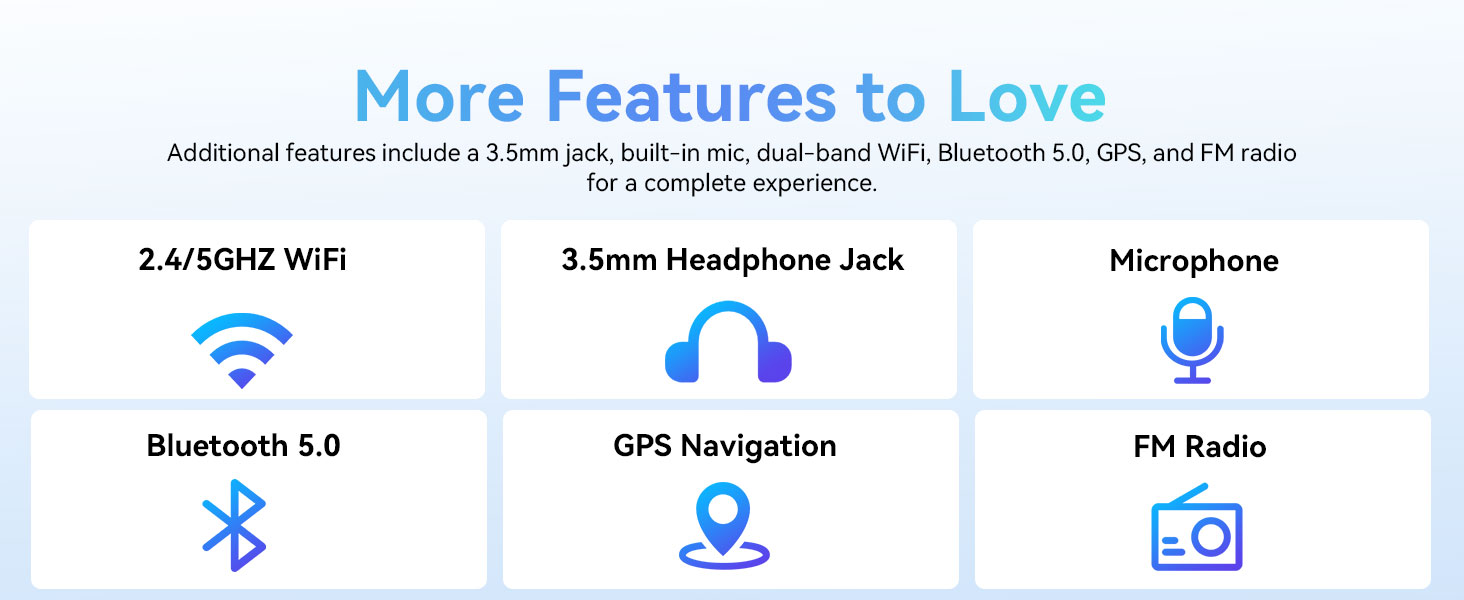
Image: A graphic displaying the ECOPAD T30's additional features, including dual-band Wi-Fi, 3.5mm headphone jack, microphone, Bluetooth 5.0, GPS, and FM Radio.
5.5 Itilizasyon Kamera
Tablèt la ekipe ak yon kamera dèyè 8MP ak yon kamera devan 2MP.
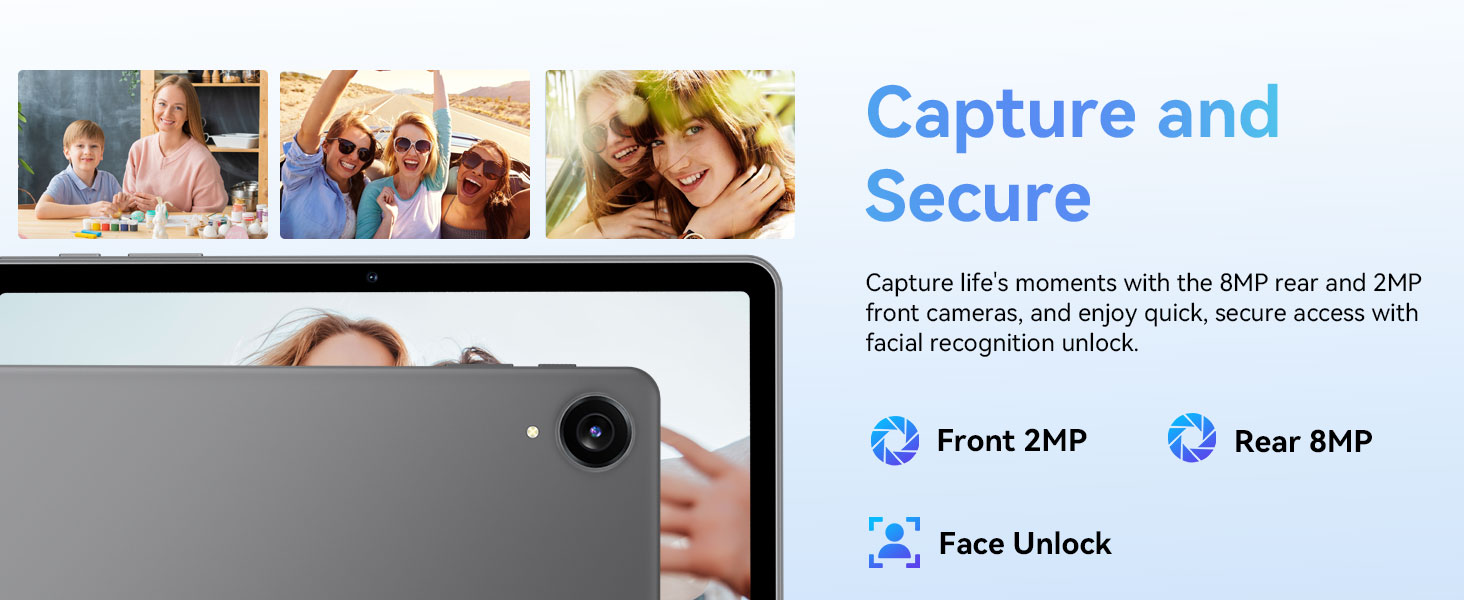
Image: The ECOPAD T30 Tablet highlighting its 2MP front camera, 8MP rear camera, and the Face Unlock security feature.
Louvri a Kamera app to take photos or record videos. Tap the camera icon to switch between front and rear cameras.
5.6 Security (Face Unlock)
For convenient and secure access, your tablet supports Face Unlock. To set it up, go to Anviwònman > Sekirite ak vi prive > Déblotché figi epi swiv enstriksyon ki sou ekran an.
5.7 Multimedia and Streaming
The ECOPAD T30 supports Widevine L1, enabling high-definition streaming from platforms like Netflix, Hulu, YouTube, HBO Max, Prime Video, and Disney+.
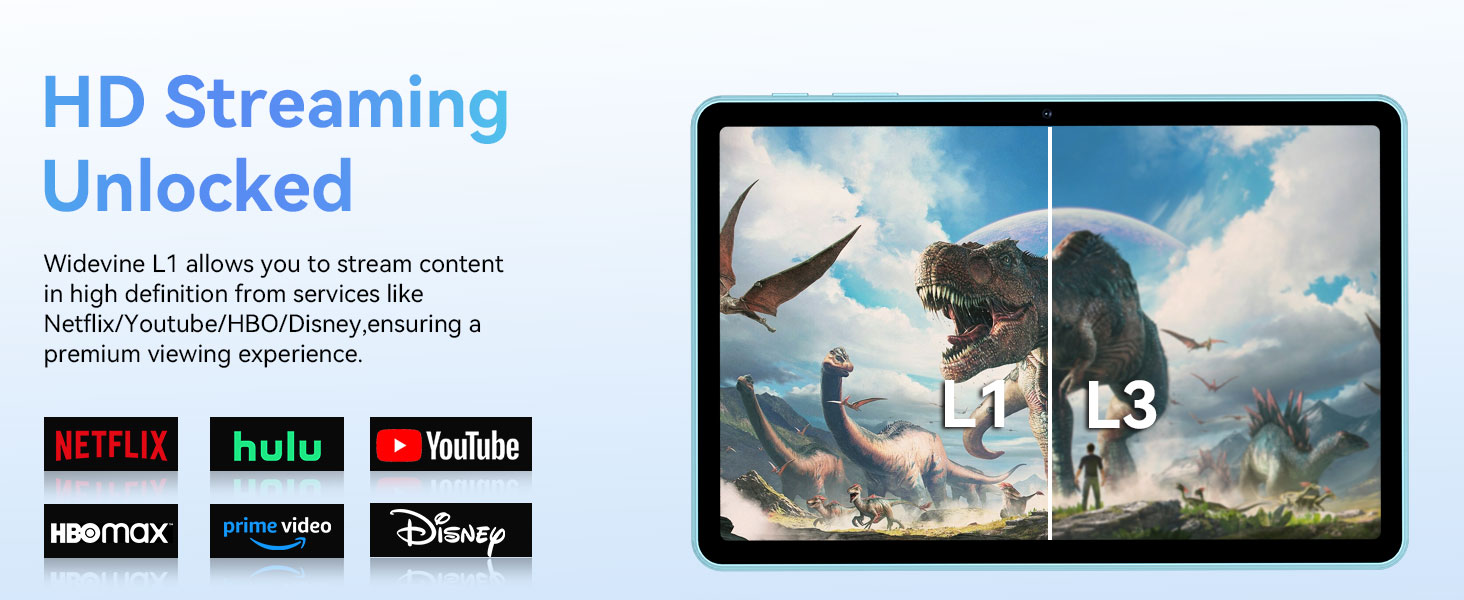
Image: The ECOPAD T30 Tablet demonstrating Widevine L1 support for high-definition streaming, with logos of compatible services like Netflix and Disney+.
6. Antretyen
6.1 Swen Batri
- Evite tanperati ekstrèm.
- Do not let the battery fully drain frequently.
- Sèvi ak chargeur 18W ki vini ak li a pou yon chajman optimal.
6.2 Netwayaj
Sèvi ak yon twal mou ki pa gen pousyè pou netwaye ekran an ak kò tablèt la. Evite pwodui chimik ki agresif oswa materyèl abrazif.
6.3 Mizajou lojisyèl
Tcheke epi enstale mizajou lojisyèl regilyèman pou asire tablèt ou a gen dènye karakteristik yo, patch sekirite yo ak amelyorasyon pèfòmans yo. Ale nan Anviwònman > Sistèm > Aktyalizasyon sistèm lan.
NAN. Depanaj
- Tablèt la pa limen: Asire w batri a chaje. Konekte chajè a epi eseye ankò.
- Ekran bloke: Peze epi kenbe bouton Pouvwa a pandan apeprè 10-15 segonn pou fòse yon rekòmanse.
- Pwoblèm koneksyon Wi-Fi: Restart your tablet and your Wi-Fi router. Check Wi-Fi settings to ensure the correct network and password are used.
- Aplikasyon k ap kraze: Efase kach aplikasyon ki gen pwoblèm nan (Anviwònman > Aplikasyon yo > [Non Aplikasyon an] > Depo ak kach > Klè kachèt). If the issue persists, try reinstalling the app.
- Low audio volume: Check volume settings. Ensure no headphones are connected if you intend to use speakers. Consider connecting a Bluetooth speaker for enhanced audio.
8. Espesifikasyon
| Karakteristik | Spesifikasyon |
|---|---|
| Modèl | ECOPAD T30 |
| Sistèm operasyon | Android 15 |
| Processeur | Unisoc T606 Octa-core (2x Cortex-A75, 6x Cortex-A55) |
| RAM | 12GB (4GB + 8GB Ekspansyon) |
| Depo Entèn | 128GB |
| Depo dilatabl | Up to 1TB via Micro SD Card |
| Gwosè ekspozisyon | 10.1 pous |
| Kalite ekspozisyon | HD IPS Touchscreen |
| Rezolisyon | 1280 x 800 piksèl |
| Aspè rapò | 16:9 |
| Kamera dèyè | 8MP |
| Kamera devan | 2MP |
| Wi-Fi | Dual-Band Wi-Fi 5 (802.11ax, 2.4GHz/5GHz) |
| Bluetooth | Bluetooth 5.0 |
| Kapasite batri | 6000mAh |
| Chaje | 18W Fast Charge (USB Type-C) |
| Mwayèn lavi batri | 8 Hours (typical usage) |
| Dimansyon (LxWxH) | 9.5 x 6.5 x 0.3 pous |
| Pwa | 1.83 liv |
| Lòt Karakteristik | GPS, FM Radio, Dual Speakers, Face Unlock, Widevine L1 |

Image: A detailed diagram illustrating the Unisoc T606 Octa-core processor, highlighting its ARM G57 GPU, core configuration (Cortex-A55 x 6, Cortex-A75 x 2), and 12nm manufacturing process.
9. Garanti ak sipò
Your ECOPAD T30 Tablet comes with a 2-ane garanti apati dat acha a. Garanti sa a kouvri domaj fabrikasyon epi li asire ou gen lapè lespri konsènan kalite pwodwi ou a.
For technical support, warranty claims, or any questions regarding your tablet, please contact ECOPAD customer service through the official channels provided at the time of purchase or on the ECOPAD websit.
Ask a question about this manual
Ask about setup, troubleshooting, compatibility, parts, safety, or missing instructions. Manuals+ will review the question and use this page’s manual context to help answer it.