
Entwodiksyon
Welcome to the user manual for your new DIALN X65 Unlocked Smartphone. This guide provides essential information to help you set up, operate, maintain, and troubleshoot your device. Please read this manual carefully to ensure optimal performance and longevity of your smartphone.
The DIALN X65 features a 6.5-inch display, runs on Android 13, and offers 32GB of internal storage, expandable via microSD. It is equipped with a 13MP camera and a 4500mAh battery.
Ki sa ki nan bwat la
Upon unboxing your DIALN X65, verify that all items are present:
- DIALN X65 Smartphone
- Chaje kab
- Manyèl Itilizatè (dokiman sa a)
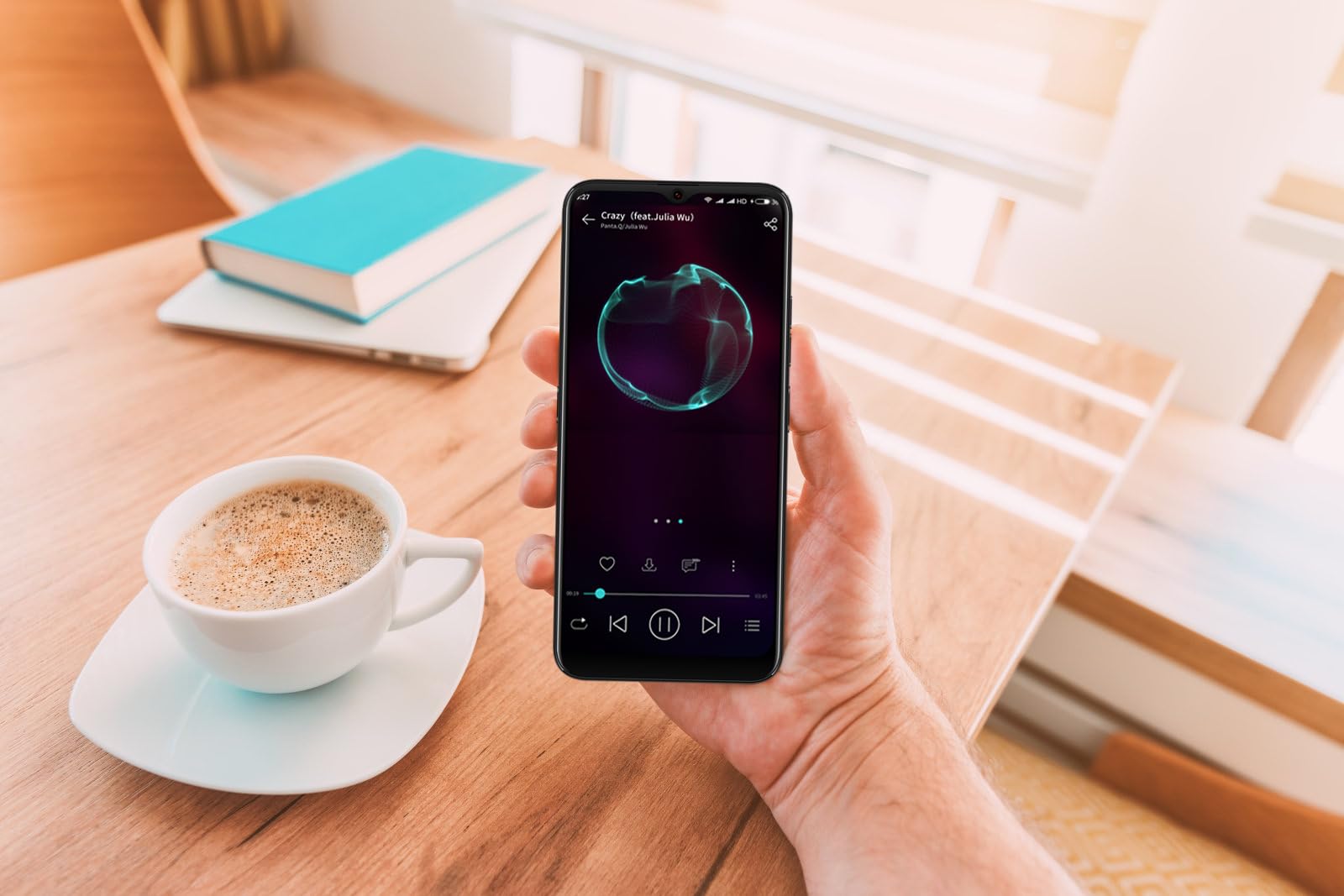
Image: The DIALN X65 smartphone displayed with its charging cable and user manual, as typically found in the product packaging.
Enstalasyon
1. Insert SIM Card and MicroSD Card (Optional)
- Jwenn plato kat SIM lan sou bò telefòn ou an.
- Insert the SIM ejector tool (not included, a paperclip can be used) into the small hole on the tray to open it.
- Mete kat Nano-SIM ou yo ak/oswa kat microSD ou yo nan plato a ak kontak lò yo anba, epi asire w yo byen oryante.
- Dousman pouse plato a tounen nan telefòn nan jiskaske li fè yon klik.
2. Premye Chajman
Before first use, it is recommended to fully charge your DIALN X65. Connect the charging cable to the phone's charging port and plug the other end into a power adapter (not included) or a USB port. The battery indicator on the screen will show charging progress. A full charge typically takes approximately 2 hours.
3. Power On/Off
- Pou limen: Press and hold the Power button (located on the right side) until the DIALN logo appears on the screen.
- Pou etenn: Peze epi kenbe bouton pouvwa a jiskaske meni opsyon pouvwa a parèt. Tape 'Etein' epi konfime.
- Pou rekòmanse: Press and hold the Power button until the power options menu appears. Tap 'Restart' and confirm.
4. Inisyal Enstalasyon Sòsye
The first time you power on your phone, you will be guided through an initial setup process. Follow the on-screen prompts to:
- Chwazi lang ou.
- Konekte nan yon rezo Wi-Fi.
- Konekte avèk kont Google ou a oubyen kreye yon nouvo.
- Konfigire bloke ekran an (Kòd PIN, modèl, modpas, oubyen Déblokaj pa figi).
- Review epi aksepte tèm ak kondisyon yo.
Operating Your DIALN X65
1. Navigasyon debaz
- Manyen: Tape yon ikòn pou ouvri yon aplikasyon oubyen chwazi yon atik.
- Glise: Trennen dwèt ou sou ekran an pou defile oswa navige ant ekran yo.
- Zongle: Sèvi ak de dwèt pou agrandi oswa diminye foto yo epi web paj.
- Ekran Kay: Sant santral pou aplikasyon ak widjèt ou yo. Glise agoch oswa adwat pou jwenn aksè nan lòt ekran prensipal yo.
- Panèl Notifikasyon: Glise anba soti anwo ekran an pou jwenn aksè a notifikasyon yo ak paramèt rapid yo.
2. Apèl ak Kontak
- Fè yon apèl: Open the 'Phone' app, enter the number, and tap the call icon.
- Reponn yon apèl: Swipe up on the green phone icon when a call comes in.
- Jere Kontak: Open the 'Contacts' app to add, edit, or delete contacts.
3. Messagerie
Open the 'Messages' app to send and receive SMS/MMS messages. Tap the '+' icon to compose a new message, enter the recipient's number or select from contacts, and type your message.
4. Entènèt ak Konektivite
- Wi-Fi: Ale nan Anviwònman > Rezo ak entènèt > Wi-Fi. Aktive Wi-Fi a epi chwazi rezo ou vle a.
- Bluetooth: Go to Settings > Connected devices > Connection preferences > Bluetooth. Turn Bluetooth on to pair with other devices.
- Done mobil: Ale nan Anviwònman > Rezo ak entènèt > Rezo mobil. Asire w done mobil yo aktive pou aksè entènèt atravè kat SIM ou a.
5. Kamera
Open the 'Camera' app to capture photos and videos. Tap the shutter button to take a photo. Swipe left or right to switch between photo, video, and other modes. Use the front camera for selfies.
6. Face Unlock
To set up Face Unlock, go to Settings > Security & privacy > Device unlock > Face unlock. Follow the on-screen instructions to register your face. Once set up, you can unlock your phone by looking at the front camera.
7. Jesyon Depo
Your DIALN X65 comes with 32GB of internal storage. You can expand this up to 256GB using a microSD card. To check storage usage, go to Settings > Storage. Regularly clear unnecessary files ak aplikasyon pou kenbe pèfòmans optimal.
Antretyen
1. Netwaye Aparèy Ou a
Use a soft, lint-free cloth to clean the screen and body of your phone. Avoid using harsh chemicals or abrasive materials, as these can damage the display and finish. Do not expose the phone to excessive moisture.
2. Mizajou lojisyèl
Regularly check for and install software updates to ensure your phone has the latest features, security patches, and performance improvements. Go to Settings > System > System update to check for available updates.
3. Swen batri
- Evite tanperati ekstrèm, paske yo ka diminye lavi batri a.
- Pa kite batri a dechaje nèt souvan.
- Use the provided charging cable or a compatible, certified charger.
- Unplug the charger once the battery is full to prevent overcharging.
4. Optimizasyon Depo
To keep your phone running smoothly, regularly review and delete unused apps, old photos, videos, and downloaded files. Consider moving large media filenan yon kat microSD oubyen nan depo nwaj la.
Depanaj
Pwoblèm komen ak solisyon:
- Telefòn nan pa limen: Asire w batri a chaje. Konekte l nan yon plato pou omwen 15 minit, epi eseye limen l ankò.
- Siyal pòv/Pa gen rezo: Check if your SIM card is properly inserted. Ensure mobile data is enabled in settings. Try restarting the phone. If issues persist, contact your network provider.
- Aplikasyon k ap plante/bloke: Close and reopen the app. Clear the app's cache (Settings > Apps > [App Name] > Storage & cache > Clear cache). If the problem continues, uninstall and reinstall the app.
- Batri Vide byen vit: Reduce screen brightness, disable unused features like Bluetooth or GPS, close background apps, and check for apps consuming excessive power in battery settings.
- Ekran taktil la pa reponn: Restart the phone. If the issue persists, a factory reset might be necessary (see below).
Reyajisteman faktori (Efase done)
Yon réinitializasyon faktori ap efase tout done ki nan telefòn ou epi retabli li nan konfigirasyon faktori orijinal li yo. Fè yon kopi tout done enpòtan yo anvan ou kontinye.
- Ale nan Anviwònman > Sistèm > Opsyon Reyajiste.
- Tape sou 'Efase tout done yo (reyajiste nan paramèt faktori)'.
- Konfime desizyon w lan epi antre kòd PIN/modèl/modpas ou si yo mande w.
- Telefòn nan ap rekòmanse epi li pral kòmanse pwosesis reset la.
Espesifikasyon
| Karakteristik | Spesifikasyon |
|---|---|
| Non modèl | X65 |
| Sistèm operasyon | Android 13.0 |
| Gwosè ekspozisyon | 6.5 pous |
| Rezolisyon | 1280 x 720 |
| Processeur | Quad Core 2.26GHz (MediaTek) |
| RAM | 3 GB |
| Depo Entèn | 32 GB (Ou ka elaji li jiska 256 GB atravè yon kat microSD) |
| Kamera prensipal | 13 MP |
| Kapasite batri | 4500 mAh |
| Koneksyon | 4G LTE, Wi-Fi, Bluetooth |
| Karakteristik espesyal | Expandable Storage, Face Unlock, Built-in GPS |
| Dimansyon | 6.5 x 3 x 6.5 pous |
| Pwa | 6.5 ons |
Garanti ak sipò
Your DIALN X65 Smartphone is covered by a limited manufacturer's warranty. Please refer to the warranty card included with your product for specific terms and conditions, including warranty period and coverage details. For technical support, service, or further inquiries, please visit the official DIALN website or contact customer service through the contact information provided on the product packaging or official websit.