
1. Entwodiksyon
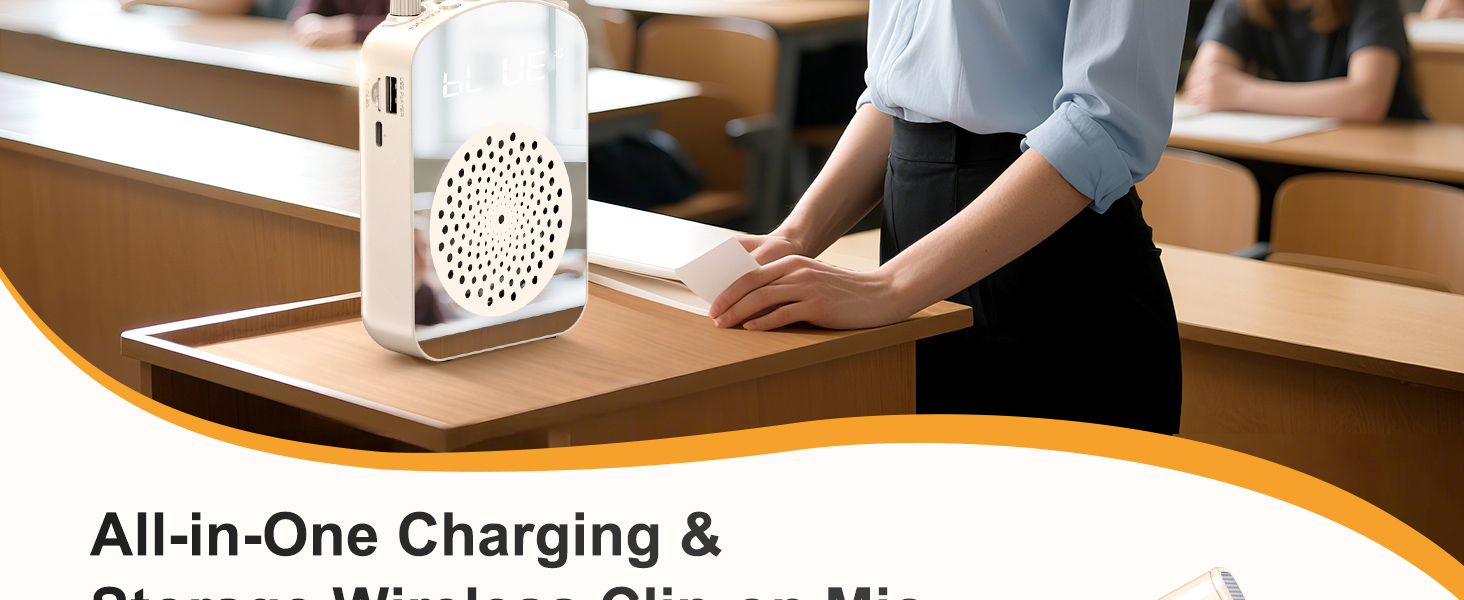
The PRUNUS A10 Wireless Voice Amplifier fèt pou amplify your voice for various settings such as classrooms, speeches, training sessions, and outdoor activities. It features a wireless lavalier microphone, a built-in charging case, and multiple connectivity options.
2. Ki sa ki nan bwat la
- Vwa Amplifier Inite
- Mikwofòn Lavalier san fil
- Pearl Chain
- braslè zepòl
- USB Chaje Kab
- Wired Headset Microphone (optional use)
3. Enstalasyon
3.1 Premye chaj
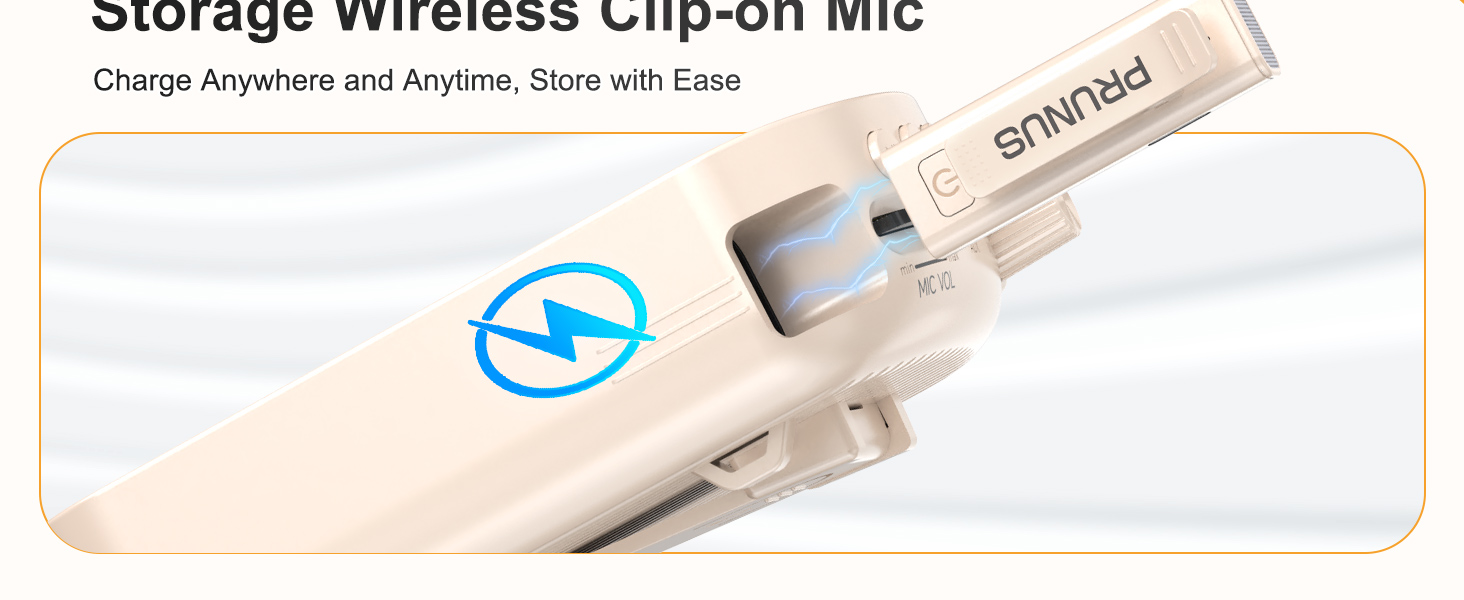
Anvan premye itilizasyon an, chaje nèt tou de aparèy vwa yo amplifier and the wireless lavalier microphone.
- Konekte kab chaje USB a nan amppò chaje lifer la.
- Insert the wireless microphone into its designated slot on the amplifier for charging.
- Ensure both devices indicate a full charge before proceeding.
3.2 Koneksyon otomatik
The wireless lavalier microphone and amplifier are designed for automatic pairing. Once both devices are powered on, they should connect automatically.
3.3 Opsyon pou mete
La amplifier offers multiple ways to wear it for hands-free convenience:
- Pearl Chain: Wear it around your neck.
- braslè zepòl: Use it crossbody or over the shoulder.
- Clip dèyè: Clip it to your waist or clothing.
4. Operasyon Enstriksyon
4.1 Power On/Off
- Pou pouvwa sou la amplifier, rotate the AUDIO VOL knob clockwise until the display illuminates.
- To power on the wireless microphone, press and hold its power button.
- Pou etenn, vire AUDIO VOL knob counter-clockwise until the display turns off, and press and hold the microphone's power button.
4.2 Ajisteman Volim
Adjust the volume for both the speaker and the microphone independently:
- Volim Oratè: Vire a AUDIO VOL bouton sou la amplifier.
- Volim Mikwofòn: Sèvi ak la MIC VOL bouton sou la amplifier.

4.3 Mute/Unmute Function
The wireless lavalier microphone features a one-touch mute button for convenience:
- Press the mute button on the wireless microphone once to mute your voice.
- Peze l 'ankò pou sispann.
4.4 Opsyon koneksyon
La amplifier sipòte plizyè metòd antre odyo:
- Bluetooth 5.0: Pair with compatible devices for wireless audio playback.
- Antre AUX: Connect external audio sources using an AUX cable.
- TF Kat plas: Insert a TF card for direct audio playback.
- Jwè USB: Insert a USB drive for direct audio playback.

4.5 Senaryo Itilizasyon
The PRUNUS A10 is suitable for a range of applications:
- Teaching in classrooms.
- Public speaking and presentations.
- Tour guiding.
- Outdoor activities and events.

5. Antretyen
5.1 Dire batri ak chaje
La amplifier features a 3000mAh battery, providing up to 12 hours of continuous use. The wireless microphone lasts up to 10 hours on a full charge.

5.2 Swen Jeneral
- Kenbe aparèy la pwòp pa siye li ak yon twal mou, sèk.
- Evite ekspoze aparèy la nan tanperati ekstrèm, imidite, oswa limyè solèy la dirèk.
- Sere aparèy la nan yon kote ki fre, sèk lè li pa itilize.
NAN. Depanaj
6.1 Preventing Feedback or Distortion
To prevent audio feedback or distortion:
- Maintain a distance of at least 40 cm (15.7 inches) between the wireless microphone and the amplifier.
- Avoid placing the microphone directly in front of the amplifier oratè.

6.2 Pwoblèm koneksyon
- Asire w ke tou de amplifier and microphone are powered on and fully charged.
- If using Bluetooth, ensure the amplifier is in Bluetooth mode and your device's Bluetooth is enabled and paired.
- For wired connections (AUX, headset mic), ensure cables are securely plugged into the correct ports.
7. Espesifikasyon
| Karakteristik | Spesifikasyon |
|---|---|
| Mak | PRUNUS |
| Nimewo Modèl | A10 |
| Dimansyon atik (L x W x H) | 3.54 x 1.73 x 5.28 pous |
| Pwa atik | 0.45 Kilogram |
| Koulè | Bèj |
| Koneksyon Teknoloji | Bluetooth, AUX, kat TF |
| Aparèy konpatib | Laptop, MP3 Player, Smartphone, Tablet, Wired Microphone |
| Kalite aliye | Pòtab |
| Sous pouvwa | Batri Powered |
| Kalite Connector | Oksilyè, RCA |
| Kantite Chanèl | 1 |
| Antre odyo | Wireless (Bluetooth), Wired (AUX) |
| Sòti Wattage | 15 Watts |
| Materyèl patiraj | Aliminyòm, Plastik |
8. Garanti
This product comes with a 1-Year Warranty. For detailed warranty information and claims, please refer to the official PRUNUS websit oswa kontakte sipò kliyan.
9. Sipò
Pou plis asistans, depanaj oswa kesyon sou pwodwi, tanpri vizite Magazen PRUNUS sou Amazon or consult the contact information provided with your product packaging.