
Entwodiksyon
This manual provides detailed instructions for setting up, operating, maintaining, and troubleshooting your SAMSUNG Galaxy S25 Edge Phone. The Galaxy S25 Edge is a slim and lightweight AI smartphone designed for advanced mobile experiences. It features a powerful 200MP camera, a fast processor, and an all-day battery, making it suitable for capturing moments, managing daily tasks, and staying connected.
1. Enstalasyon
1.1 Sa ki nan bwat la
Verify that the following items are included with your SAMSUNG Galaxy S25 Edge:
- Samsung Galaxy S25 Edge Phone
- USB kab (USB-C)
- SIM Plato Ejector
- Gid Quick Start

Image: The retail box contents, including the Galaxy S25 Edge phone, USB-C cable, and SIM tray ejector.
1.2 Initial Power On and SIM Card Installation
- Insert the SIM tray ejector tool into the small hole on the side of the phone to open the SIM card tray.
- Mete kat Nano-SIM ou a nan plato a ak kontak lò yo anba.
- Dousman pouse plato a tounen nan telefòn nan jiskaske li fè yon klik.
- Press and hold the Power/Side key until the Samsung logo appears to turn on your device.
- Swiv enstriksyon ki parèt sou ekran an pou w konplete konfigirasyon inisyal la, tankou seleksyon lang lan, koneksyon Wi-Fi a, epi koneksyon ak kont Google la.
1.3 Transferring Data with Smart Switch
Easily transfer your data, photos, and apps from your previous device to your new Galaxy S25 Edge using Samsung Smart Switch.
- Transfè san fil: Ensure both devices are charged and close to each other. Open Smart Switch on both phones and follow the instructions.
- Wired Transfer: Connect both devices using a USB cable and adapter (sold separately).

Image: The Smart Switch application interface on the Galaxy S25 Edge, indicating data transfer in progress.
2. Opere aparèy ou an
2.1 Karakteristik Kamera
The Galaxy S25 Edge is equipped with a powerful 200MP camera system to capture high-quality photos and videos.
- Kamera prensipal 200MP: Capture images with exceptional detail.
- Nwitografi: AI-powered feature for clear and bright photos in low-light conditions.
- Selfie Pòtrè: Enhances skin tones for natural-looking self-portraits.
- Pi bon figi: Automatically selects the best facial expressions from a burst of photos, ensuring everyone looks their best in group shots.

Image: A close-up of the Galaxy S25 Edge's camera system and display, highlighting its ability to capture fine details.

Image: The 'Best Face' feature in action on the Galaxy S25 Edge, showing how it identifies and selects the best expressions in a group photo.
2.2 Pèfòmans ak Karakteristik IA
Powered by the Snapdragon 8 Elite processor, the Galaxy S25 Edge offers seamless performance and advanced AI capabilities.
- Tradiksyon an tan reyèl: Translate calls and messages instantly.
- Montaj Videyo: Effortlessly slow down or edit videos.
- Gallery Search: Find specific photos quickly by describing them.
- Daily Briefings: Receive personalized insights and information to start your day.
- Nòt enèji: Monitor and improve your daily activity and sleep patterns with integrated Samsung Health features.

Image: The Gallery Search function on the Galaxy S25 Edge, illustrating how users can find images by describing their content.

Image: Multiple screens of the Galaxy S25 Edge displaying daily briefing cards, offering personalized information and insights.

Image: The Galaxy S25 Edge displaying an Energy Score within the Samsung Health app, paired with a Galaxy smartwatch.
2.3 Communication and Messaging
The Galaxy S25 Edge supports advanced communication features, including RCS Messaging for enhanced text conversations.
- Mesaj RCS: Send higher-resolution pictures and videos, join group chats, and react to texts across different operating systems.

Image: A visual representation of RCS Messaging on the Galaxy S25 Edge, showing rich media and interactive chat features.
2.4 One UI 7 Interface
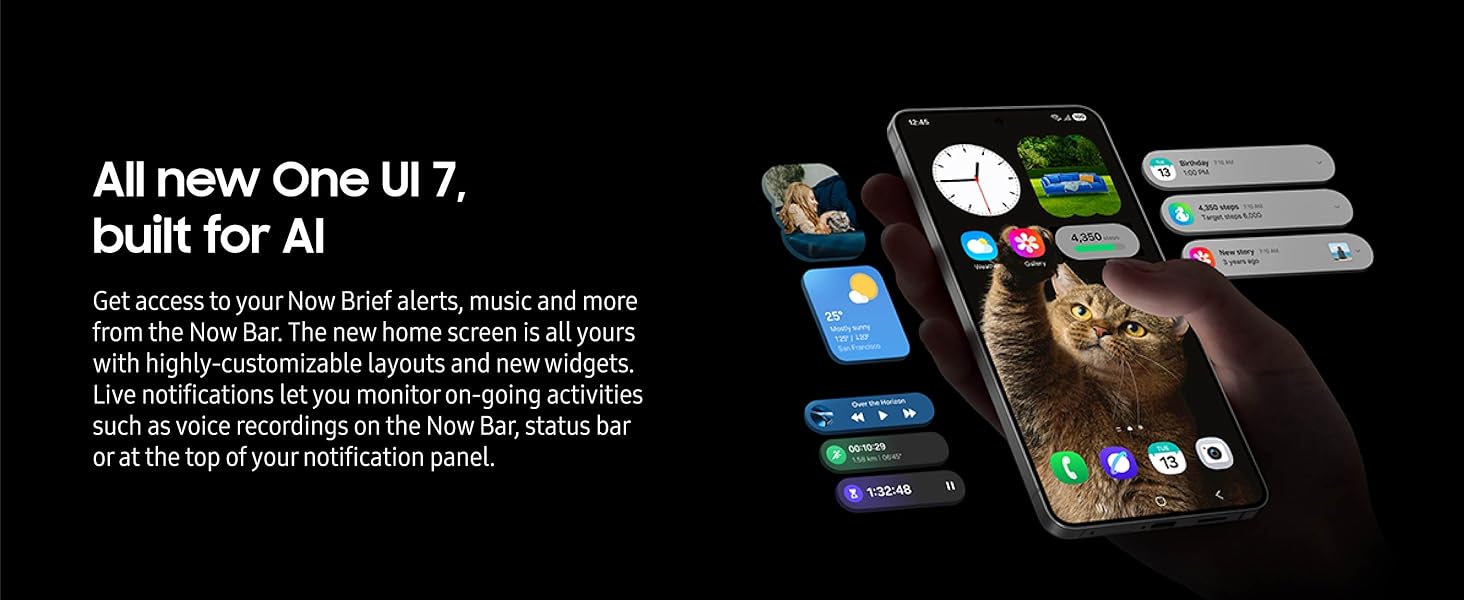
Experience the intuitive and AI-enhanced One UI 7, offering customizable layouts, new widgets, and live notifications.
- Now Brief Alerts: Access important information and music from the Now Bar.
- Ekran Akèy Personnalisable: Personalize your device with various layouts and widgets.
- Live Notifications: Monitor ongoing activities directly from the Now Bar, status bar, or notification panel.
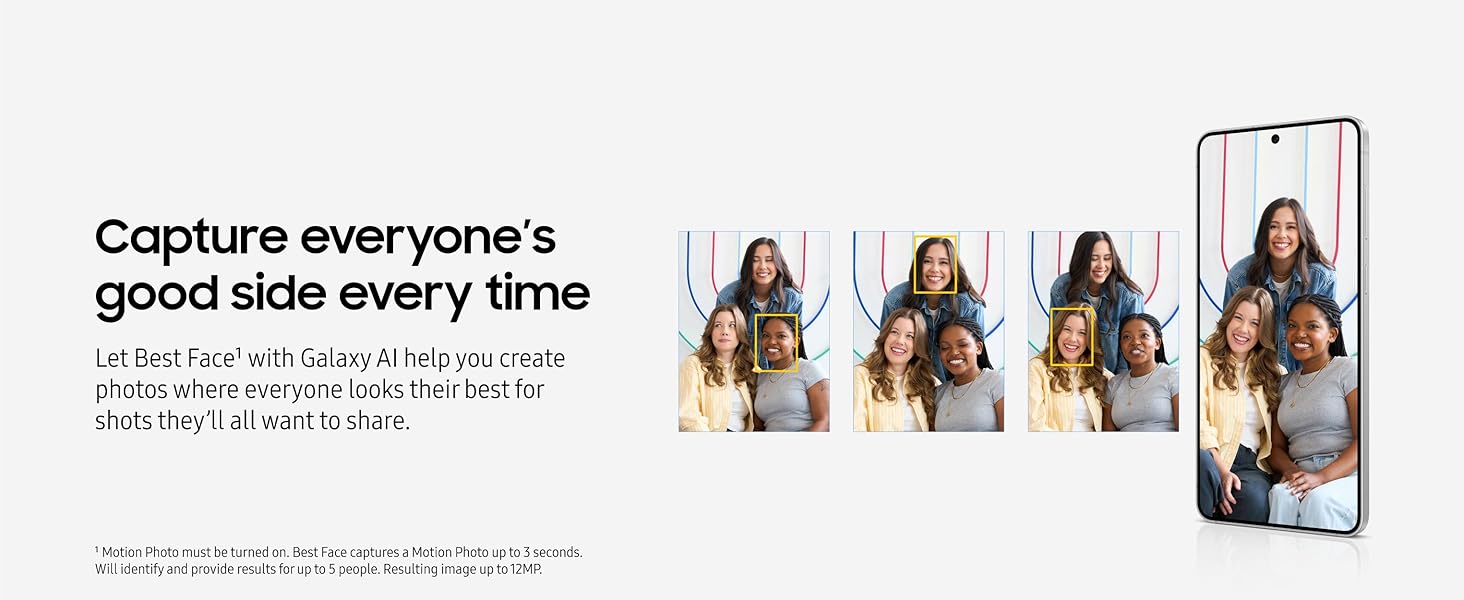
Image: The home screen of the Galaxy S25 Edge running One UI 7, showcasing its customizable widgets and notification system.
2.5 Digital Wallet
The Galaxy S25 Edge integrates a digital wallet for convenient payments and storage of compatible cards and memberships.
- Bous Samsung: Pay with a tap and store various digital assets securely.
Imaj: Plizyè views of the Samsung Wallet application on the Galaxy S25 Edge, demonstrating its functionality for payments and digital asset management.
3. Antretyen
3.1 Durabilite Aparèy la
The Galaxy S25 Edge is built with robust materials for enhanced durability:
- Titanium Frame: Provides a strong and lightweight structure.
- Corning Gorilla Glass Ceramic 2: Offers advanced scratch and drop resistance for the display.
- Rezistans dlo IP68: Protects against dust and water immersion up to 1.5 meters for 30 minutes.

Image: The Galaxy S25 Edge positioned next to a pencil, emphasizing its slim profile.
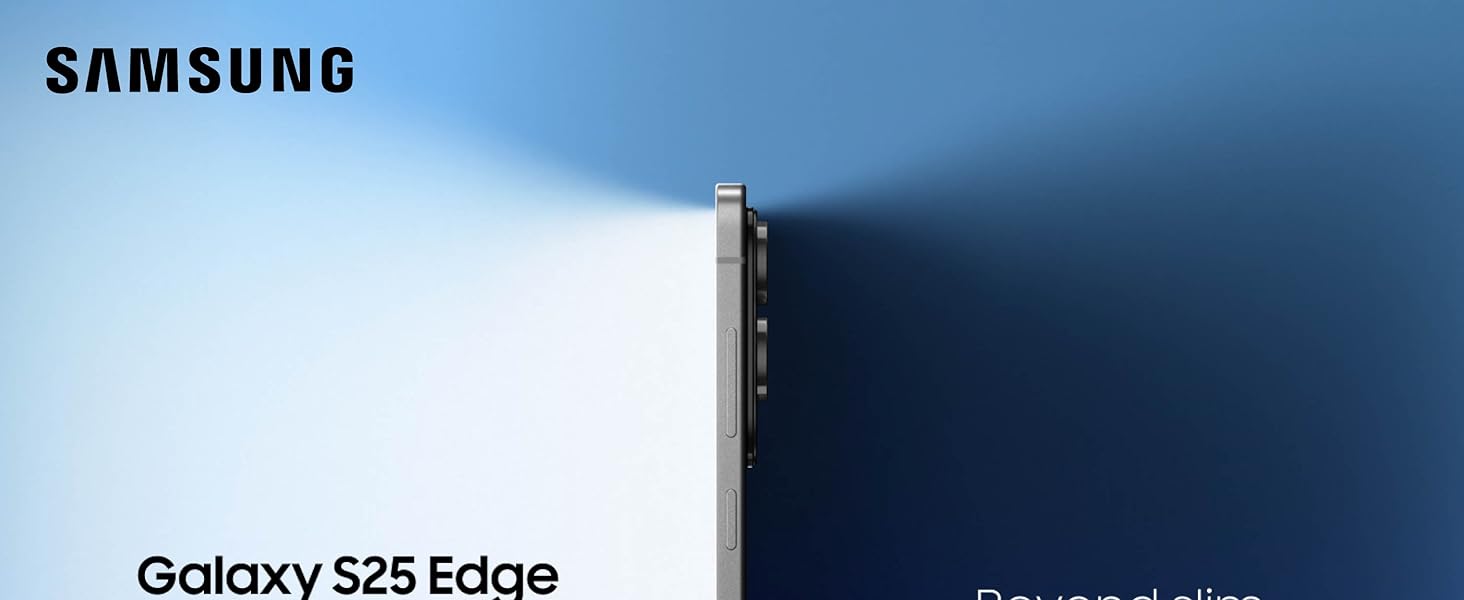
Imaj: Detaye views of the Galaxy S25 Edge, showcasing its titanium frame, Gorilla Glass Ceramic 2, and IP68 rating for durability.
3.2 Swen Batri
The Galaxy S25 Edge features an all-day battery. To maximize battery lifespan:
- Itilize sèlman chajè ak kab Samsung apwouve.
- Evite ekspoze aparèy la nan tanperati ekstrèm.
- Do not use worn or damaged chargers or cables.
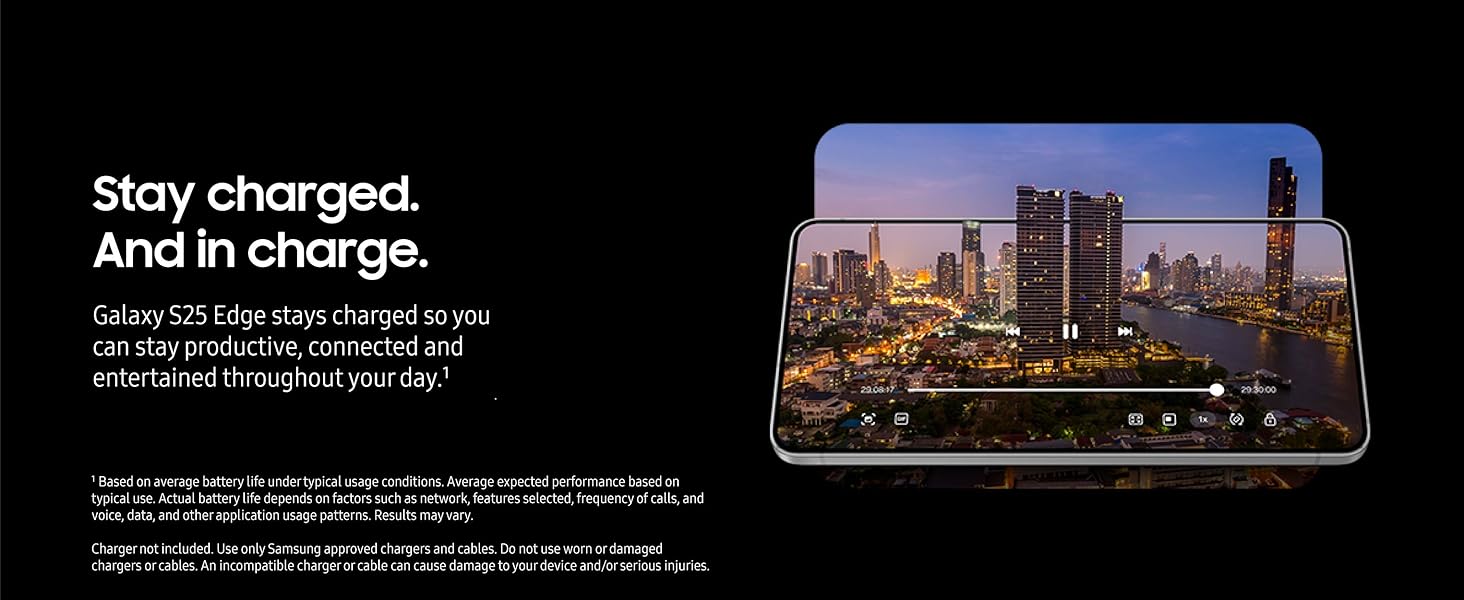
Image: The Galaxy S25 Edge displaying a video, symbolizing its extended battery life for continuous usage.
3.3 Netwaye aparèy ou an
To clean your Galaxy S25 Edge, use a soft, lint-free cloth. Avoid harsh chemicals or abrasive materials.
NAN. Depanaj
If you encounter issues with your Galaxy S25 Edge, consider the following general troubleshooting steps:
- Rekòmanse aparèy la: Yon senp rekòmanse ka rezoud anpil ti pwoblèm lojisyèl.
- Tcheke pou mizajou lojisyèl: Ensure your device is running the latest software version (Android 15, One UI 7). Go to Settings > Software update.
- Efase kach aplikasyon an: If a specific app is causing issues, try clearing its cache in Settings > Apps.
- Reset faktori: As a last resort, you may perform a factory reset. Back up all important data before proceeding, as this will erase all data on your device.
5. Espesifikasyon
| Karakteristik | Spesifikasyon |
|---|---|
| Non modèl | Galaksi S25 Edge |
| Nimewo Modèl Atik | SM-S937UZKAXAA |
| Sistèm operasyon | Android 15, One UI 7 |
| Processeur | Snapdragon (3.5, 4.47 GHz) |
| RAM | 12 GB |
| Kapasite Depo memwa | 256 GB |
| Gwosè ekran | 6.7 pous |
| Rezolisyon | QHD + |
| Rafrechisman pousantaj | 120 Hz |
| Kapasite batri | 3900 Miliamp Orè |
| Tan pou pale nan telefòn | 20 èdtan |
| Dimansyon | 6.23 x 2.98 x 0.23 pous |
| Pwa atik | 5.7 ons (163 gram) |
| Koneksyon teknoloji | Bluetooth, NFC, USB, Wi-Fi |
| Karakteristik espesyal | Always On Display, Built-In GPS, Fast Charging Support, Water Resistant, Wireless Charging |
6. Garanti ak sipò
6.1 Garanti manifakti
The SAMSUNG Galaxy S25 Edge Phone comes with a US 1 Year Manufacturer Warranty. Please refer to the warranty card included in your product packaging for full terms and conditions.
6.2 Sipò pou Kliyan
Pou plis asistans, sipò teknik, oswa kesyon sou sèvis, tanpri vizite sit sipò ofisyèl Samsung lan. websit la oubyen kontakte sèvis kliyan yo. Ou ka jwenn plis enfòmasyon ak resous sipò nan Sipò Samsung.