
1. Entwodiksyon
Thank you for choosing the ZEBRONICS EnergiPod 10R1 Power Bank. This device is designed to provide portable power for your electronic devices. Please read this manual carefully before use to ensure proper operation and to maximize the lifespan of your power bank.
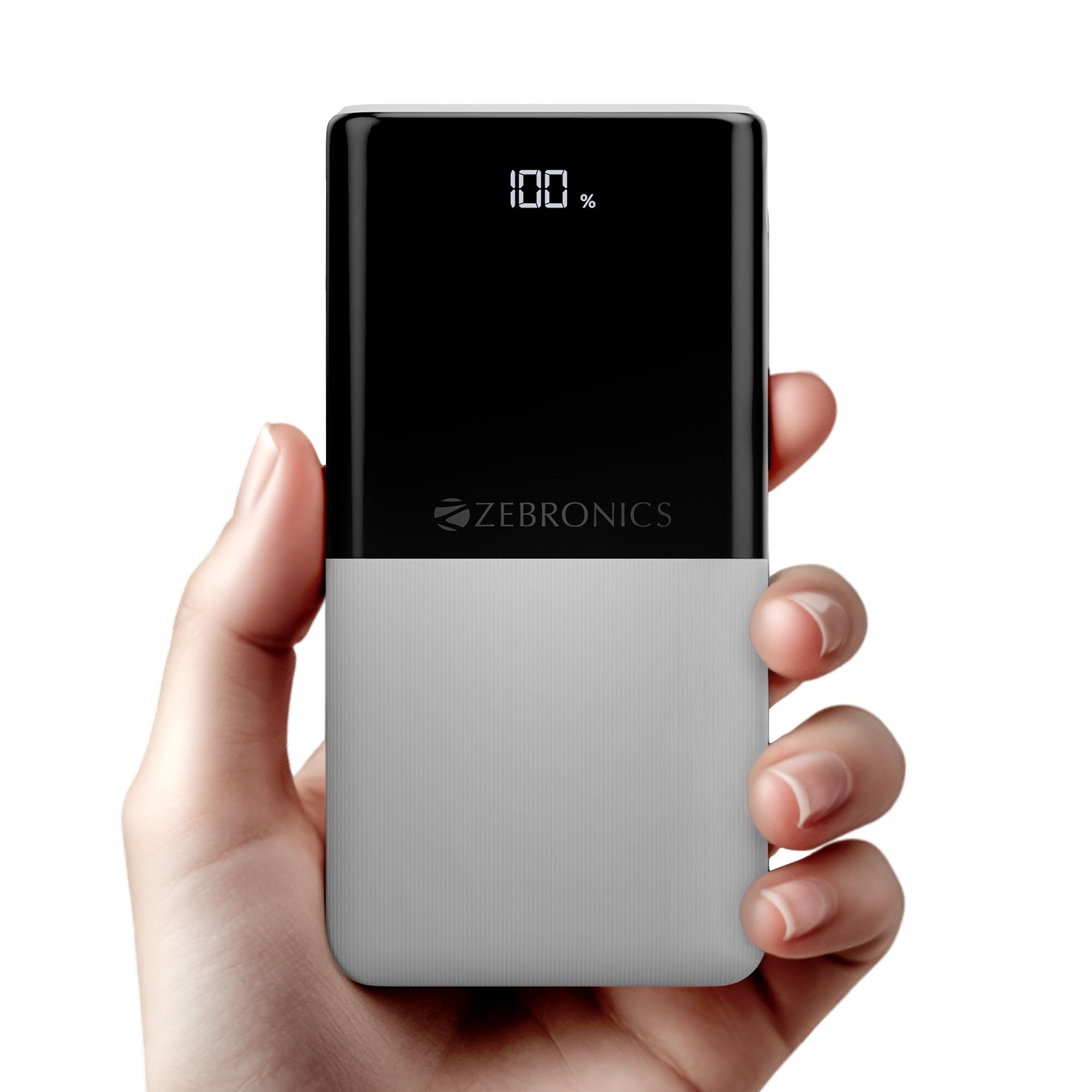
Image: The ZEBRONICS EnergiPod 10R1 Power Bank in white, highlighting its compact and modern design.
Ki sa ki nan bwat la:
- EnergiPod 10R1 Power Bank - 1 unit
- Kab chaje - 1 inite
- Gid Kòd QR - 1 inite
2. Enfòmasyon sou Sekirite
To prevent damage to the power bank or injury to yourself and others, please observe the following safety precautions:
- Pa ekspoze bank pouvwa a nan tanperati ekstrèm (pi wo pase 45°C oubyen anba 0°C).
- Evite lage l, demonte l, oswa eseye repare aparèy la tèt ou.
- Kenbe bank pouvwa a lwen dlo, imidite, ak materyèl ki ka pran dife.
- Sèvi ak sèlman kab ak adaptè chaje ki sètifye.
- Pa sèvi ak bank pouvwa a si li domaje oswa anfle.
- Kenbe soti nan atenn timoun yo.
3. Pwodwi Features
-
Kapasite 10000mAh: Bay ample power for multiple charges of smartphones and other devices.

Image: The power bank showing its 10000mAh capacity and 22.5W fast charging output.
- 22.5W Super Fast Charging (PD 3.0 PPS): Sipòte chaje rapid pou aparèy konpatib.
-
Dual Type-C & USB Port: Equipped with multiple output options for versatile charging.

Imaj: Detaye view of the power bank's ports, including Type-C PD 3.0 (Input/Output), USB Output, and Type-C Input.
-
Dirije Pousantage Endikatè: Digital display shows the remaining battery percentage ak estati chaje.

Image: The power bank's LED display showing 100% charge, along with its physical dimensions.
-
Pwoteksyon sekirite: Built-in safeguards against overcharge, overload, and short-circuit.

Image: The power bank depicted with a protective shield, illustrating its short circuit, overcharge, and overload protection features.
- Metal Outlook: Sleek and compact design with a patterned finish for enhanced grip.
4. Enstalasyon
Premye Chajman Bank Pouvwa a:
- Connect the provided USB Type-C charging cable to the Type-C1 input port on the power bank.
- Connect the other end of the cable to a compatible USB wall adapter (not included) or a computer's USB port.
- Ekran LED la ap montre pousantaj chaj latage. Allow the power bank to charge until it reaches 100% for optimal initial use.
Li rekòmande pou chaje bank pouvwa a nèt anvan premye itilizasyon li.
5. Operasyon Enstriksyon
Chaje Aparèy Ekstèn:
- Connect your device's charging cable to one of the power bank's output ports (Type-C1 or USB-A).
- Connect the other end of the cable to your smartphone, tablet, or other compatible device.
- Bank pouvwa a ap kòmanse chaje aparèy ou an otomatikman. Ekran LED la ap montre kantite chaj ki rete nan bank pouvwa a.
- Disconnect your device once it is fully charged or when you wish to stop charging.
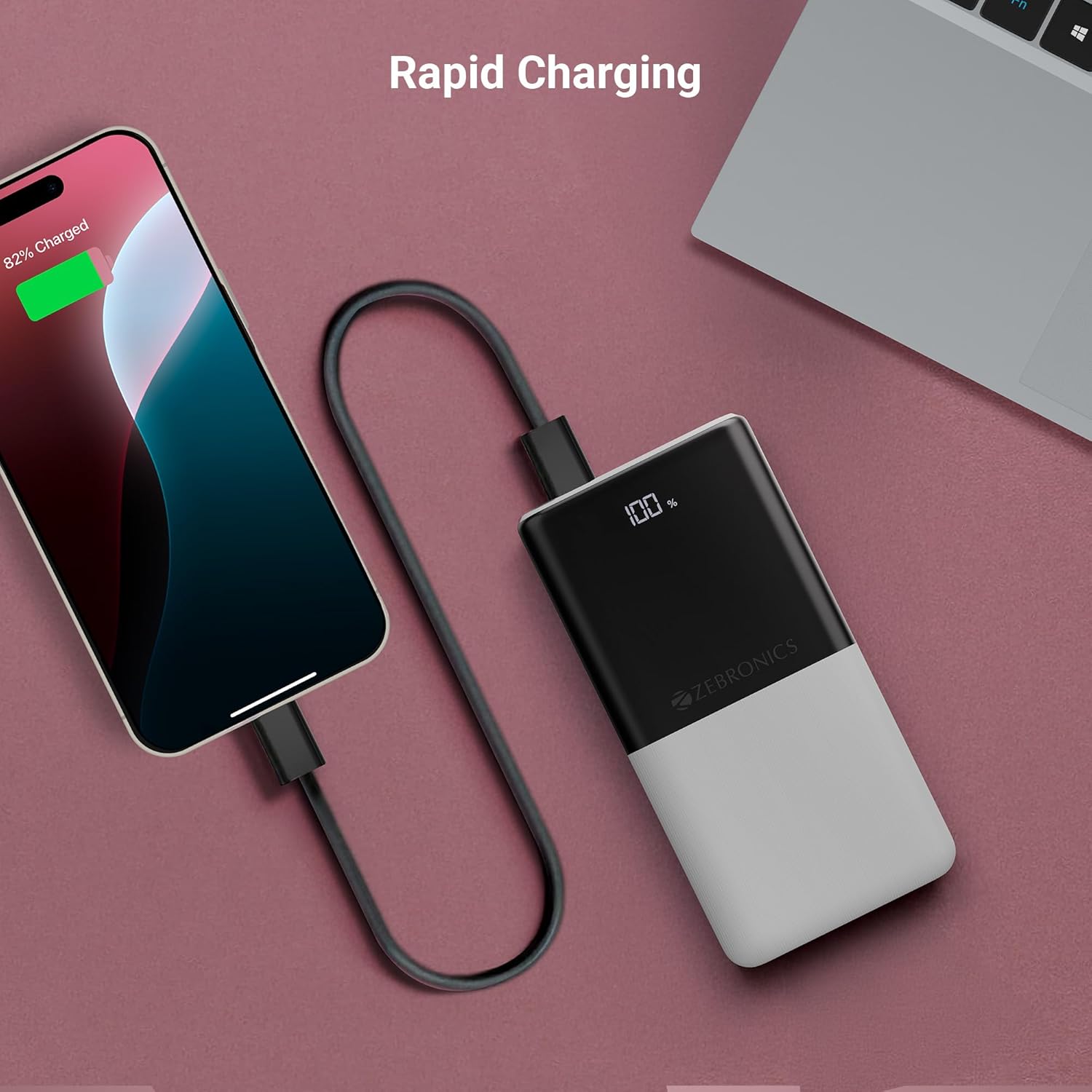
Image: The power bank actively charging a smartphone, demonstrating its rapid charging capability.
Rechaje Power Bank la:
Refer to the "Initial Charging of the Power Bank" section (Section 4) for instructions on how to recharge your power bank.
6. Antretyen
- Netwayaj: Sèvi ak yon twal mou epi sèk pou netwaye sifas power bank la. Pa sèvi ak pwodui netwayaj likid oswa materyèl abrazif.
- Depo: Sere bank pouvwa a nan yon kote ki fre epi sèk, lwen limyè solèy dirèk ak tanperati ekstrèm.
- Swen batri: Pou batri a an bon eta, chaje epi dechaje bank ekstèn lan nèt omwen yon fwa chak twa mwa si w pa itilize l regilyèman.
NAN. Depanaj
Pwoblèm komen ak solisyon:
-
Bank pouvwa pa chaje:
- Asire w ke kab chaje a byen konekte ak bank pouvwa a ak sous kouran an.
- Eseye yon lòt kab chaje oswa adaptè miray.
- Verifye si sous kouran an aktif.
-
Aparèy la pa chaje ak Power Bank la:
- Tcheke si bank ekstèn lan gen ase chaj (gade ekran LED la).
- Ensure your device's charging cable is properly connected to both the power bank and your device.
- Try a different charging cable or a different output port on the power bank.
- Konfime ke aparèy ou an konpatib ak espesifikasyon pwodiksyon bank pouvwa a.

Image: The power bank demonstrating its compatibility by charging both a tablet and a smartphone simultaneously.
-
LED Display Not Working or Inconsistent:
- Asire w ke bank pouvwa a byen chaje.
- Si pwoblèm nan pèsiste apre ou fin chaje l, kontakte sèvis kliyan.
8. Espesifikasyon
| Mak | ZEBRONIK |
| Non modèl | EnergiPod 10R1 |
| Nimewo Modèl Atik | ZEB-PB 12 |
| Kapasite batri | 10000 mAh |
| Sortie pouvwa | 22.5W (Max) |
| Type-C1 Port Output | DC 5V/3A, 9V/2.22A, 12V/1.67A, 3.3 ~ 11V/2A (PPS) |
| USB-A Sòti | DC 5V/3A, 9V/2A, 12V/1.85A |
| Type-C1 Input Port | DC 5V/3A, 9V/2A, 12V/1.5A |
| Type-C2 Input Port | DC 5V/2.4A |
| Kalite Connector | USB Kalite C |
| Itilizasyon Rekòmande | Telefòn, Tablèt |
| Pwa atik | 230 g |
| Dimansyon pake | 16.8 x 9.9 x 2.4 cm |
| Peyi orijin | peyi Zend |
9. Garanti ak sipò
Enfòmasyon sou garanti:
The ZEBRONICS EnergiPod 10R1 Power Bank comes with a standard manufacturer's warranty. Please refer to the QR Code Guide included in the box or visit the official ZEBRONICS websit la pou wè tèm ak kondisyon garanti detaye yo.
Sipò Kliyan:
If you encounter any issues or have questions regarding your power bank, please contact ZEBRONICS customer support. Contact details can typically be found on the official ZEBRONICS websit oswa nan anbalaj pwodwi a.
For online support, you may visit the Magazen ZEBRONICS sou Amazon.