
1. Pwodwi souview
The Garmin tactix 8 47mm AMOLED GPS Smartwatch is engineered for tactical and outdoor use, offering a robust design with advanced features. It includes a vibrant 1.4-inch AMOLED display, a durable titanium bezel, and a scratch-resistant sapphire lens. This smartwatch is designed to provide reliable performance in various demanding environments, supporting a wide range of activities from daily fitness tracking to specialized tactical operations.

Image: The Garmin tactix 8 47mm AMOLED GPS Smartwatch, showcasing its sleek design and clear display.
2. Ki sa ki nan bwat la
- tactix 8 smartwatch – 47 mm, AMOLED with black/pebble gray silicone watch band
- Chaje kab
- Dokimantasyon
3. Inisyal Enstalasyon
3.1 Chaje Aparèy la
Before initial use, fully charge your tactix 8 smartwatch using the provided charging cable. Connect the cable to a USB power source and align the charging pins with the contacts on the back of the watch.
3.2 Powering On and Language Selection
Pou limen aparèy la, peze epi kenbe bouton an LIMYÈ button. Follow the on-screen prompts to select your preferred language. The watch will then guide you through the initial setup process.
3.3 Konekte ak telefòn entelijan ou
To unlock the full potential of your tactix 8, pair it with the Garmin Connect mobile app on your compatible smartphone. Download the Garmin Connect app from your device's app store, create an account, and follow the in-app instructions to pair your watch. This enables smart notifications, data synchronization, and access to additional features.
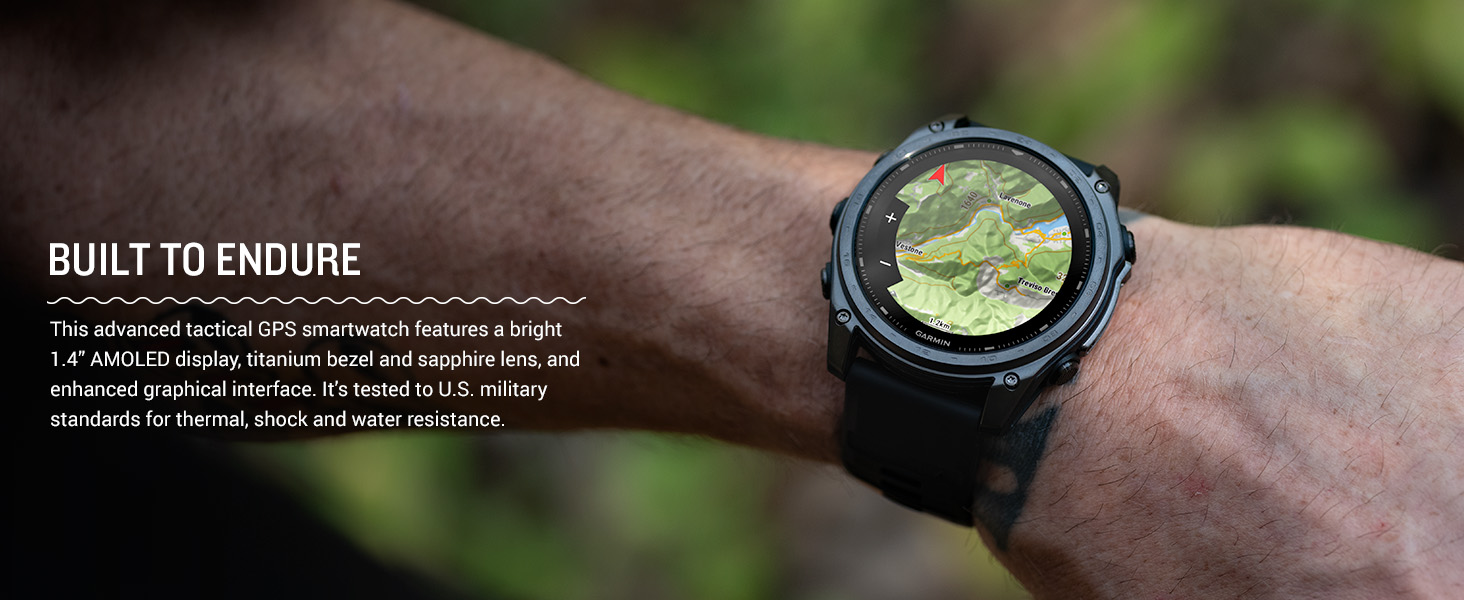
Image: The Garmin Connect app interface displayed on a smartphone and a laptop, illustrating connectivity.
4. Operasyon Enstriksyon
4.1 Navigasyon debaz
The tactix 8 features both a responsive touchscreen and physical buttons for navigation. Swipe the touchscreen to scroll through widgets and menus. Use the UP epi DESANN buttons to navigate lists, the KÒMANSE/KANPE button to select options or start activities, and the DO/WÒS bouton pou retounen nan ekran anvan an.

Imaj: Bò kote view of the Garmin tactix 8 smartwatch, highlighting the physical control buttons for navigation.
4.2 Karakteristik Entelijan
- Notifikasyon Smart: Receive emails, texts, and alerts directly on your smartwatch when paired with your compatible smartphone.
- On-Wrist Calling: Utilize the built-in speaker and microphone to make and take phone calls from your watch.
- Garmin Pay: Make contactless payments directly from your watch.
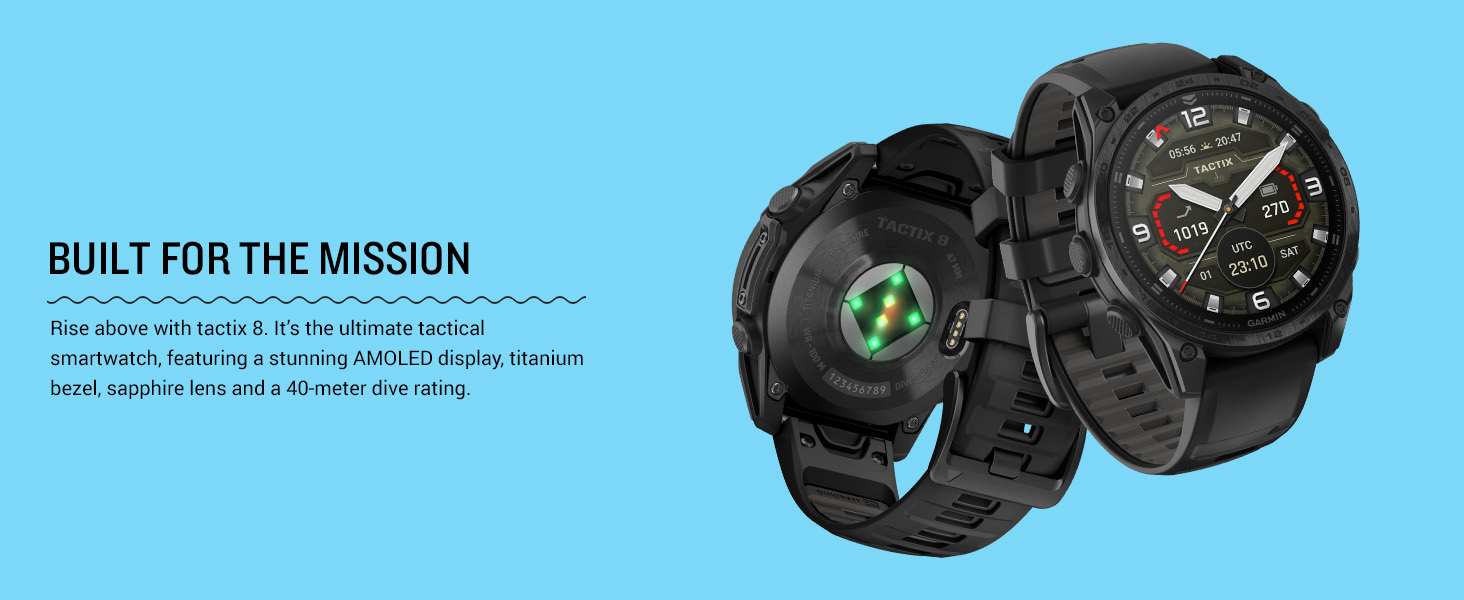
Image: The Garmin tactix 8 display showing smart notifications, Garmin Pay contactless payment, and an incoming call interface.
5. Karakteristik kle
5.1 Tactical Functionality
- Applied Ballistics Solver: Preloaded solver provides aiming solutions for long-range shooting.
- Mòd enfiltrasyon: Disables GPS and wireless connectivity to prevent location sharing and communication.
- Chanjman pou touye moun: Wipes all user data from the device for security.
- Jumpmaster Activity: Assists with calculating high-altitude release points according to military guidelines.
- Waypoint Projection & Dual-Position GPS: Project new waypoints and view your location in both universal transverse mercator (UTM) and military grid reference system (MGRS) on one screen.
- Night Vision Compatibility: Switch between daytime view ak vizyon lannwit view ak yon ekran ke linèt vizyon lannwit ka li.
- Rucking Activity: Yon pro devwefile to track rucking with pack weight input.
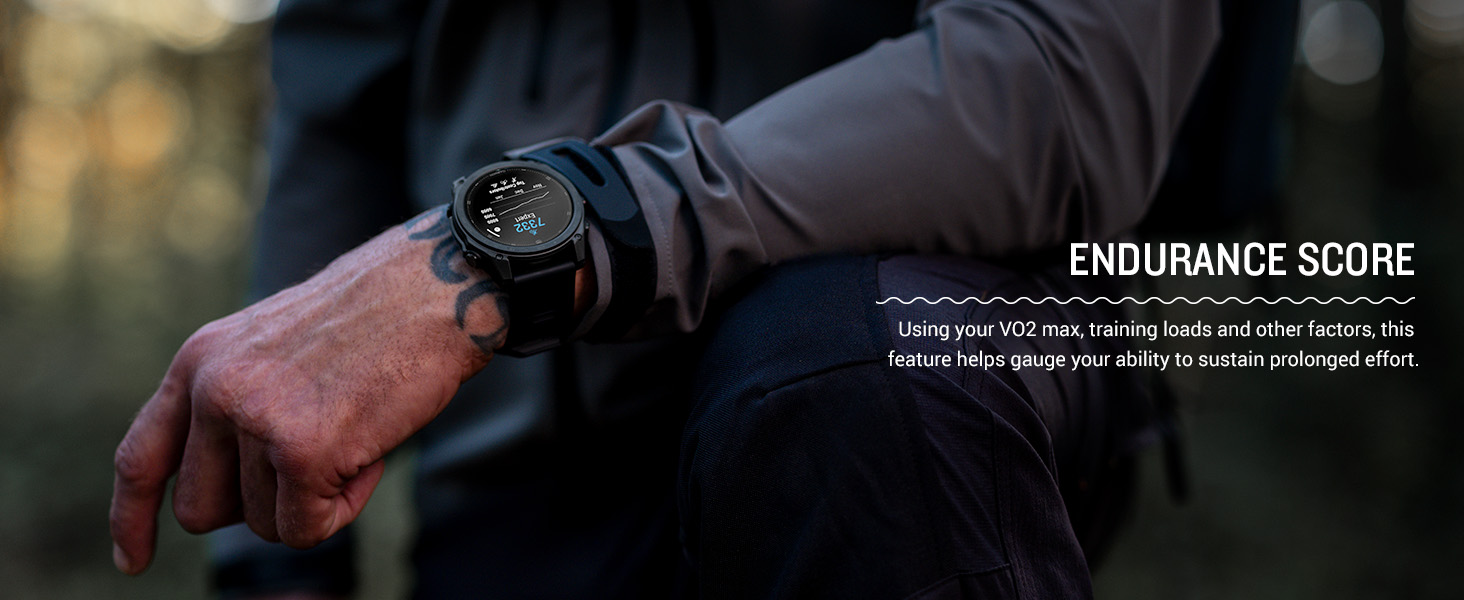
Image: The Garmin tactix 8 display in night vision mode, demonstrating its compatibility with night vision goggles.
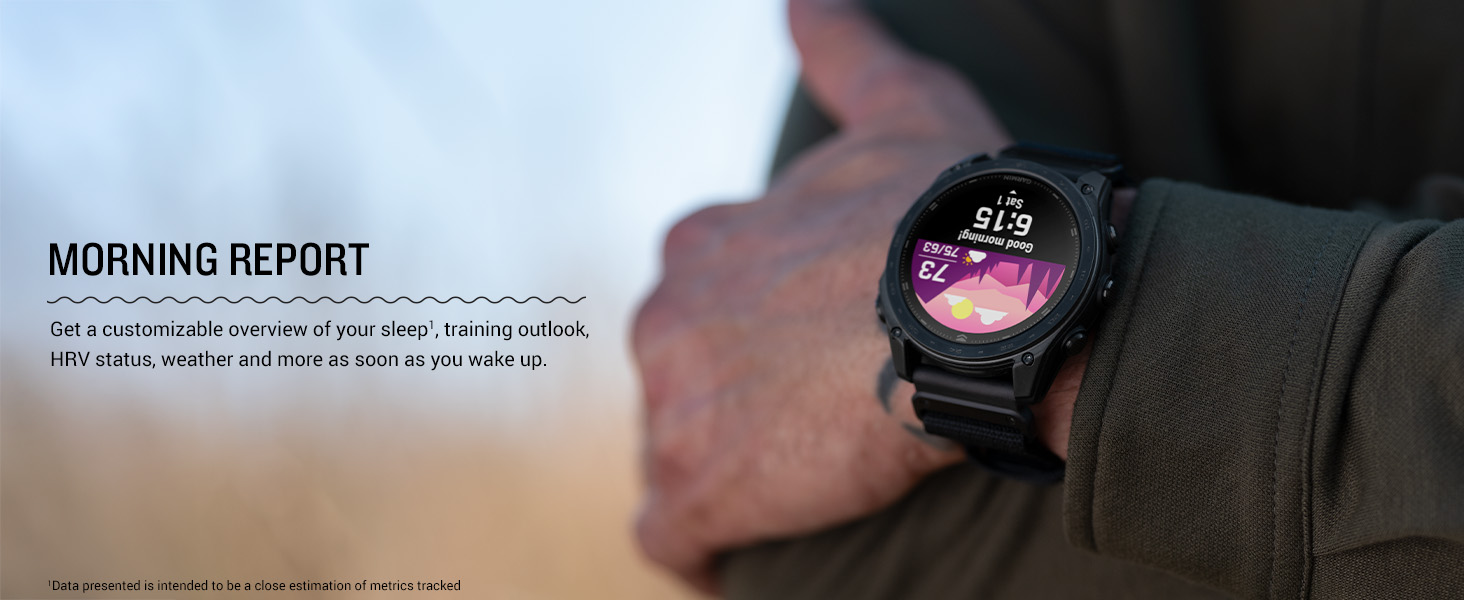
Image: The Garmin tactix 8 display showing the rucking activity interface, including pack weight tracking.
5.2 Advanced Navigation
- Multi-band GPS with SatIQ: Provides superior positioning accuracy in challenging environments.
- Detèktè entegre: Includes a 3-axis compass, gyroscope, and barometric altimeter for comprehensive environmental data.
- Kat TopoAktif: Preloaded maps with relief shading and access to additional downloadable maps worldwide.
- Kat deyò+: Subscription for premium mapping content, including satellite imagery and enhanced topographic maps.
- Aviation Navigation: Fully functional system with worldwide dynamic moving map, GPS navigation, NEXRAD, weather display, and airport information.
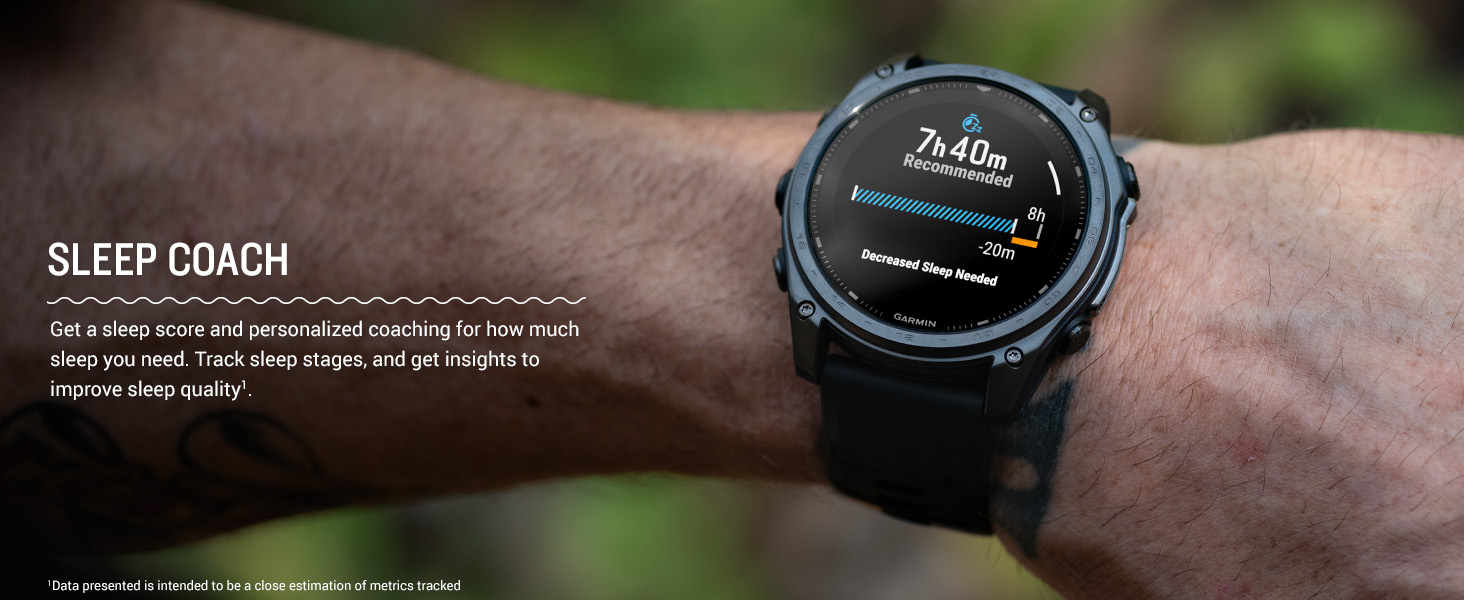
Image: The Garmin tactix 8 smartwatch displaying detailed TopoActive maps, useful for outdoor navigation.
5.3 Suivi Sante ak Fòm Fizik
- Batman kè ki baze sou ponyèt: Kontinyèlman samples your heart rate to gauge workout intensity and overall health.
- Siveyans Dòmi Avanse: Suiv dòmitages and provides insights to improve sleep quality.
- Respiration Tracking & Pulse Ox: Monitors breathing and blood oxygen saturation levels.
- Aplikasyon EKG: Records heart rhythm and checks for signs of atrial fibrillation (available in select regions for users 22+).
- Training Plans & Workouts: Targeted strength training plans, real-time stamina tracking, and sport-specific workouts.
- Endurance Score & Morning Report: Gauge your ability to sustain prolonged effort and get a customizable overview of your sleep, training outlook, and HRV status.
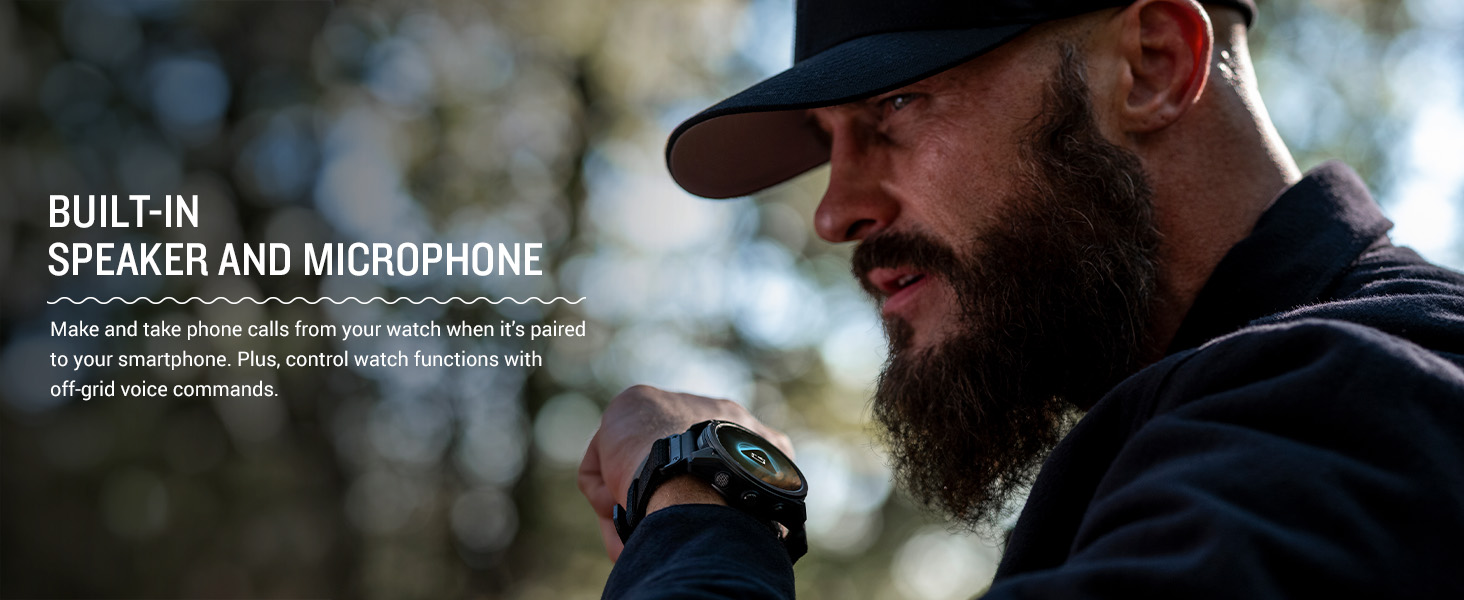
Image: The Garmin tactix 8 display showing various training metrics, including reps, time, and calories burned.
Image: The Garmin tactix 8 display showing a morning report with sleep score, training outlook, and weather information.
5.4 Flach LED entegre
The tactix 8 includes a built-in multicolor LED flashlight, providing quick access to a bright, steady beam in either green or white light. In night vision (NVG) mode, white light is disabled, and the green flashlight becomes dimmable for stealthy operation.
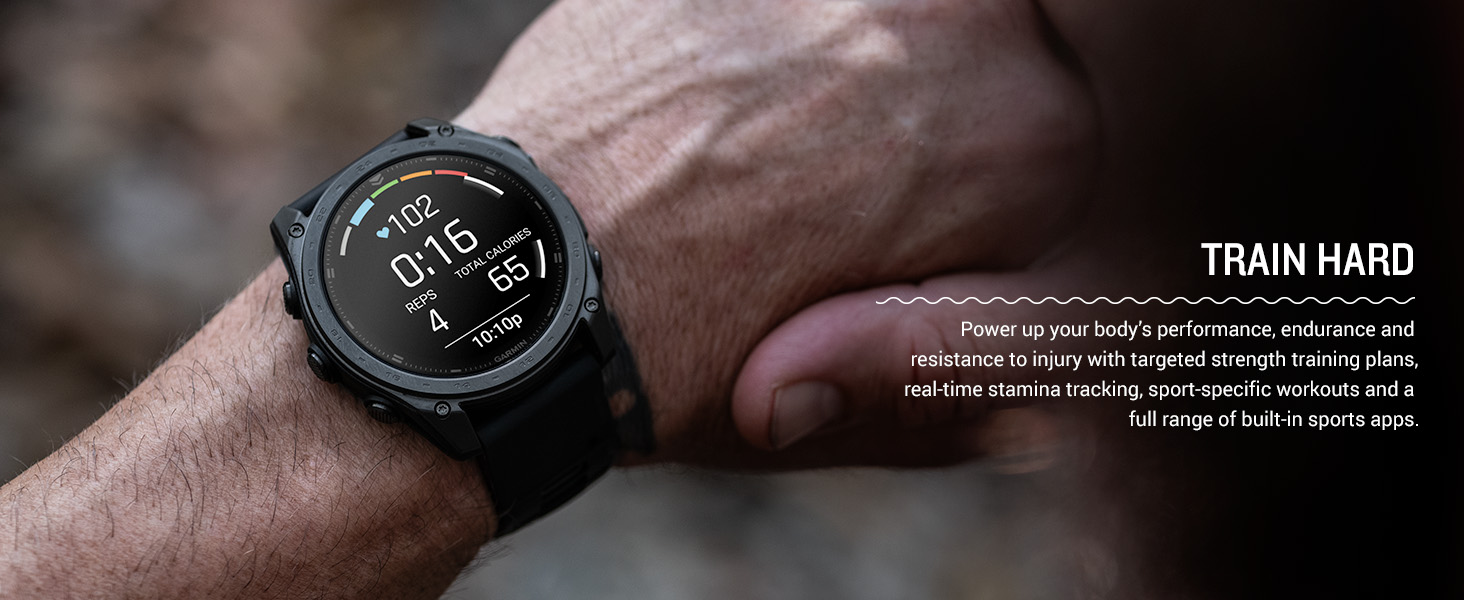
Image: The Garmin tactix 8 smartwatch with its built-in LED flashlight activated, illuminating a dark environment.
5.5 Dive Rating
With a 40-meter dive rating, the tactix 8 supports scuba and apnea dive activities, allowing you to track your underwater adventures.
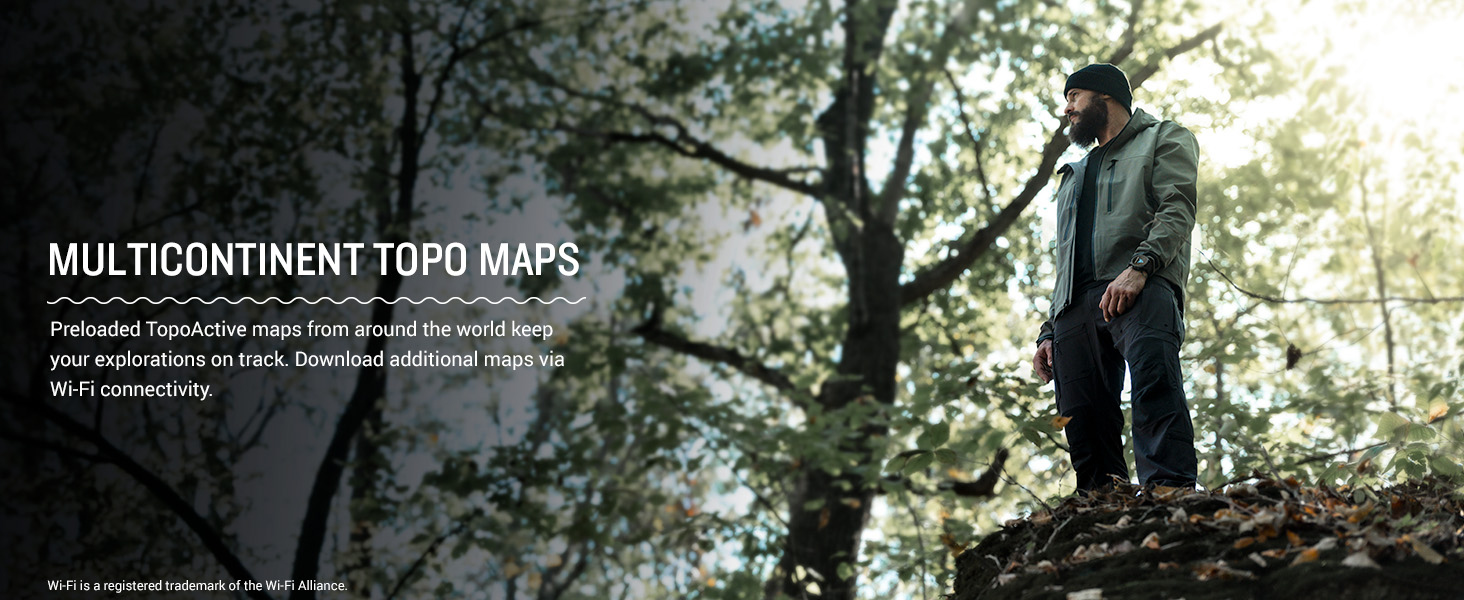
Image: The Garmin tactix 8 smartwatch on a diver's wrist, displaying dive metrics while submerged in water.
5.6 Videyo pwodwi ofisyèl la
Video: An official product video from Garmin International showcasing the features and capabilities of the tactix 8 series smartwatches.
6. Antretyen
6.1 Netwaye Aparèy la
Regularly clean your smartwatch to maintain its performance and appearance. Wipe the device with a soft, damp cloth. Avoid using harsh chemicals or abrasive materials that could damage the display or casing. Rinse the watch with fresh water after exposure to chlorine, saltwater, sunscreen, cosmetics, alcohol, or other harsh chemicals.
6.2 Pi bon pratik pou chaje
To prolong battery life, avoid exposing the device to extreme temperatures. Charge the device fully before long periods of inactivity. Use only the charging cable provided by Garmin.
6.3 Rezistans dlo
The tactix 8 has a 40-meter dive rating. While it is water-resistant, ensure the charging port is dry before charging to prevent corrosion. Avoid pressing buttons underwater unless specified for dive activities.
NAN. Depanaj
7.1 Aparèy la pa reponn
If your device is unresponsive, try restarting it. Press and hold the LIMYÈ button for 15 seconds until the screen turns off. Release the button, then press it again briefly to power the device back on.
7.2 Pwoblèm koneksyon
If you experience issues with Bluetooth or GPS connectivity:
- Asire w ke Bluetooth smartphone ou a aktive epi mont lan nan zòn nan.
- Rekòmanse mont ou ak telefòn ou.
- Check for any available software updates for both the watch and the Garmin Connect app.
- For GPS, ensure you have a clear view nan syèl la.
7.3 Inaccurate Data Readings
For heart rate, Pulse Ox, or other sensor data inaccuracies:
- Asire w ke mont lan byen sere men alèz sou ponyèt ou, anlè zo ponyèt la.
- Netwaye detèktè ki sou dèyè mont lan.
- Environmental factors and movement can affect readings.
7.4 Reset faktori
If problems persist, you may need to perform a factory reset. Avètisman: This will erase all user data and settings. Refer to the device's on-screen menu or the full documentation for instructions on how to perform a factory reset.
8. Espesifikasyon
| Karakteristik | Spesifikasyon |
|---|---|
| Non modèl | tactix® 8 – 47 mm, AMOLED |
| Nimewo Modèl | 010-03405-00 |
| Kalite ekspozisyon | AMOLED |
| Gwosè ekran | 1.4 pous |
| Rezolisyon | 260 x 260 piksèl |
| Maximum Display Brightness | 1000 nit |
| Sistèm operasyon | Sistèm operasyon Garmin |
| Kapasite Depo memwa | 32 GB |
| Kapasite batri | 440 Miliamp Orè |
| Lavi Mwayèn Batri | Jiska 16 jou (mòd mont entelijan) |
| Koneksyon Teknoloji | Bluetooth, USB, Wi-Fi |
| GPS | Built-in GPS (GLONASS, Galileo, QZSS supported) |
| Case Material Type | Titàn |
| Kalite Materyèl Band | Silicone |
| Nivo rezistans dlo | Water Resistant (40 Meters) |
| Pwa atik | 73 gram |
| Dimansyon atik (D x W x H) | 1.85"D x 0.54"W x 1.85"H |
9. Garanti ak sipò
9.1 Garanti limite
The Garmin tactix 8 smartwatch comes with a 1-year limited warranty from the date of purchase. This warranty covers defects in materials and workmanship under normal use. For full details regarding warranty coverage, limitations, and how to make a claim, please refer to the official documentation included in your product packaging or visit the Garmin support websit.
9.2 Sipò pou Kliyan
For additional assistance, technical support, or to access frequently asked questions and software updates, please visit the official Garmin support websit la. Ou kapab jwenn enfòmasyon pou kontakte sèvis kliyan nan rejyon ou an tou sou sit la. websit.


