
Pwodwi souview
The JBL Tour One M3 Smart Tx headphones offer a premium audio experience with advanced features designed for immersive listening and clear communication. These over-ear headphones integrate lossless audio capabilities, Spatial 360 Sound with Head Tracking, and True Adaptive Noise Cancelling 2.0. The included JBL Smart Tx Audio Transmitter enhances connectivity options, allowing wireless streaming from various audio sources.

Image: JBL Tour One M3 Smart Tx headphones in blue, showcasing konsepsyon elegant yo.
Ki sa ki nan bwat la
- 1 x JBL Tour One M3 Smart Tx Headphones
- 1 x JBL Smart Tx Transmetè Odyo
- 1x ka pote
- 1x USB Kalite-C analòg 3.5mm kab
- 1x USB tip-C pou tip C kab
- 1 x adaptè USB Kalite-C pou Kalite-A
- Manyèl itilizatè

Image: The JBL Tour One M3 Smart Tx headphones, Smart Tx Audio Transmitter, various cables, and carrying case, laid out as they appear in the product packaging.
Enstalasyon
Premye koneksyon Bluetooth
- Ensure your JBL Tour One M3 Smart Tx headphones are charged.
- Limen kas ekoutè yo lè w peze epi kenbe bouton pouvwa a jiskaske endikatè LED la flache.
- On your device (smartphone, tablet, laptop), go to Bluetooth settings and select "JBL Tour One M3" from the list of available devices.
- Confirm pairing if prompted. The LED indicator on the headphones will turn solid blue when connected.
Connecting with JBL Smart Tx Audio Transmitter
The JBL Smart Tx allows you to connect to various audio sources wirelessly, including in-flight entertainment systems, TVs, and PCs.
- Connect the JBL Smart Tx to your desired audio source using the appropriate cable (3.5mm analog or USB-C digital).
- Power on the JBL Smart Tx.
- The Smart Tx will automatically search for and connect to your JBL Tour One M3 headphones. Use the touch screen on the Smart Tx to manage connections and settings.

Imaj: Yon imaj detaye view of the JBL Smart Tx Audio Transmitter, highlighting its interactive touch screen for controlling headphone features.
Aplikasyon pou kas ekoutè JBL
Download the JBL Headphones app for full customization and control over your headphones' features, including EQ settings, ANC modes, Smart Talk, and Personi-Fi 3.0.
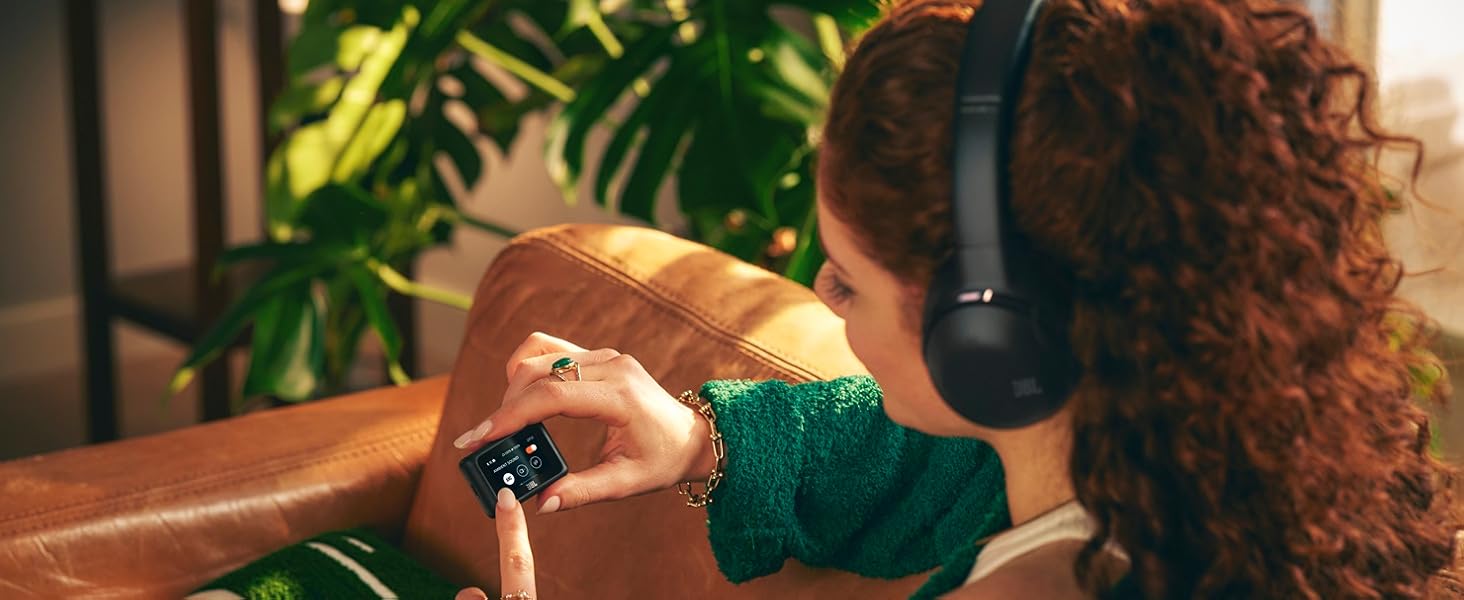
Image: A user adjusting settings on the JBL Headphones app, demonstrating personalized control over the JBL Tour One M3 Smart Tx headphones.
Enstriksyon Operasyon
Kontwòl
The JBL Tour One M3 Smart Tx headphones feature intuitive physical buttons and touch controls on the earcups. The JBL Smart Tx also provides a touch screen for comprehensive control without needing your phone.

Image: A close-up of the right earcup of the JBL Tour One M3 Smart Tx headphones, detailing the physical buttons and touch-sensitive area for controlling playback, volume, and features.
True Adaptive Noise Cancelling 2.0
Experience superior noise cancellation with 8 microphones that adapt to your environment in real-time, eliminating distractions. Use the JBL Headphones app to customize Ambient Aware and Talk Thru modes for situational awareness.

Imaj: Yon transparan view of the JBL Tour One M3 Smart Tx headphones, illustrating the intricate internal components and the placement of the 8 microphones for True Adaptive Noise Cancelling 2.0.
Immersion JBL Spatial 360 Sound ak Head Tracking
Enjoy a natural, realistic, and accurate immersive audio experience for music, movies, and games. Integrated head tracking ensures sounds remain fixed in space even when you move your head.

Image: A person wearing JBL Tour One M3 Smart Tx headphones, with graphical overlays emphasizing the Hi-Res Audio and Immersive JBL Spatial 360 Sound with Head Tracking features.
Pale entelijan
Smart Talk automatically pauses your music when it detects your voice, allowing for quick conversations without removing your headphones. Settings can be fine-tuned in the JBL Headphones app.
Personi-Fi 3.0
Create a personalized audio profile by taking a hearing test in the JBL Headphones app. Utilize the 12-band EQ and separate L/R balance optimization for your ideal sound across the entire frequency range.
Rele Karakteristik
Four adaptive beamforming microphones, powered by an AI algorithm, ensure crystal-clear calls by eliminating echoes and ambient noise. The JBL App allows customization of your voice and others' voices during calls, and the headphones are Zoom certified.
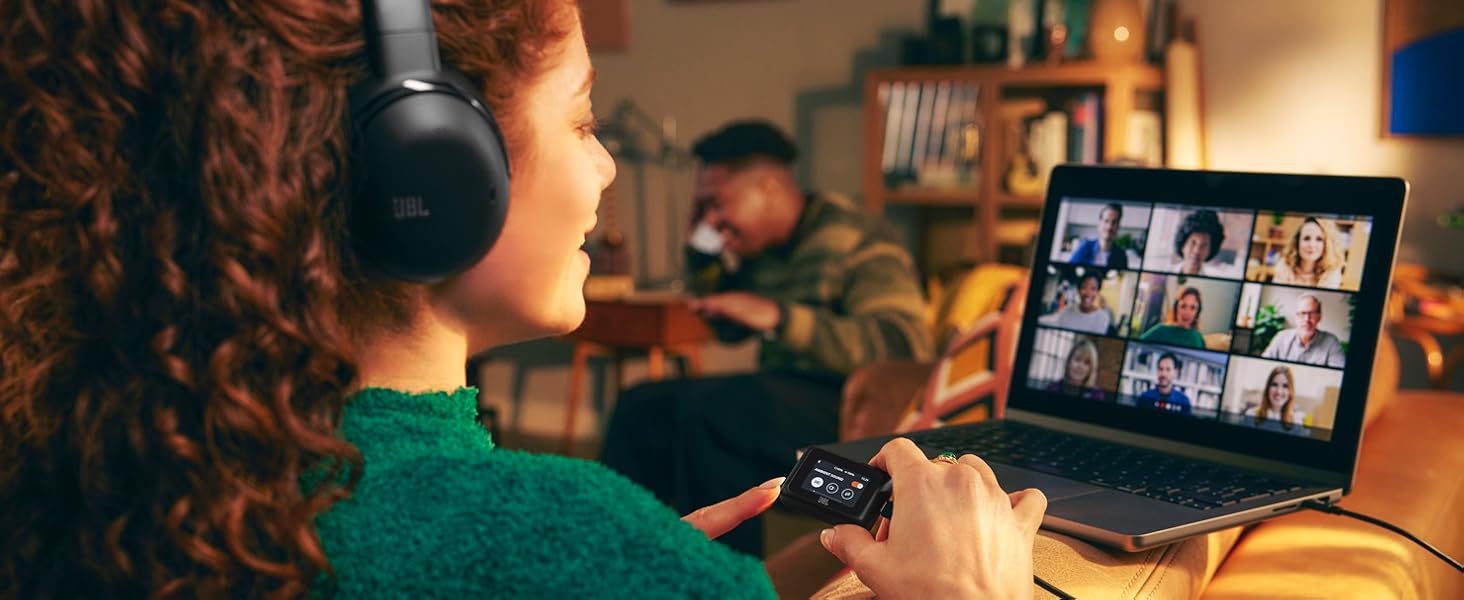
Image: A person engaged in a video conference call while wearing JBL Tour One M3 Smart Tx headphones, illustrating the effectiveness of the call features in a professional setting.
Lavi batri
Enjoy up to 70 hours of music playback via Bluetooth (40 hours with ANC on). A quick 5-minute charge provides an additional 5 hours of listening time.

Image: JBL Tour One M3 Smart Tx headphones being charged via a USB-C cable, symbolizing their long battery life and quick charging capability.
Auracast™ Connection
Use the JBL Smart Tx Audio Transmitter to connect to any audio source and stream to any Auracast-enabled speakers or headphones nearby. Share your favorite playlist or TV series with other Auracast-enabled devices.
Entegrasyon Medya
JBL Tour One M3 Smart Tx Product Video
Videyo: Yon prezantasyon videyo pwodwi ofisyèlasing the key features and design of the JBL Tour One M3 Smart Tx headphones.
JBL Tour One M3 Smart Tx Connectivity
Video: A demonstration of the various connectivity options available with the JBL Tour One M3 Smart Tx headphones, including the Smart Tx Audio Transmitter.
Antretyen
Netwayaj
Siye ekoutè yo ak bann tèt la ak yon twal mou.amp cloth. Avoid using harsh chemicals or abrasive materials. Ensure all ports are dry before charging or connecting cables.
Depo
When not in use, store the headphones in their provided carrying case to protect them from dust, scratches, and impacts.
Depanaj
- Pa gen pouvwa: Asire w ke kas ekoutè yo byen chaje.
- Pa gen son: Check Bluetooth connection, volume levels on both headphones and source device. Ensure the correct input is selected on the Smart Tx.
- Kalite son pòv: Verify audio source quality. Adjust EQ settings in the JBL Headphones app.
- Anilasyon bri a pa efikas: Ensure earcups form a good seal around your ears. Adjust ANC settings in the JBL Headphones app.
- Smart Tx Connectivity Issues: Ensure Smart Tx is powered on and correctly connected to the audio source. Check that the headphones are paired with the Smart Tx.
Espesifikasyon
| Mak | JBL |
| Non modèl | JBL Tour One M3 Smart Tx |
| Nimewo Modèl | JBLTOM3AVIBLUAM |
| Plasman Zòrèy | Sou Zòrèy |
| Koneksyon Teknoloji | Filaire, San fil (Bluetooth 5.3) |
| Kontwòl bri | Adaptive Anile Bri |
| Gwosè Chofè Audio | 40 Milimèt |
| Repons Frekans | 20 Hz a 40 KHz |
| Lavi Mwayèn Batri | 70 Hours (40 hours with ANC on) |
| Pwa atik | 278 gram |
| Materyèl | Plastik |
Garanti ak sipò
The JBL Tour One M3 Smart Tx headphones come with a 1-ane garanti manifakti. For technical support, troubleshooting assistance, or warranty claims, please visit the official JBL support websit la oubyen kontakte sèvis kliyan yo. Kenbe prèv acha ou a pou validasyon garanti a.