
Entwodiksyon
The King Lucky i21 Open Ear Clip-on Earbuds are designed for comfort, secure fit, and high-quality audio while maintaining awareness of your surroundings. Featuring Bluetooth 5.4 technology and advanced ENC noise-cancelling, these earbuds provide a reliable and clear audio experience for various activities. This manual provides instructions for setup, operation, maintenance, and troubleshooting to ensure optimal use of your earbuds.
Ki sa ki nan bwat la
Your King Lucky i21 Open Ear Clip-on Earbuds package includes:
- One pair of King Lucky i21 Open Ear Clip-on Earbuds
- One Charging Case
- Manyèl itilizatè
Enstalasyon
1. Premye Chaj
Before first use, fully charge the earbuds and charging case. Place the earbuds into the charging case and connect the case to a power source using a compatible USB cable. The indicator lights on the case will show charging status. A full charge typically takes approximately 2 hours for the case.

2. Konekte ak aparèy ou an
- Asire ke tou de ekoutè yo chaje.
- Open the charging case. The earbuds will automatically power on and enter pairing mode, indicated by a flashing light on one of the earbuds.
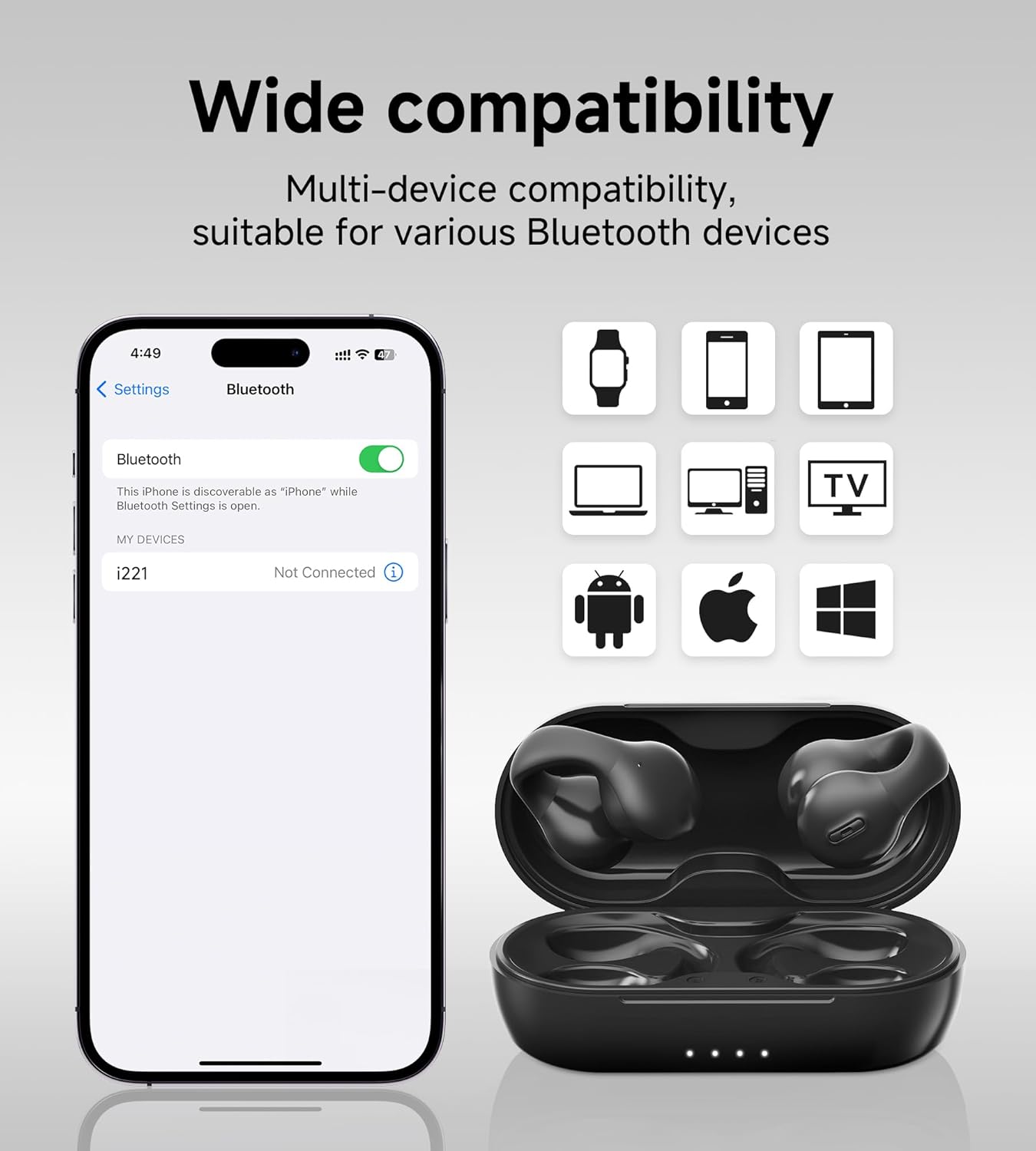
- Sou aparèy ou an (telefòn entelijan, tablèt, elatriye), ale nan paramèt Bluetooth epi aktive Bluetooth la.
- Chèche pou aparèy ki disponib yo epi chwazi 'King Lucky i21' (or similar name) from the list.
- Once connected, the earbud indicator light will turn off or show a steady light, and you will hear a confirmation tone.
3. Mete ekoutè yo
The King Lucky i21 earbuds feature an upgraded C-shaped bridge design for a secure and comfortable open-ear fit. Gently clip the earbuds onto your ear, ensuring the speaker is positioned near your ear canal without entering it. This design allows you to enjoy high-quality audio while remaining aware of your surroundings.


Enstriksyon Operasyon
Power On/Off
The earbuds power on automatically when removed from the charging case and power off when placed back into the case and the lid is closed.
Music Playback (Touch Controls)
- Jwe/Poz: Tape yon fwa sou chak ekoutè.
- Pwochen Track: Tape doub ekoutè dwat la.
- Track Previous: Tape doub ekoutè gòch la.
Call Management (Touch Controls)
- Reponn/Fen Apèl: Tape yon fwa sou nenpòt ekoutè pandan yon apèl k ap antre oswa yon apèl aktif.
- Rejte apèl: Peze epi kenbe youn nan ekoutè yo pandan 2 segonn pandan yon apèl k ap antre.
Kontwòl Volim
Volume control is typically managed through your connected device. Please adjust the volume directly on your smartphone, tablet, or other Bluetooth-enabled device.
ENC Noise Cancelling
The earbuds feature ENC (Environmental Noise Cancellation) technology for clear calls in noisy environments. This feature is automatically active during phone calls to reduce background noise for the person on the other end.

Antretyen
Netwayaj
Gently wipe the earbuds and charging case with a soft, dry, lint-free cloth. Do not use abrasive cleaners, solvents, or immerse the earbuds or case in water. Ensure charging contacts are clean and dry.
Depo
Store the earbuds in their charging case when not in use to protect them from damage and maintain battery charge. Avoid storing in extreme temperatures (hot or cold) or high humidity.
Swen batri
To prolong battery life, avoid fully discharging the earbuds and charging case frequently. Charge regularly, even if not used for extended periods. Do not attempt to replace the battery yourself.
Depanaj
- Ekoutè yo pa konekte: Asire w ke tou de ekoutè yo chaje epi yo retire nan bwat la. Dezaktive epi aktive Bluetooth sou aparèy ou an. Pa mete aparèy la nan lis Bluetooth ou a epi eseye konekte ankò.
- Pa gen son ki soti nan youn nan ekoutè yo: Place both earbuds back into the charging case, close the lid, wait a few seconds, then remove them. This can reset the connection between the earbuds.
- Pwoblèm chaj: Check the charging cable and power adapter. Ensure the charging contacts on the earbuds and inside the case are clean and free of debris. Try a different USB port or charger.
- Move kalite apèl: Ensure the earbuds are properly seated on your ears. Move closer to your connected device. Avoid environments with strong electromagnetic interference.
- Earbuds falling off: Ensure the earbuds are correctly clipped onto your ear, following the C-shaped design. Experiment with slight adjustments for a more secure fit.
Espesifikasyon
| Mak | Wa Chans |
| Non modèl | Clip on Earbuds Open Ear Earbuds |
| Nimewo Modèl | B0DWSQFRZK |
| Koneksyon Teknoloji | San fil (Bluetooth 5.4) |
| Plasman Zòrèy | Louvri Zòrèy |
| Faktè fòm | Sou Zòrèy |
| Kontwòl bri | Anilasyon Bri Aktif (ENC pou apèl) |
| Kalite chofè odyo | Chofè dinamik (12mm) |
| Gamme frekans | 20 Hz - 20,000 Hz |
| Dire batri (yon sèl chaj) | Jiska 6 èdtan |
| Dire batri (ak bwat chaje) | Jiska 50 èdtan |
| Metòd kontwòl | Manyen |
| Nivo rezistans dlo | Ki enpèmeyab |
| Materyèl | Plastik |
| Earbud Pwa | Apeprè 4.7g pou chak ekoutè |


Garanti ak sipò
King Lucky products are designed for reliability and performance. For detailed warranty information, technical support, or customer service inquiries, please refer to the official King Lucky website or contact customer support through your original purchase platform. Please retain your proof of purchase for any warranty claims.
You can visit the King Lucky store for more information: King Lucky Store