
1. Entwodiksyon
This manual provides detailed instructions for the safe and efficient use of your BNCF Bpad Mini Android 14 Tablet. Please read this manual thoroughly before operating the device and retain it for future reference.
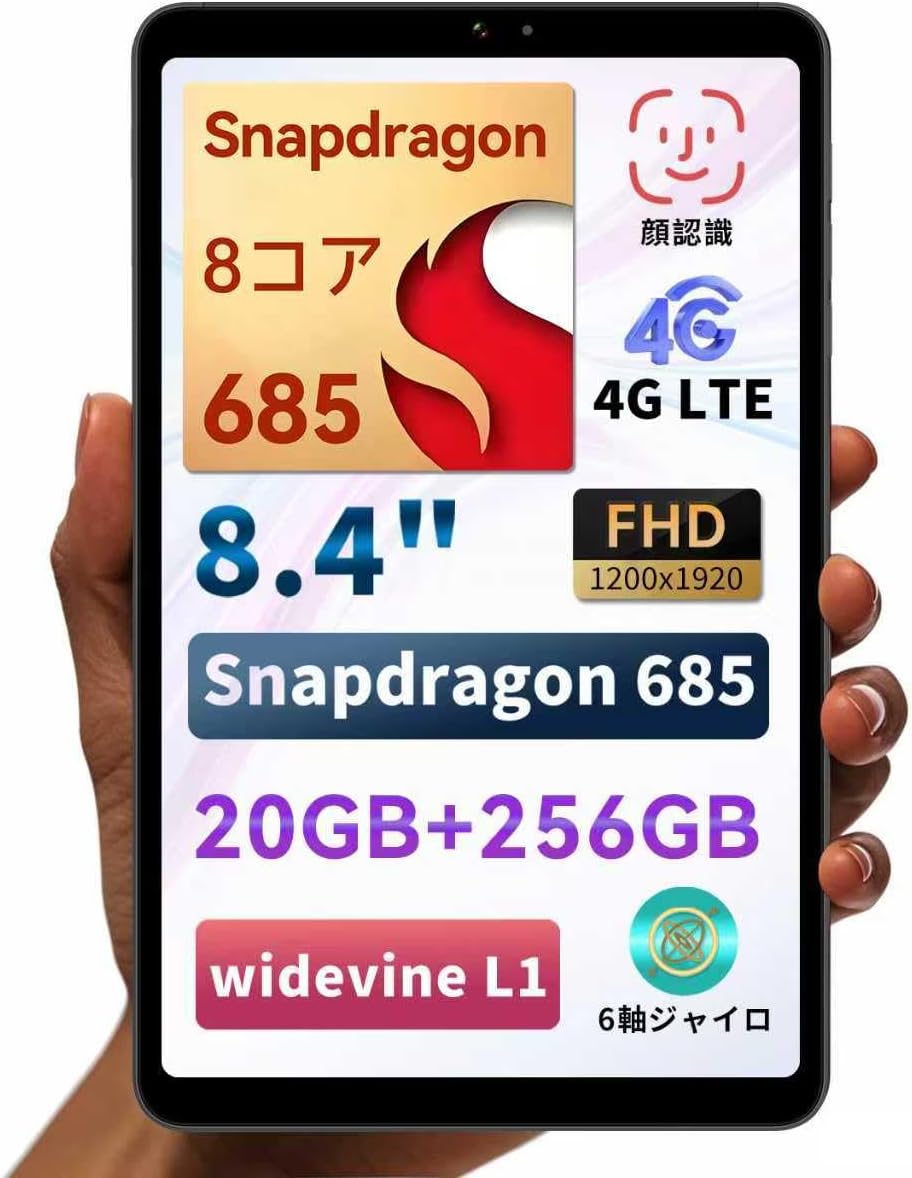
Figure 1: BNCF Bpad Mini Android 14 Tablet
2. Pwodwi souview
2.1 Kontni pake a
Asire w tout atik yo prezan nan pakè a:
- BNCF Bpad Mini Tablet
- Manyèl itilizatè
- Charging Adapter (5V/2A)
- Type-C Cable (5V/2A)
- Kat SIM Ejecter PIN

Figi 2: Sa ki pakè
2.2 Konpozan Aparèy
Familiarize yourself with the physical layout of your Bpad Mini:
- Kamera devan: Pou selfie ak apèl videyo.
- Rear Camera & Flashlight: Pou foto ak videyo ki gen gwo rezolisyon.
- Bouton pouvwa: Pou limen/etenn aparèy la oubyen reveye/dòmi ekran an.
- Bouton Volim: Pou ajiste volim odyo a.
- Oratè: Entegre pou pwodiksyon odyo.
- Kalite-C Port: Pou chaje ak transfè done.
- Mikwofòn: Pou opinyon odyo.
- SIM/Micro SD Card Slot: For cellular connectivity and expandable storage.
- Capteur limyè: Automatically adjusts screen brightness.
- Capteur pwoksimite: Turns off the screen during calls.
Figure 3: Device Components and Ports
3. Enstalasyon
3.1 Premye chaj
Before first use, fully charge your tablet using the provided charging adapter and Type-C cable. The tablet supports 18W PD fast charging, but a standard charger is included. A fast charger must be purchased separately if desired.

Figure 4: Charging the Bpad Mini
3.2 Limen/Etenyen
- Pou limen: Peze epi kenbe bouton pouvwa a jiskaske ekran an limen.
- Pou etenn: Peze epi kenbe bouton Power la, answit chwazi 'Power off' nan opsyon yo.
- Pou rekòmanse: Peze epi kenbe bouton Pouvwa a, answit chwazi 'Rekòmanse' nan opsyon yo.
3.3 Enstalasyon Kat SIM ak Kat Mikwo SD
The Bpad Mini supports 4G LTE connectivity and expandable storage via a Micro SD card.
- Locate the SIM/Micro SD card slot on the side of the tablet.
- Insert the SIM eject pin into the small hole next to the tray to open it.
- Place your Nano-SIM card(s) and/or Micro SD card into the tray, ensuring correct orientation.
- Dousman pouse plato a tounen nan fant lan jiskaske li fè yon klik.

Figure 5: SIM/Micro SD Card Installation
Important Note for 4G Connectivity:
- After inserting the SIM card, APN settings may be required for certain carriers (e.g., Rakuten Mobile, IIJmio, BIGLOBE Mobile, OCN Mobile ONE, UQ mobile). Please search for "APN manual settings" on your carrier's official websit pou enstriksyon yo.
- For carriers like docomo, au, SoftBank, and Y!mobile, APN settings may be automatically configured.
- If experiencing connection issues, restart the device in an area with good signal. Verify APN settings under Settings > Network > Mobile Network. If the APN field is blank, manual entry is required.
3.4 Asistan Enstalasyon Inisyal
Upon first power-on, follow the on-screen instructions to complete the initial setup, including language selection, Wi-Fi connection, Google account login, and security settings.
4. Operasyon Enstriksyon
4.1 Karakteristik Android 14
Your Bpad Mini runs on Android 14, offering enhanced multitasking, improved privacy and security features, efficient battery management, and a smoother user interface.
- Fann ekran: Easily use two apps simultaneously.
- Smart Screen Cast: Project your tablet screen wirelessly to a larger display.
- Three-Finger Screenshot: Capture screenshots quickly with a simple gesture.
- Kontwòl paran yo: Manage device usage for children.

Figi 6: Entèfas Android 14

Figure 7: Split Screen Multitasking

Figure 8: Wireless Screen Casting
4.2 Koneksyon
- Wi-Fi: Supports 2.4G and 5G dual-band Wi-Fi for fast and stable internet browsing and online gaming.
- 4G LTE: Stay connected even without Wi-Fi. The tablet can also function as a phone.
- Bluetooth 5.0: Connect wirelessly to headphones, speakers, and other Bluetooth devices for enhanced entertainment.
- GPS: Provides accurate navigation services.

Figi 9: Karakteristik koneksyon

Figure 10: Dual-band Wi-Fi

Figure 11: Bluetooth 5.0 Connection

Figi 12: Navigasyon GPS
4.3 Itilizasyon Kamera
The tablet features a 32MP rear camera and a 5MP front camera. Open the Camera app to capture photos and videos. The 32MP rear camera supports high-resolution video recording, including 4K.
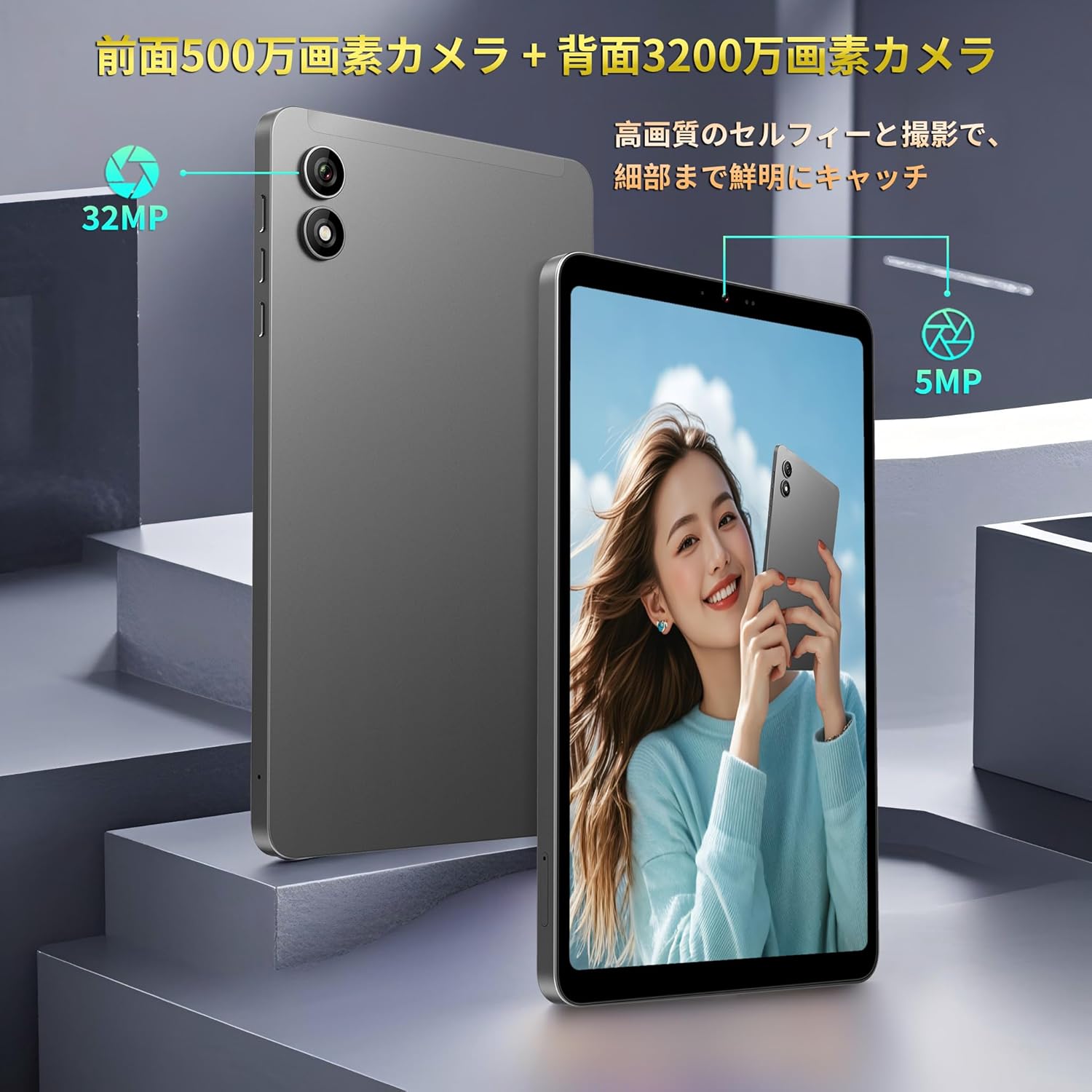
Figure 13: Front and Rear Cameras
4.4 Konsomasyon Medya
The 8.4-inch FHD IPS display (1920x1200) with in-cell full lamination technology provides clear and vibrant visuals. Widevine L1 support allows for high-definition streaming from services like Netflix, Amazon Prime Video, and Disney+.

Figure 14: FHD IPS Display with Widevine L1
4.5 Sensors and Performance
The Bpad Mini is equipped with a Gyro sensor for automatic screen orientation adjustment and enhanced gaming, a Light sensor for automatic brightness control, and a Proximity sensor for power saving during calls.
Powered by a Snapdragon 685 Octa-core processor (up to 2.8GHz) and Adreno 610 GPU, the tablet ensures smooth performance for various tasks, including gaming and video playback.
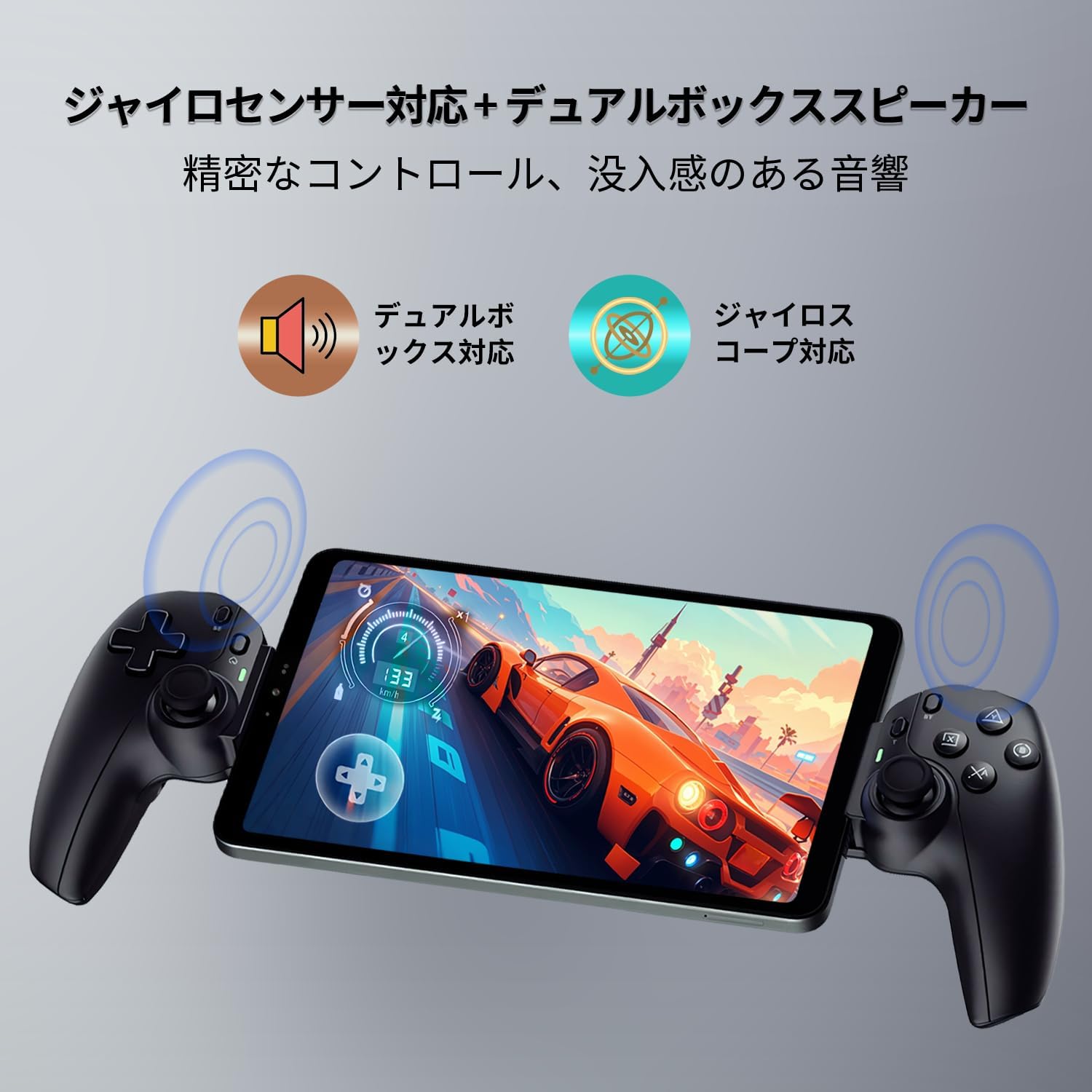
Figure 15: Gyro Sensor for Gaming

Figure 16: Snapdragon 685 Processor and Adreno 610 GPU
4.6 Rekonesans figi
Unlock your device quickly and securely using face recognition. Set up this feature in the security settings.

Figure 17: Face Recognition Security
5. Antretyen
5.1 Swen Batri
- Evite tanperati ekstrèm, paske yo ka diminye lavi batri a.
- Pa kite batri a dechaje nèt souvan.
- Sèvi sèlman ak chajè ak kab yo bay oswa ki sètifye yo.
5.2 Netwaye Aparèy la
Sèvi ak yon twal mou ki pa gen pousyè pou netwaye ekran an ak kò tablèt la. Evite itilize pwodui chimik ki agresif oswa materyèl abrazif.
5.3 Mizajou lojisyèl
Tcheke epi enstale mizajou sistèm yo regilyèman pou asire pèfòmans, sekirite ak aksè optimal a nouvo fonksyonalite yo. Ale nan Anviwònman > Sistèm > Mizajou sistèm.
5.4 Jesyon Depo
The tablet comes with 256GB of UFS storage and supports up to 1TB Micro SD card expansion. Regularly manage your files and applications to free up space and maintain performance.
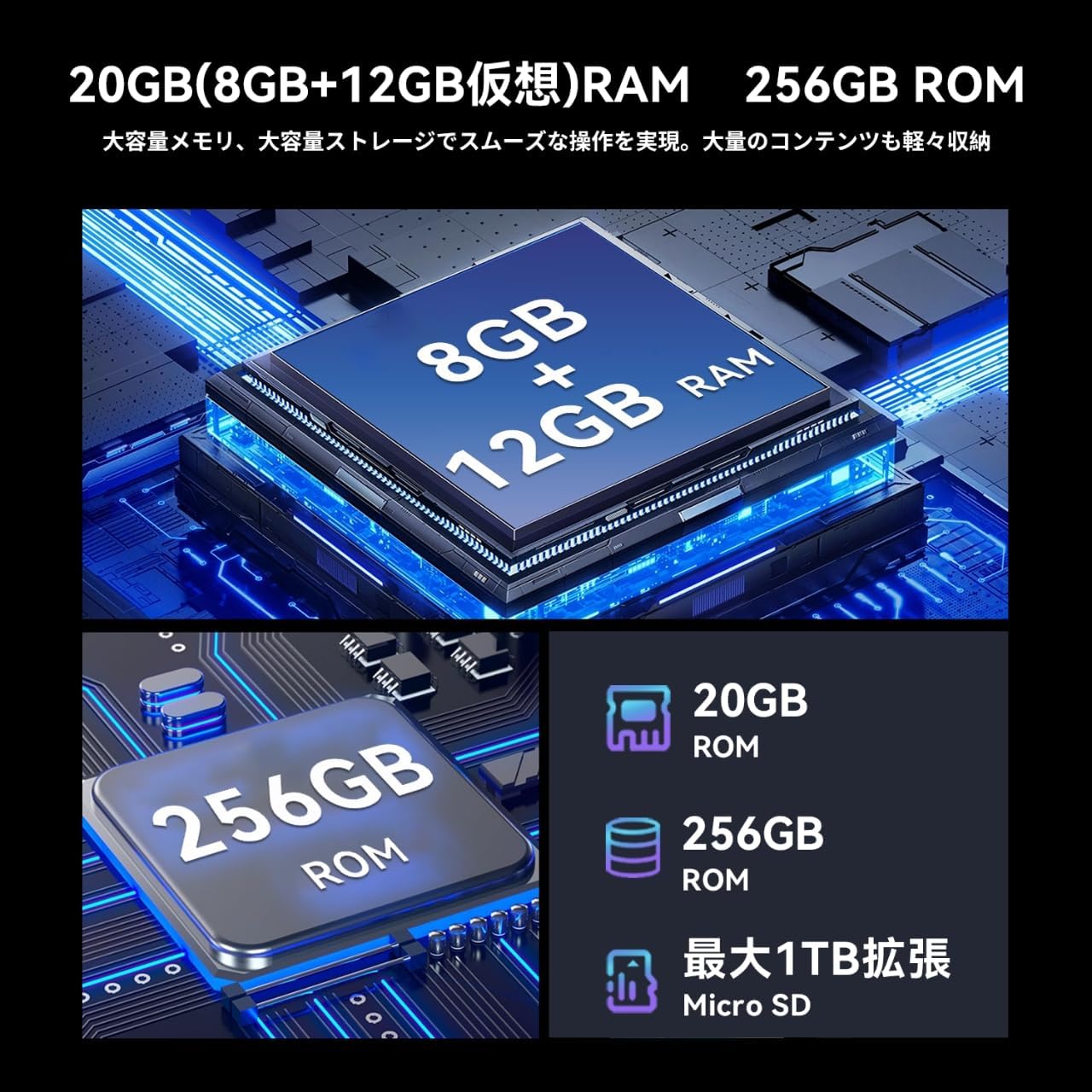
Figure 18: Memory and Storage
NAN. Depanaj
If you encounter issues with your Bpad Mini, refer to the following common solutions:
- Aparèy pa limen: Ensure the battery is charged. Connect the tablet to the charger for at least 30 minutes before attempting to power on again.
- Ekran taktil la pa reponn: A small number of devices from specific manufacturing batches may experience touch screen issues due to faulty FPC (flexible printed circuit) boards. If you experience this, please contact customer service for a free replacement. For general unresponsiveness, try restarting the device.
- Pwoblèm koneksyon (Wi-Fi/4G):
- For Wi-Fi, ensure you are within range of a known network and the password is correct.
- For 4G, ensure the SIM card is correctly inserted and activated. Check APN settings as described in Section 3.3. Restart the device in an area with good signal strength.
- Aplikasyon yo ap plante oswa bloke: Close background applications. Clear the cache of the problematic app (Settings > Apps > [App Name] > Storage > Clear cache). If the issue persists, uninstall and reinstall the app.
- Pèfòmans ralanti: Fèmen aplikasyon ou pa itilize yo, efase kach la epi asire ase espas depo. Konsidere yon reset faktori kòm dènye rekou (Nòt: This will erase all data on the device. Back up important data first).
7. Espesifikasyon
| Karakteristik | Spesifikasyon |
|---|---|
| Mak | BNCF |
| Non modèl | Bpad Mini |
| Sistèm operasyon | Android 14 |
| CPU | Snapdragon 685 Octa-core (up to 2.8 GHz) |
| GPU | Adreno 610 |
| Gwosè ekspozisyon | 8.4 pous |
| Rezolisyon ekspozisyon | 1920x1200 FHD IPS |
| RAM | 20GB (8GB + 12GB Virtual) |
| Depo Entèn | 256GB UFS |
| Depo dilatabl | Up to 1TB via Micro SD card |
| Kamera dèyè | 32 MP |
| Kamera devan | 5 MP |
| Kapasite batri | 6050 mAh |
| Chaje | 18W PD Fast Charging (Type-C) |
| Koneksyon | 4G LTE, 2.4G/5G Wi-Fi, Bluetooth 5.0, GPS |
| Dimansyon | 200.8 x 124.2 x 7.6 mm |
| Pwa | 310 g |
| Detèktè | Gyro Sensor, Light Sensor, Proximity Sensor |
| Lòt Karakteristik | Widevine L1, Face Recognition, Dual Box Speakers |
8. Garanti ak sipò
8.1 Pwodwi Garanti
The BNCF Bpad Mini comes with a Garanti pwodwi 12 mwa apati dat acha a. Garanti sa a kouvri domaj fabrikasyon ak pwoblèm ki rive akoz itilizasyon nòmal.
8.2 Sipò pou Kliyan
For any questions, technical assistance, or warranty claims, please contact BNCF customer service through Amazon:
- Konekte nan kont Amazon ou.
- Ale nan 'Istwa Kòmand'.
- Locate the relevant order for your Bpad Mini.
- Click on 'Contact Seller'.
Our customer service team typically responds within 6 hours.