
1. Entwodiksyon
Thank you for choosing the KIMMOO 3-in-1 Portable Handheld Turbo Fan. This versatile device offers personalized cooling with 100 adjustable wind speeds, a powerful 20000 RPM motor, and a long-lasting 3600 mAh battery. It can be used as a handheld fan, a desk fan, or worn around your neck for hands-free convenience. Please read this manual carefully before use to ensure proper operation and maintenance.
2. Enstriksyon Sekirite Enpòtan
- Keep fingers and objects away from the fan grilles to prevent injury.
- Children under 12 years old must use the fan under adult supervision.
- Pa plonje fanatik la nan dlo oswa nan lòt likid.
- Do not disassemble, repair, or modify the fan yourself. Contact customer support if service is required.
- Evite ekspoze vantilatè a nan tanperati ekstrèm oswa nan limyè solèy dirèk pou peryòd pwolonje.
- Sèvi sèlman ak kab chaje ki vini ak aparèy la oswa yon kab USB-C sètifye pou chaje.
3. Pwodwi souview
Eleman ak Karakteristik
The KIMMOO 3-in-1 Portable Handheld Turbo Fan is designed for optimal performance and convenience. Key components include the fan head, handle, control buttons, LED display, and USB-C charging port.
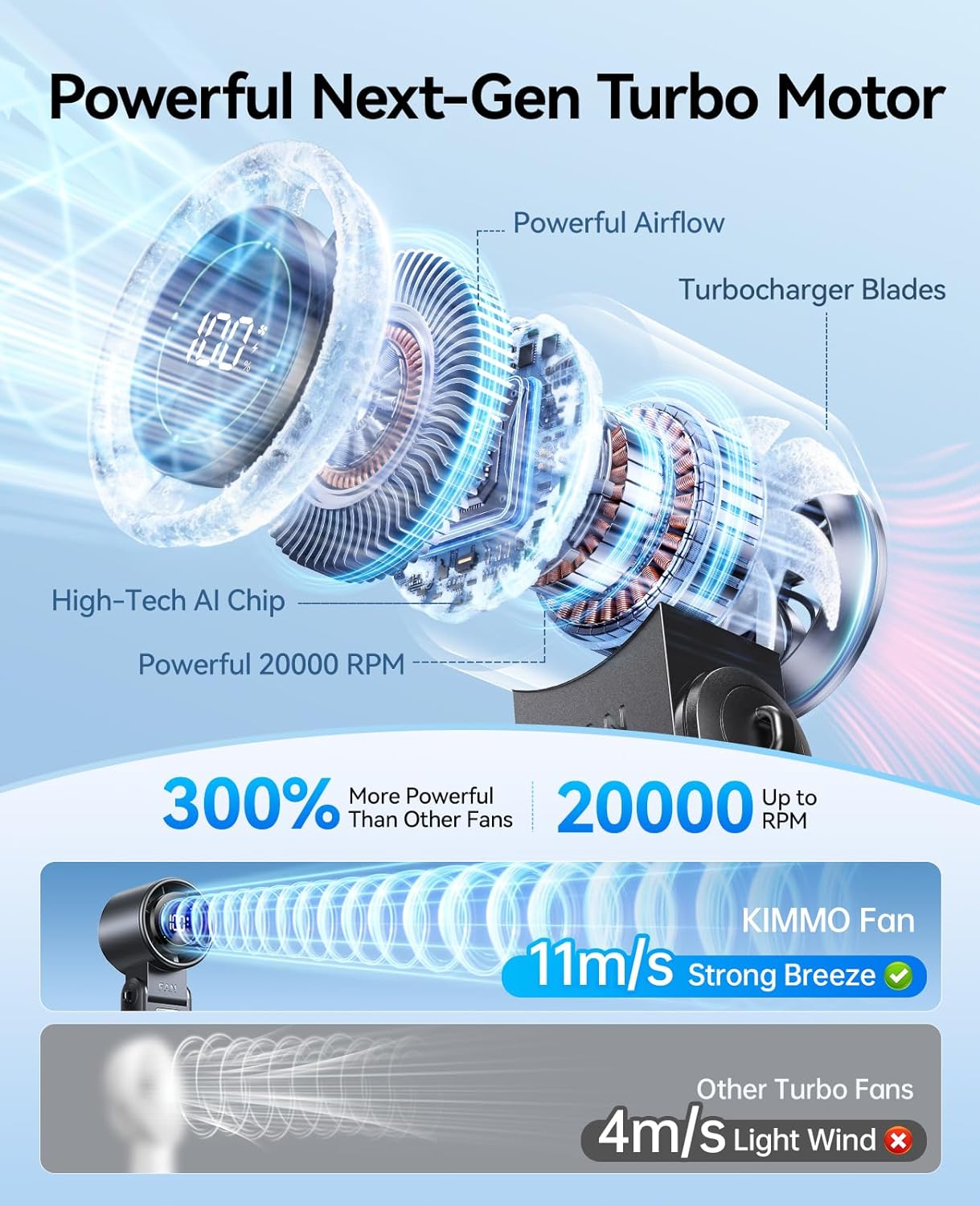
Figure 1: Fan Components
- 100 Adjustable Wind Speeds: Fine-tune airflow from a gentle breeze to a powerful gust.
- 20000 RPM Turbo Motor: Advanced 6-blade design and high-speed brushless motor deliver strong airflow up to 8 m/s.
- Ekspozisyon ki ap dirije entelijan: Shows real-time wind speed and remaining battery life.
- 3600 mAh batri rechargeable: Bay jiska 12 èdtan itilizasyon kontinyèl.
- Konsepsyon 3-an-1: Functions as a handheld, desk, or neck fan.
- Konsepsyon pliable 120°: Allows for versatile positioning and hands-free use.
Video 1: KIMMOO Handheld Turbo Fan Overview. This video demonstrates the fan's features and various uses in outdoor and indoor settings.
4. Enstalasyon
4.1 Chaje Fan lan
Before first use, fully charge the fan. Connect the provided USB-C cable to the charging port on the side of the fan and plug the other end into a compatible USB power source (e.g., wall adapter, laptop, power bank, car charger). The LED display will show the charging status.

Figure 2: Charging the Fan
4.2 Mete kòd la
For hands-free use, attach the included lanyard to the designated loops on the fan handle. Ensure it is securely fastened before wearing around your neck.
5. Operasyon Enstriksyon
5.1 Pouvwa pou limen/etenn ak ajisteman vitès
- Limen/Etenyen: Press the power button once to turn the fan on or off.
- Ajiste vitès: While the fan is on, press the speed adjustment buttons (+/-) to increase or decrease the wind speed. The LED display will show the current speed level (1-100).
- Tcheke batri: Double-click the power button to briefly display the remaining battery percentage on the LED screen.
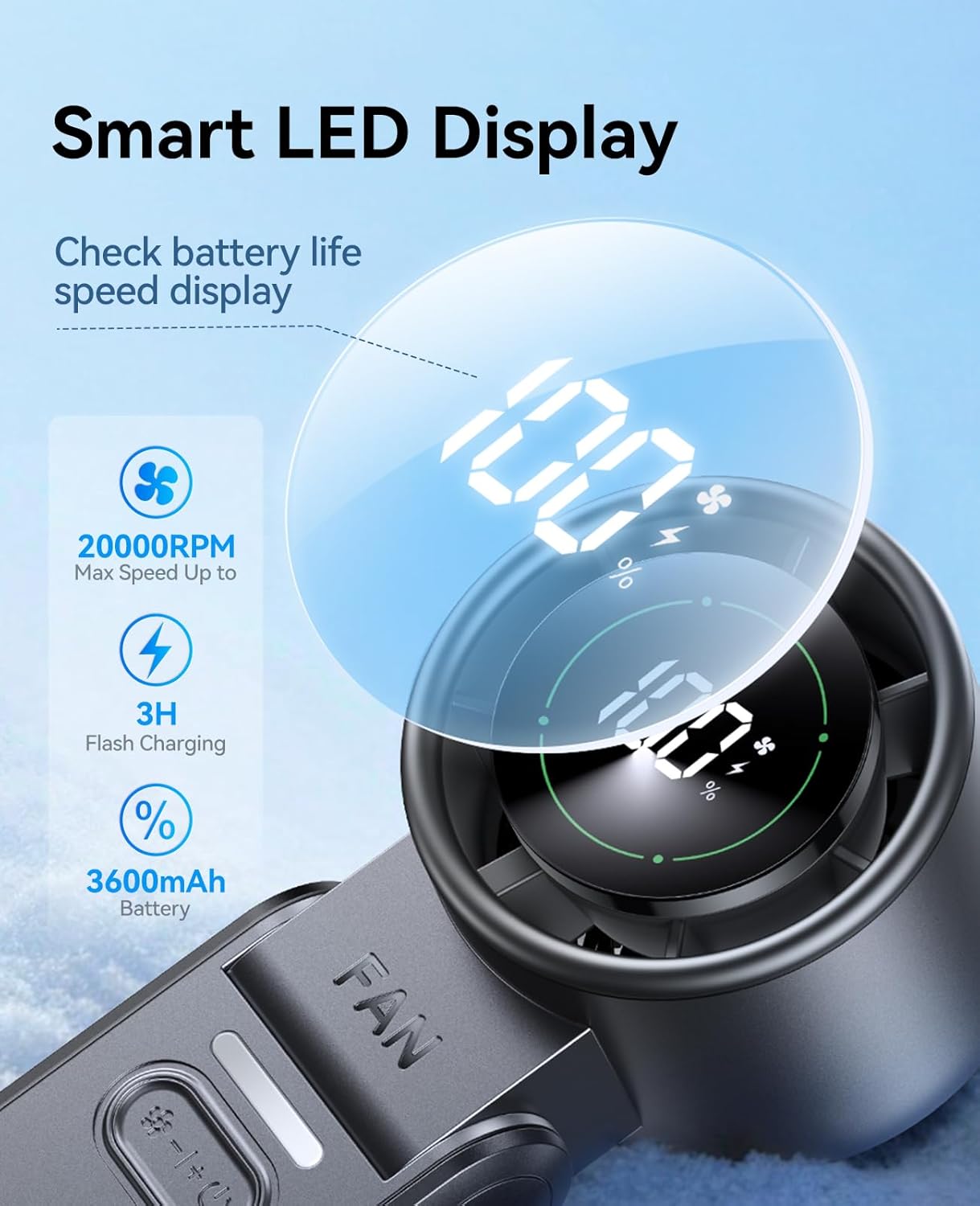
Figure 3: LED Display and Controls
5.2 3-in-1 Modes (Handheld, Desk, Neck)
The fan's innovative design allows for three convenient modes:
- Mòd pòtatif: Kenbe vantilatè a nan manch li pou l refwadi dirèkteman.
- Desk Fan Mode: Fold the handle to create a stable base, allowing the fan to stand on a flat surface. The 120° adjustable head provides flexible airflow direction.
- Neck Fan Mode: Attach the lanyard and wear the fan around your neck for portable, hands-free cooling.

Figure 4: Desk Fan Mode
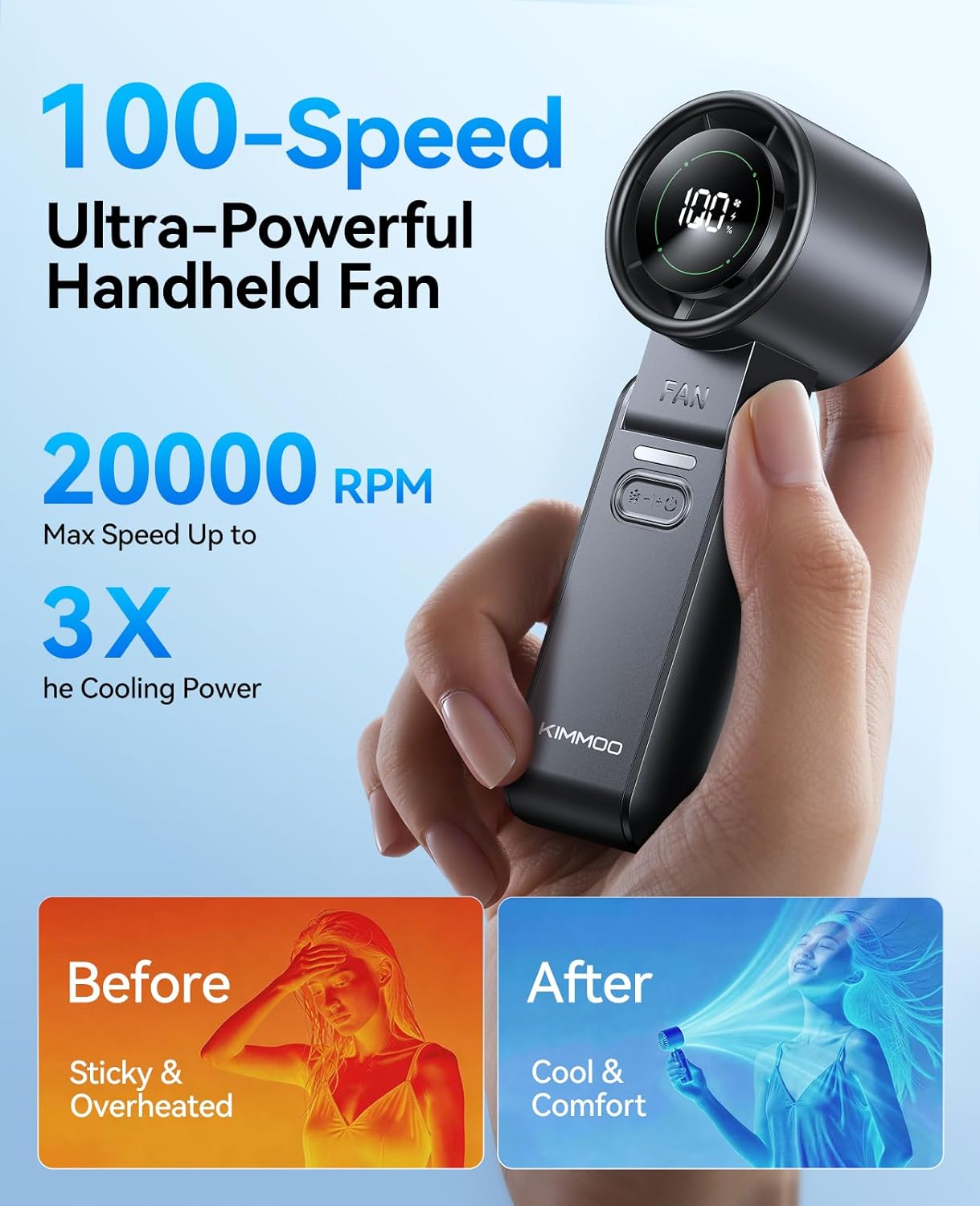
Figure 5: Neck Fan Mode
Video 2: Portable Handheld Turbo Fan Features. This video highlights the 100 speeds, 10800 RPM, and LED display of the fan.
6. Antretyen
6.1 Swen ak netwayaj
To maintain the performance and longevity of your fan, follow these cleaning guidelines:
- Asire w ke fanatik la etenn epi deploge anvan w netwaye.
- Sèvi ak yon twal mou epi sèk pou siye deyò vantilatè a.
- For dust accumulation on the fan grilles, use a soft brush or cotton swab to gently clean.
- Do not use abrasive cleaners, solvents, or harsh chemicals, as these may damage the fan's surface.
NAN. Depanaj
If you encounter any issues with your KIMMOO fan, please refer to the table below for common problems and solutions.
| Pwoblèm | Kòz posib | Solisyon |
|---|---|---|
| Vantilatè a pa limen. | Batri ki ba oswa pa gen pouvwa. | Charge the fan using the USB-C cable. Ensure the power source is active. |
| Flux lè fèb. | Low speed setting or low battery. | Increase the speed setting. Recharge the fan if the battery is low. |
| Vantilatè a sispann sanzatann. | Batri depui. | Rechaje vantilatè a. |
| Ekspozisyon LED la pa fonksyone. | Malfunction or low battery. | Ensure the fan is charged. If the issue persists, contact customer support. |
8. Espesifikasyon
- Modèl: QW-F52
- Mak: KIMMOO
- Dimansyon: 2.32"D x 6.81"W x 2.24"H
- Pwa: 0.45 liv
- Sous pouvwa: Mache ak pil (3600 mAh)
- Kantite vitès: 100
- Vitès maksimòm: 20000 RPM
- Voltage: 5 Volts
- Wattage: 3.4 wat
- Materyèl: Acrylonitrile Butadiene styrene
- Metòd kontwòl: Kontwòl bouton
9. Garanti & Sipò
The KIMMOO 3-in-1 Portable Handheld Turbo Fan comes with a 1-ane garanti limite apati dat acha a. Garanti sa a kouvri domaj fabrikasyon ak atizan konn fè nan itilizasyon nòmal. Li pa kouvri domaj ki koze pa move itilizasyon, aksidan, modifikasyon san otorizasyon, oswa mete ak chire nòmal.
For warranty claims, technical support, or any questions regarding your product, please contact KIMMOO customer service through the retailer where you purchased the product or visit the official KIMMOO websit pou enfòmasyon kontak.