
Entwodiksyon
Thank you for choosing Grundig True Wireless Bluetooth Earbuds. These earbuds are designed to provide a superior audio experience with the convenience of wireless connectivity. This manual will guide you through the setup, operation, and maintenance of your new earbuds to ensure optimal performance and longevity.
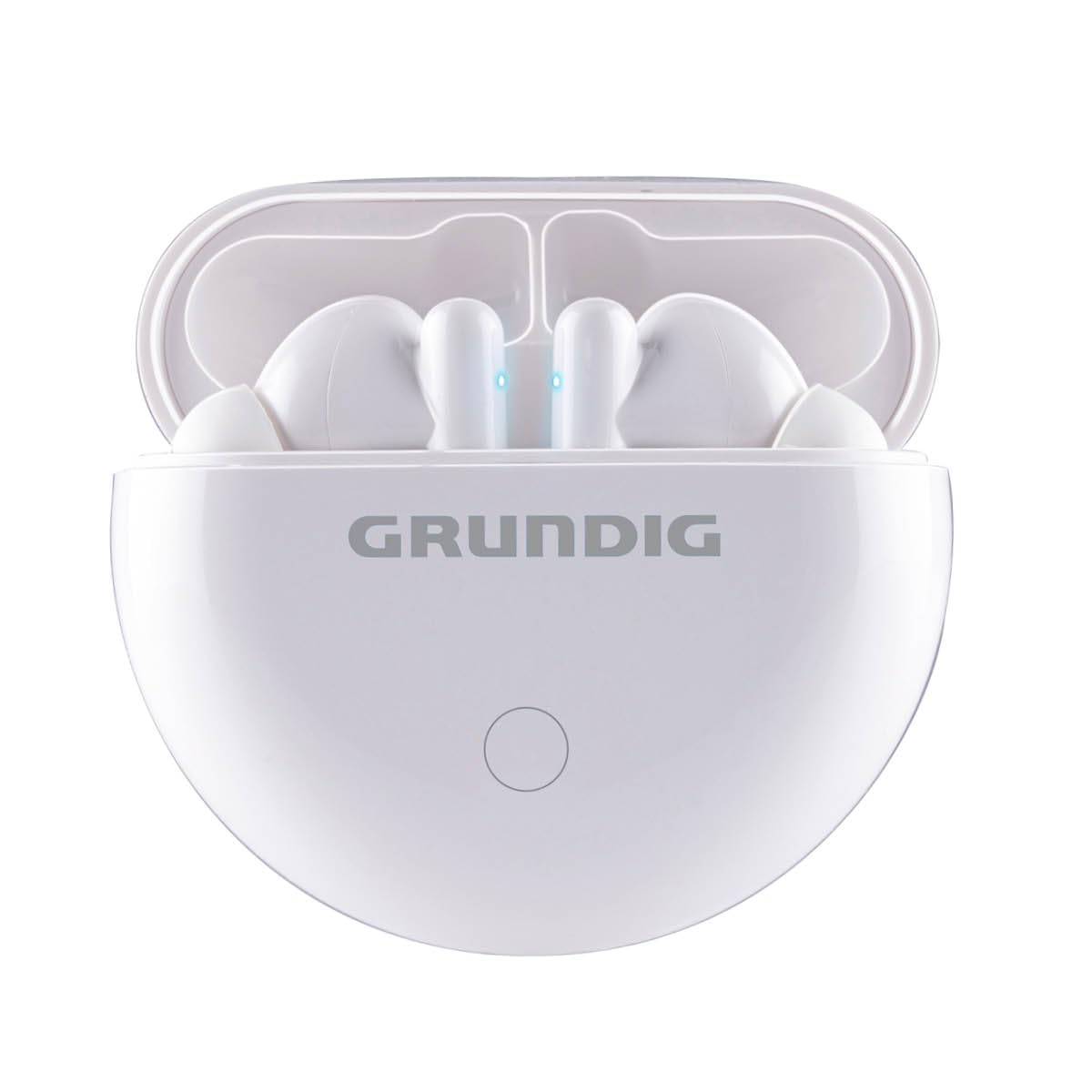
Image: The Grundig True Wireless Bluetooth Earbuds shown with their charging case.
Ki sa ki nan bwat la
Tanpri verifye sa ki nan pake a pou asire w tout atik yo la:
- 1x Pair of Grundig True Wireless Bluetooth Earbuds
- 1x ka chaje
- 1x USB Kalite-C Chaje Kab
- 1x Manyèl Itilizatè (dokiman sa a)
Enstalasyon
1. Chaje ekoutè yo ak bwat la
Anvan premye itilizasyon an, chaje ekoutè yo ak bwat chaje a nèt.
- Mete ekoutè yo nan bwat chaje a. Asire w yo byen chita.
- Connect the USB Type-C cable to the charging port on the case and the other end to a USB power source (e.g., wall adapter, computer USB port).
- The indicator lights on the case and/or earbuds will show the charging status. Refer to the indicator light section for details.
- Charging time for the case is approximately 2 hours. Earbuds charge within the case.
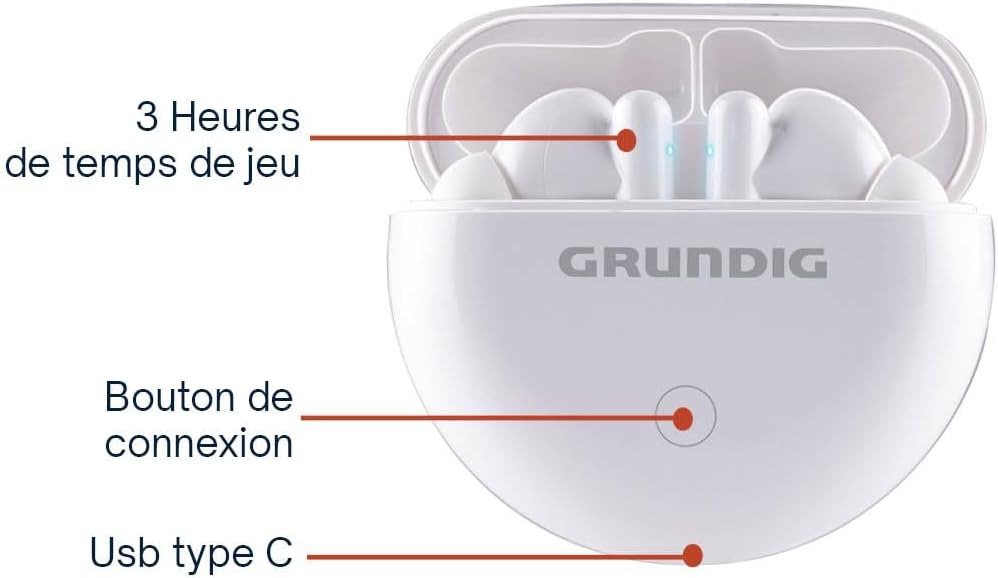
Image: The charging case showing the connection button and USB Type-C charging port.
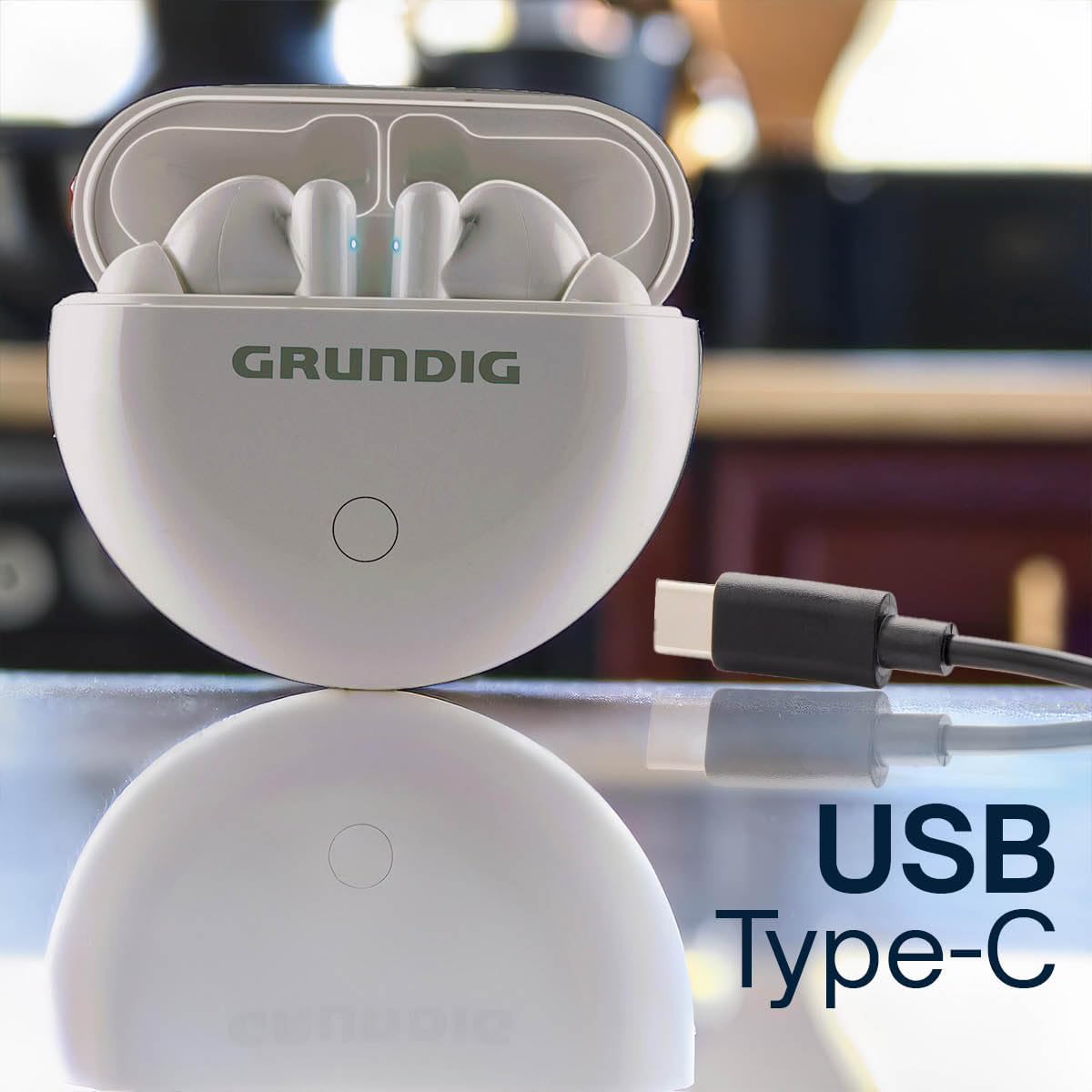
Image: The charging case with a USB Type-C cable connected for charging.
2. Pairing ak yon Aparèy Bluetooth
Pou konekte ekoutè ou yo ak telefòn entelijan ou oswa yon lòt aparèy ki gen Bluetooth:
- Ensure both earbuds are charged and inside the charging case.
- Louvri kouvèti bwat chaje a. Ekoutè yo ap antre otomatikman nan mòd koneksyon, sa ap parèt ak limyè LED ki ap flache sou ekoutè yo.
- Sou aparèy ou an, ale nan paramèt Bluetooth yo epi aktive Bluetooth la.
- Chèche pou available devices. Select "Grundig Earbuds" (or similar name) from the list.
- Yon fwa konekte, limyè endikatè ekoutè yo ap sispann flache, epi w ap tande yon son konfimasyon.

Image: A person enjoying music with Grundig earbuds, demonstrating Bluetooth connectivity.
3. Mete ekoutè yo
Gently insert the earbuds into your ears. Adjust them for a comfortable and secure fit. The ergonomic design ensures they stay in place during various activities.
Enstriksyon Operasyon
Your Grundig earbuds feature intuitive touch controls for easy management of music and calls.

Image: A person wearing an earbud, illustrating the ease of touch control.
Kontwòl manyen:
| Fonksyon | Aksyon |
|---|---|
| Pouvwa sou | Open the charging case lid, or long press touch area for 3 seconds. |
| Power Off | Place earbuds back into the charging case and close the lid, or long press touch area for 5 seconds. |
| Jwe/Poz Mizik | Tape yon sèl sou chak ekoutè. |
| Next Track | Tape de fwa sou ekoutè dwat la. |
| Previous Track | Tape de fwa sou ekoutè gòch la. |
| Reponn/Fen Apèl | Tape yon sèl fwa sou nenpòt ekoutè pandan yon apèl k ap antre. |
| Rejte apèl | Long press on either earbud for 2 seconds during an incoming call. |
| Aktive Asistan Vwa | Tape twa fwa sou nenpòt ekoutè. |
Lavi batri: Enjoy up to 3 hours of continuous playback on a single charge. The charging case provides an additional 6 hours of battery life, extending total usage to 9 hours.
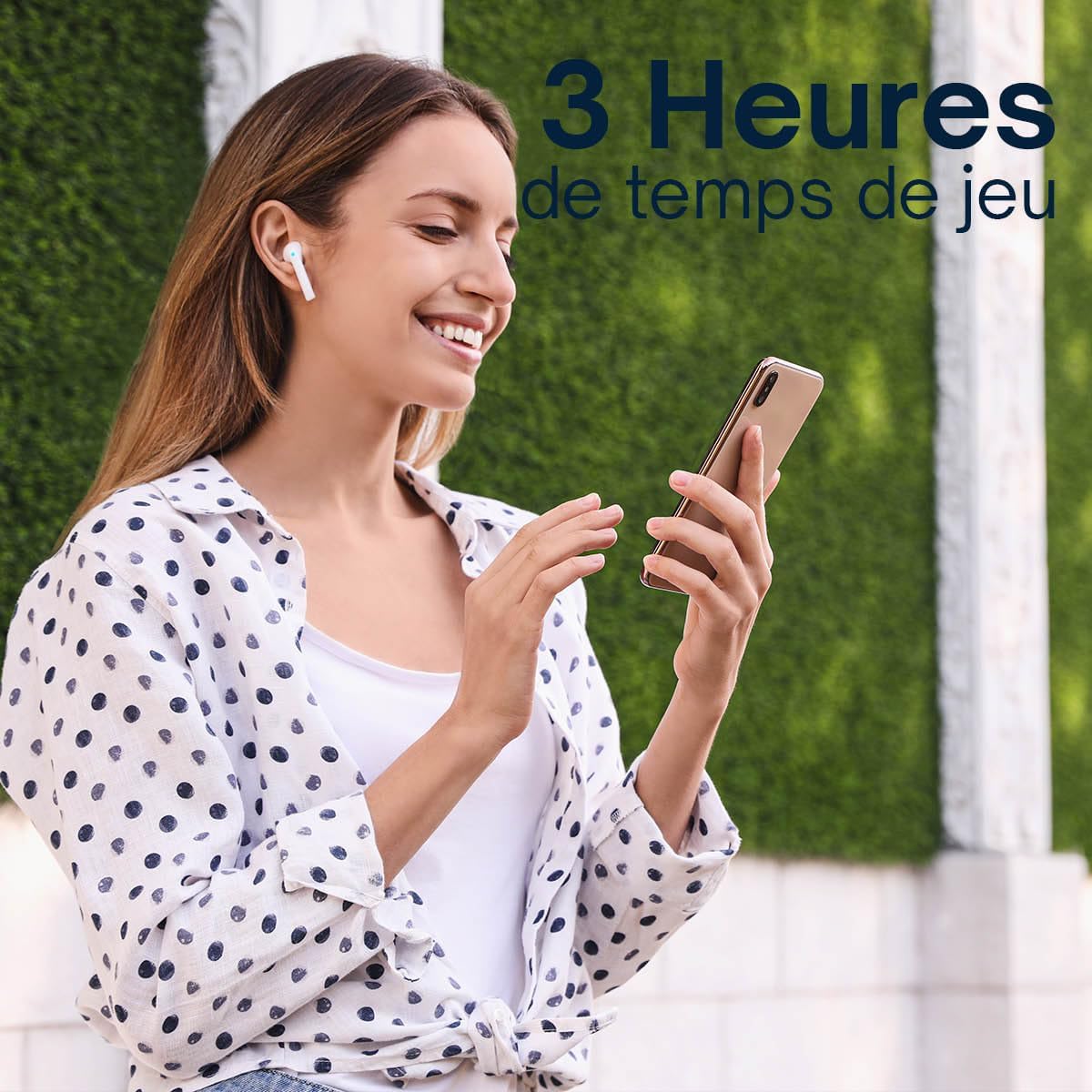
Image: A person enjoying music, highlighting the 3 hours of playtime per charge.

Image: Infographic detailing 3 hours of playtime, 2 hours of charging time, and USB Type-C charging.
Antretyen
Bon antretyen asire lonjevite ak pèfòmans optimal ekoutè ou yo.
- Netwayaj: Netwaye ekoutè yo ak bwat chaje a regilyèman avèk yon twal mou, sèk, epi ki pa gen pousyè. Pa sèvi ak pwodui netwayaj abrazif oswa solvan.
- Kontak chaje: Asire w ke kontak chaje yo sou tou de ekoutè yo ak sou bwat la pwòp epi san debri pou kenbe chaj la byen.
- Depo: Lè w pa ap itilize ekoutè yo, sere yo nan bwat chajman yo pou pwoteje yo kont pousyè ak domaj. Sere yo nan yon kote ki fre epi sèk.
- Rezistans dlo: The earbuds are moisture-resistant. Avoid submerging them in water or exposing them to heavy rain.
Depanaj
If you encounter any issues with your earbuds, refer to the following common solutions:
- Ekoutè yo pa konekte:
- Asire ke tou de ekoutè yo chaje.
- Place earbuds back into the case, close the lid, then open it again to re-enter pairing mode.
- Etenn epi aktive Bluetooth sou aparèy ou an.
- Forget/delete "Grundig Earbuds" from your device's Bluetooth list and try pairing again.
- Pa gen son ki soti nan youn nan ekoutè yo:
- Asire ke tou de ekoutè yo chaje.
- Mete tou de ekoutè yo tounen nan bwat chaje a, fèmen kouvèti a, epi retire yo ankò.
- Tcheke paramèt odyo aparèy ou an pou asire balans lan byen santre.
- Ekoutè yo pa chaje:
- Asire w ke kab chaje a byen konekte ak tou de bwat la ak sous kouran an.
- Tcheke si kontak chaje yo sou ekoutè yo ak anndan bwat la pwòp.
- Eseye yon lòt kab USB Kalite-C oswa adaptè kouran.
- Kalite son pòv:
- Asire w ke ekoutè yo byen chita nan zòrèy ou pou yon bon sele.
- Pwoche pi pre aparèy ki konekte a pou evite entèferans.
- Clean the earbud grilles to remove any wax or debris.
Espesifikasyon
| Karakteristik | Detay |
|---|---|
| Mak | Grundig |
| Non modèl | Vrè ekoutè Bluetooth san fil |
| Koneksyon Teknoloji | San fil (Bluetooth) |
| Bluetooth vèsyon | 5.3 |
| Wireless Range | Jiska 10 mèt (33 pye) |
| Ekoutè Playtime | Jiska 3 èdtan |
| Tan total pou jwe (ak bwat) | Jiska 9 èdtan |
| Tan chaje (Ka) | Apeprè 2 èdtan |
| Port chaje | USB Kalite-C |
| Gwosè Chofè | 13 mm |
| Gamme frekans | 20 Hz - 20 kHz |
| Metòd kontwòl | Manyen |
| Nivo rezistans dlo | Rezistan imidite |
| Plasman Zòrèy | Nan-zòrèy |
| Aparèy konpatib | Smartphones, Laptops, Tablets, Fitness Trackers, Smartwatches, Mobile Phones |
Garanti
This Grundig product comes with a 2-ane garanti from the date of purchase. This warranty covers manufacturing defects and material faults under normal use. It does not cover damage caused by misuse, accidents, unauthorized modifications, or normal wear and tear. Please retain your proof of purchase for warranty claims.
Sipò
For further assistance, technical support, or warranty inquiries, please contact Grundig customer service through their official website or the retailer where you purchased the product. Please have your product model name and proof of purchase ready when contacting support.
You can visit the Grundig store for more information: Grundig Store