
Entwodiksyon
Mèsi pou acha aasing the Andoer Digital Camera H12. This manual provides detailed instructions for the proper use and maintenance of your camera. Please read this manual thoroughly before using the camera to ensure optimal performance and longevity.
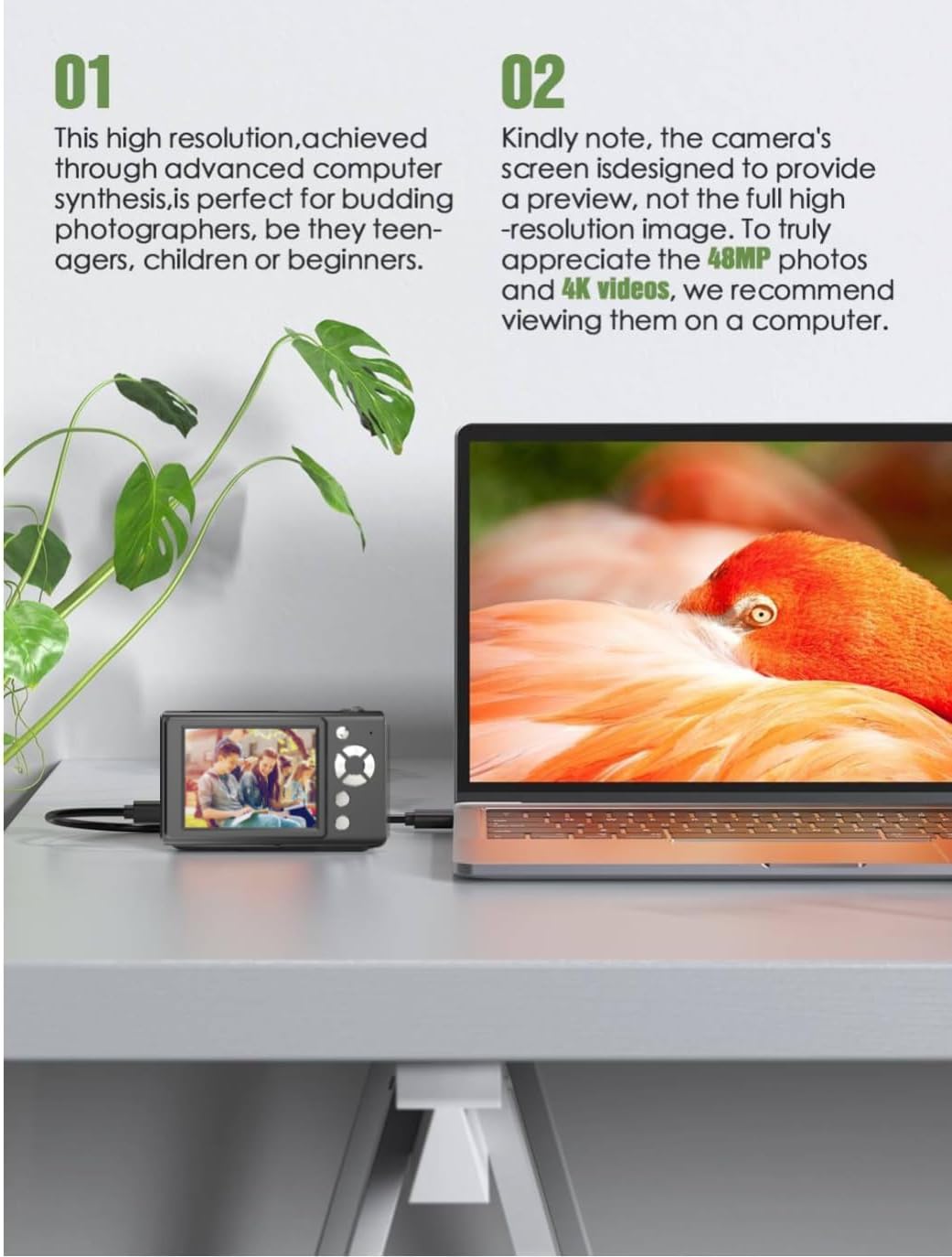
The Andoer H12 is a compact digital point-and-shoot camera featuring 1080P video recording, 48MP photo resolution, 16x digital zoom, autofocus, and an anti-shake function. It is designed for ease of use, making it suitable for various users.
Kontni pake
Tanpri verifye sa ki nan pake a lè w ap debale l pou asire w tout bagay yo la:
- 1 x Andoer Digital Camera H12
- 1 x Kab USB (Kalite-C)
- 1 x ponyèt braslè
- 1 x 32GB kat memwa
- 1 x lektè kat
- 1 x manyèl itilizatè
Enstalasyon
1. Chaje batri a
The camera is equipped with a built-in 3.7V 700mAh lithium battery. Before first use, fully charge the battery.
- Connect the included Type-C USB cable to the camera's USB port.
- Konekte lòt bout kab USB a nan yon adaptè kouran USB (pa enkli) oubyen nan yon pò USB òdinatè.
- The charging indicator light will illuminate. Once charging is complete, the indicator light will change or turn off.
Nòt: A full charge typically takes approximately 2-3 hours. Do not use the camera while it is charging.
2. Mete kat memwa a
The camera supports TF (MicroSD) cards up to 128GB. A 32GB memory card is included in the package.
- Jwenn emplacement kat memwa sou bò kamera a.
- Gently insert the TF card into the slot with the metal contacts facing the front of the camera until it clicks into place.
- Pou retire kat la, pouse l dousman ankò jiskaske li soti.

3. Mete braslè ponyèt la
Attach the included wrist strap to the camera for added security and to prevent accidental drops.
- Thread the thin loop of the wrist strap through the strap eyelet on the camera body.
- Pass the larger end of the strap through the thin loop and pull tight to secure it.
Enstriksyon Operasyon
1. Power On/Off
- To power on, press and hold the power button until the screen illuminates.
- Pou etenn li, peze epi kenbe bouton pouvwa a ankò jiskaske ekran an etenn.
- The camera features an auto power-off function (off/3 mins/5 mins) which can be configured in the settings.
2. Pran foto
- Turn on the camera. The camera will typically start in photo mode.
- Frame your shot using the 2.8-inch IPS display.
- Press the shutter button halfway down to activate autofocus. The camera will recognize and track subjects.
- Yon fwa ou fin fè fokus la (yon ankadreman vèt endike sa), peze bouton deklanchè a nèt pou pran foto a.

3. Anrejistreman videyo
- Switch to video mode (refer to the camera's on-screen interface for the mode switch button).
- Press the shutter button to start recording. A red indicator or timer will appear on the screen.
- Peze bouton vole a ankò pou sispann anrejistreman.
The camera supports 1080P and 720P video resolutions in AVI format. Loop recording can be set for 3, 5, or 10 minutes.
4. Fonksyon Zoom
Use the zoom buttons (usually marked 'W' for Wide and 'T' for Telephoto) to adjust the 16x digital zoom. This allows you to magnify distant subjects.

5. LED Fill Light
The camera features a built-in ring LED fill light with three lighting modes to assist in low-light conditions.
- Limyè blan: Bright, even, and soft illumination.
- Limyè blan cho: Pure natural light, soft and comfortable.
- Limyè jòn: Warm color adjustment for a warm atmosphere.
Access and cycle through these modes via the camera's menu or a dedicated button (refer to the on-screen interface).

6. Lòt Fonksyon
- Revèy selfie: Options for off, 2s, 5s, or 10s delay before taking a photo.
- Fiziyad kontinyèl: Capture a series of photos rapidly.
- Anti-souke: Helps reduce blur caused by camera movement.
- Efè filtre: Various built-in filters to enhance your photos.
- Jwèt: Includes 4 simple games for entertainment.
- Lekti MP3: Download MP3 music to the memory card and play it through the camera.

Antretyen
- Netwayaj kò kamera a: Sèvi ak yon twal mou epi sèk pou siye kò kamera a. Pou pousyè tè ki difisil pou retire, siye l yon ti kras.ampen the cloth with water and then wipe dry. Avoid using chemical cleaners.
- Netwayaj lantiy la ak ekran an: Use a specialized lens cleaning cloth or brush to gently remove dust and smudges. Do not use abrasive materials or excessive force.
- Depo: When not in use for extended periods, store the camera in a cool, dry place away from direct sunlight and extreme temperatures. Remove the memory card if not in use.
- Swen batri: Avoid fully discharging the battery frequently. Charge the battery regularly, even if the camera is not in use, to maintain battery health.
- Rezistans dlo: Kamera sa a se pa reziste dlo. Avoid exposure to water, rain, or high humidity.
Depanaj
| Pwoblèm | Kòz posib | Solisyon |
|---|---|---|
| Kamera a pa limen. | Batri a fin itilize oswa li pa chaje. | Charge the camera battery fully using the provided USB cable. |
| Pa ka pran foto/anrejistre videyo. | Memory card is full, not inserted correctly, or corrupted. | Check if the memory card is inserted correctly. Delete unnecessary files or replace the memory card. Format the card if necessary (this will erase all data). |
| Imaj yo flou. | Autofocus failed, camera shake, or dirty lens. | Ensure autofocus is engaged. Hold the camera steady or use the anti-shake function. Clean the lens with a soft cloth. |
| Ekran an vid oswa li bloke. | Erè sistèm oswa fonksyònman ki pa kòrèk tanporè. | Press and hold the power button for 10 seconds to force a shutdown, then restart the camera. If the issue persists, contact customer support. |
| Pa ka transfere files nan òdinatè. | Incorrect cable connection or driver issue. | Ensure the USB cable is securely connected. Try a different USB port or computer. Use the included card reader to transfer files dirèkteman nan kat memwa a. |
Espesifikasyon
| Karakteristik | Detay |
|---|---|
| Non modèl | H12 |
| Ekspozisyon | 2.8 pous IPS LCD |
| Rezolisyon foto | Up to 48MP (48M, 40M, 24M, 20M, 18M, 16M, 12M, 10M, 8M, 5M, 3M, 2M, 1M) |
| Fòma foto | JPG |
| Rezolisyon videyo | 1080P, 720P |
| Fòma videyo | AVI |
| Zoom dijital | 16X |
| Autofocus | Yes (Contrast Detection, 9 points) |
| Estabilizasyon Imaj | Optik |
| Kalite Capteur | CMOS (1/4 pous) |
| Depo | TF card, max. 128GB (32GB included) |
| Batri | Built-in Lithium Battery (3.7V 700mAh) |
| Entèfas chaje | USB Kalite-C |
| Minitè pou Selfie | Off/ 2s/ 5s/ 10s |
| Auto Power Off | Off/ 3 mins/ 5 mins |
| Anrejistreman bouk | 3 mins/ 5 mins/ 10 mins |
| Karakteristik entegre | LED Fill Light (3 modes), Filter Effects, 4 Games, MP3 Playback |
| Gwosè pwodwi | 103 x 31 x 65 mm |
| Pwa pwodwi | 149g (camera body) / 260g (item weight including packaging/accessories) |
| Nivo rezistans dlo | Pa reziste dlo |
Enfòmasyon sou Garanti
The Andoer Digital Camera H12 comes with a 1-ane garanti from the date of purchase. This warranty covers manufacturing defects and malfunctions under normal use. It does not cover damage caused by misuse, accidents, unauthorized repairs, or natural disasters.
Tanpri kenbe prèv ou achte pou reklamasyon garanti.
Sipò pou Kliyan
If you encounter any issues or have questions not covered in this manual, please contact Andoer customer support. You can typically find support contact information on the official Andoer websit entènèt la oubyen atravè revandè w la.
Pou plis asistans, tanpri vizite Andoer Store on Amazon.