
Lovskoo M200
Manyèl Itilizatè Pwojektè Lovskoo Mini M200 la
Modèl: M200
1. Entwodiksyon
Mèsi pou acha aasing the Lovskoo Mini Projector M200. This portable projector is designed for home entertainment and educational purposes, offering a clear viewing experience with versatile connectivity options. This manual provides essential information for setting up, operating, and maintaining your projector.
The M200 features LED diffuse reflection imaging, supporting 1080p HD decoding and on-screen connection. It is compatible with various devices and offers a long service life.

Imaj 1.1: Devan view of the Lovskoo Mini Projector M200, showcasing konsepsyon kontra enfòmèl ant li yo ak lantiy li yo.
2. Pake kontni
Tanpri verifye ke tout atik yo prezan nan pakè a:
- 1 x Lovskoo Mini Projector M200
- 1 x USB pouvwa Kab
- 1 x kontwòl remote
- 1 x Manyèl Enstriksyon (dokiman sa a)
3. Pwodwi souview
3.1. Dimansyon
The projector features a compact design for portability.

Image 3.1: Diagram illustrating the dimensions of the Lovskoo Mini Projector M200 (approximately 4.96 x 3.35 x 1.85 inches).
3.2. Entèfas
The projector is equipped with multiple input interfaces for broad compatibility.
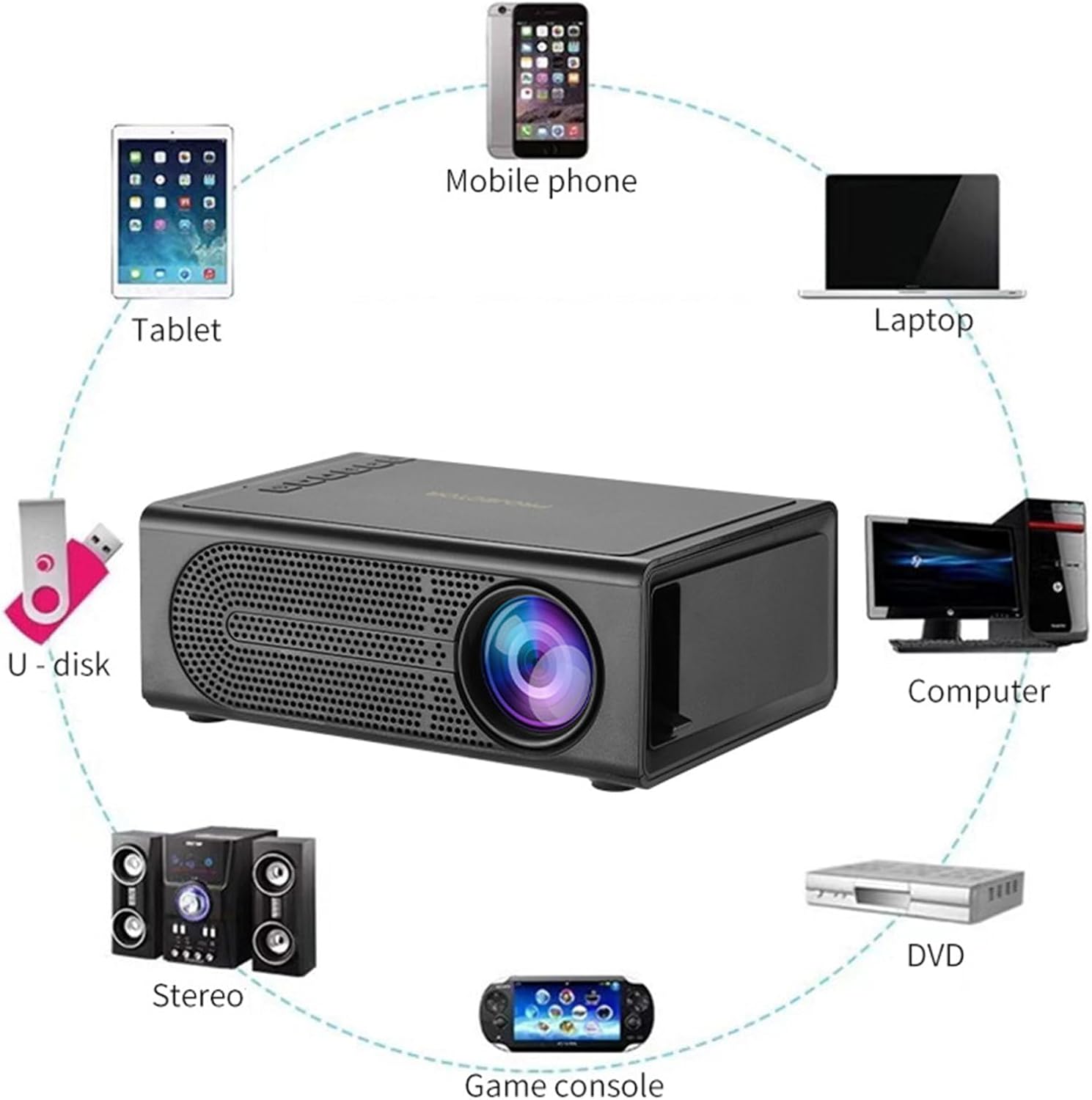
Image 3.2: Diagram showing various devices that can connect to the projector, including mobile phones, tablets, laptops, computers, DVDs, game consoles, U-disks, and stereo systems. The projector features HDMI, USB, AV, and memory card input ports.
4. Enstalasyon
4.1. Koneksyon pouvwa
- Connect the provided USB power cable to the projector's 5V-2A USB power input port.
- Plug the other end of the USB power cable into a compatible 5V-2A USB power adapter (not included) or a power bank.
- Ensure the power source provides sufficient current (5V-2A) for optimal performance.
4.2. Plasman
Place the projector on a stable, flat surface. For best results, position the projector directly in front of the projection screen or wall. The optimal projection distance ranges from 39 to 79 inches, yielding a viewing size of approximately 60 inches.
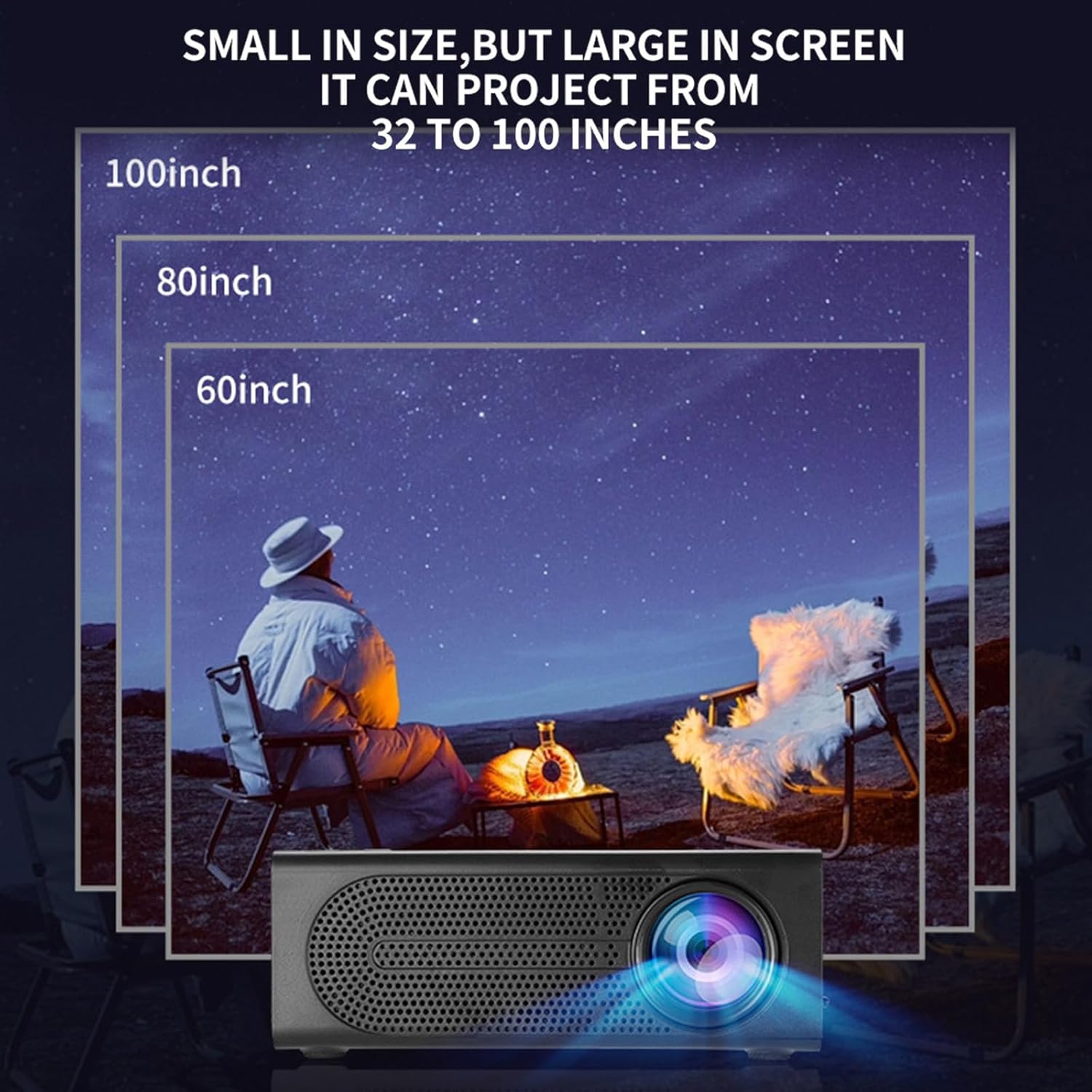
Image 4.1: Illustration demonstrating various projection sizes (60, 80, 100 inches) achievable with the Lovskoo Mini Projector M200 at different distances.
5. Operasyon Enstriksyon
5.1. Power On/Off
- Pou limen pwojektè a, peze bouton pouvwa a sou pwojektè a oswa sou kontwòl remote la.
- Pou etenn, peze bouton pouvwa a ankò.
5.2. Konekte Aparèy
Pwojektè a sipòte plizyè sous opinyon:
- HDMI: Connect a laptop, DVD player, game console, or set-top box using an HDMI cable.
- USB: Insert a USB flash drive for direct media playback.
- DE: Use an AV cable to connect older devices.
- Kat memwa: Insert a TransFlash (TF) card for media playback.
- On-Screen Connection: Supports wired phone same-screen playback. Refer to your phone's specific instructions for wired screen mirroring.
5.3. Konsantre Ajisteman
To achieve a clear image, adjust the focus ring located on the projector lens.
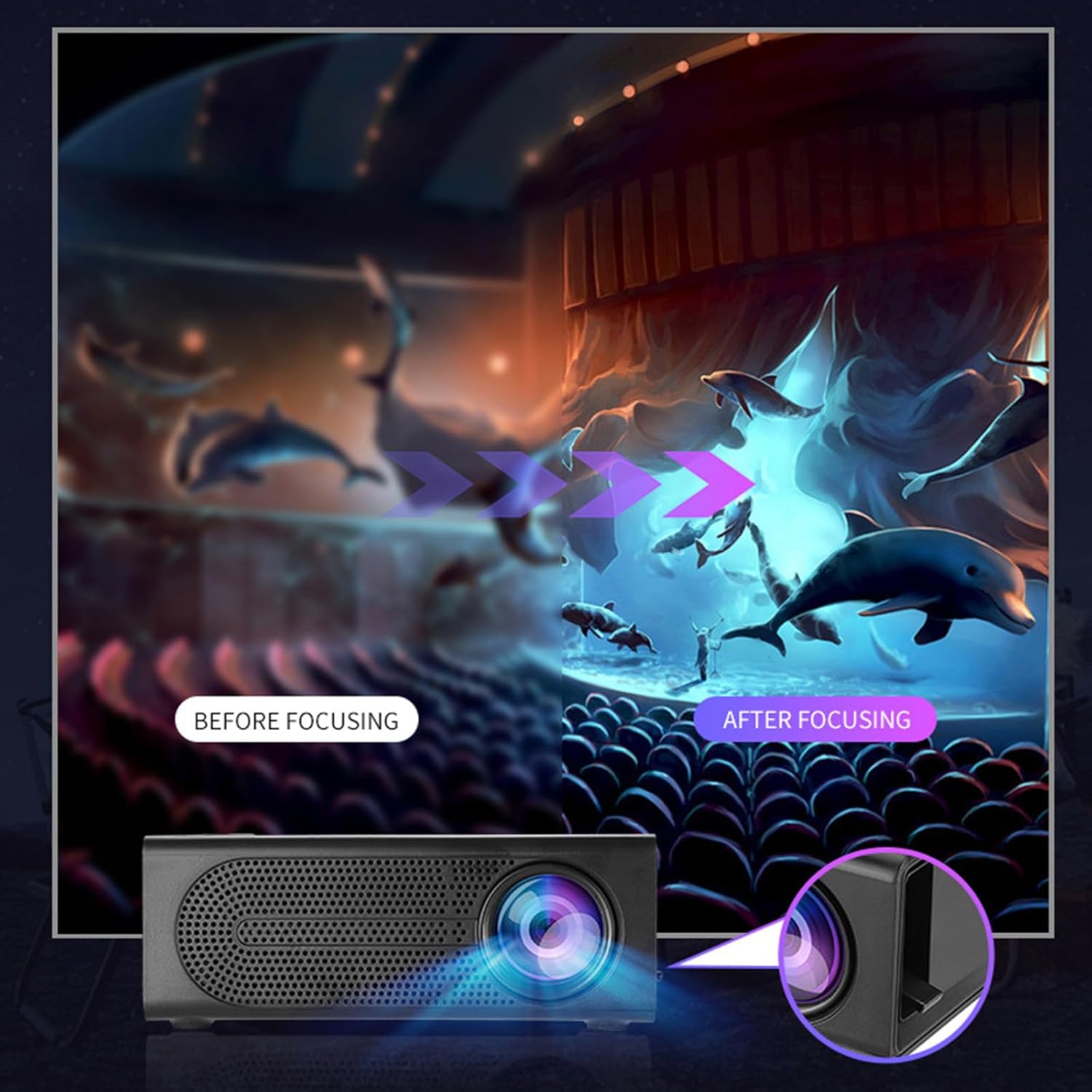
Image 5.1: Depiction of the focus adjustment process on the Lovskoo Mini Projector M200, showing a blurry image becoming sharp after adjustment.
5.4. Seleksyon Sous
After connecting a device, use the remote control or the projector's buttons to select the correct input source (HDMI, USB, AV, Memory Card) from the on-screen menu.
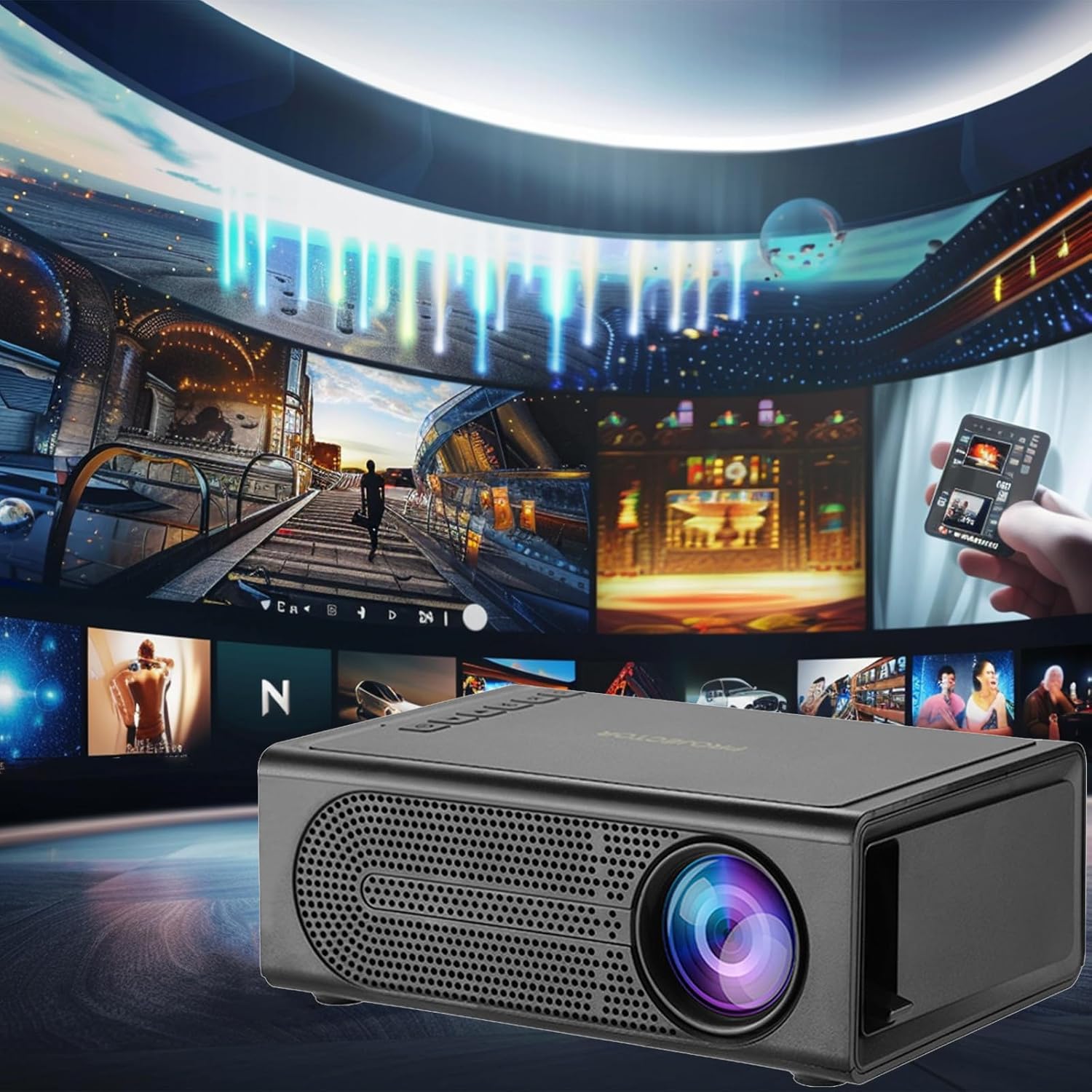
Image 5.2: The Lovskoo Mini Projector M200 displaying various media content, indicating its multi-source playback capability.
6. Antretyen
6.1. Netwaye lantiy la
Use a soft, lint-free cloth or lens cleaning paper to gently wipe the projector lens. Avoid using abrasive materials or harsh chemicals.
6.2. Netwaye kò pwojektè a
Siye deyò pwojektè a avèk yon twal mou epi sèk. Pa sèvi ak pwodui netwayaj likid dirèkteman sou aparèy la.
6.3. Vantilasyon
Ensure the projector's ventilation openings are not blocked to prevent overheating. The built-in constant temperature fan is designed to maintain stable system operation and keep noise levels below 30 dB.
6.4. Depo
Lè w pa ap itilize pwojektè a, sere l nan yon kote ki fre epi sèk, lwen limyè solèy dirèk ak twòp pousyè.
NAN. Depanaj
| Pwoblèm | Kòz posib | Solisyon |
|---|---|---|
| Pa gen imaj sou ekran an |
|
|
| Imaj la twoub |
|
|
| Pa gen son |
|
|
| Remote kontwòl pa travay |
|
|
8. Espesifikasyon
| Karakteristik | Detay |
|---|---|
| Modèl | M200 |
| Rezolisyon | 600*480P / 320*240p (Supports 1920*1080p decoding) |
| Voltage | USB interface 5V2A |
| Gwosè pwojeksyon | 20-80 inches (Optimal viewing size: 60 inches) |
| Antre Entèfas | USB / U disk / HDMI / AV / Memory Card (TF Card) |
| Distans pwojeksyon | 39-79 pous |
| Lavi sèvis | 30,000+ èdtan |
| Pouvwa | 24W |
| Dimansyon pwodwi | 12.6 x 8.5 x 4.7 cm (4.96 x 3.35 x 1.85 pous) |
| Pwa atik | 425g (15 ons) |
| Nivo bri | Mwens pase 30 dB |
| Karakteristik espesyal | Portable, HDR high trends display technology, Built-in speaker, Multi-language support |
9. Garanti ak sipò
For warranty information or technical support, please refer to the contact details provided at the point of purchase or visit the official Lovskoo websit la. Kenbe resi acha ou kòm prèv acha pou reklamasyon garanti.
Ask a question about this manual
Ask about setup, troubleshooting, compatibility, parts, safety, or missing instructions. Manuals+ will review the question and use this page’s manual context to help answer it.