
1. Entwodiksyon
The TOALLIN WL568 Wireless PTZ Conference Camera is designed for high-quality video conferencing, live streaming, and online teaching. It features 10X optical zoom, 1080P Full HD resolution, and 5.8Ghz wireless connectivity, offering flexibility and clear visuals for various professional and educational environments.
2. Pwodwi souview
Familiarize yourself with the components and ports of your TOALLIN WL568 camera.
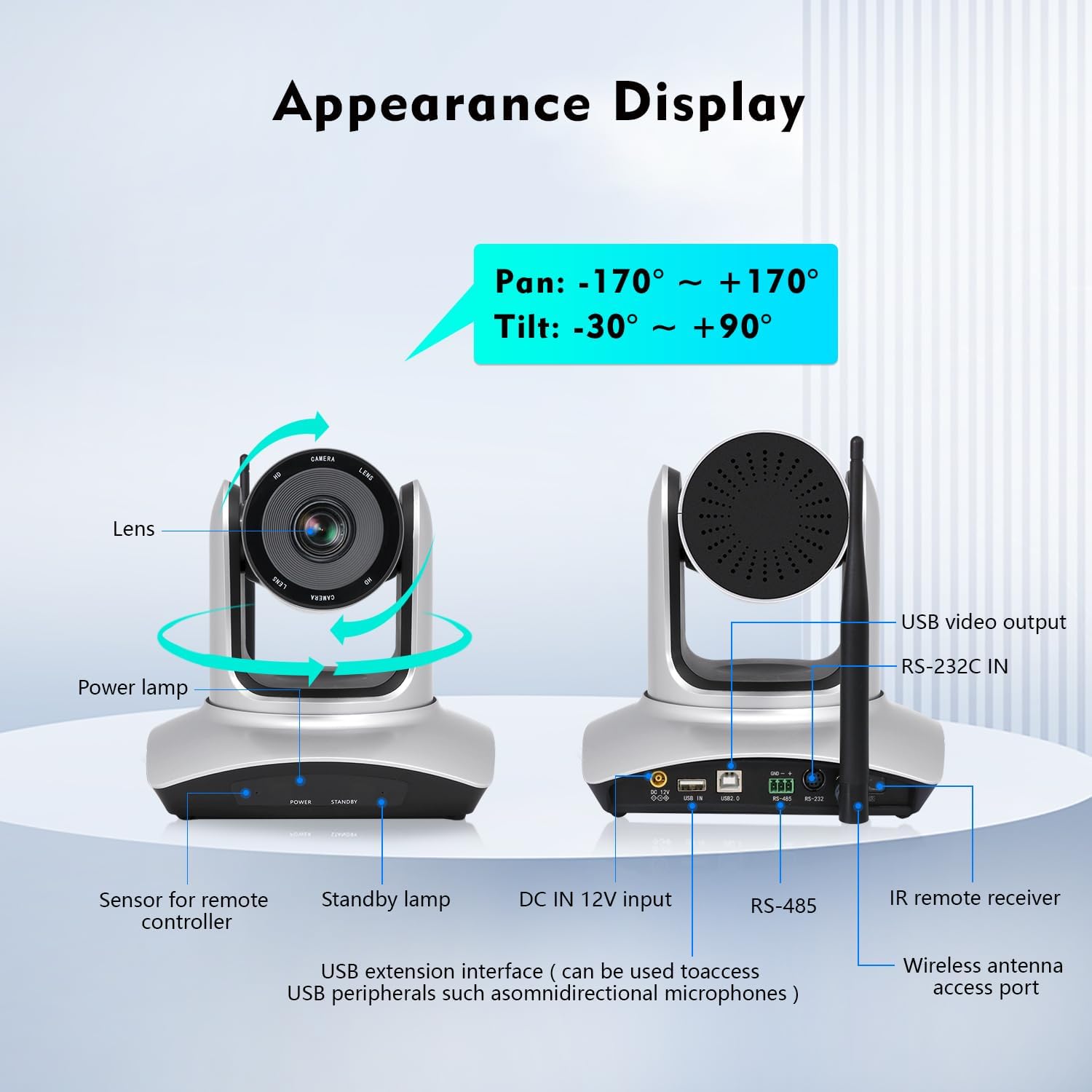
Image: TOALLIN WL568 Camera Appearance Display with labeled ports and features.
- Lantiy: Kaptire flux videyo.
- Pouvwa Lamp: Endike estati pouvwa.
- Sensor for Remote Controller: Receives signals from the IR remote.
- Standby Lamp: Indicates standby status.
- DC IN 12V Input: Power connection port.
- USB Extension Interface: Can be used to connect USB peripherals like omnidirectional microphones.
- RS-485 / RS-232C IN: Control interfaces for advanced integration.
- Wireless Antenna Access Port: For connecting the wireless antenna.
- Sòti videyo USB: For wired connection to a computer.
3. Ki sa ki nan bwat la
Verifye ke tout atik yo prezan nan pakè a:
- Kò kamera
- IR Remote Kontwolè
- Wireless Antenna (x2)
- Reseptè USB
- Adaptè pouvwa
4. Gid Enstalasyon
4.1 Koneksyon Wireless
- Connect one wireless antenna to the camera body.
- Connect the second wireless antenna to the USB receiver.
- Ploge reseptè USB a nan yon pò USB ki disponib sou òdinatè w lan.
- The camera and receiver will automatically pair. This process may take several seconds to complete before the video feed appears.

Image: Steps for wireless connection setup.
Nòt: For wired connection mode, turn off the wireless mode switch located at the bottom of the camera and connect via the provided USB cable.
4.2 Plasman Kamera
The camera offers flexible placement options:
- Directly on a conference room desktop.
- Mounted on a tripod.
- Installed on a wall mount support.

Image: Various camera placement options.
4.3 Premye pouvwa sou
Connect the power adapter to the camera and a power outlet. The power lamp will illuminate, indicating the camera is receiving power.
Video: Demonstrates the initial setup process, including connecting antennas and the USB receiver, and showing the camera's functionality with remote control.
5. Karakteristik kle
- 5.8Ghz Wireless Connectivity: Offers stable transmission up to 15 meters indoors with low latency, allowing flexible camera placement without cables.
- Pan & Tilt & 10X Optical Zoom: Pan angle of ±170° and Tilt angle of -30° to +90°. The 10X optical zoom with auto-focus (manual focus optional) ensures clear visuals at any distance.
- FHD 1080P Resolution: Built-in 1/2.8" CMOS Sensor delivers 2 million pixels high-quality video.
- 71 ° Gran Ang View: Ensures all participants are visible during meetings.
- Enstalasyon Plug and Play: No drivers or apps required for installation.
- Lajè konpatibilite: Compatible with Windows 7 or above, MacOS, Linux, Android, and major conferencing software like Zoom, Skype, Webex, GoToMeeting, and Microsoft Teams.
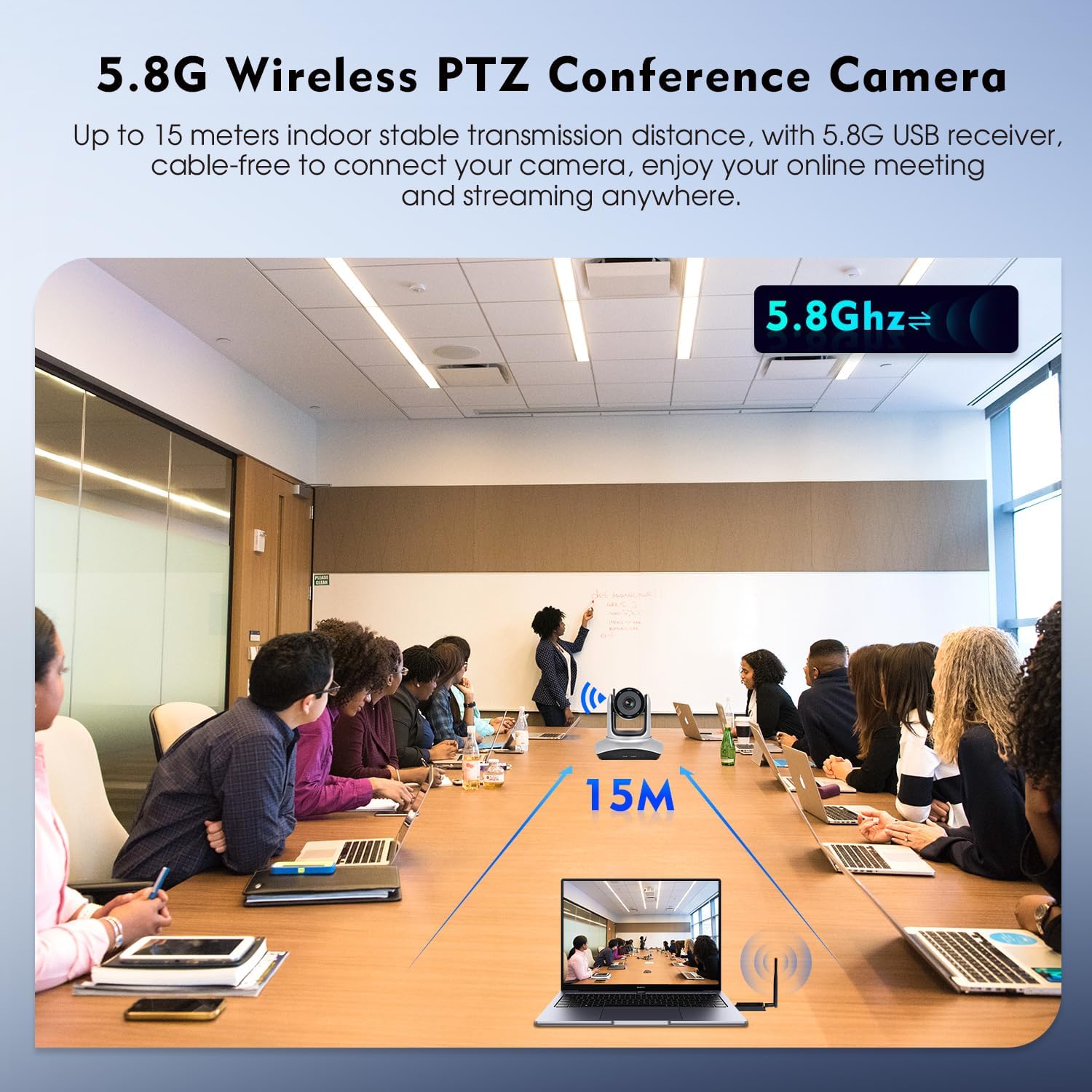
Image: 5.8G Wireless Connectivity in a conference setting.
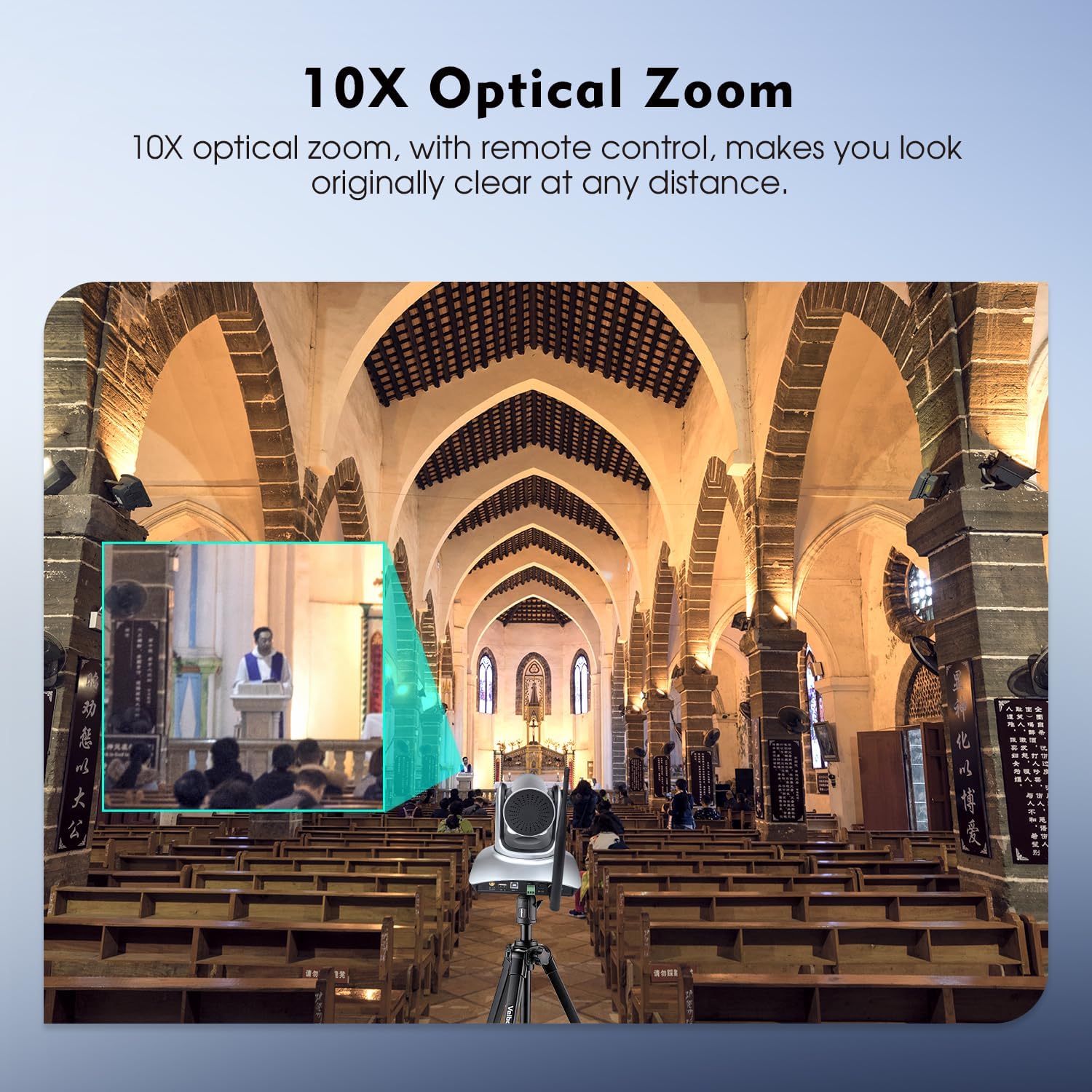
Image: 10X Optical Zoom in action.
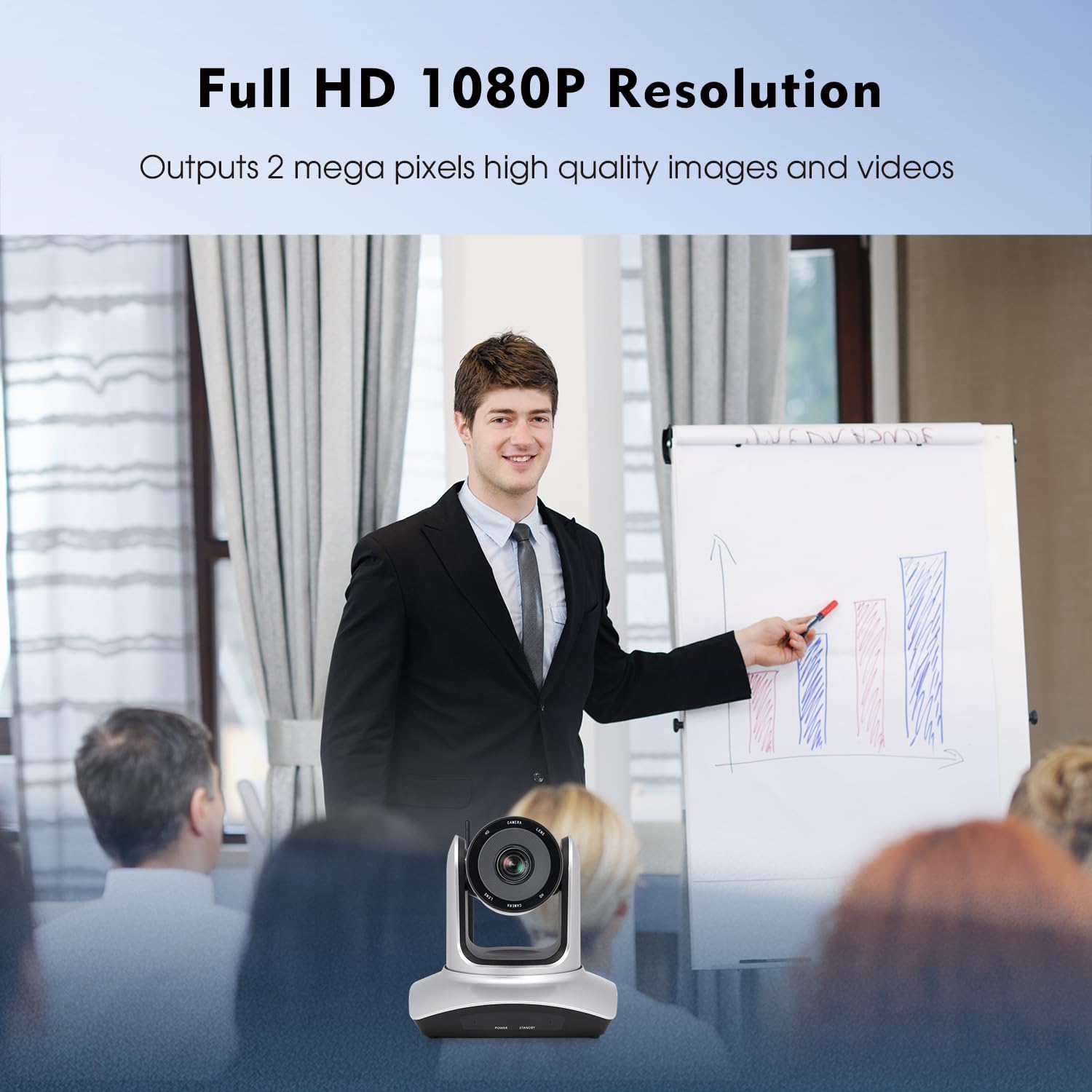
Image: Full HD 1080P Resolution output.
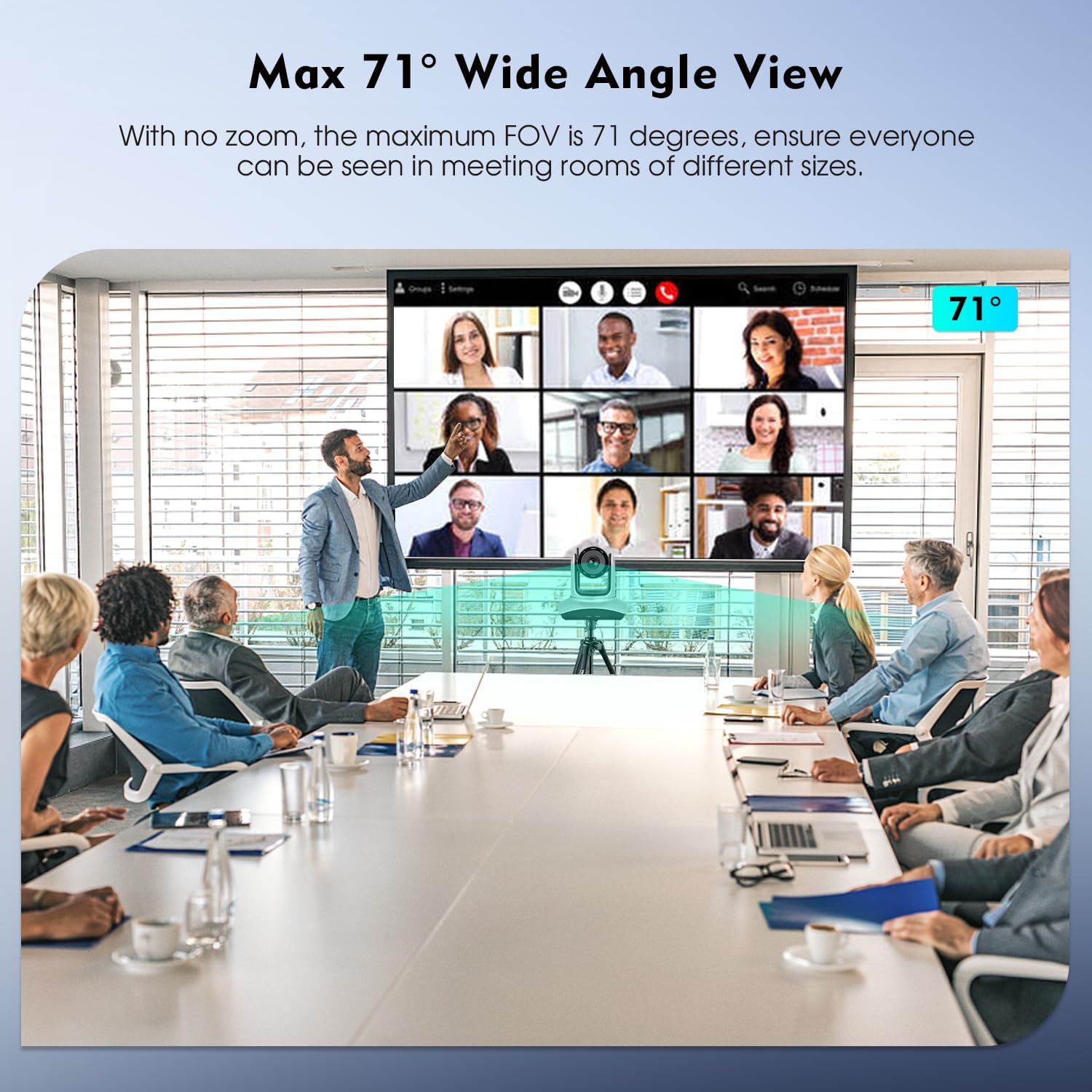
Image: Max 71° Wide Angle View.
6. Operasyon
6.1 Fonksyon kontwòl Remote
The camera's Pan, Tilt, and Zoom (PTZ) functions are controlled using the included IR remote controller. Point the remote at the camera's IR receiver.

Image: IR Remote Control layout and functions.
Fonksyon kle yo nan yon distans remote gen ladan yo:
- POUVWA: Limen/etenn kamera a.
- PAN-TILT RESET: Resets the camera's pan and tilt position.
- POSITION (1-9): Use to set and recall preset camera positions. Press PRESET then a number (1-9) to save. Press a number (1-9) to recall.
- Reyajiste: Peze RESET then a number (1-9) to eliminate a preset position.
- MENI: Accesses the camera's on-screen menu.
- PAN-TILT: Moves the camera horizontally (pan) and vertically (tilt). LAKAY returns the camera to its middle position.
- ZOOM: Adjusts the optical zoom (Telephoto for zoom in, Wide Angle for zoom out).
- FOCUS: Adjusts focus (auto or manual).
- F1: Press and hold for 3 seconds to quickly switch image normal and inversion.
- F2: Press and hold for 3 seconds to quickly restore factory settings.
- F3: Press and hold for 3 seconds to quickly switch image normal and mirror.
- KLEITE: Ajiste klète imaj la.
- LIMYÈ DÈYÈ: Controls backlight compensation.
6.2 Konpatibilite lojisyèl
Once connected, the camera functions as a standard webcam and is compatible with most video conferencing and streaming software. Select "TOALLIN WL568 Camera" as your video input device within your chosen application settings.
7. Antretyen
To ensure optimal performance and longevity of your TOALLIN WL568 camera:
- Keep the camera lens clean using a soft, dry, lint-free cloth. Avoid abrasive cleaners.
- Sere kamera a nan yon kote ki fre epi sèk, lwen limyè solèy dirèk ak tanperati ekstrèm.
- Avoid exposing the camera to moisture or liquids.
- Do not attempt to disassemble or repair the camera yourself, as this will void the warranty.
NAN. Depanaj
| Pwoblèm | Kòz posib | Solisyon |
|---|---|---|
| No video output after connection. |
|
|
| Kontwòl remote la pa reponn. |
|
|
| Kalite videyo a pa bon oswa li twoub. |
|
|
9. Espesifikasyon
| Karakteristik | Detay |
|---|---|
| Mak | TOALLIN |
| Nimewo Modèl | WL568 |
| Koneksyon Teknoloji | Wi-Fi (5.8Ghz) |
| Rezolisyon Capture Videyo | 1080p plen HD |
| Rezolisyon toujou efikas | 2 MP |
| Teknoloji Capteur Foto | CMOS (1/2.8 pous) |
| Zoom optik | 10x |
| Pan Ang | ± 170° |
| Panche Angle | -30° pou +90° |
| Jaden nan View (FOV) | 71° (max) |
| Kalite Konsantre | Auto Focus, Manual Focus |
| Sistèm operasyon konpatibilite | Windows 7+, MacOS, Linux, Android |
| Faktè fòm | Desk/Tabletop, Wall/Ceiling Mountable |
| Pwa atik | 2.6 Kilogram |
10. Garanti ak sipò
The TOALLIN WL568 Wireless PTZ Conference Camera comes with a 1-ane garanti soti nan dat acha a.
For any product-related issues, technical assistance, or warranty claims, please contact TOALLIN customer support. We provide 7*24-hours customer support to assist you.
You can find contact information on the official TOALLIN websit la oubyen atravè platfòm acha ou a.