
TOMLOV P30
TOMLOV P30 Digital Microscope
Manyèl itilizatè
Entwodiksyon
Mèsi pou acha aasing the TOMLOV P30 Portable Digital Microscope. This device is designed to provide an engaging and educational experience for exploring the microscopic world, suitable for both children and hobbyists. With its 1-100X standard and 500-1000X high magnification, 16MP camera, and 1080P video capabilities, the P30 allows for detailed observation and capture of discoveries. This manual provides essential information for the proper setup, operation, and maintenance of your microscope.
Enfòmasyon sou Sekirite
- Pa demonte oswa eseye repare aparèy la tèt ou. Konsilte pèsonèl sèvis kalifye.
- Keep the device away from water and other liquids to prevent electric shock or damage.
- Evite ekspoze aparèy la nan tanperati ekstrèm, limyè solèy la dirèk, oswa imidite segondè.
- Use only the specified charging cable and power adapter to prevent damage to the battery or device.
- Clean the lens and screen with a soft, lint-free cloth. Avoid using abrasive cleaners or solvents.
- This product contains small parts and is not suitable for children under 3 years old without adult supervision.
Kontni pake
Tanpri verifye sa ki nan pake a lè w ap debale l pou asire w tout bagay yo la:
- TOMLOV P30 Digital Microscope
- USB Chaje Kab
- Kat Micro SD 16GB (pre-enstale oswa enkli separeman)
- Lanyard
- Manyèl itilizatè

Image: The TOMLOV P30 Digital Microscope with its included accessories, such as the charging cable and lanyard.
Pwodwi souview
Familiarize yourself with the main components of your TOMLOV P30 microscope:
- Ekran LCD 2-pous: Montre an dirèk view, captured images, and videos.
- Bouton pouvwa: Limen/éteint aparèy la.
- bouton mòd: Switches between photo, video, and playback modes.
- Zoom/Navigation Buttons: Adjust magnification and navigate menus.
- Capture/OK Button: Takes photos, starts/stops video recording, confirms selections.
- Konsantre wou: Adjusts the focus for clear images.
- Dirije ekleraj: Provides light for observation.
- Mikwo SD kat plas: Pou estoke medya kaptire yo.
- USB-C pò: Pou chaje ak transfè done.

Imaj: Detaye view of the TOMLOV P30 microscope, highlighting its 2-inch LCD screen and control buttons.
Enstalasyon
- Chaje batri a:
Before first use, fully charge the microscope. Connect the USB charging cable to the microscope's USB-C port and the other end to a USB power adapter (not included) or a computer's USB port. The charging indicator will show the charging status. A full charge provides up to 3 hours of use.

Image: The TOMLOV P30 microscope offers up to 3 hours of battery life, ideal for outdoor exploration.
- Mete Kat Mikwo SD a:
The microscope comes with a 16GB Micro SD card. Locate the Micro SD card slot on the side of the device. Gently insert the card with the gold contacts facing down until it clicks into place. To remove, push the card in again until it springs out.
- Limen:
Press and hold the Power button for a few seconds until the screen illuminates. The microscope will boot up and display the live view.
- Ajiste agrandisman ak konsantre:
Place the object you wish to observe directly under the microscope's lens. Rotate the focus wheel to bring the image into sharp focus on the screen. The TOMLOV P30 offers two magnification levels: 1-100X for standard observation and 500-1000X for high magnification, suitable for detailed slides.
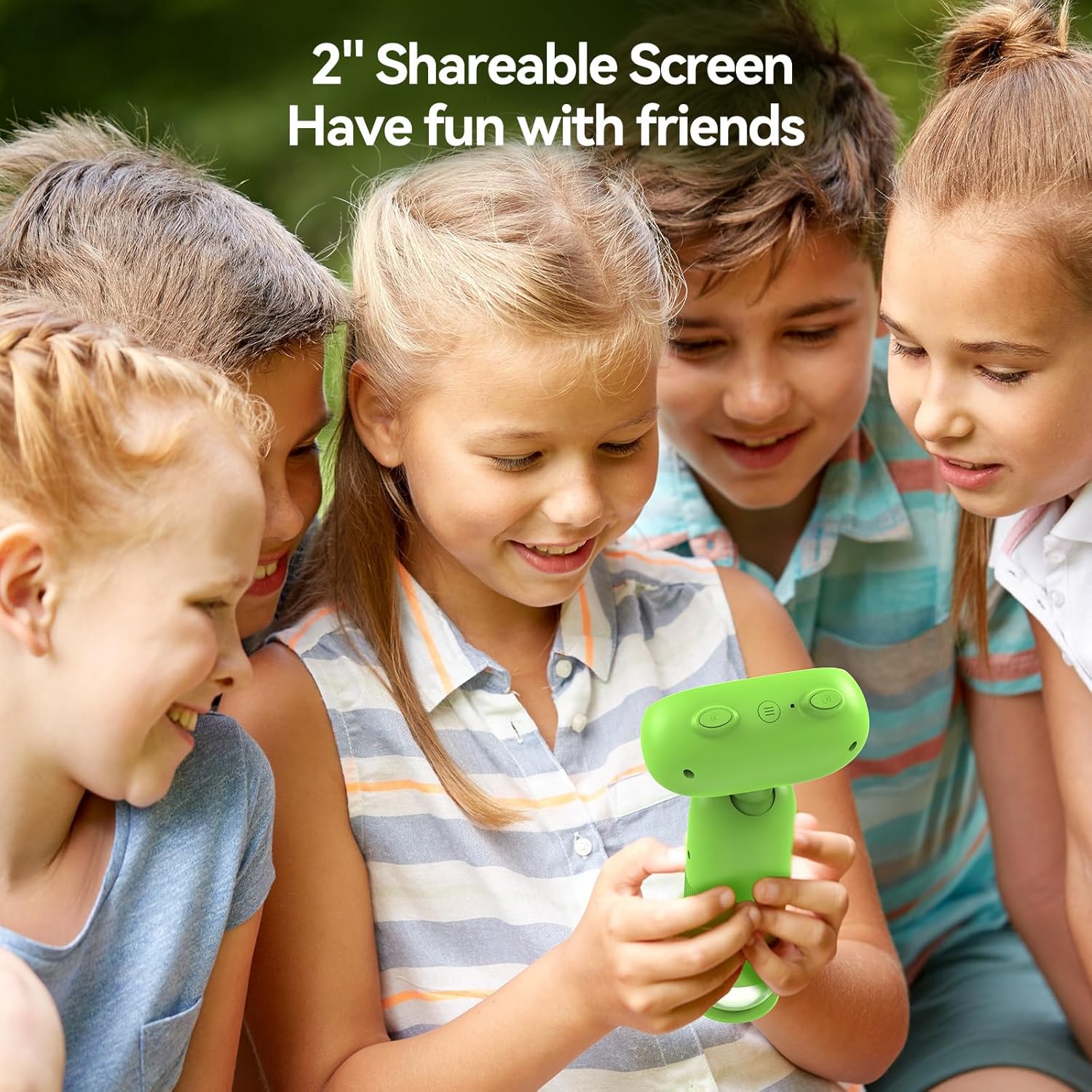
Image: The TOMLOV P30 microscope can unlock tiny details at 1000X magnification, as shown with a magnified bee on its screen.
Enstriksyon Operasyon
- Chanje mòd:
Press the Mode button to cycle between Photo Mode, Video Mode, and Playback Mode. The current mode icon will be displayed on the screen.
- Lè w ap pran foto:
In Photo Mode, frame your subject on the screen. Press the Capture/OK button once to take a photo. The image will be saved to the Micro SD card.
- Anrejistreman Videyo:
In Video Mode, press the Capture/OK button once to start recording. Press it again to stop recording. Videos are saved in 1080P resolution to the Micro SD card.

Image: The TOMLOV P30 allows users to capture 1080P videos and 16MP photos, and revisit their discoveries through playback.
- Lektur mòd:
In Playback Mode, use the navigation buttons to browse through your captured photos and videos. Press the Capture/OK button to view yon atik ou chwazi oubyen jwe yon videyo.
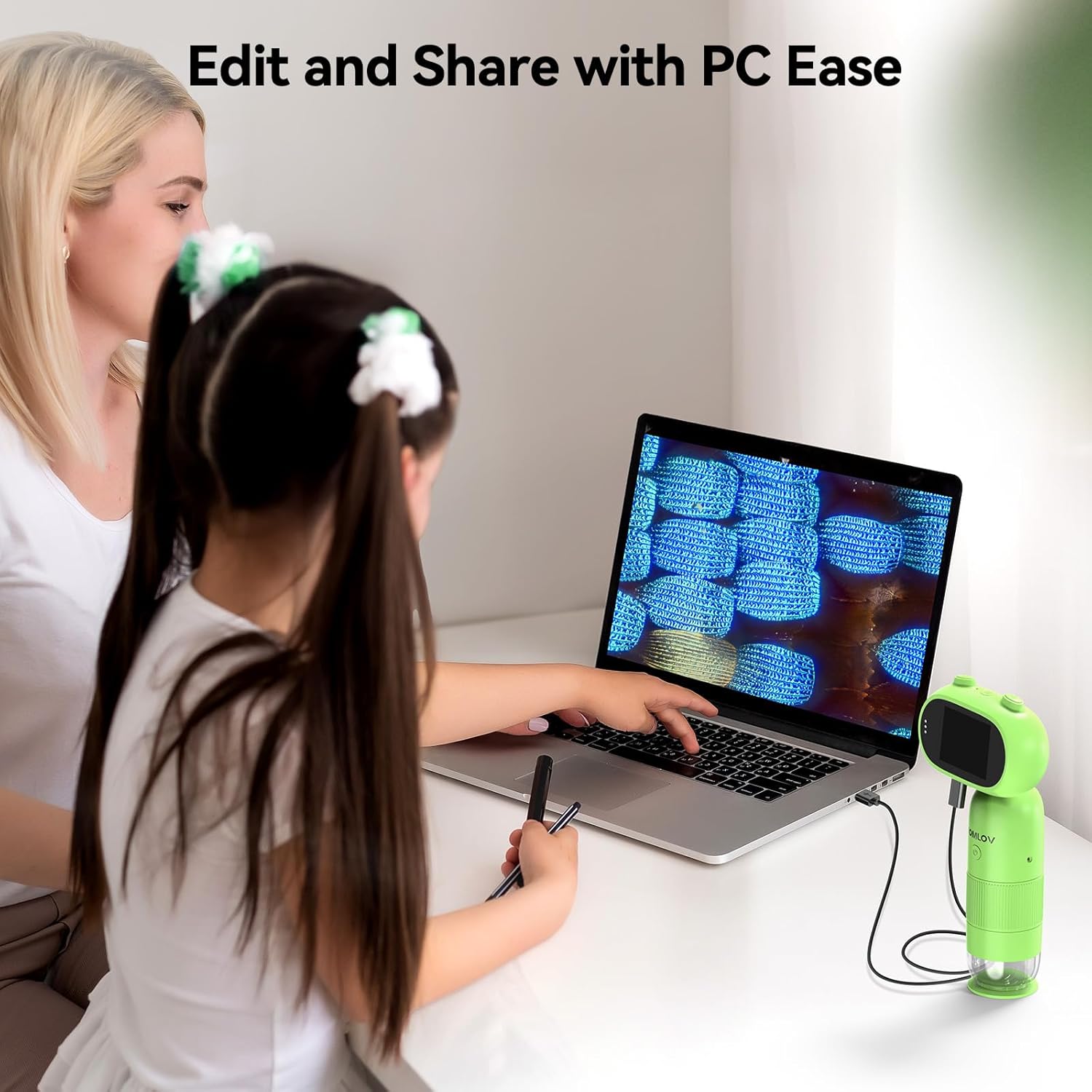
Image: The 2-inch shareable screen of the TOMLOV P30 makes it easy for children to view and share discoveries with friends.
- Konekte ak yon òdinatè:
Pou transfere files, connect the microscope to your computer using the USB cable. The microscope will appear as a removable disk drive. You can then copy photos and videos to your computer for editing and sharing.

Image: The TOMLOV P30 microscope can be connected to a PC for easy editing and sharing of captured media.
- Zoom dijital:
The microscope features 4X digital zoom. While in live view, use the designated zoom buttons to digitally magnify the image on the screen. Note that digital zoom may reduce image quality compared to optical magnification.
Antretyen
- Netwayaj lantiy la ak ekran an: Use a soft, dry, lint-free cloth to gently wipe the lens and screen. For stubborn smudges, a slightly dampened cloth with water can be used, followed by a dry cloth. Do not use alcohol or chemical cleaners.
- Depo: When not in use, store the microscope in a cool, dry place, away from direct sunlight and dust. Use the included lanyard for secure carrying.
- Swen batri: Pou pwolonje lavi batri a, evite dechaje batri a nèt souvan. Si w ap sere l pou yon peryòd tan pwolonje, chaje batri a apeprè 50% chak kèk mwa.
Depanaj
| Pwoblèm | Kòz posib | Solisyon |
|---|---|---|
| Mikwoskòp la pa limen. | Batri a fèb oswa li vid. | Charge the microscope fully using the USB cable. |
| Imaj la twoub. | Focus is not adjusted correctly; object is too far/close. | Rotate the focus wheel until the image is clear. Ensure the object is within the working distance. |
| Pa ka sove foto/videyo. | Kat Micro SD a plen, li pa byen mete l, oswa li pèvèti. | Check if the SD card is inserted correctly. Delete unnecessary files or format the card (this will erase all data). Replace the card if corrupted. |
| Ekran an vid oswa li bloke. | Erè sistèm. | Press and hold the Power button for 10 seconds to force a shutdown, then restart the device. |
Espesifikasyon
| Karakteristik | Detay |
|---|---|
| Modèl | P30 |
| Agrandisman | 1-100X (Standard), 500-1000X (High) |
| Rezolisyon kamera | 16 megapiksèl |
| Rezolisyon videyo | 1080P |
| Ekspozisyon ekran | 2-pous LCD |
| Zoom dijital | 4X |
| Depo | Micro SD Card (up to 16GB included) |
| Kapasite batri | 800mAh (rechargeable) |
| Lavi batri | Jiska 3 èdtan |
| Sous limyè | dirije |
| Materyèl | Plastik |
| Pwa | Apeprè. 6 oz |
Garanti ak sipò
The TOMLOV P30 Digital Microscope comes with a standard manufacturer's warranty. Please refer to the warranty card included in your package for specific terms and conditions. For technical support, troubleshooting assistance, or warranty claims, please contact TOMLOV customer service through their official website or the contact information provided with your purchase. Ensure you have your product model number (P30) and purchase details ready when contacting support.
For more information and updates, visit the official TOMLOV store: TOMLOV Store on Amazon
Ask a question about this manual
Ask about setup, troubleshooting, compatibility, parts, safety, or missing instructions. Manuals+ will review the question and use this page’s manual context to help answer it.