
1. Entwodiksyon
This manual provides essential information for the safe and efficient use of your BESTHERM ILLO CONNECT 1000W Ceramic Dry Inertia Electric Radiator. This appliance combines thermal comfort with advanced technology, featuring a ceramic heating core for homogeneous heat distribution and Wi-Fi connectivity for remote management. Please read these instructions carefully before installation and operation, and retain them for future reference.

Figi 1: Plis paseview of the ILLO CONNECT 1000W Radiator's key features.
2. Enstriksyon Sekirite
Toujou obsève prekosyon sekirite sa yo pou diminye risk dife, chòk elektrik, oswa blesi:
- Asire ekipman pou pouvwa a voltage matches the rating label on the radiator.
- Do not cover the radiator or obstruct its air vents. This can cause overheating.
- Keep flammable materials (curtains, furniture, etc.) at a safe distance from the appliance.
- Do not operate the radiator with a damaged cord or plug. Contact qualified service personnel for repairs.
- This appliance is for indoor use only. Do not use in bathrooms or other areas where it may come into contact with water, unless specifically rated for such environments (IP24 rating indicates protection against splashing water).
- Pa mete objè nan okenn ouvèti.
- Unplug the radiator before cleaning or performing any maintenance.
- The appliance features an Pwoteksyon Surchof system, which automatically shuts off the unit if it becomes too hot. If this occurs, unplug the unit, allow it to cool, and check for obstructions before restarting.
- La Sekirite Timoun Lock feature prevents accidental changes to settings.
3. Pake kontni
Verifye ke tout konpozan yo prezan nan anbalaj la:
- BESTHERM ILLO CONNECT 1000W Electric Radiator
- Wall mounting brackets and fixings
- Manyèl Itilizatè (dokiman sa a)
4. Enstalasyon
The ILLO CONNECT radiator is designed for wall mounting. Ensure the installation location is suitable and provides adequate clearance around the unit for proper heat circulation.
4.1 Mounting the Radiator
- Choose a suitable wall location, away from direct drafts and flammable materials.
- Sèvi ak sipò montaj yo kòm modèl pou make pwen perçage sou miray la.
- Drill holes and insert wall plugs (if necessary, depending on wall type).
- Securely attach the mounting brackets to the wall using the provided screws.
- Carefully hang the radiator onto the mounted brackets, ensuring it is level and securely seated.

Figi 2: Dèyè view with mounting brackets.
4.2 Koneksyon elektrik
Connect the radiator to a suitable electrical outlet. Ensure the outlet is properly grounded and can handle the 1000W power consumption of the unit. If using a pilot wire system, consult a qualified electrician for proper connection.
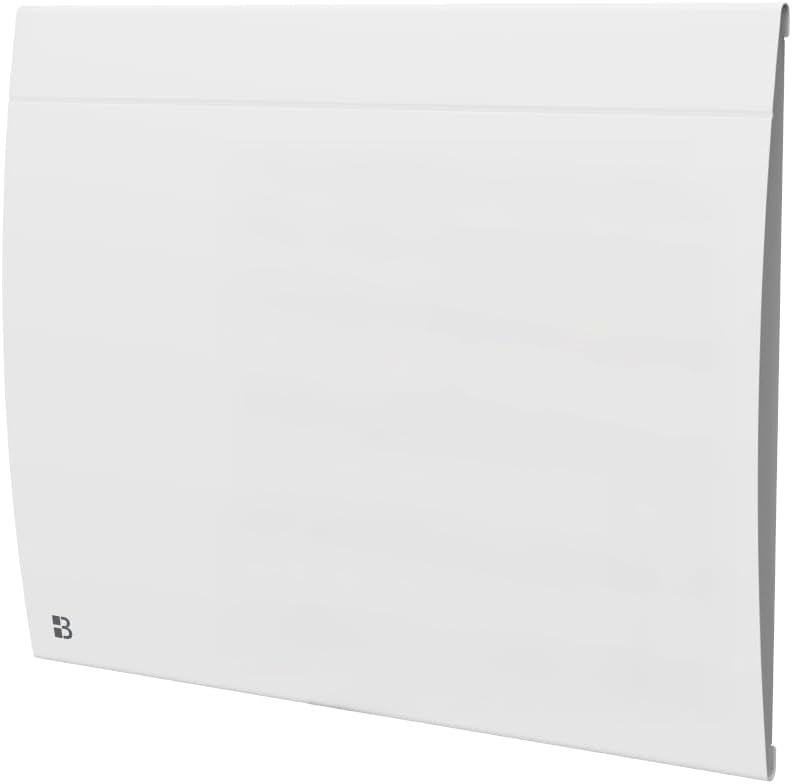
4.3 Dimansyon ak pwa
Consider the following dimensions and weight for installation planning:
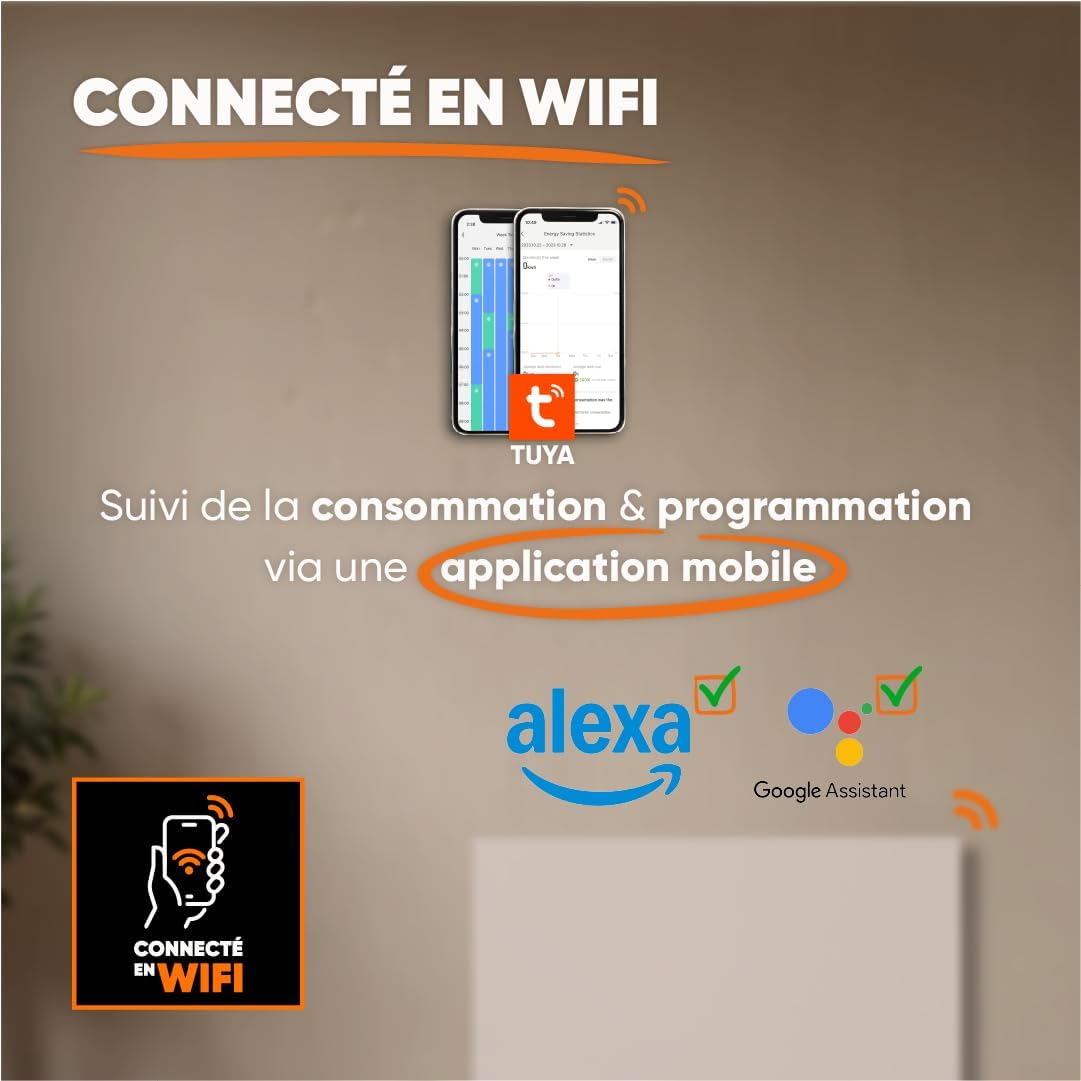
Figure 3: Radiator dimensions and weight.
For detailed visual instructions on installation, scan the QR code below or visit the official YouTube channel:

Figure 4: Scan for installation and programming videos.
Chèn YouTube ofisyèl: youtube.com/channel/UC-sOfckFt_UyYxoDYUZ95Ew
5. Operasyon Enstriksyon
The ILLO CONNECT radiator features an electronic control panel with touch buttons and an intuitive LCD display for easy management.
5.1 Premye pouvwa-sou
After connecting the radiator to the power supply, the LCD display will illuminate. You may need to set the current time and date before proceeding with other settings.
5.2 Kontwòl Panel Overview
The control panel typically includes buttons for mode selection, temperature adjustment, programming, and Wi-Fi pairing. Refer to the on-screen prompts for specific button functions.
5.3 Mòd Fonksyònman
The radiator offers four primary operating modes:
- Mòd konfò: Maintains the desired set temperature.
- Mòd ekonomik: Operates at a slightly reduced temperature compared to Comfort mode, saving energy.
- Mòd anti-jèl: Maintains a minimum temperature (e.g., 7°C) to prevent freezing.
- Standby Mode (Off): The radiator is off but remains connected to power.
5.4 Pwogramasyon
Customize your heating schedule for optimal comfort and energy efficiency:
- Pre-recorded Weekly Programs (P1/P2/P3): Select from three factory-set weekly programs designed for common usage patterns.
- Custom Weekly Program: Create and save your own personalized heating schedule for each day of the week.
5.5 Pilot Wire Modes (if applicable)
If your electrical installation includes a 6-order pilot wire, the radiator can be controlled via these modes:
- Konfò
- Konfò -1 ° C
- Konfò -2 ° C
- Ekolojik
- Anti-friz
- Off
5.6 Koneksyon Wi-Fi ak Kontwòl Aplikasyon
The ILLO CONNECT radiator can be controlled remotely via Wi-Fi using the Tuya or Smart Life mobile application.
- Telechaje aplikasyon Tuya Smart oubyen Smart Life la nan magazen aplikasyon telefòn entelijan ou an.
- Enskri oswa konekte nan kont ou.
- Follow the in-app instructions to add your radiator. This typically involves putting the radiator into pairing mode (refer to the radiator's display or specific app instructions).
- Once connected, you can monitor energy consumption, adjust settings, change modes, and set schedules from anywhere.
Figi 5: Koneksyon Wi-Fi ak kontwòl aplikasyon.
6. Smart Features & Safety
The ILLO CONNECT radiator incorporates several intelligent features for enhanced safety and energy efficiency:
- Open Window Detector: The radiator automatically detects an open window and adjusts its operation to prevent energy waste.
- Verrouillage timoun: This function prevents children from accidentally changing the radiator settings. Activate/deactivate via the control panel or mobile app.
- Pwoteksyon Surchof: The radiator automatically shuts down if it detects an internal temperature exceeding safe limits, ensuring user safety.
7. Antretyen
Antretyen regilye asire pèfòmans optimal ak lonjevite radyatè ou a.
7.1 Netwayaj
- Always unplug the radiator from the power supply before cleaning.
- Allow the radiator to cool completely.
- Siye sifas eksteryè yo ak yon mou, damp twal. Pa sèvi ak pwodui netwayaj abrazif, solvan, oswa pwodui chimik ki agresif, paske sa yo ka domaje fini an.
- Asire w ke pa gen dlo ki antre nan konpozan entèn yo.
- Periodically clean the air vents to prevent dust accumulation, which can affect efficiency.
7.2 Depo
If storing the radiator for an extended period, ensure it is clean, dry, and stored in a cool, dry place, protected from dust and moisture.
NAN. Depanaj
Si ou rankontre pwoblèm ak radyatè ou a, gade pwoblèm ak solisyon komen sa yo:
| Pwoblèm | Kòz posib | Solisyon |
|---|---|---|
| Radyatè a pa limen. | No power supply; Power switch off; Overheat protection activated. | Check power outlet and plug; Ensure power switch is on; Unplug, allow to cool, and check for obstructions. |
| Radyatè a pa chofe byen. | Incorrect mode selected; Temperature setting too low; Open window detected. | Select Comfort mode or increase temperature; Close windows/doors. |
| Koneksyon Wi-Fi a echwe. | Incorrect Wi-Fi password; Radiator too far from router; Router issues. | Verify Wi-Fi password; Move radiator closer to router or use a Wi-Fi extender; Restart router. |
| Panèl kontwòl la pa reponn. | Child lock activated; Temporary software glitch. | Deactivate child lock; Unplug the radiator for a few minutes, then plug it back in. |
Si pwoblèm nan pèsiste apre ou fin eseye solisyon sa yo, tanpri kontakte sèvis kliyan.
9. Espesifikasyon teknik
| Karakteristik | Spesifikasyon |
|---|---|
| Modèl | ILLO CONNECT 1000W |
| Sorti pouvwa | 1000 Watts |
| Metòd chofaj | Dry Inertia Ceramic |
| Kouvèti chofaj | Up to 10 m² (recommended for 5-10 m²) |
| Dimansyon (H x W x P) | 45 cm x 55 cm x 11 cm |
| Pwa | 7.3 kg |
| Materyèl | Steel |
| Kontwòl | Electronic with touch buttons, LCD display |
| Koneksyon | Wi-Fi (Tuya/Smart Life app compatible) |
| Karakteristik sekirite | Open Window Detector, Child Lock, Overheat Protection |
| Kalite aliye | Wall Mount (fixings included) |
| Evalyasyon IP | IP24 |
| Sètifikasyon | CE |
10. Garanti
The BESTHERM ILLO CONNECT 1000W Electric Radiator comes with a 2-ane garanti from the date of purchase. This warranty covers manufacturing defects under normal use. Please retain your proof of purchase for warranty claims. The warranty does not cover damage resulting from improper installation, misuse, neglect, or unauthorized repairs.
11. Sipò
Pou nenpòt kesyon, asistans teknik, oswa reklamasyon garanti, tanpri kontakte ekip sèvis kliyan nou an:
- FAQ sou entènèt: Vizite www.bestherm.fr/pages/faq
- Telephone Assistance: 03 20 47 05 37
- Sipò Imèl: sav@hom-y.fr
Our responsive after-sales service is based in France to ensure efficient support.