
1. Enfòmasyon enpòtan sou sekirite
Please read all safety instructions carefully before using your Xiaomi TV S Mini LED 75" 2025. Keep this manual for future reference.
- Sous pouvwa: Konekte televizyon an sèlman ak yon sous kouran AC jan sa endike sou etikèt la.
- Vantilasyon: Asire w ke gen ase vantilasyon toutotou televizyon an. Pa bloke ouvèti vantilasyon yo.
- Dlo ak imidite: Pa ekspoze televizyon an anba lapli oswa imidite. Pa mete objè ki plen likid sou televizyon an.
- Netwayaj: Dekonekte televizyon an anvan ou netwaye li. Sèvi ak yon twal mou epi sèk. Evite pwodui netwayaj likid.
- Sèvis: Pa eseye fè sèvis pwodui sa a tèt ou. Refere tout sèvis yo bay pèsonèl sèvis kalifye.
- Plasman: Place the TV on a stable, level surface or mount it securely to a wall using a compatible VESA mount.
2. Pake kontni
Verifye ke tout atik yo prezan nan pakè a:
- Xiaomi TV S Mini LED 75" 2025
- Kontwòl Remote
- Pouvwa kab
- TV Stand Components (if included)
- Manyèl Itilizatè (dokiman sa a)
3. Gid Enstalasyon
3.1 Depake televizyon an
Carefully remove the TV from its packaging. It is recommended to have two people for this process due to the size and weight of the 75-inch model.
3.2 Installing the TV Stand (Optional)
If you are not wall-mounting the TV, attach the included stand components according to the separate stand installation guide. Ensure all screws are tightened securely.
3.3 Montaj sou miray (opsyonèl)
The Xiaomi TV S Mini LED 75" 2025 supports VESA wall mounts with a pattern of 400 x 300 mm. Use appropriate wall-mounting hardware and consult a professional for installation to prevent injury or damage.
3.4 Konekte periferik
Connect your devices to the TV's input ports. Refer to the back panel image for port locations.
Imaj: Dèyè view of the TV displaying available connection ports.
- Pouvwa: Konekte kab kouran an nan televizyon an epi answit nan yon priz kouran.
- HDMI: Connect Blu-ray players, game consoles, or other HDMI devices.
- USB: Konekte aparèy depo USB pou lekti medya.
- Ethernet: Pou yon koneksyon entènèt filaire.
- Antèn/Kab: Konekte antèn ou oswa kab televizyon an.
3.5 Premye Limen ak Premye Enstalasyon
After connecting all cables, plug in the TV and press the power button on the remote control. Follow the on-screen instructions to complete the initial setup, including network connection, Google account login, and channel scanning.

Imaj: Devan view of the Xiaomi TV S Mini LED 75" 2025.
4. Operasyon Enstriksyon
4.1 Remote Control Overview
The included remote control provides access to all TV functions. Familiarize yourself with the button layout for easy navigation.
4.2 Fonksyon debaz
- Pouvwa: Peze vire televizyon an sou oswa etenn.
- Volim: Use the +/- buttons to adjust the sound level.
- Chèn: Sèvi ak bouton CH +/- yo pou chanje chanèl.
- Antre: Select the desired input source (HDMI, AV, etc.).
- Kay: Access the Google TV home screen.
4.3 Karakteristik Smart TV (Google TV)
Your Xiaomi TV runs on Google TV, offering a personalized entertainment experience.

Image: Google TV interface with app icons and content suggestions.
- Aplikasyon: Telechaje epi enstale aplikasyon yo nan Google Play Store la.
- Asistan vwa: Use the built-in Google Assistant for voice commands.
- Rekòmandasyon kontni: Google TV provides personalized recommendations based on your viewabitid yo.

Image: Using the Hey Google voice assistant to search for content.
4.4 Anviwònman ekspozisyon
Ajiste paramèt foto yo pou optimize ou vieweksperyans nan.
Imaj: Plis paseview of the TV's advanced display technologies.
- Mòd foto: Select from various preset modes (e.g., Standard, Vivid, Movie, Game) or customize your own.
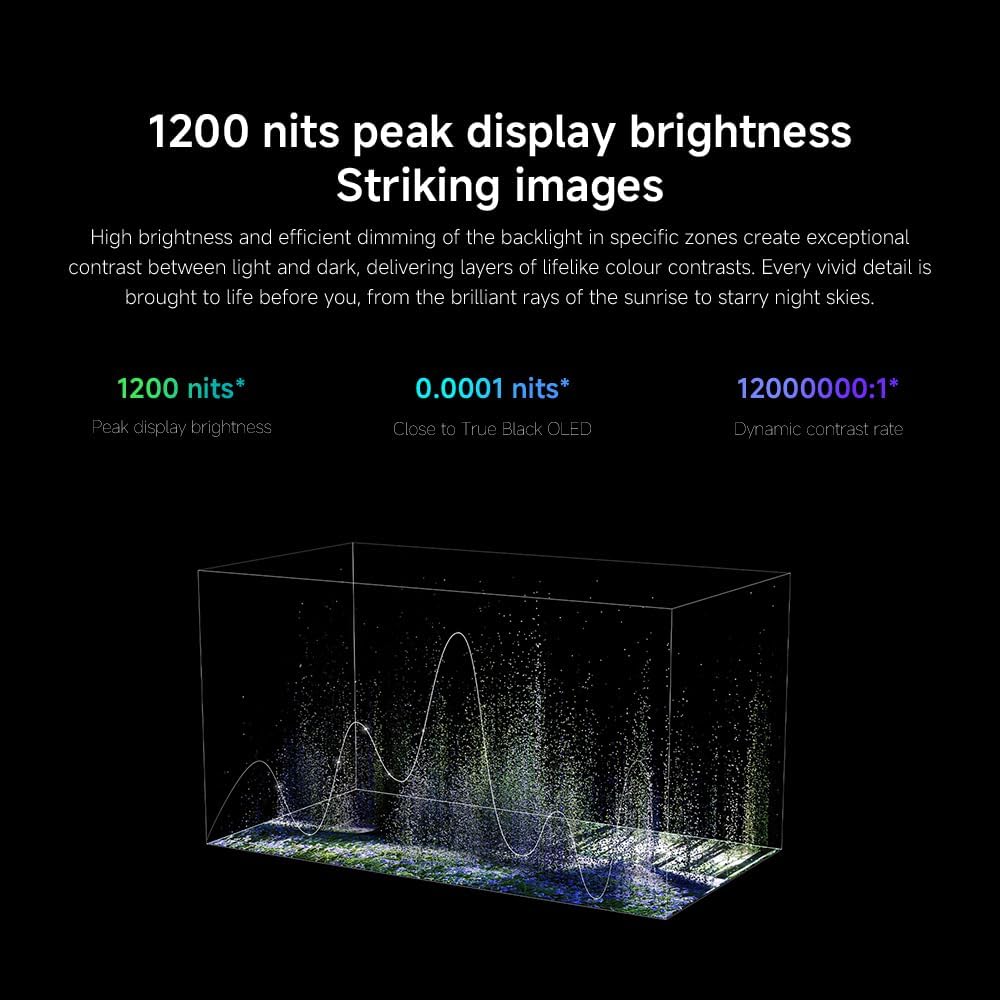
- Klate/Kontrast: Fine-tune these settings for optimal visual clarity. The TV features 1200 nits peak brightness for stunning visuals.
- Koulè: Adjust color saturation and tint. The QD-MiniLED display offers accurate color reproduction.
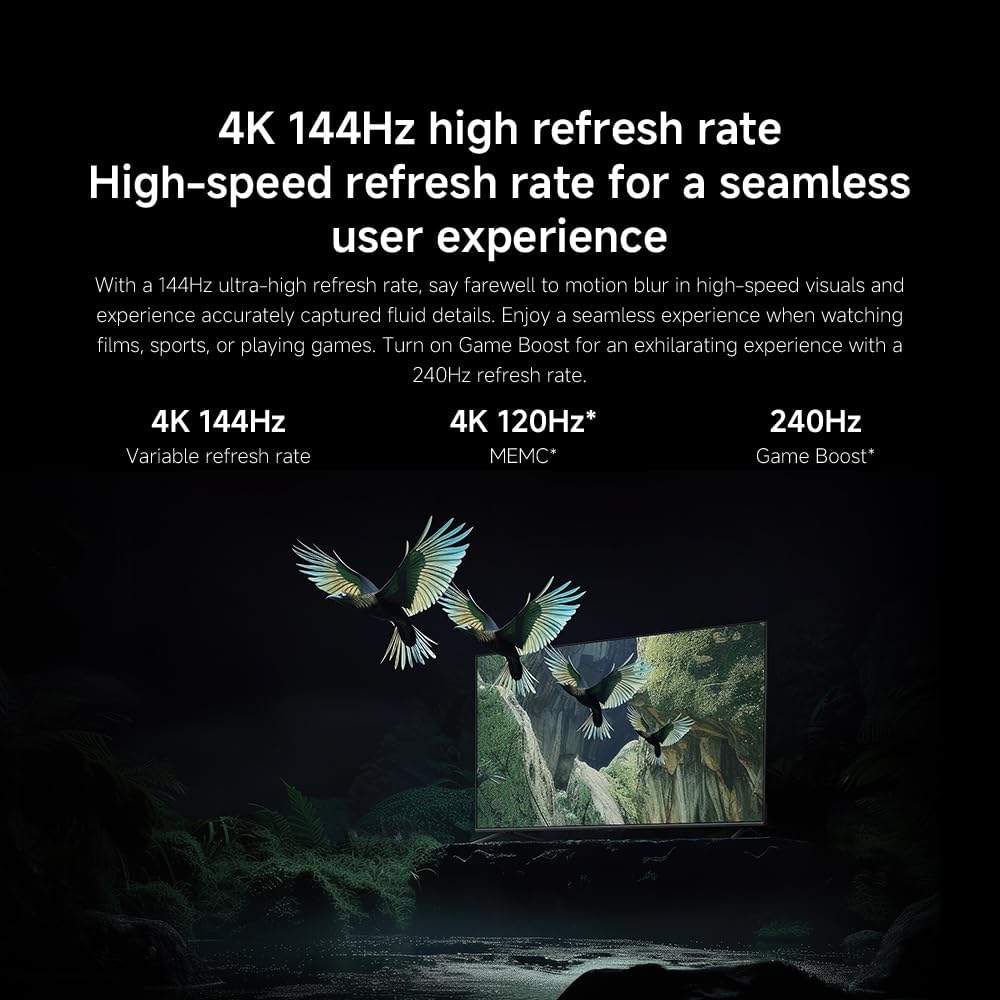
- Pousantaj rafrechisman: The TV supports a 144Hz refresh rate for ultra-smooth motion.
- Motè IA: The powerful AI engine enhances image quality automatically.

Image: Visual representation of the 144Hz refresh rate for seamless motion.
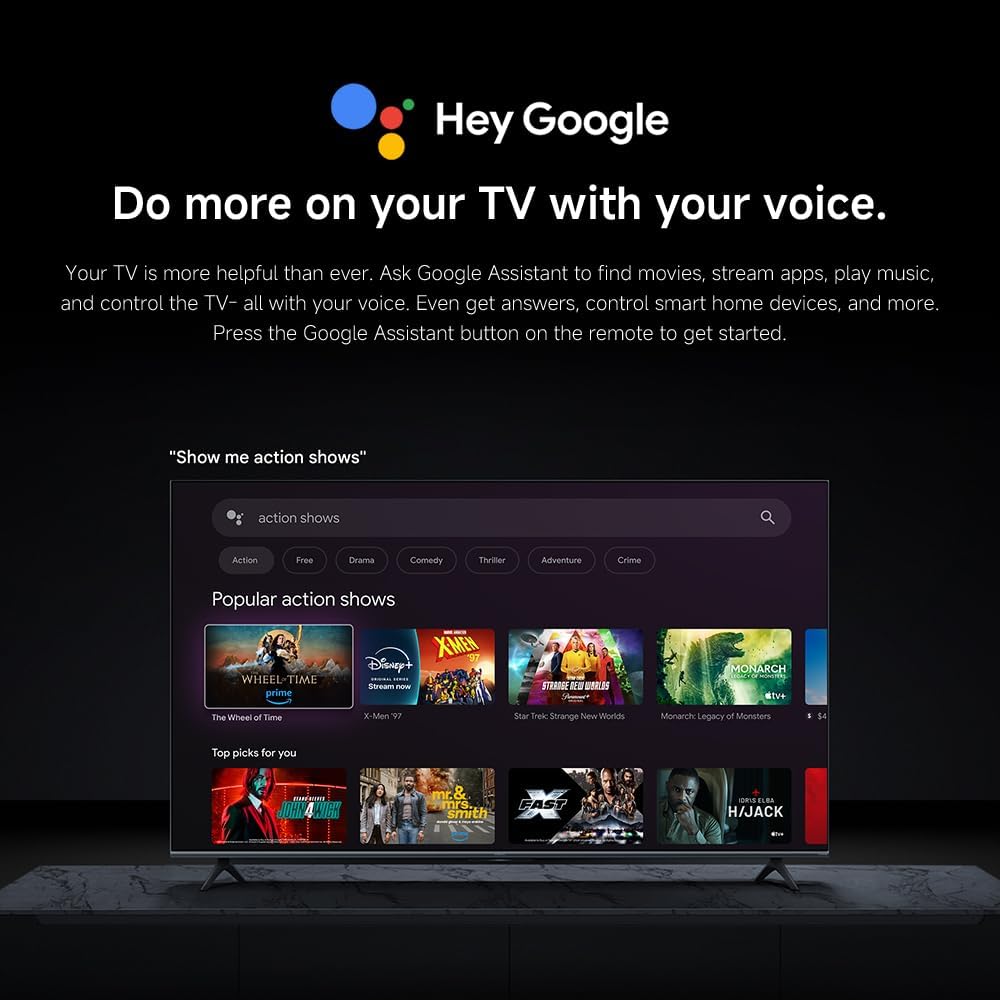
Image: The Quad cortex A73 processor, responsible for AI image enhancement and performance.
4.5 Anviwònman odyo
Configure audio output and sound enhancements.

Image: Depiction of the TV's quality audio-visual experience.
- Son Mode: Choose from preset sound modes (e.g., Standard, Movie, Music) or customize.
- Dolby Atmos: Enable Dolby Atmos for an immersive audio experience.
4.6 Koneksyon
The TV offers various connectivity options.
- Bluetooth: Connect Bluetooth-enabled devices such as headphones or speakers.
- Wi-Fi: Konekte ak rezo san fil lakay ou pou jwenn aksè a entènèt la.
- Apple AirPlay: Difize kontni dirèkteman nan aparèy Apple ou yo.
Image: Apple AirPlay functionality for streaming from Apple devices.
5. Antretyen
5.1 Netwaye ekran an
Pou netwaye ekran an, premye bagay ou dwe fè se debranche televizyon an. Siye ekran an dousman avèk yon twal mou ki pa gen pousyè. Pou mak ki difisil pou retire, siye l yon ti kras.ampen the cloth with water or a specialized screen cleaner, then wipe dry immediately. Do not spray liquid directly onto the screen.
5.2 Mizajou lojisyèl
The TV may receive software updates periodically to improve performance and add new features. Ensure your TV is connected to the internet to receive these updates. You can check for updates manually in the TV's settings menu.
NAN. Depanaj
Si w rankontre pwoblèm ak televizyon w lan, gade solisyon komen sa yo:
| Pwoblèm | Solisyon posib |
|---|---|
| Pa gen pouvwa | Check if the power cable is securely connected to the TV and the power outlet. Ensure the outlet is functional. |
| Pa gen imaj, men gen son | Verifye ke sous opinyon ki kòrèk la chwazi. Tcheke koneksyon kab yo ak aparèy ekstèn yo. |
| Pa gen son, men imaj la la | Tcheke nivo volim nan epi tcheke silans lan. Asire w ke fil odyo yo byen konekte. |
| Remote kontwòl pa travay | Replace batteries. Ensure no obstructions between the remote and the TV. |
| Pòv bon jan kalite foto | Adjust picture settings (brightness, contrast, sharpness). Check antenna or cable connection. Ensure content source is high quality. |
| Smart TV features unresponsive | Check internet connection. Restart the TV by unplugging it for a few minutes and plugging it back in. |
If the issue persists after trying these steps, contact customer support.
7. Espesifikasyon
Key technical specifications for the Xiaomi TV S Mini LED 75" 2025:
| Karakteristik | Spesifikasyon |
|---|---|
| Mak | XIAOMI |
| Nimewo Modèl | 59292 |
| Gwosè ekran | 75 pous |
| Teknoloji ekspozisyon | 4K UHD, LED, QD-MiniLED |
| Rezolisyon | 4K (3840 x 2160) |
| Rafrechisman pousantaj | 144 Hz |
| Pik klète | 1200 nits |
| Sistèm operasyon | Google TV |
| Processeur | Quad Cortex A73 |
| RAM | 3 GB |
| Depo | 32 GB |
| Teknoloji Audio | Dolby Atmos |
| Koneksyon | Bluetooth, Wi-Fi, Apple AirPlay |
| Dimansyon pwodwi (ak sipò) | 42.5P x 166.8L x 102.8H cm |
| Pwa pwodwi (ak sipò) | 31 kg |
| VESA miray mòn | 400 x 300 mm |
| Konpozan ki enkli | TV, remote control, power cable |
8. Garanti ak sipò
Your Xiaomi TV S Mini LED 75" 2025 is covered by a manufacturer's warranty. Please refer to the warranty card included in your package for specific terms and conditions. For technical support, service inquiries, or to purchase accessories, please visit the official Xiaomi websit la oubyen kontakte sant sèvis otorize yo.
Resous sou entènèt: For additional information, FAQs, and software downloads, visit the official Xiaomi support page.