
1. Pwodwi souview
The BESTHERM ILLO CONNECT 2000W is a Wi-Fi connected ceramic dry inertia electric radiator designed for efficient and homogeneous heating of indoor spaces. It features a ceramic heating core that provides lasting warmth even after the unit is switched off. This radiator offers smart control options via mobile applications and includes various energy-saving modes.
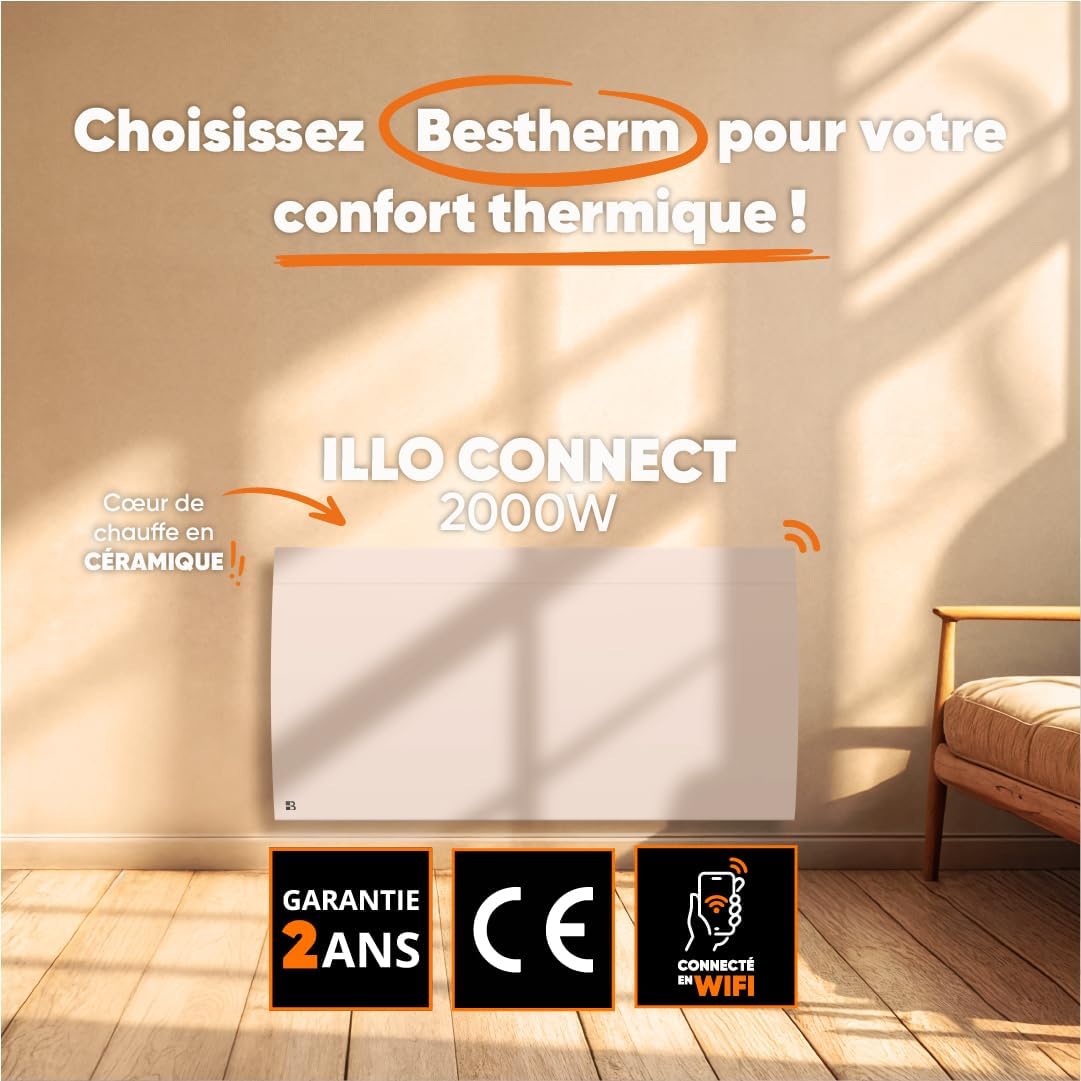
Imaj 1.1: Devan view of the BESTHERM ILLO CONNECT 2000W electric radiator.
2. Enfòmasyon sou Sekirite
Please read all safety instructions carefully before installation and use. Retain this manual for future reference.
- Sekirite elektrik: Ensure the power supply matches the radiator's requirements. Do not operate with a damaged cord or plug. Avoid overloading electrical circuits.
- Plasman: Install the radiator on a stable, flat surface or securely wall-mount it. Maintain adequate clearance from combustible materials (curtains, furniture). Do not cover the radiator.
- Timoun ak moun ki vilnerab: Timoun ki gen laj 8 an ak pi wo a ak moun ki gen kapasite fizik, sansoryèl oswa mantal redwi oswa ki pa gen eksperyans ak konesans yo kapab itilize aparèy sa a si yo te ba yo sipèvizyon oswa enstriksyon konsènan itilizasyon aparèy la an sekirite epi yo konprann danje ki genyen ladan yo. . Timoun yo pa dwe jwe ak aparèy la. Netwayaj ak antretyen itilizatè pa dwe fèt pa timoun san sipèvizyon.
- Pwoteksyon Surchof: The radiator is equipped with an overheat protection system. If it overheats, it will automatically shut off. Unplug the unit and allow it to cool before restarting.
- Netwayaj: Always unplug the radiator before cleaning. Use a soft, damp twal. Pa sèvi ak pwodui netwayaj abrazif oswa plonje aparèy la nan dlo.
- Itilize andedan kay la sèlman: This appliance is designed for indoor use only. Do not use outdoors or in wet environments.
3. Pake kontni
Verifye ke tout konpozan yo prezan nan pake a:
- BESTHERM ILLO CONNECT 2000W Electric Radiator
- Twous pou monte miray (sipò, vis, lank)
- Manyèl itilizatè
4. Pwodwi Features
- Ceramic Dry Inertia Heating Core: Provides homogeneous and long-lasting heat distribution.
- Koneksyon Wi-Fi: Remote control via Tuya or Smart Life mobile applications.
- Smart Energy Savings: Customizable weekly programming, 6 Pilot Wire modes, and 4 operating modes.
- Konsepsyon elegant: Discreet finish with an integrated LCD screen.
- Sekirite Amelyore: Electronic thermostat, parental lock, and overheat protection.

Image 4.1: Detail of the ceramic heating core, highlighting its efficient design.
5. Enstalasyon
The BESTHERM ILLO CONNECT 2000W radiator is designed for wall mounting. Ensure you have the appropriate tools and follow local electrical codes.
5.1. Chwazi yon Kote
- Select a wall location away from direct drafts, windows, and doors for optimal performance.
- Ensure there is sufficient clearance around the radiator (minimum 15 cm from the floor, 30 cm from the ceiling, and 20 cm from sides).
- The wall must be capable of supporting the radiator's weight (approximately 11.1 kg).
5.2. Enstalasyon Radyatè a
- Mark the desired mounting points on the wall using the provided template or by measuring the bracket positions on the back of the radiator.
- Fè twou nan pwen ki make yo epi mete lank miray yo.
- Secure the mounting brackets to the wall using the screws.
- Carefully lift the radiator and hook it onto the installed wall brackets. Ensure it is securely seated.
- Connect the radiator to a suitable electrical outlet.

Imaj 5.1: Dèyè view of the radiator, showing mounting points for wall installation.
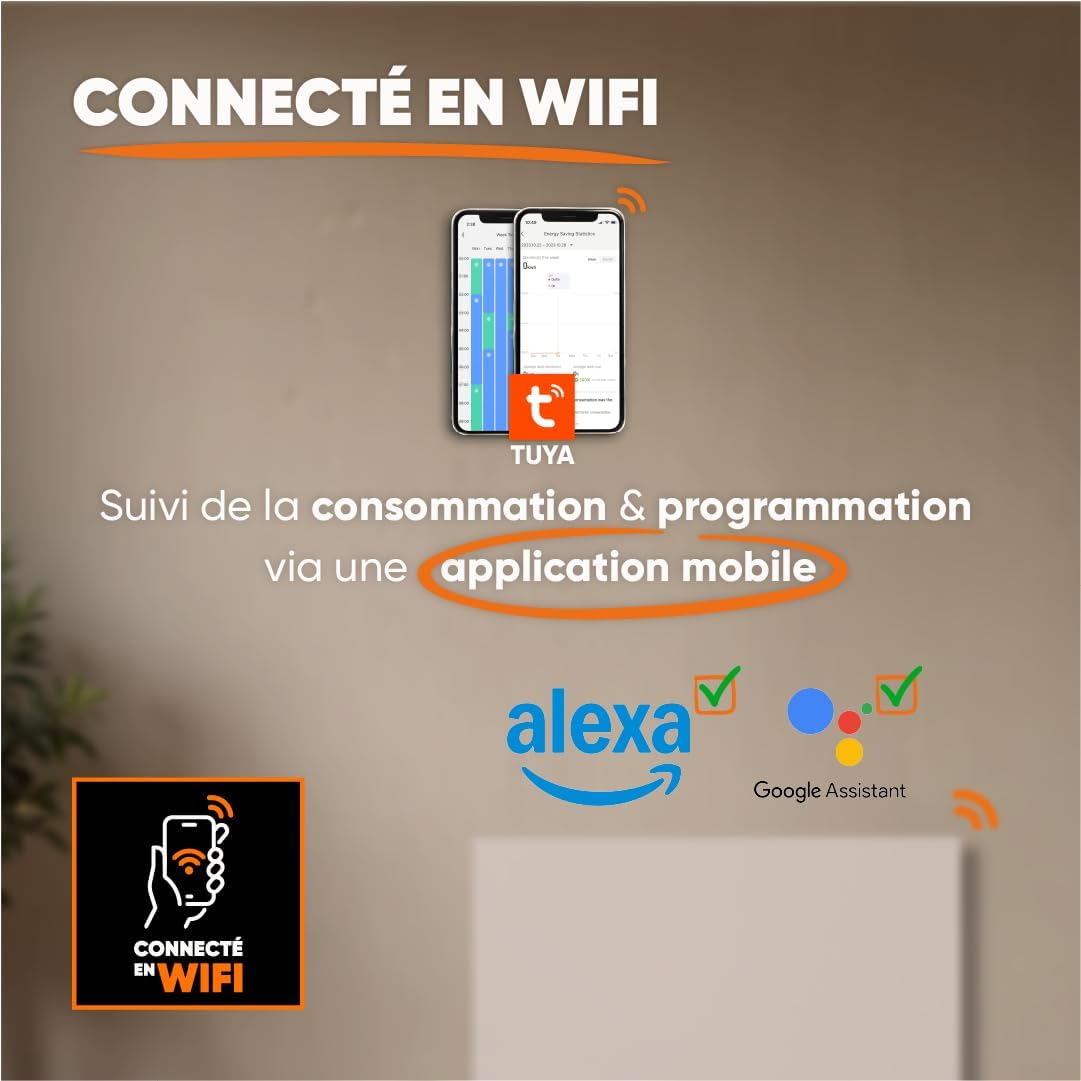
Image 5.2: Radiator dimensions (85 cm width, 45 cm height, 11 cm depth) and weight (11.1 kg).
For detailed visual instructions on installation and programming, scan the QR code below or visit the BESTHERM YouTube channel:

Image 5.3: Scan this QR code to access installation and programming videos.
Video resources: BESTHERM YouTube Channel
6. Enstalasyon
6.1. Initial Power-on
After installation, plug the radiator into a grounded electrical outlet. The LCD screen will illuminate, indicating the unit is powered on. Follow the on-screen prompts for initial setup, such as setting the current time and date.
6.2. Koneksyon Wi-Fi
The ILLO CONNECT 2000W radiator can be controlled remotely via a mobile application. This requires a 2.4 GHz Wi-Fi network.
- Telechaje la Tuya Smart or Lavi entelijan application from your smartphone's app store (available for iOS and Android).
- Register or log in to your account within the application.
- Ensure your radiator is powered on and in pairing mode (refer to the radiator's display for specific instructions, usually indicated by a blinking Wi-Fi icon).
- In the app, tap '+' to add a new device. Select 'Heater' or 'Radiator' from the device list.
- Follow the in-app instructions to connect the radiator to your Wi-Fi network. This typically involves entering your Wi-Fi password.
- Once connected, you can control the radiator, monitor consumption, and set programming schedules from your smartphone. The radiator is also compatible with voice assistants like Amazon Alexa and Google Assistant.

Image 6.1: The radiator supports Wi-Fi connectivity via the Tuya Smart or Smart Life app, and is compatible with Alexa and Google Assistant for smart home integration.
7. Operasyon Enstriksyon
7.1. Kontwòl Panel Overview
The radiator features an integrated LCD screen and control buttons for direct operation. Refer to the specific icons and button functions detailed in the full product manual for precise control.
7.2. Operasyon Modes
The radiator offers 4 distinct operating modes to suit various heating needs:
- Mòd konfò: Maintains a set comfortable temperature.
- Mòd ekolojik: Reduces the temperature by a few degrees compared to Comfort Mode for energy savings.
- Mòd pwoteksyon Frost: Maintains a minimum temperature (e.g., 7°C) to prevent freezing.
- Mòd pwogram: Follows a pre-set weekly heating schedule.
7.3. Pwogramasyon chak semèn
Customize your heating schedule for each day of the week to optimize energy consumption. This can be done directly on the radiator's control panel or more conveniently through the Tuya/Smart Life mobile application.
7.4. Pilot Wire Modes (6 Modes)
For installations with a pilot wire system, the radiator supports 6 different pilot wire commands, allowing integration into a centralized heating management system. Consult a qualified electrician for pilot wire connection and configuration.
7.5. Timoun Lock
To prevent accidental changes to settings, activate the child lock feature. This will disable the physical control buttons on the radiator. The child lock can typically be activated and deactivated by pressing and holding a specific button combination on the control panel, or via the mobile app.
8. Antretyen
8.1. Netwayaj
Regular cleaning helps maintain the radiator's efficiency and appearance.
- Before cleaning, always unplug the radiator from the power outlet and allow it to cool completely.
- Siye sifas eksteryè yo ak yon mou, damp twal. Pa sèvi ak pwodui netwayaj abrazif, solvan, oswa pwodui chimik ki agresif, paske sa yo ka domaje fini an.
- Asire w ke pa gen dlo ki antre nan konpozan entèn yo.
- Dust the air vents regularly to ensure proper airflow.
8.2. Depo
If storing the radiator for an extended period, ensure it is clean and dry. Store it in a cool, dry place, preferably in its original packaging, to protect it from dust and damage.
NAN. Depanaj
Si ou rankontre pwoblèm ak radyatè ou a, gade pwoblèm ak solisyon komen sa yo:
| Pwoblèm | Kòz posib | Solisyon |
|---|---|---|
| Radyatè a pa limen. | No power, power cord loose, overheat protection activated. | Check power outlet, ensure cord is securely plugged in. Unplug and allow to cool for 30 minutes if overheat protection is suspected. |
| Pa gen pwodiksyon chalè. | Temperature setting too low, operating mode incorrect, child lock active. | Increase target temperature. Select an appropriate operating mode (e.g., Comfort). Deactivate child lock. |
| Koneksyon Wi-Fi a echwe. | Incorrect Wi-Fi password, router too far, 5 GHz network used, radiator not in pairing mode. | Verify Wi-Fi password. Move radiator closer to router. Ensure router is broadcasting 2.4 GHz. Put radiator into pairing mode. |
| Radiator makes unusual noises. | Normal expansion/contraction, loose mounting. | Minor clicking is normal during heating/cooling. Check mounting screws for tightness. If noise persists or is loud, contact support. |
If the problem persists after attempting these solutions, please contact BESTHERM customer support.
10. Espesifikasyon
| Karakteristik | Spesifikasyon |
|---|---|
| Mak | Bestherm |
| Modèl | ILLO CONNECT 2000W |
| Sorti pouvwa | 2000W |
| Metòd chofaj | Convection, Ceramic Dry Inertia |
| Koulè | Blan |
| Karakteristik espesyal | Child Lock, Wi-Fi Connectivity |
| Andedan kay la / Deyò Itilizasyon | Andedan kay la |
| Sous pouvwa | Kab elektrik |
| Dimansyon pwodwi (D x W x H) | 11 cm x 85 cm x 45 cm |
| Pwa pwodwi | 11.1 kg |
| Kalite aliye | Mi mòn |
| Gwosè chanm rekòmande | 15 a 20 m² |
11. Garanti ak sipò
11.1. Garanti
The BESTHERM ILLO CONNECT 2000W radiator comes with a 2-ane garanti from the date of purchase, covering manufacturing defects under normal use conditions. Please retain your proof of purchase for warranty claims.
11.2. Sipò pou Kliyan
Our after-sales service is based in France, providing fast and efficient support to ensure your satisfaction.

Image 11.1: BESTHERM After-Sales Service contact information.
- FAQ sou entènèt: Vizite nou website for frequently asked questions: www.bestherm.fr/pages/faq
- Sipò telefòn: 03 20 47 05 37
- Sipò Imèl: sav@hom-y.fr