
Tablèt DOOGEE U11 Android 15
Manyèl Itilizatè DOOGEE U11(2025) Tablèt Android 15
Model: U11 Android 15 Tablet
Entwodiksyon
This manual provides detailed instructions for the setup, operation, maintenance, and troubleshooting of your DOOGEE U11(2025) Android 15 Tablet. Please read this manual thoroughly before using your device to ensure optimal performance and longevity.
The DOOGEE U11(2025) is an 11-inch tablet featuring the Android 15 operating system, an Octa-Core processor, 16GB RAM (expandable), 128GB ROM (expandable up to 2TB), a 90Hz IPS display, and an 8580mAh battery. It supports Netflix 1080P, Bluetooth 5.0, and 5G WiFi.
Pwodwi souview
Familiarize yourself with the physical components and key features of your DOOGEE U11(2025) tablet.

Figi 1: Devan ak dèyè view of the DOOGEE U11(2025) Android 15 Tablet, highlighting its sleek design and camera module.

Figi 2: Diagram illustrating key features such as the Octa-core processor, 8580mAh battery, 128GB storage with 2TB expansion, 11-inch IPS display, 13MP main camera, 5MP front camera, and Smart PA 128 dB Dual Speaker.
Konpozan fizik yo
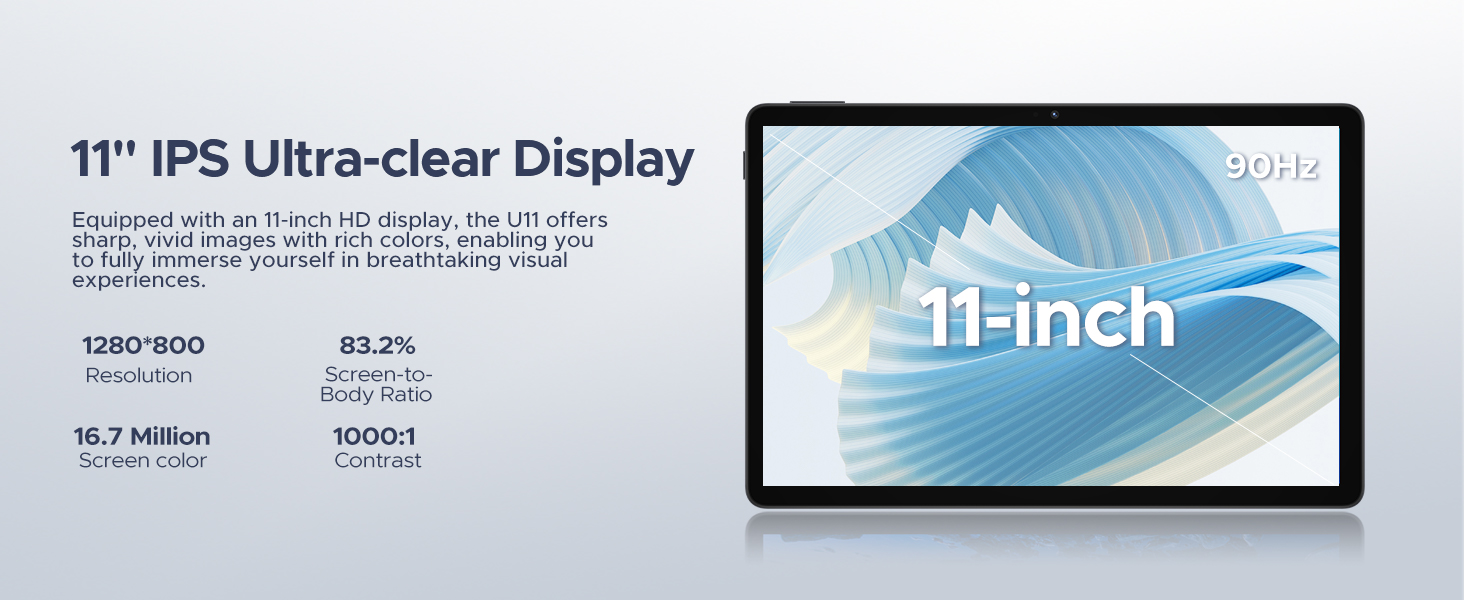
- Ekspozisyon: 11-inch IPS Ultra-clear Display with 90Hz refresh rate.
- Kamera: 13MP Main Camera (rear) and 5MP Front Camera.
- Oratè: Smart PA 128 dB Dual Speakers for enhanced audio.
- Pò: 1x Type-C port, 1x 3.5mm AUX headphone jack, 1x SD card port.
- Bouton: Power button, Volume up/down buttons.
Gid Enstalasyon
1. Premye Limen
- Peze epi kenbe la Bouton pouvwa located on the side of the tablet until the DOOGEE logo appears.
- The tablet will boot up and guide you through the initial setup process.
2. Seleksyon Lang ak Rejyon
- Chwazi lang ou pi pito nan lis la.
- Choose your region for accurate time zone and local settings.
3. Koneksyon Wi-Fi
- Chwazi rezo Wi-Fi ou a nan lis ki disponib la.
- Enter the Wi-Fi password if prompted. The tablet supports both 5G and 2.4G Wi-Fi networks.
4. Konfigirasyon Kont Google
- Sign in with your existing Google account or create a new one. This is necessary to access the Google Play Store and other Google services.
5. Transfè Done (Si ou vle)
- You may choose to transfer data from a previous device during this step. Follow the on-screen instructions.
6. Enstalasyon Sekirite
- Set up a screen lock method (PIN, pattern, password, or Face ID). The DOOGEE U11 supports Face Unlock for convenient access.
Videyo 1: This video demonstrates the unboxing and initial setup process of the DOOGEE U11 tablet, including powering on and navigating the initial settings. It highlights the tablet's lightweight design and responsive display.
Opere tablèt ou a
Navigation and Gestures
- Tape: Touche ekran an yon fwa pou chwazi yon atik oswa louvri yon aplikasyon.
- Long Press: Touch and hold an item to reveal more options.
- Glise: Drag your finger across the screen to scroll or navigate between pages.
- Zoom-pou-Zoom: Sèvi ak de dwèt pou agrandi oswa diminye imaj yo oubyen web paj.
Pèrsonalizasyon ekran kay la
- Ajoute Widgets: Long press on an empty area of the home screen, then select "Widgets" to add useful tools like clocks or weather.
- Chanje Wallpaper: Long press on an empty area, then select "Wallpaper & style" to customize your background.
Videyo 2: This video showcases the smooth operation and responsiveness of the DOOGEE U11 tablet, demonstrating app navigation, settings adjustments, and general user interface fluidity.
Multitasking and Productivity
- Split-screen Mode: Open a recent app, tap its icon at the top of the window, and select "Split screen" to use two apps simultaneously.
- Biwo WPS: The tablet comes with built-in WPS Office, allowing you to create and edit documents, spreadsheets, and presentations.
Figi 3: The DOOGEE U11 tablet displaying WPS Office applications, demonstrating its capability for productivity tasks.
Entertainment and Media
- Difizyon: Enjoy 1080P streaming on platforms like Netflix, YouTube, HBO, and Amazon Prime Video with Widevine L1 support.
- Gaming: The Octa-Core processor and 90Hz display provide a smooth gaming experience.
- Radyo FM: Plug in headphones to use the built-in FM radio function.
Batri ak Chaje
The DOOGEE U11 is equipped with an 8580mAh high-capacity battery designed for extended use.
- Chaje: Use the provided Type-C cable and power adapter to charge the tablet.
- Lavi batri: Expect long hours of video watching, music playback, and web Navigasyon.
- Chaje ranvèse: The tablet supports reverse charging, allowing you to charge other devices in emergencies.
Figi 4: Infographic detailing the impressive battery life of the 8580mAh battery, including standby, music playback, video watching, and web browsing hours.
Figi 5: Image showing the DOOGEE U11 tablet providing reverse charging to another mobile device, illustrating its utility in emergencies.
Antretyen ak Swen
- Netwayaj: Sèvi ak yon twal mou ki pa gen pousyè pou netwaye ekran an ak kò a. Evite pwodui chimik ki agresif.
- Mizajou lojisyèl: Tcheke epi enstale mizajou sistèm yo regilyèman pou asire pèfòmans ak sekirite optimal.
- Jesyon Depo: Utilize the new Memory Manager features to clean junk files, delete duplicates, and manage large files pou libere espas.
- Tanperati: Avoid exposing the tablet to extreme temperatures or direct sunlight for prolonged periods.
Depanaj
| Pwoblèm | Kòz posib | Solisyon |
|---|---|---|
| Tablèt la pa limen | Batri fèb; Sistèm nan kraze | Chaje tablèt la pou omwen 30 minit. Peze epi kenbe bouton pouvwa a pandan 10-15 segonn pou fòse rekòmanse. |
| Pwoblèm koneksyon Wi-Fi | Incorrect password; Router issues; Out of range | Verify password. Restart router. Move closer to the Wi-Fi source. |
| Aplikasyon yo ap plante oswa bloke | Insufficient RAM; App bug; Too many background apps | Fèmen aplikasyon ki an background. Efase kach/done aplikasyon an. Mete ajou aplikasyon an oswa lojisyèl sistèm nan. |
| Pèfòmans dousman | Too many apps; Low storage; Outdated software | Free up storage using Memory Manager. Uninstall unused apps. Update system software. |
Espesifikasyon
| Karakteristik | Detay |
|---|---|
| Modèl | DOOGEE U11(2025) Android 15 Tablet |
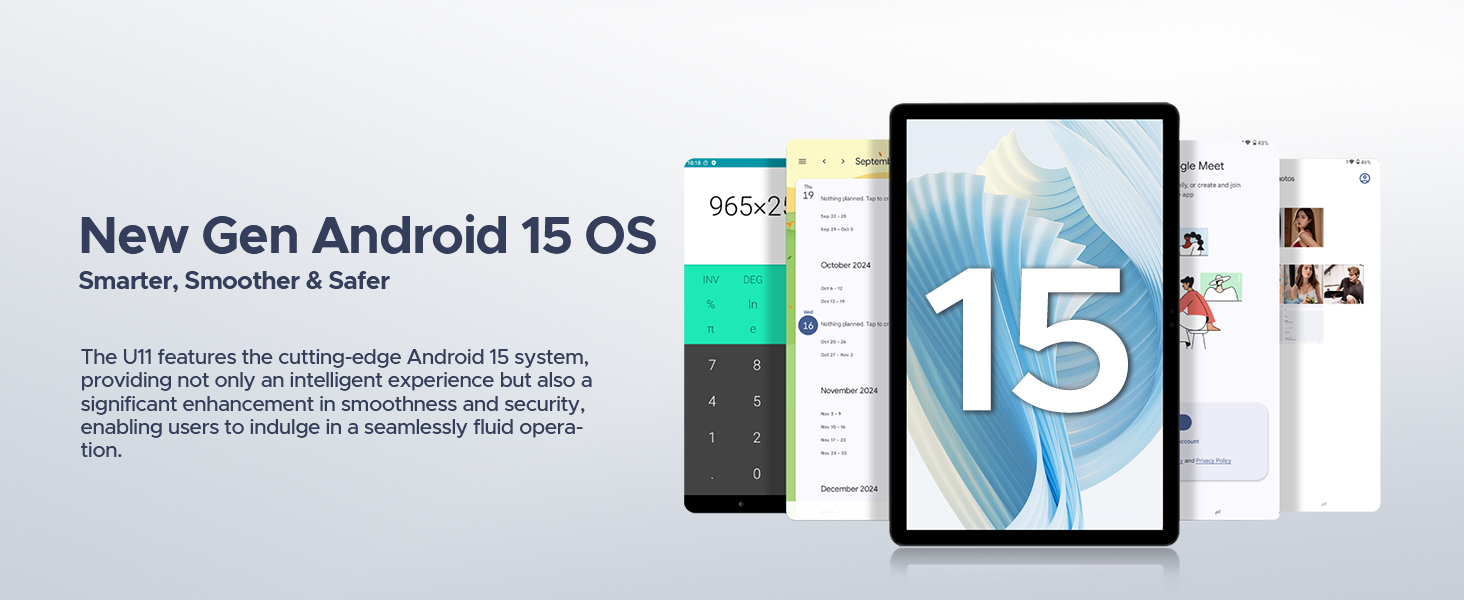
| Sistèm operasyon | Android 15 |
| Processeur | T606 Okta-nwayo |
| Ekspozisyon | 11-inch IPS, 1280*800 Pixels, 90Hz Refresh Rate |
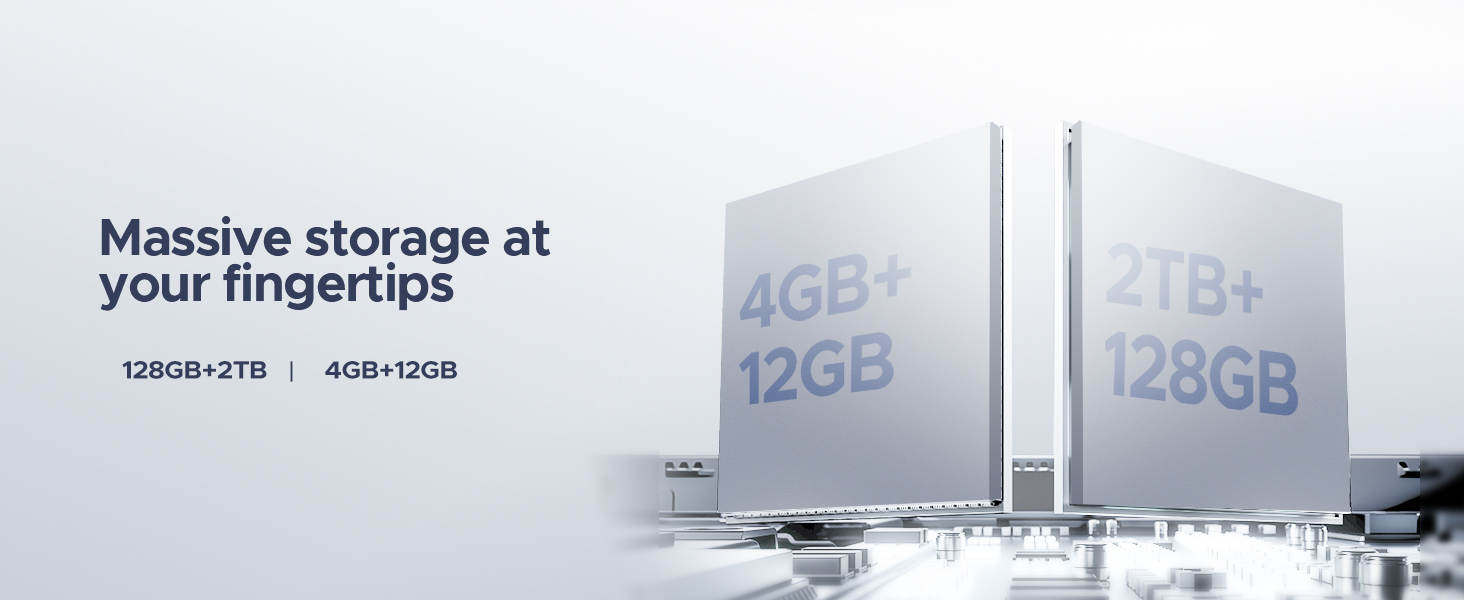
| RAM | 16GB (4GB + 12GB RAM expansion) |
| Depo Entèn | 128GB ROM |
| Depo dilatabl | Jiska 2TB atravè kat MicroSD/TF |
| Batri | 8580mAh Lityòm Polymère |
| Kamera prensipal | 13MP |
| Kamera devan | 5MP |
| Koneksyon | Wi-Fi 5G & 2.4G, Bluetooth 5.0, AGPS |
| Pò | Type-C, 3.5mm AUX, SD card slot |
| Dimansyon | 10.12 x 6.68 x 0.31 pous (26 x 17 x 0.8 cm) |
| Pwa | 1.94 liv (537g) |
Garanti ak sipò
Enfòmasyon sou Garanti
The DOOGEE U11(2025) Android 15 Tablet comes with a 2-ane garanti limite. This warranty covers manufacturing defects and malfunctions under normal use. Please retain your proof of purchase for warranty claims.
A 30-Jou Lajan Ranbousman Garanti and free return policy are also available from the seller.
Sipò pou Kliyan
For technical assistance, troubleshooting, or warranty inquiries, please contact DOOGEE customer support. They offer 24/7 one-on-one online support.
- Sipò sou entènèt: Gade paj ofisyèl DOOGEE a websit pou enfòmasyon kontak ak resous sipò.
- Sipò pou Vandè: For purchase-related issues, contact the seller "yingyuankeji08" through Amazon's messaging system.
Figi 6: Image detailing DOOGEE's customer service commitments, including 30-day money-back guarantee, 2-year limited warranty, and 24/7 online support.
Ask a question about this manual
Ask about setup, troubleshooting, compatibility, parts, safety, or missing instructions. Manuals+ will review the question and use this page’s manual context to help answer it.